Every LED display — whether a retail window screen, a stadium video wall, or a concert stage backdrop — depends on a critical piece of hardware that most buyers overlook: the sending card. This small but essential device bridges the gap between your video source and the thousands of LED pixels on your screen. A mismatched or low-quality sending card can cause flickering, lag, color distortion, and even complete display failure.
This guide explains what an LED sending card is, how it works, the major brands and models available, and how to select the right one for your project — whether you are building a simple single-screen display or a multi-cabinet video wall.
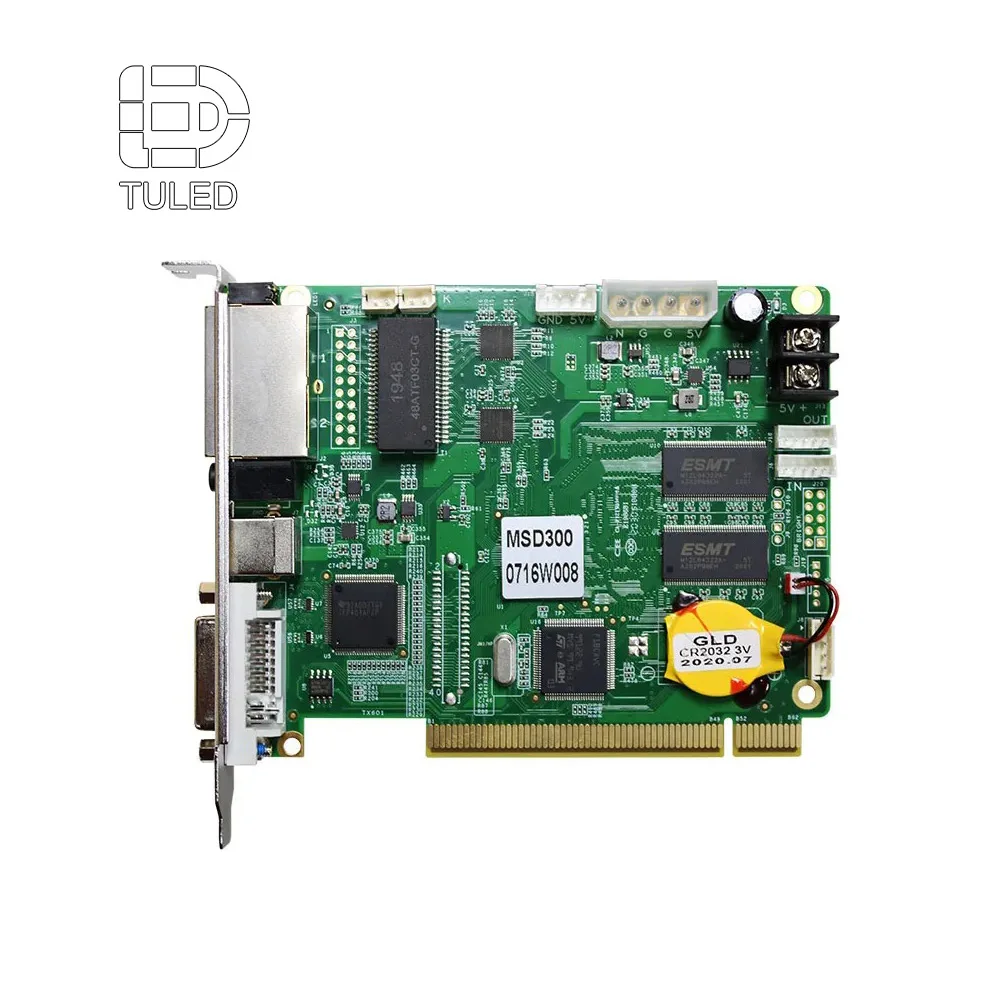
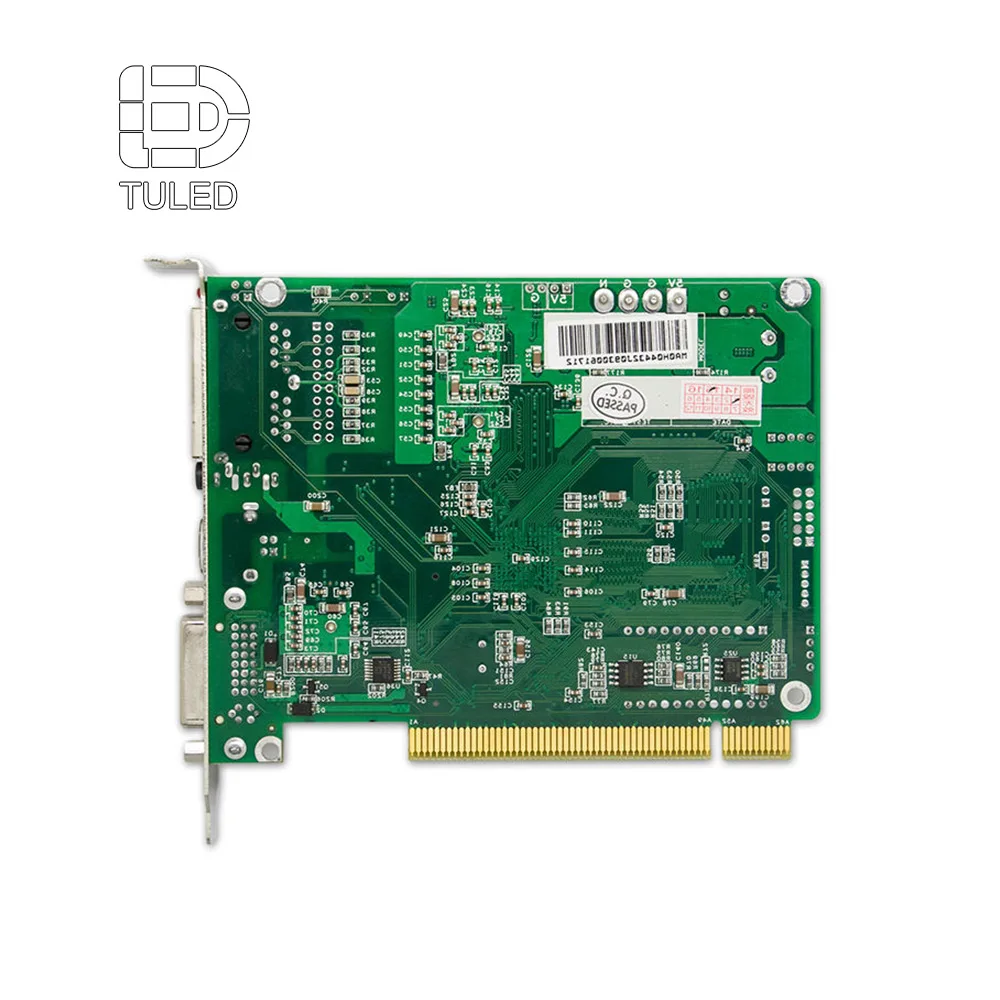
An LED sending card is a hardware device that captures video signals from a source — typically a computer, media player, or video processor — and transmits the processed data to the LED display's receiving cards. It is the front-end component of the LED control system, functioning as the dispatcher that converts incoming video into pixel-level instructions for the screen.
Think of it this way:
Without a properly configured sending card, even the highest-quality LED modules cannot display a coherent image.
The sending card operates through four sequential stages:
The card connects to the video source via standard interfaces — HDMI, DVI, DisplayPort, or SDI. It captures the raw video frames at the source resolution and refresh rate (e.g., 1920x1080 at 60Hz).
Using an onboard FPGA or dedicated processor chip, the card performs resolution scaling, color space conversion, gamma correction, and refresh rate adaptation.
For larger displays, the card partitions the video frame into segments with addressing information so each receiving card knows which portion to display.
Encoded data is packaged into Ethernet frames and transmitted via Gigabit ports. Each port typically drives 650,000 to 1,000,000 pixels. High-end cards feature 4, 8, or 16 ports.
The card uses an onboard FPGA or dedicated processor chip for format conversion, including resolution scaling, color space conversion, gamma correction, and refresh rate adaptation. For larger displays, video frames are partitioned into segments with addressing information. Encoded data is then packaged into Ethernet frames and transmitted through Gigabit Ethernet ports — each typically driving 650,000 to 1,000,000 pixels.
| Feature | Sending Card | Receiving Card |
|---|---|---|
| Position | At the video source end | Inside each LED cabinet |
| Function | Captures and distributes video signal | Drives individual LED modules pixel by pixel |
| Interfaces | HDMI, DVI, DP, SDI input; Gigabit Ethernet output | HUB75, HUB320 output to LED modules |
| Quantity per System | 1-4 cards typical | 1 per cabinet (or more) |
| Key Spec | Max loading capacity (pixels per port) | Max pixel load capacity |
| Directly Connects To | Computer, media player, video processor | LED modules, power supply |
SIMPLE ANALOGY: The sending card is like a postal sorting center — it receives all the mail (video frames), sorts it by address (cabinet zones), and dispatches packages. The receiving cards are the mail carriers who deliver each piece to the correct doorstep (individual LED pixels).
The industry leader in LED control systems. Novastar sending cards are the most widely used worldwide and the default choice for professional installations.
| Model | Key Specs | Best For |
|---|---|---|
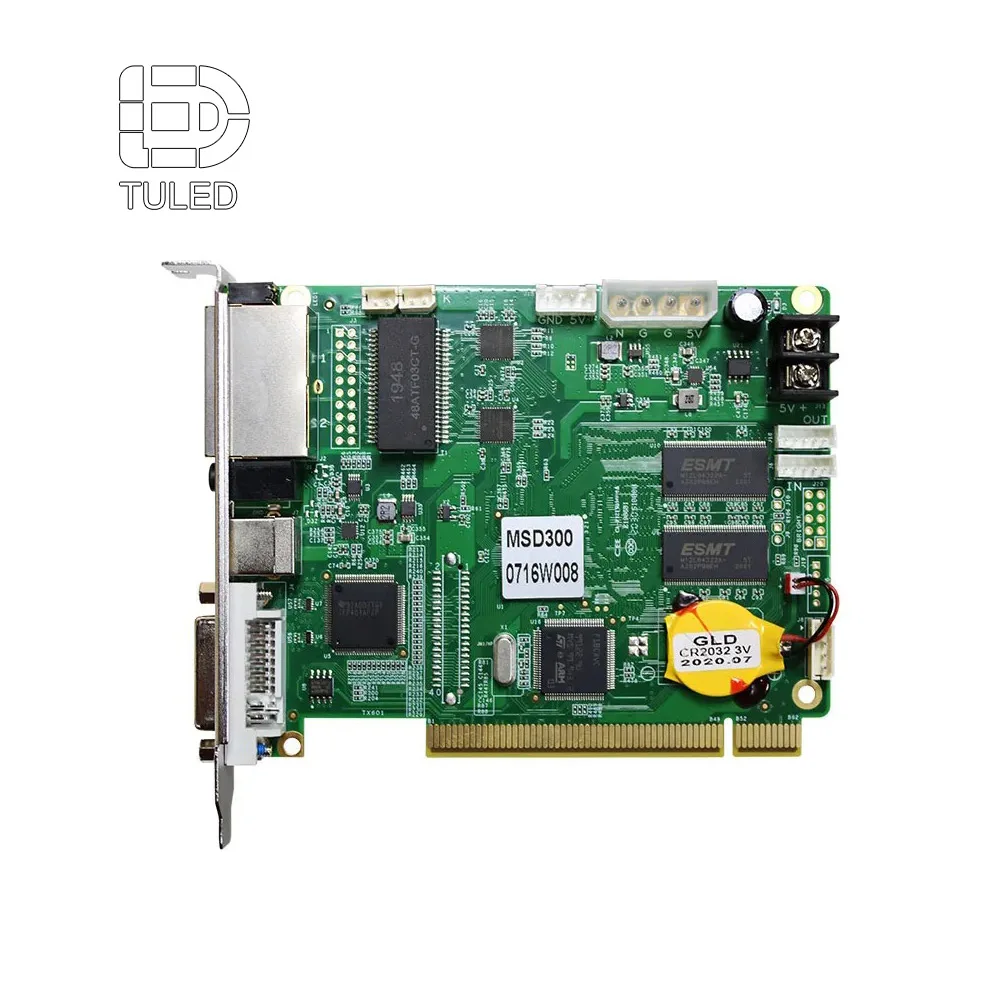
| MSD300 | 1x Gigabit output, 1.3M pixels, DVI input | Small single-screen displays |
| MSD600 | 4x Gigabit outputs, 2.6M pixels, HDMI/DVI input | Medium video walls |
| MCTRL660 Pro | 4x Gigabit outputs, 2.3M pixels, HDMI/DVI/SDI input | Mid-range fixed installations |
| MCTRL4K | 16x Gigabit or 4x fiber outputs, 8.8M pixels, HDMI 2.0/DP 1.2 | Large 4K video walls |
| MCTRL1600 | 4x fiber outputs, 10G optical, 8.8M pixels | Ultra-large displays with long cable runs |
| VX series | Integrated video processor + sending card (VX4S, VX6S, VX1000) | All-in-one control and processing |
A cost-effective alternative with strong market presence, particularly popular in the Chinese domestic market, rental staging, and mid-budget projects.
| Model | Key Specs | Best For |
|---|---|---|
| S2 | 2x Gigabit outputs, 1.3M pixels | Budget small displays |
| S4 | 4x Gigabit outputs, 2.6M pixels | Mid-size fixed screens |
| S6F | 6x Gigabit outputs, fiber support | Medium-to-large |
| Z6 Pro | Modular design, 4x Gigabit outputs | Rental and touring |
| X4e | 4x Gigabit outputs, 2.6M pixels | Entry-to-mid fixed |
| X8e | 8x Gigabit outputs, 5.2M pixels | Large LED walls |
One of the earliest LED control system brands, still widely used in traditional fixed installations and budget-sensitive projects.
Specializes in standalone and Wi-Fi-controlled asynchronous systems. Ideal for simple signage that does not require a dedicated computer.
| Type | Synchronous | Asynchronous |
|---|---|---|
| How It Works | PC continuously feeds live video to the card | Content pre-loaded to onboard memory |
| Connection | HDMI/DVI/DP cable from computer | Ethernet, Wi-Fi, 4G, or USB upload |
| Real-Time? | Yes — mirrors computer display | No — plays stored content |
| Ideal For | Live events, broadcast, video walls, control rooms | Store signage, menu boards, information displays |
| Requires PC? | Yes, always connected | No, standalone |
| Content Update | Instant | Requires upload |
NOTE: Some modern cards (like Huidu HD series) support both synchronous and asynchronous modes, giving users the flexibility to switch between live video mirroring and standalone content playback.
Standard values: 650,000 (conservative), 1,000,000 (aggressive), 1,300,000 (premium, e.g., Novastar MSD300). Example: 1,920 x 1,080 = 2,073,600 pixels. With 650,000 pixels/port, you need at least 4 ports (2,073,600 / 650,000 = 3.2 -> 4).
DVI: 1920x1080 at 60Hz. HDMI 1.4: up to 3840x2160 at 30Hz. HDMI 2.0 / DP 1.2: up to 3840x2160 at 60Hz. SDI: up to 1920x1080 at 60Hz (broadcast). Match your card's input to your content source.
1 port: small displays (<1M pixels). 4 ports: medium displays (most common). 8-16 ports: large and ultra-large video walls.
RJ45 Gigabit Ethernet: standard, up to 100m. Fiber optic (SFP): for distances >100m, superior EMI immunity. Hybrid: both RJ45 and fiber for flexible deployment.
Standard: up to 60Hz. Premium models: 120Hz or 240Hz. The card must also support the LED modules' internal refresh (1,920-3,840Hz).
Follow this step-by-step selection process:
STEP 1: Calculate Your Total Pixel Count
Width in pixels x Height in pixels = Total pixels. Example: 1,920 x 1,080 = 2,073,600 pixels
STEP 2: Determine Required Output Ports
Total pixels / Loading capacity per port = Minimum ports needed. 2,073,600 / 650,000 = 3.2 -> 4 ports needed
STEP 3: Match Input Interface to Your Source
Computer with HDMI -> HDMI-capable card. Broadcast camera with SDI -> SDI-capable card. 4K media server -> HDMI 2.0 or DP 1.2 capable card.
STEP 4: Consider Distance and Environment
Under 100m: RJ45 Ethernet sufficient. Over 100m or high EMI: fiber optic output required. Outdoor extreme temperatures: industrial-grade rated card.
STEP 5: Select Brand and Model
Professional: Novastar MCTRL660 Pro / MSD600. Budget/Rental: Colorlight S4 / Z6 Pro. Large 4K: Novastar MCTRL4K / Colorlight X8e. Simple signage: Huidu asynchronous.
STEP 6: Verify Software Compatibility
Ensure compatibility with your control software (NovaLCT, LEDVision, LEDStudio) and receiving card brand. Mixing brands is not recommended.
| Factor | Novastar | Colorlight | LINSN |
|---|---|---|---|
| Market Position | Premium, industry standard | Cost-effective, strong rental | Budget traditional fixed install |
| Software | NovaLCT, SmartLCT, VNNOX cloud | LEDVision | LEDStudio |
| Build Quality | Excellent | Good | Adequate |
| Max Loading | 8.8M pixels (MCTRL4K) | 5.2M pixels (X8e) | ~2.3M pixels |
| Fiber Support | Yes (MCTRL1600) | Yes (S6F) | Limited |
| 4K Support | Yes (multiple models) | Yes (Z6 Pro, X8e) | No |
| Price Range | Higher | Mid-range | Budget |
| Global Support | Excellent | Good, growing | China-focused |
| Recommended For | Professional AV, broadcast, premium | Rental staging, mid-budget projects | Low-budget fixed installations |
RECOMMENDATION: For any project where display failure would cause financial or reputational damage, invest in Novastar. The reliability and global support network justify the premium. For budget-sensitive projects where some downtime is acceptable, Colorlight offers excellent value.
Only if all displays are connected to the same control system and the total pixel count does not exceed the card's loading capacity. For independent displays with different content, you need separate sending cards.
Yes — receiving cards cannot function without a sending card. The sending card is the data source. Some ultra-compact poster-style displays integrate both into a single board, but this is the exception, not the rule.
The display will show incomplete images, black areas, flickering, or fail to display at all. Always calculate your total pixel load and choose a card with at least 20% headroom above your requirement.
Technically, they use different communication protocols and are not natively compatible. Some third-party converters exist, but mixing brands is strongly discouraged due to stability and support risks.
Industrial-grade sending cards have a typical lifespan of 5-10 years of continuous operation. The main failure points are capacitors (5-7 years) and network port physical wear. Regular inspection and keeping spare cards on hand are recommended for mission-critical installations.
Not exactly. A video processor handles signal switching, scaling, and image enhancement — functions above the sending card level. However, many modern devices (like the Novastar VX series) combine both functions in a single unit, eliminating the need for a separate sending card.
Yes, asynchronous sending cards like those from Huidu support Wi-Fi and 4G connectivity for content uploads. For synchronous live video mirroring, a wired connection is required — wireless introduces latency and reliability issues unacceptable for real-time display.
Use this structure when contacting suppliers for LED sending cards:
The LED sending card may be a small component hidden inside a computer or control rack, but it is one of the most consequential choices you will make when building an LED display system. It determines your maximum resolution, the smoothness of video playback, the reliability of your installation, and ultimately the viewing experience of your audience.
When selecting a sending card, start with the math: calculate your total pixel count, determine the number of output ports needed, and match the input interface to your video source. Then choose a brand based on your budget and reliability requirements. For mission-critical installations, Novastar remains the safe choice. For budget-conscious projects, Colorlight offers compelling performance at a lower price point.
Remember: a display system is only as strong as its weakest link. Invest in a quality sending card, keep a spare on hand, and your LED display will deliver years of flawless performance.

TU LED under Shenzhen Oubo Electronic Technology Co., Ltd., is a leading Indoor Outdoor Screen LED display manufacturer factory . We provide complete LED display OEM ODM factory solutions. We provide a 2-year warranty , conduct strict tests, offer affordable prices, and provide 24/7 support.
 EN
EN