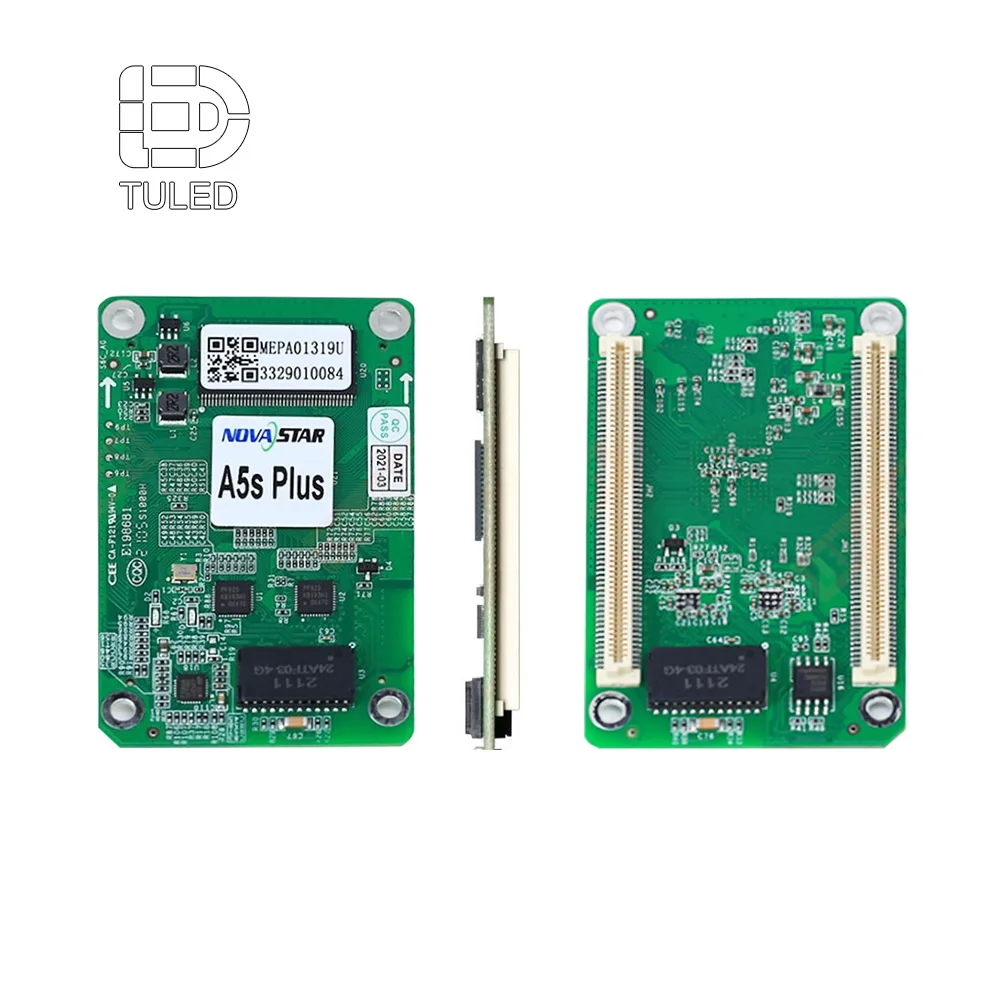
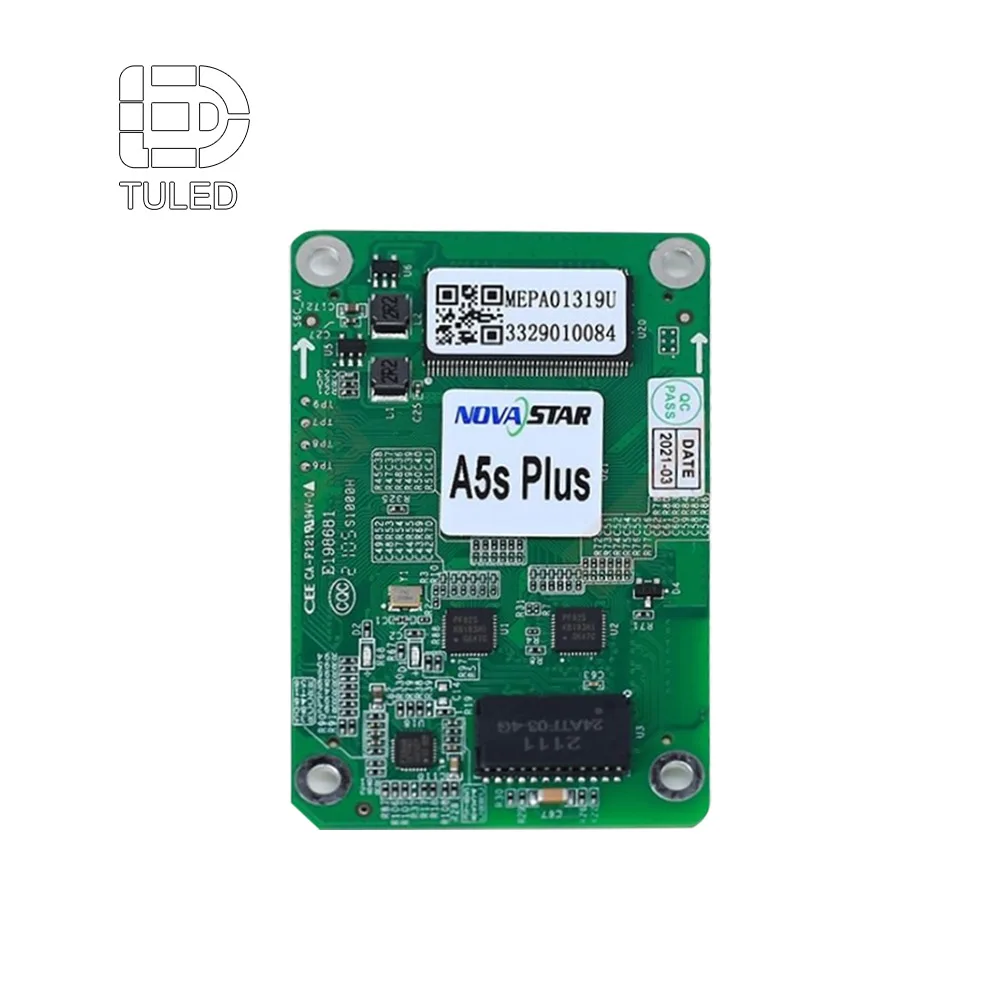
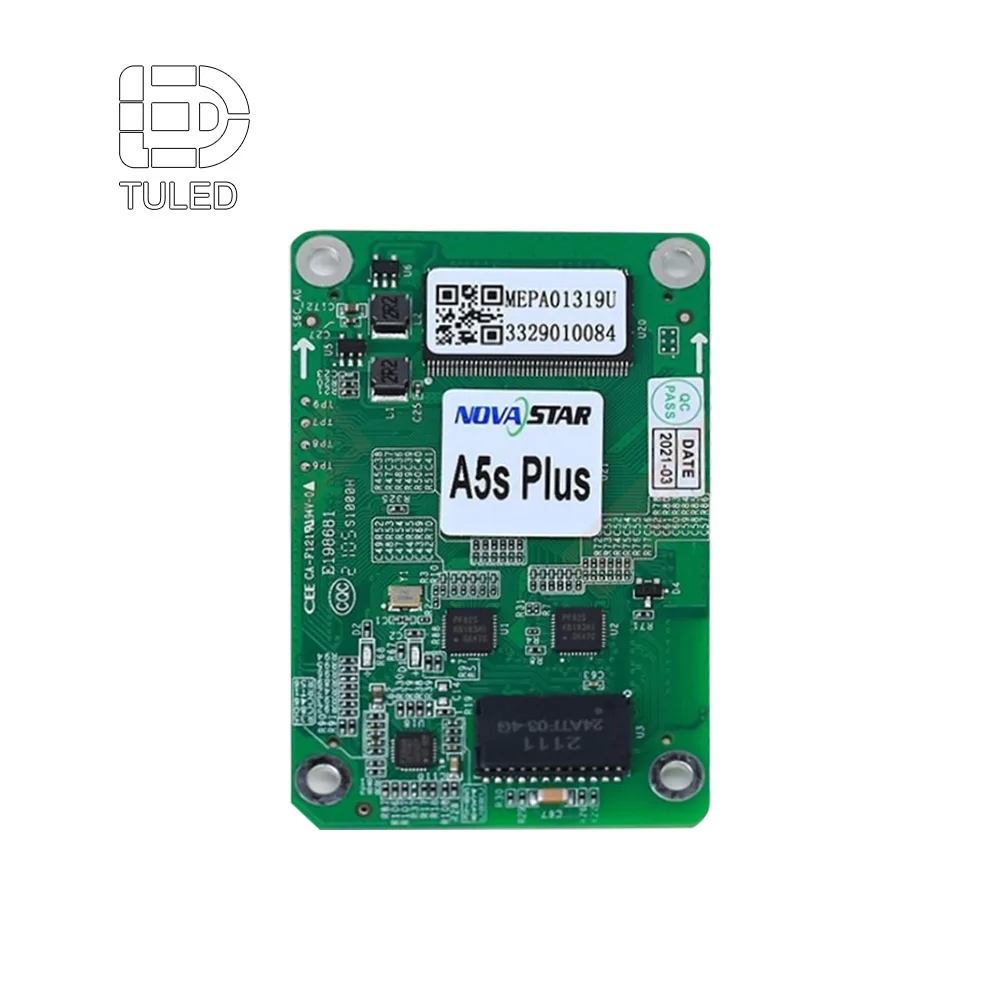
If the sending card is the brain of an LED display system, the receiving card is the nervous system that reaches every pixel. Hidden inside each LED cabinet or module cluster, receiving cards are the final link in the signal chain — they decode, process, and distribute video data directly to the LED driver ICs. A poorly chosen receiving card can undo the benefits of premium LED modules, causing flicker, uneven brightness, ghosting, or complete display sections going dark.
This guide explains what an LED receiving card does, how it works, the major brands and models, and a step-by-step process for selecting the right receiving card for your project.
An LED receiving card is a small circuit board installed inside each LED cabinet (or attached to a group of modules) that receives digital video data from the sending card and converts it into the electrical control signals that drive individual LED pixels. Think of it as the translator that turns network data packets into light.
Key Functions:
A single receiving card typically controls an entire cabinet of LED modules — or multiple cabinets in low-resolution configurations — and connects to the modules via standard interfaces (HUB75, HUB320, or proprietary connectors).
| Video Source (PC / Media Player) |
→ | Sending Card (Data Encoder) |
→ | Network (Ethernet) |
→ | Receiving Cards (Data Decoder) |
→ | LED Modules (Pixels) |
| HDMI/DVI/DP | Encode & partition video data |
Gigabit Ethernet cables |
Decode, calibrate, drive pixels |
HUB75/HUB320 to LED driver ICs |
The receiving card is the LAST active component before the LED pixels themselves. Every aspect of image quality — from motion smoothness to color accuracy — passes through it.
This is the single most important specification. It defines the maximum number of pixels one receiving card can control. Common values:
Example: Your cabinet has 4 x 6 = 24 modules of 320x160mm P2.5 (128x64 pixels each). Total pixels per cabinet: 24 x 128 x 64 = 196,608. A 256x256 card (65,536) is insufficient — you need 3 cards per cabinet. A 512x512 card (262,144) handles it with one card and 25% headroom.
8 HUB75 ports: entry-level
12-16 HUB75 ports: mid-range
20-32 HUB75 ports: high-end
1/32, 1/16, 1/8, 1/4, static (1/1). Most modern cards support full range from static to 1/64 scan.
Standard: 1,920Hz / 14-bit
High-perf: 3,840Hz / 16-bit
Broadcast: 7,680Hz+ / 18-bit+
Input: 3.8-5.5V DC
Consumption: 2-5W per card
Powered by cabinet's main PSU
| Interface | Pins | Typical Use | Module Types |
|---|---|---|---|
| HUB75 | 16-pin | Standard indoor and outdoor modules | P2.5 and larger pitch modules |
| HUB320 | 20-pin | Fine-pitch indoor modules requiring higher data bandwidth | P1.25-P2.0 modules |
| Proprietary | Varies | Brand-specific high-end systems | Premium rental cabinets |
Most receiving cards use the HUB75 standard. When purchasing, verify that your LED modules use HUB75 (or HUB320 for fine-pitch) and that the receiving card has the corresponding port type. Adapters exist, but direct compatibility is always preferred for reliability.
| Model | Loading Capacity | HUB Ports | Scan Mode | Best For |
|---|---|---|---|---|
| MRV208-N | 512 x 512 | 16 HUB75 | 1/32-1/64 | General indoor |
| MRV412 | 512 x 512 | 12 HUB75 | 1/32-1/64 | Standard fixed |
| MRV432 | 512 x 512 | 32 HUB75 | 1/32-1/64 | High-density cabinets |
| MRV336 | 512 x 384 | 16 HUB75 | 1/32-1/64 | Cost-effective mid-range |
| A5s | 512 x 512 | 8 HUB75 | 1/32-1/64 | Rental, auto-calibration |
| A8s | 512 x 512 | 16 HUB75 | 1/32-1/64 | Rental, larger cabinets |
| DH418 | 512 x 512 | 16 HUB320 | 1/32-1/64 | Fine-pitch 4K displays |
| Model | Loading Capacity | HUB Ports | Scan Mode | Best For |
|---|---|---|---|---|
| 5A-75B | 192 x 1024 | 8 HUB75 | 1/2-1/64 | Budget standard |
| 5A-75E | 256 x 1024 | 12 HUB75 | 1/2-1/64 | Cost-effective option |
| i5A-905 | 512 x 512 | 16 HUB75 | 1/2-1/64 | Mid-range fixed |
| i5A-907 | 512 x 512 | 12 HUB75 | 1/2-1/64 | Mid-range fixed |
| RV5000 (HC5) | 1024 x 512 | 20 HUB | 1/2-1/64 | High-end, 5G compatible |
| E80 | 512 x 384 | 8 HUB75 | 1/2-1/64 | Entry-level |
| Factor | Novastar | Colorlight |
|---|---|---|
| Software | NovaLCT, SmartLCT | LEDVision |
| Auto-Calibration | Yes (cabinets with calibration data) | Limited, requires manual setup |
| Loading Capacity | 512x512 standard | 192x1024 or 512x512 |
| Refresh Rate | 3,840Hz typical | 3,840Hz typical |
| Grayscale | 16-bit standard | 14-16 bit |
| Rental Features | Hot-swap, quick replace | Available on high-end |
| Global Support | Extensive | Growing, China-focused |
| Price | Premium | ¥15-30 lower per card |
| Best For | Professional, broadcast, rental, premium | Budget fixed, rental staging |
5A-75B NOTE: The Colorlight 5A-75B is the world's most widely used receiving card due to its low cost and mature ecosystem. However, its asymmetric loading (192 wide x 1024 tall) means it handles tall, narrow cabinet layouts better than wide, short ones. Always verify your cabinet's pixel aspect ratio against the card's loading profile.
Receiving cards connected in series. Simple cabling, but one card failure disrupts downstream cards.
Each receiving card connects independently to a network switch. Isolated failures, more cable required.
Groups of cards daisy-chained, each group connected to a switch port. Balanced reliability and cabling.
An RCFG (Receiving Card Configuration) file is a preset that tells the receiving card exactly what type of LED module is connected — its pixel pitch, scan mode, driver IC type, and color calibration data.
Configuration steps (Novastar NovaLCT example):
Yes, but it is not recommended. Different models may have slightly different processing latency or grayscale characteristics, causing visible boundaries between cabinets. Use identical model cards throughout a single project for uniformity.
The card will not initialize the excess pixels. The affected modules will display black, flickering, or corrupted content. Always stay within 80% of the rated maximum.
Your LED module supplier must provide the RCFG file matching your exact module specification — pixel pitch, driver IC, and scan mode. Generic RCFG files from the internet rarely work correctly and may cause display damage.
No. Colorlight receiving cards require Colorlight sending cards (or a compatible video processor). Novastar and Colorlight use different communication protocols and are not interoperable.
Under normal indoor operating conditions, 7-10 years. Outdoor cabinets expose cards to higher temperatures and humidity, reducing lifespan to 3-5 years. Power supply failures are a common cause of receiving card damage — always use quality PSUs with clean, stable 5V output.
No. One receiving card typically controls an entire cabinet (4-9 modules) or even multiple cabinets in low-resolution configurations. Only in very high-resolution fine-pitch cabinets might you need multiple receiving cards.
Basic repairs (replacing capacitors, cleaning corroded contacts) are possible, but the FPGA/ASIC main chip is not field-replaceable. Given the low cost of replacement cards (typically $15-50), replacement is almost always more practical than repair.
Use this structure when contacting suppliers to get complete and comparable answers:
The LED receiving card is the unsung hero of every LED display installation. It sits inside each cabinet, quietly processing millions of pixel updates per second, performing color calibration, and ensuring that the image your sending card transmits appears exactly as intended on screen.
When selecting receiving cards, start with your cabinet pixel count and match it to a card with at least 20% loading headroom. Verify HUB75/HUB320 port compatibility with your modules, and always source RCFG files from your LED module supplier. For professional and broadcast applications, Novastar remains the most reliable choice. For budget-conscious projects, Colorlight's 5A-75B and i5A series offer compelling value.
Remember: even the best LED modules will underperform behind a mismatched receiving card. Invest in quality control hardware, keep spares on hand, and your display system will reward you with years of stable, flicker-free performance.

TU LED under Shenzhen Oubo Electronic Technology Co., Ltd., is a leading Indoor Outdoor Screen LED display manufacturer factory . We provide complete LED display OEM ODM factory solutions. We provide a 2-year warranty , conduct strict tests, offer affordable prices, and provide 24/7 support.
 EN
EN