EN

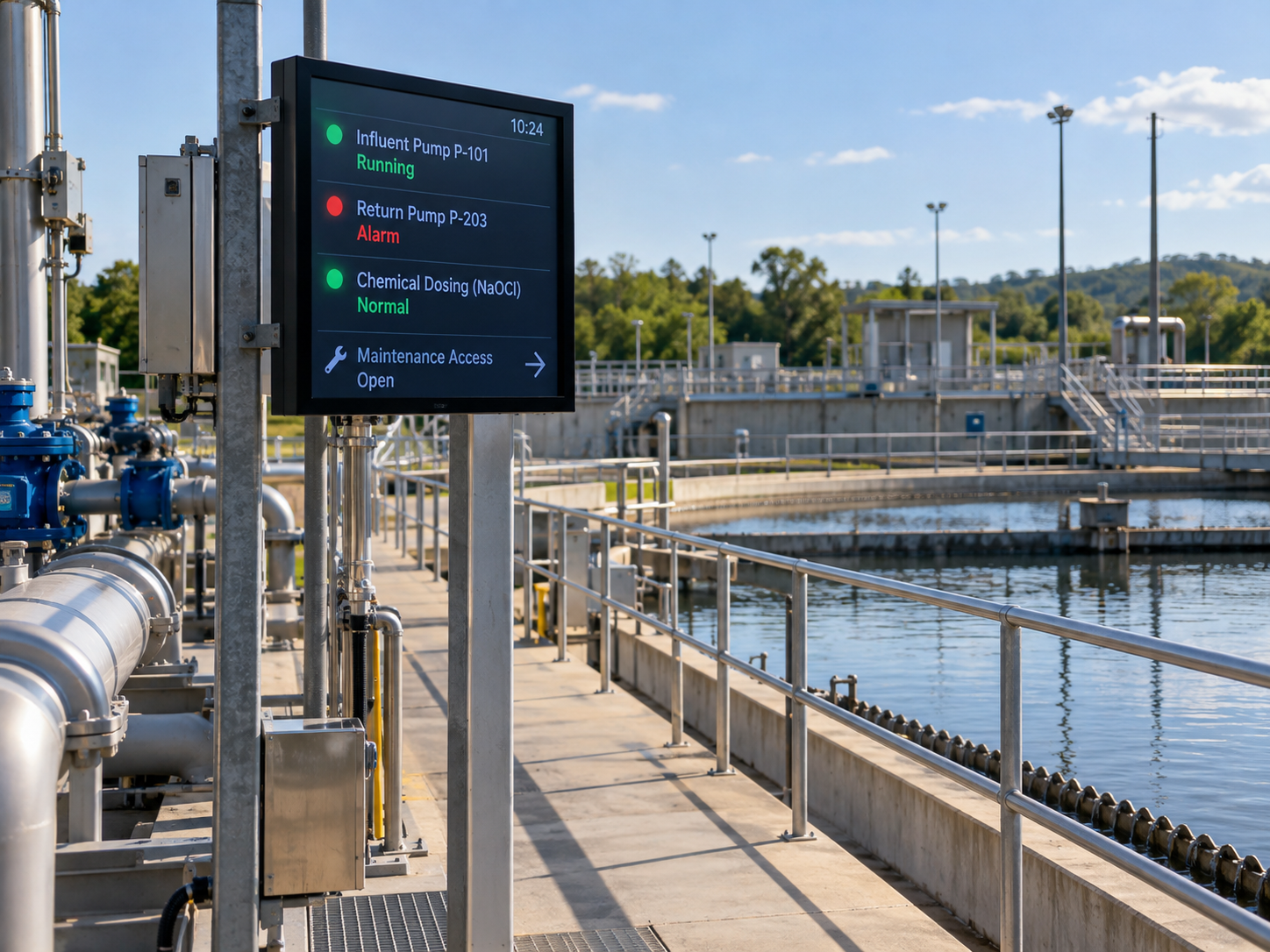
At a wastewater treatment plant, an LED information display can help personnel identify a pump in alarm, check the reported status of chemical dosing equipment and see current maintenance-route notices. It should present information from approved plant sources rather than replace the control system, alarm acknowledgement process or established safety procedures.
The practical question for an operations manager is what someone needs to know before approaching equipment, who is authorized to update that message and what the screen should show when the information cannot be trusted. Those decisions should be made before comparing display formats.
Start with the operator response to a pump alarm
When an operator receives a pump alarm, the immediate task is to identify the affected equipment and follow the plant's established response procedure. A field display can help communicate that information closer to the work area, but only if its wording makes the equipment and state unmistakable.
Imagine a technician walking from the control room toward a group of pumps. A message reading “PUMP FAULT” gives little indication of which asset needs attention. An equipment identifier, the verified alarm state and the event time offer a more useful starting point, provided those details are supplied by an approved plant source.
The operator may need to consult the alarm record, contact the control room or approach the equipment through an authorized maintenance route. The display should not instruct anyone to restart a pump, bypass an interlock or regard an absent alarm message as permission to work.
For pump alarm display planning, start with the action required at each viewing point. An alarm affecting a running pump may require a different level of prominence from a maintenance notice about a standby unit. The plant's own classifications and operating procedures, not the screen vendor, must determine that priority.
Separate pump alarms, dosing status and access notices
A pump fault, a dosing-system status and a route restriction describe different conditions. When all three share one screen, readers need to recognize which item identifies a process condition, which reports equipment status and which affects where they can go.
Consider a pump fault while dosing continues to report normal operation. The fault should identify the relevant pump, but the screen must not imply that chemical dosing has stopped simply because a pump alarm is active. Each message needs its own verified state and equipment reference.
Now consider an unavailable dosing reading during a temporary access restriction. The route notice may direct staff to an already approved entrance or verification point. The dosing message must independently say that its status is unavailable; it cannot continue showing an unqualified normal condition.
These examples give the team practical criteria for reviewing available LED display formats. The proposed layout should make pump identifiers, dosing states and maintenance notices easy to distinguish, without assuming that a particular display can process plant alarm data. That capability requires separate supplier evidence and system-level review.
In practice, wastewater plant LED pump alarms need their own defined place in the message hierarchy. The most prominent area should reflect the approved operational priority. Routine notices should not crowd out an unresolved fault, while a board intended for brief pump states may be a poor place for lengthy access directions. Ask which information remains visible, which may alternate and which must not be concealed by ordinary updates.
Match message location to the maintenance route
An outdoor information board should stand where a technician actually makes a decision, rather than wherever installation seems simplest. The exit from a control building, a junction between pumping areas and the entrance to a maintenance area may each call for different messages.
At the building exit, personnel might need to identify the affected pump before setting out. At a junction, the immediate question could be whether the usual approach is restricted. Near the equipment, a short identifier and verified fault state may be more helpful than a long description of the incident.
The maintenance team should walk these routes and record where people approach from, which direction they face, when they need to choose a path and what competes with the sign for attention. Viewing distance, daylight, installation access and service access all belong in the site review, but no generic number can determine a suitable screen for every location.
Outdoor suitability also depends on the conditions at each mounting location. The team should check exposure to moisture, washdown, chemical vapours and possible corrosive conditions, then verify the proposed display's enclosure protection, materials, operating temperature range and service access against those conditions. A screen intended for general outdoor signage should not be assumed suitable for every wastewater plant location.
Keep route notices within their proper role. A display may report that an entrance is restricted or that staff should verify an approved alternative route. It must not certify that an area is safe to enter or substitute for isolation, access authorization or other established plant procedures.
A useful route map marks the relevant equipment entrances, normal approaches, authorized alternatives and temporary restrictions. It should also identify who approves changes. That makes wastewater LED maintenance messages easier to evaluate because the content has a defined decision point, not merely a proposed mounting position.
Define acknowledged, cleared and unavailable-data states
An acknowledged alarm is not necessarily a cleared fault. Acknowledgement records that an authorized person or system has recognized the alarm according to the plant's workflow; it does not, by itself, establish that the underlying condition has ended.
When the verified information permits it, message wording should distinguish an active fault, an active but acknowledged fault and a cleared condition. The display must reflect the authoritative source rather than create its own acknowledgement or clearing decision. The exact labels should match the plant's approved alarm definitions.
Dosing messages need the same discipline. “Running,” “paused,” “fault” and “status unavailable” can describe materially different information states. They are not proof of chemical delivery rates or treatment results. If a dosing feed becomes unavailable, the screen should not continue to present the last normal value as though it were current.
One possible planning label is “DOSING STATUS UNAVAILABLE.” A last-confirmed timestamp may help readers understand the information gap if the source reliably provides it. But a timestamp cannot make old data current, and a restored connection should not be taken as evidence that an earlier alarm has cleared.
Responsibility also needs to be divided. The controls team may define verified pump and dosing signals; an authorized maintenance coordinator may approve access notices; operations personnel must determine how conflicting or obsolete messages are handled. These are proposed project roles to confirm locally, not assumptions about the customer's organization.
Ask the integrator and display provider to demonstrate what happens when data is missing, an alarm remains active after acknowledgement or a temporary notice expires. A demonstration of a normal screen alone will not answer those questions.
Prepare a plant workflow brief before choosing displays
By the time a project reaches equipment selection, the team should know the operational decision at each proposed screen location. Wastewater operations managers, pump maintenance personnel and plant integrators can then compare formats against the same evidence rather than starting with a display size or marketing description.
The buyer brief should cover the following information. It is enough to establish what the screen needs to communicate without turning an information-display project into a redesign of plant controls.
At this point, the team can review available LED display formats against the proposed message requirements. The Products category offers formats for review; it does not establish that any displayed option meets the requirements of a specific wastewater facility. Compare only what the supplier can substantiate for the proposed configuration.
Physical display examples may help the team discuss message space and presentation format. They should not be confused with proof of control-system compatibility, automatic alarm handling or suitability for a wastewater installation.

Display-format reference
Review usable message space before selecting hardware
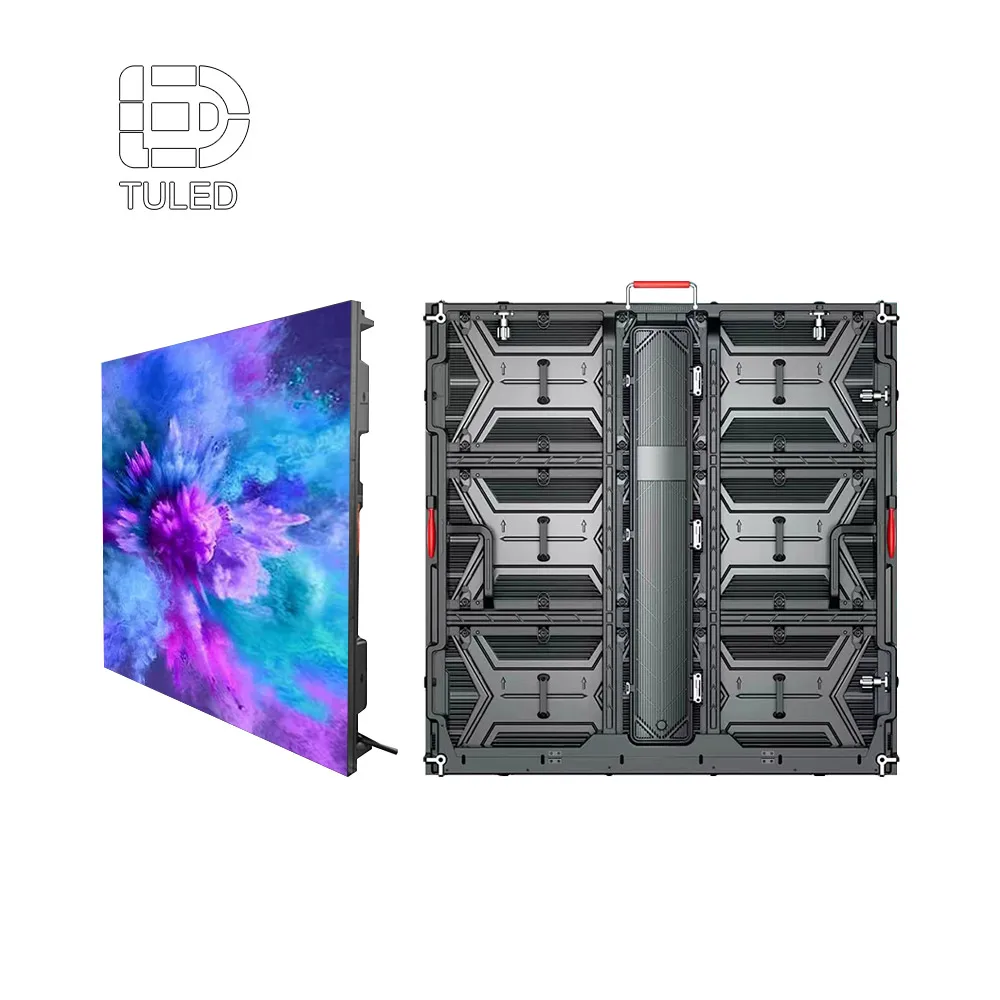
The manufacturer's digital display board image shows a physical screen format, not a wastewater-site installation. Use it to begin a discussion about how much room verified pump IDs, dosing states and route notices would need at the intended viewing point. Any operational interface or compatibility must be confirmed separately.
View Digital Display BoardWhen comparing displays for a wastewater plant, separate documented screen characteristics from functions that depend on the plant's control system and integration requirements. Ask which requirements are supported by documented evidence, which need further design work and which are outside the display supplier's scope. No general-purpose LED board should be treated as automatically suitable for the plant alarm workflow.
Frequently Asked Questions
Should an LED board acknowledge or control a pump alarm?
How should unavailable dosing status be displayed?
Which maintenance-route details belong in a buyer brief?
Share the pump and dosing identifiers, alarm states, data owner, route map, access restrictions and acknowledgement workflow. These details provide a concrete basis for reviewing the required messages and identifying which proposed display options still need technical verification.
Contact Us