EN


An auction display needs to make three things immediately clear: which lot is active, what the confirmed current bid is, and whether bidding has moved to the next item. That information should remain understandable to someone at the back of the salesroom as well as a participant following the auction remotely.
For an auction room LED display, the challenge is not simply choosing a large screen. It is keeping the active lot, confirmed bid and next asking amount visually distinct as the sale progresses, while ensuring that the room display reflects the same authorized auction state as the remote channels.
An LED display is the presentation endpoint, not the authority for accepting bids. The auction platform and authorized auction staff determine the active lot, accepted bid and sale status; the screen’s role is to present that information clearly under the room’s viewing conditions.
Keep the active lot and current bid unambiguous
In a fast-moving auction, bidders should not have to work out whether the amount on screen represents an accepted bid or the next amount being requested. The active lot, confirmed bid and asking amount may be closely related, but they are not interchangeable.
Imagine Lot 128 has reached a confirmed bid of $18,000. The auctioneer then asks for $19,000. Displaying $19,000 as the current bid before it is acknowledged could lead an observer to believe that a higher bid has already been accepted.
The screen should therefore give the confirmed amount the strongest visual emphasis, while placing the next asking amount in a clearly separate position. A lot image or catalogue description can still appear, but it should not compete with the information someone needs to follow the bidding.
Illustrative content arrangement only. The figures do not represent an actual auction, a tested installation or a product specification.
A consistent layout reduces the effort required to follow successive updates. If the confirmed amount always appears in the same area, people know where to look without scanning the entire display after each bid.
The useful distinction: A submitted or requested amount should never appear to be confirmed merely because it occupies the most prominent position. Labels and confirmation states must reflect the auction's authoritative information source.
At this stage, a discussion with an indoor LED display options should start with the required information hierarchy and room conditions. Screen dimensions, visual presentation and suitable equipment configurations can then be evaluated against the actual bidding experience.
Check legibility from the furthest buyer position
A bid amount may look perfectly clear on a designer's monitor and still be difficult to recognise from the last occupied row. Auction bid display legibility needs to be judged from where people actually sit, including positions that face the screen at an angle.
Two auction rooms with similar capacities can create quite different viewing problems.
Long, narrow salesroom
The furthest seats may struggle with smaller bid figures, currency symbols or closely spaced digits. Clear numeral shapes and restrained supporting information deserve priority over decorative detail.
Wide or irregular salesroom
Side seating, architectural features and off-centre viewing positions may be the larger concern. A central screen that works from the middle of the room may not serve everyone equally well.
This is why display selection should follow a sightline review rather than a single recommended screen size. The longest viewing distance matters, but so do installation height, side viewing positions, room lighting and obstructions.
The content itself should also be tested. A short bid such as $900 occupies a different amount of space from $1,250,000. Depending on the auction's currency rules, a symbol, currency code or decimal separator may change how quickly an amount can be interpreted.
A useful demonstration includes the longest realistic lot number, a range of bid values and the currency format the auction actually uses. These samples should be observed from the back of the room and representative side positions before the screen arrangement is approved.
Consider an indoor small-pixel-pitch display
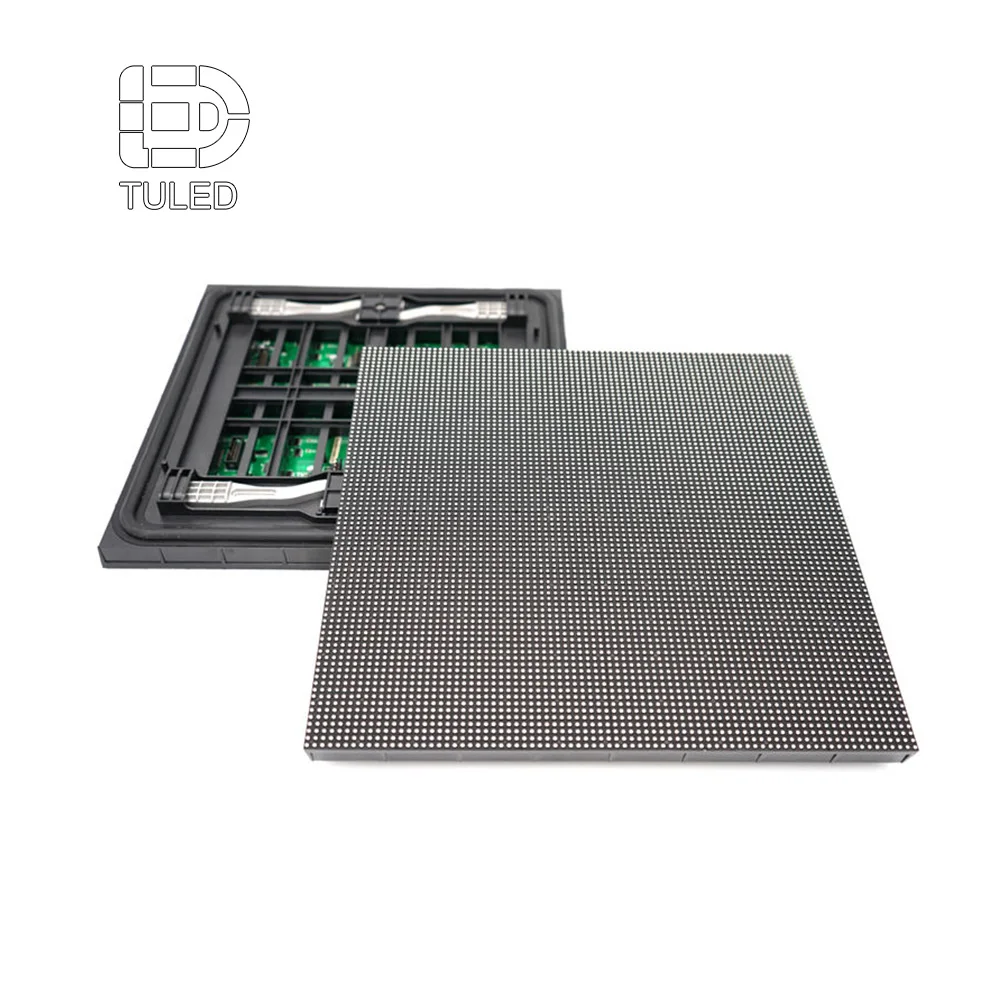
When evaluating indoor display options for detailed bid information, a small-pixel-pitch LED screen is one category worth examining. Its suitability depends on the actual viewing distances, intended screen dimensions, content layout and installation conditions.
LEDDisplayFactory's Small Pixel Pitch LED Display provides a relevant physical display option for this assessment. The product's published information can support an initial technical comparison, but it does not establish auction-platform compatibility or prove that a particular configuration will meet every salesroom's viewing needs.
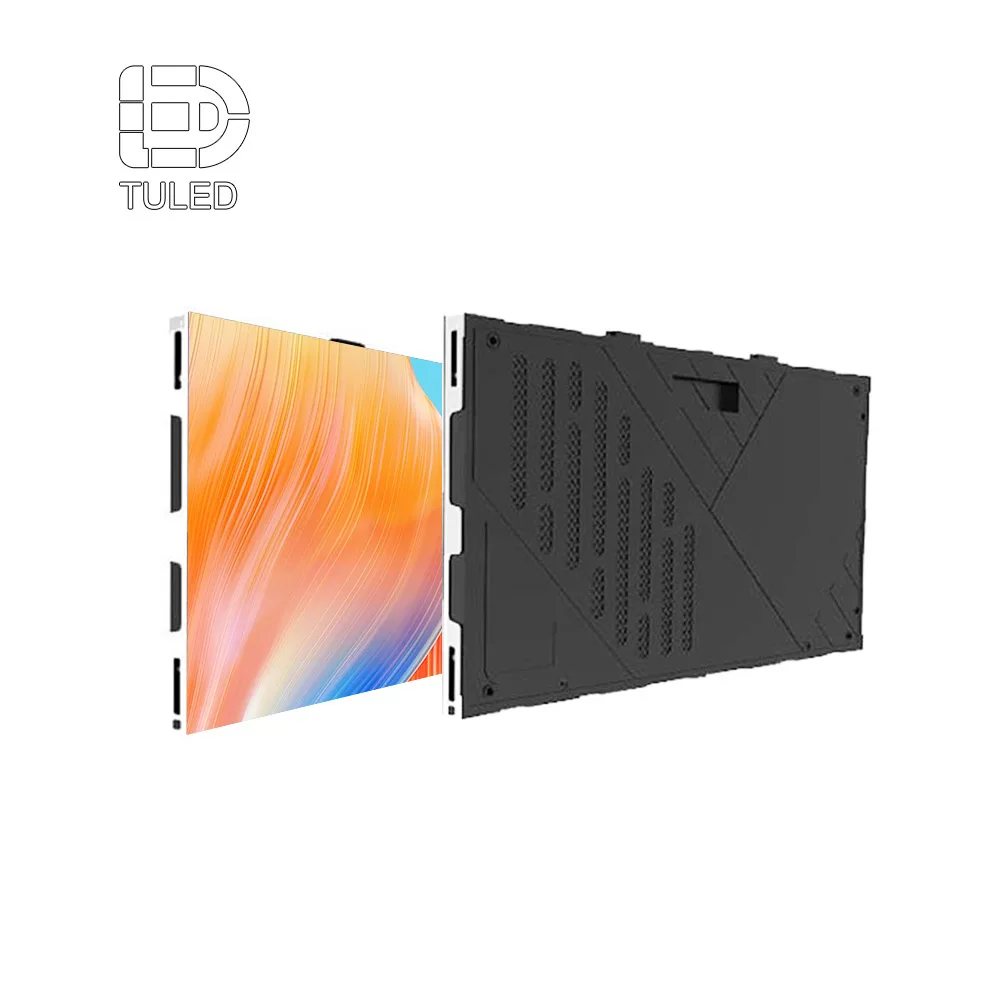
Small Pixel Pitch LED Display
Relevant to: Indoor auction-room projects evaluating the readability of changing bid amounts, lot identifiers and supporting information.
The product should be assessed using the actual room layout and representative bidding content. Viewing performance, presentation requirements and any integration with auction equipment must be confirmed for the proposed configuration.
A product image can show the equipment's physical format, but it cannot establish readable bid sizes at the back of a specific venue. That requires a demonstration based on the intended installation and content.
For auction house managers comparing display sourcing for auction rooms, the stronger choice is the option supported by a realistic viewing test and verified supplier evidence, rather than a category name or an isolated screen specification.
Coordinate lot transitions across room and remote channels
The moment between lots can be more confusing than the bidding itself. The auctioneer may have closed one item while the next lot is being prepared, yet different viewing channels may not change at exactly the same moment.
Consider a remote bidder watching the salesroom video while using a separate online bidding interface. The camera feed might still show the auctioneer concluding Lot 128 even though the room display has changed to Lot 129. If the online interface has not confirmed that Lot 129 is open, the participant is left with competing signals.
Coordinating auction LED lot transitions means agreeing on the meaning of each state, rather than simply trying to change every screen as quickly as possible.
The completed lot remains identifiable while its closure is acknowledged. The display should not imply that bidding on the next item has already started.
The next lot number or catalogue image may be introduced with an appropriate status, if the auction workflow supports this intermediate state.
The confirmed active lot appears with its correct bidding information after the authorized auction source establishes that bidding has opened.
This is an illustrative presentation sequence, not a claim about any particular auction platform. The actual arrangement needs to reflect the auctioneer's workflow, clerk confirmation process and available bidding-system information.
Remote and in-room presentations do not need identical layouts. The room screen may concentrate on the current bid and lot number, while a remote bidder interface may include personal bidding controls. What must agree is the underlying meaning of the active lot, confirmed amount and current sale state.
During a salesroom demonstration, observe the same transition from the physical display, remote video and bidder interface. The production team should identify when each channel receives an update, how delays affect interpretation and what operators do if one channel falls behind.
Define source ownership and stale-bid handling
Readable information is only useful when it reflects the correct auction state. The display should not be expected to decide whether a bid is accepted. That responsibility belongs to the auction's authorized system and operating personnel.
The auction house needs to identify who controls the lot number, who confirms a bid and which source supplies the values used by room and remote presentations. The AV team, in turn, needs to understand what information it receives and how that information reaches the display.
One easily overlooked problem is a frozen update. Suppose a connection is interrupted while a confirmed bid remains visible. Without an indication that the feed is unavailable, viewers may assume the amount is still current. The displayed number might be accurate as the last received value, but its status is now uncertain.
An agreed fallback can reduce this ambiguity. Depending on the available source information and approved operating procedure, the presentation might retain the last confirmed bid with an update warning, temporarily suppress an affected field or indicate that information is unavailable.
The correct treatment depends on the auction workflow. A missing display update is not necessarily the same as an auction pause, and an update awaiting confirmation is not the same as a rejected bid. The screen should avoid communicating any state that has not been established by an authorized source.
What about timestamps? A source timestamp can help operators assess information freshness if the auction system provides suitable data. Its meaning must be verified: the time an update is received is not necessarily the time a bid was accepted.
These decisions matter just as much for remote participants. A warning shown only on the physical screen may not be sufficient for someone following a separate bidder interface. The production team should define which information states must be represented across each viewing channel and how discrepancies are handled.
The aim is not to promise instantaneous updates across every channel. It is to make clear whether the information shown is confirmed, pending or temporarily unavailable.
Prepare a salesroom demonstration and supplier brief
Once the information hierarchy and transition workflow are clear, display sourcing becomes a more focused discussion. Auction house managers, production teams and AV buyers can examine how a proposed screen arrangement performs under their actual viewing conditions, rather than judging equipment from generic promotional content.
A useful demonstration should show a realistic bidding sequence: an active lot with several bid changes, a longer amount, a lot closing and the next lot opening. It should also show how the presentation behaves when an expected update is unavailable.
When comparing display arrangements, keep the sample content and viewing positions consistent. That makes it easier to distinguish a genuine improvement in readability from a change in the demonstration material.
Auction-room buyer information checklist
Before requesting a display recommendation, prepare the following project details. They give the auction operator and prospective supplier a common basis for reviewing the presentation requirements.
Representative content is as important as the room dimensions. A static catalogue photograph cannot reveal how clearly changing bid amounts will be understood or whether the presentation can distinguish a pending state from an accepted bid.
From the salesroom brief to display selection
Before approving a display configuration, confirm the signal inputs, processor arrangement, auction data handoff and responsibility for handling interrupted updates. These details should be agreed with the relevant technical teams before installation.
Teams evaluating display sourcing for auction rooms should discuss suitable configurations, representative content demonstrations and the technical information that still requires confirmation. An indoor display category alone is not evidence of compatibility with an auction platform.
The final decision should reflect the room's viewing geometry, the established auction information workflow and what the supplier can demonstrate. This provides a more reliable basis for equipment selection than assuming one display specification can resolve every presentation issue.
Frequently Asked Questions
How should a screen distinguish a confirmed bid from an update in progress?
What should remote bidders see during a lot transition?
Which room details help a supplier assess bid visibility?
Discuss your auction-room display requirements
An effective auction display begins with an understandable bidding sequence and a room layout that allows participants to follow it. The equipment review should reflect those conditions rather than rely on a generic screen recommendation.
Share your room plan, longest viewing distance, bid fields, currency format, auction feed owner and remote channel workflow. These details provide a practical starting point for reviewing suitable display options and identifying the technical evidence needed before selection.