EN
EN

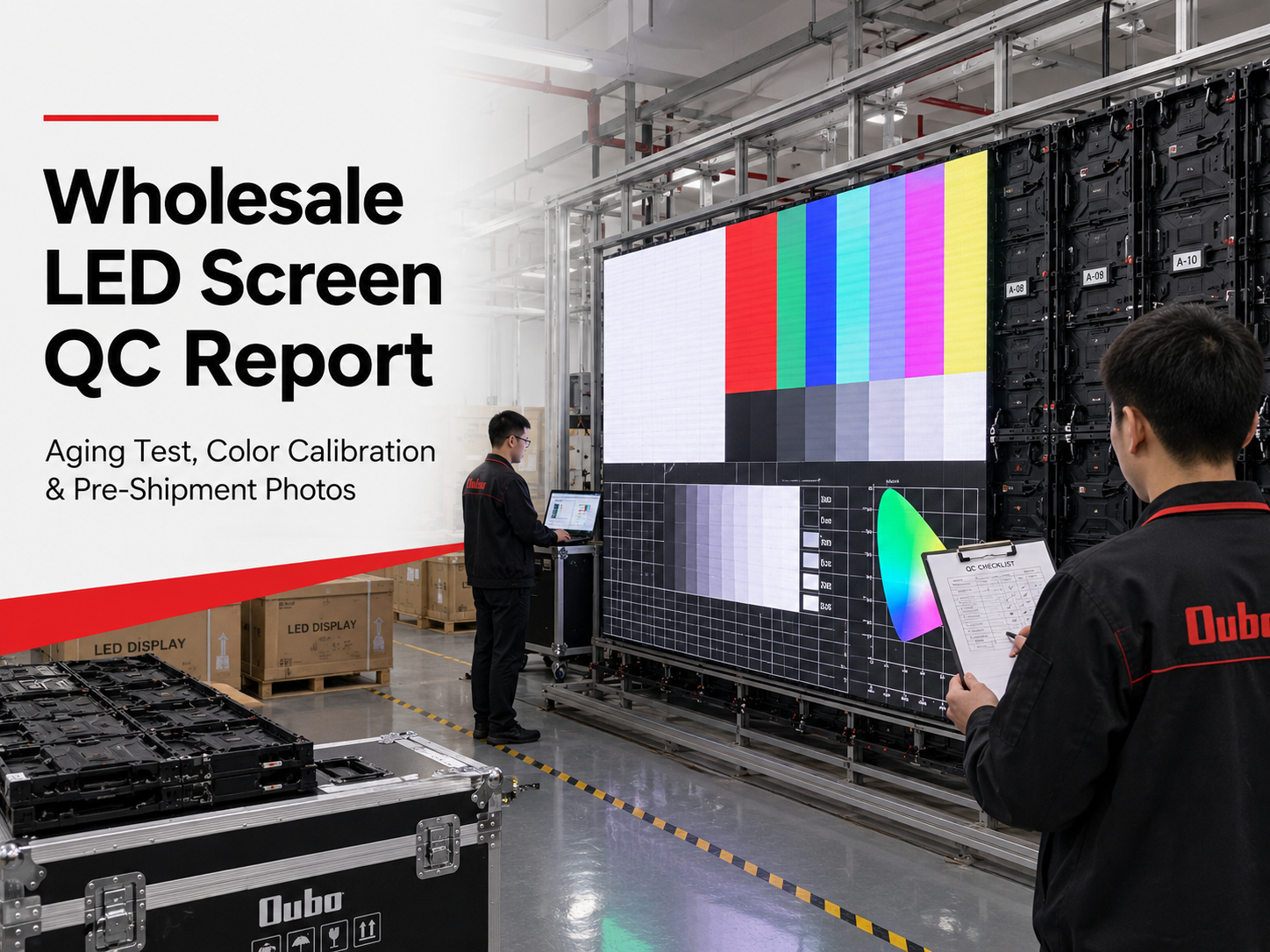
A pre-shipment QC report should make factory approval clear before goods leave production. A useful report should show aging test records, color uniformity, module batch photos, cabinet appearance, control card settings, spare parts, packaging details, and loading readiness before a wholesale LED screen order is approved for export.
However, a serious QC file should not depend on one polished full-screen photo. Each photo and video should connect with confirmed order details. Screen size, pixel pitch, cabinet quantity, module batch, voltage, accessories, control files, packing list, and case labels all need visible proof before the buyer gives final shipment approval.
Quick Navigation
Why QC Reports Matter for LED Screen Shipment Approval
An LED display is a complete system. LED modules, cabinets, power supplies, receiving cards, sending cards, data cables, power cables, processors, and software files all work together. One missing part can slow the whole installation, even when the display itself looks correct in a factory photo.
Overseas display projects also pass through several logistics stages. Goods may move from factory to truck, port, vessel, warehouse, and local delivery. Final inspection before packing is the last practical moment to correct visible defects, wrong labels, missing accessories, or inconsistent documentation.
A useful report creates a written record for production and after-sales support. If a module needs replacement months later, batch photos and configuration files help the technical team respond faster. In other words, QC records protect both shipment approval and long-term maintenance.
Quality documentation should also follow a consistent management mindset. ISO 9001 explains quality management requirements around customer focus, process control, evidence, and continual improvement. For LED display projects, that same logic is useful: inspection records should be consistent, traceable, and easy to verify. See the official ISO 9001 quality management systems page for background.
A useful QC report should answer these questions
- Does the full screen light evenly during aging tests?
- Do module batches and spare modules match the production order?
- Do cabinet labels match the confirmed layout drawing?
- Are receiving card settings and control files saved correctly?
- Do packing photos match the final packing list and case labels?
Aging Test Records: What the Factory Should Show
Aging test records show whether the LED screen can run continuously before export. The screen should display several test patterns over a recorded period. This process helps reveal unstable LEDs, weak soldering, signal interruptions, power supply issues, and early module failure.
Full white testing can show dark points and brightness deviation. Red, green, and blue screens reveal color defects and abnormal pixels. Grayscale testing helps identify uneven transitions, while moving video content checks signal stability and playback smoothness.
Still photos alone are not enough for serious approval. A short video can show flicker, scan lines, random flashing, and cabinet-level signal behavior more clearly. The QC file should include both photos and videos, especially for indoor video walls, event screens, control rooms, churches, retail walls, and camera-facing projects.
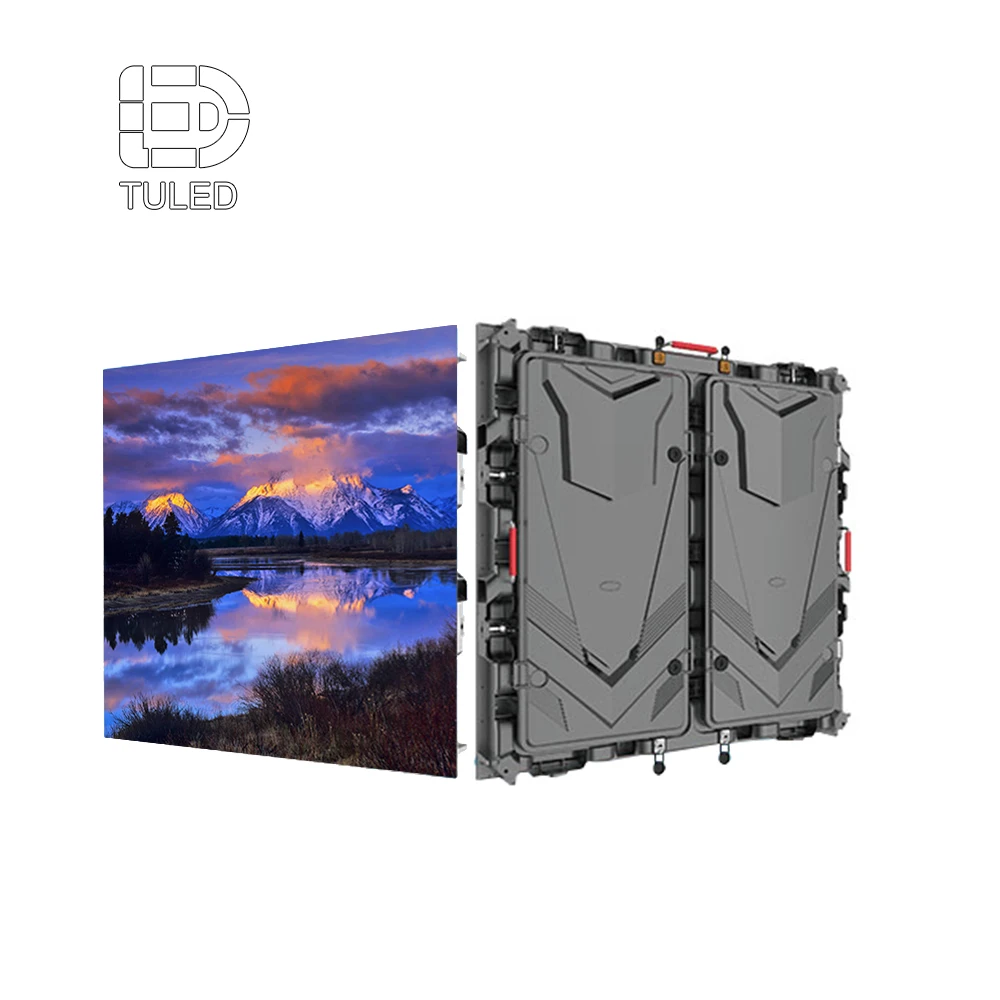
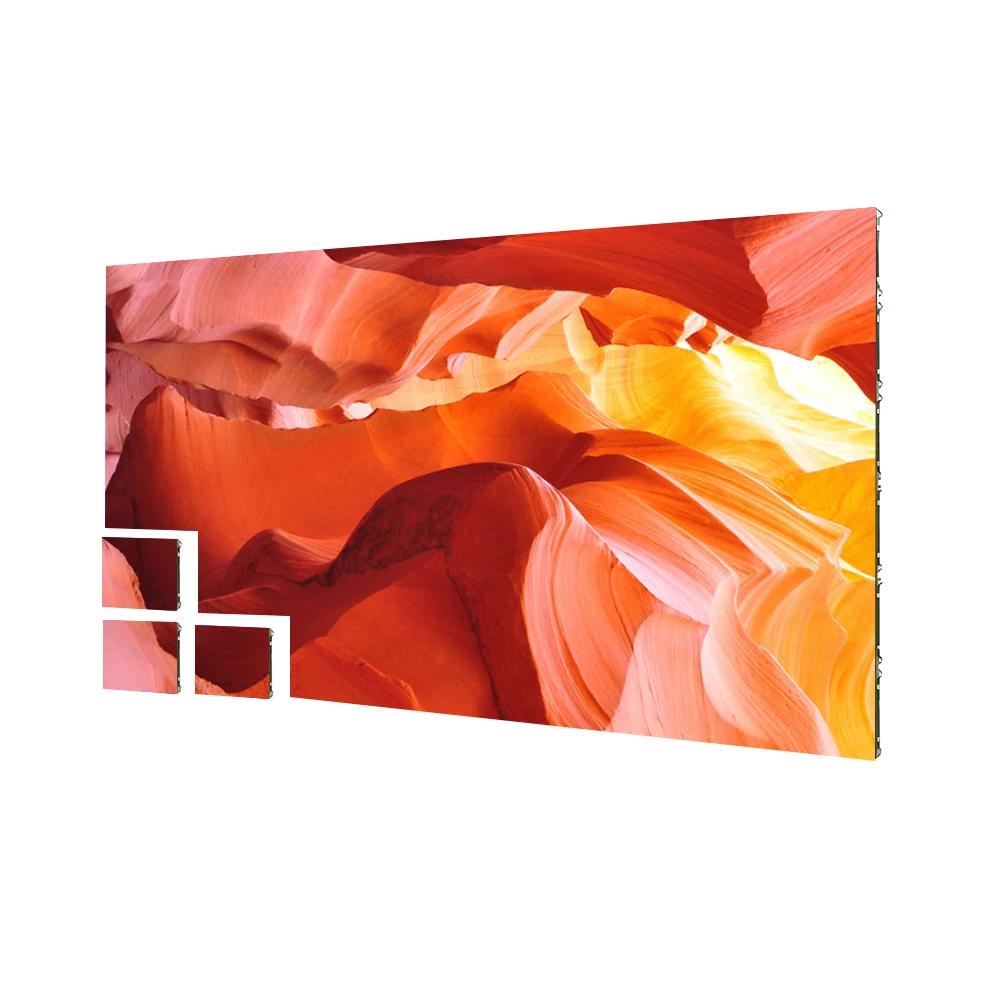
960×960 LED display cabinet for aging test, cabinet label, module batch, and shipment inspection review.
View 960×960 LED Display Screen
Aging test records to request
- Full-screen white, red, green, blue, and grayscale photos.
- Aging test video with visible screen operation and project label.
- Test duration, test date, and production batch reference.
- Repair notes if dead pixels, dark blocks, or flashing areas appeared.
- Final retest proof after any module or power supply replacement.
Color Calibration and Module Batch Photos
Color consistency is one of the first quality signals people notice. The QC report should show white balance, grayscale, single-color testing, brightness uniformity, and module batch records. A screen may power on correctly but still look uneven during real content playback.
Module batch control matters for future maintenance. Modules from different batches can have slight color differences. If a replacement module does not match the original batch, the repaired area may appear as a visible patch on white or light-color content.
For that reason, the factory should provide clear module back-label photos. These photos should show model code, batch number, module size, scan mode, voltage, and production identification when available. Spare modules should also appear in the same batch record.
Color and module checks before approval
- Full white screen photo from the front angle.
- Red, green, and blue single-color test photos.
- Grayscale photo or video for smooth brightness transitions.
- Readable module label photos for main panels and spare modules.
- Cabinet number photos that match the final layout drawing.
Pre-Shipment Photo Checklist: Cabinet, Control Card and Packaging
Pre-shipment photos should show the actual goods, not only the display effect. The report should include front view, back view, cabinet sides, module close-ups, connector areas, control cards, power supplies, cables, spare parts, packing labels, and final case condition.
Cabinet photos help confirm mechanical quality. Scratches, deformation, poor paint finish, loose locks, weak handles, uneven seams, or missing screws can be spotted before packing. For front-service projects, service access should also be shown clearly.
Control card settings should appear as screenshots. These screenshots may include screen resolution, cabinet mapping, receiving card connection order, refresh rate, scan configuration, brightness parameters, and saved configuration files. This step helps reduce setup risk after delivery.
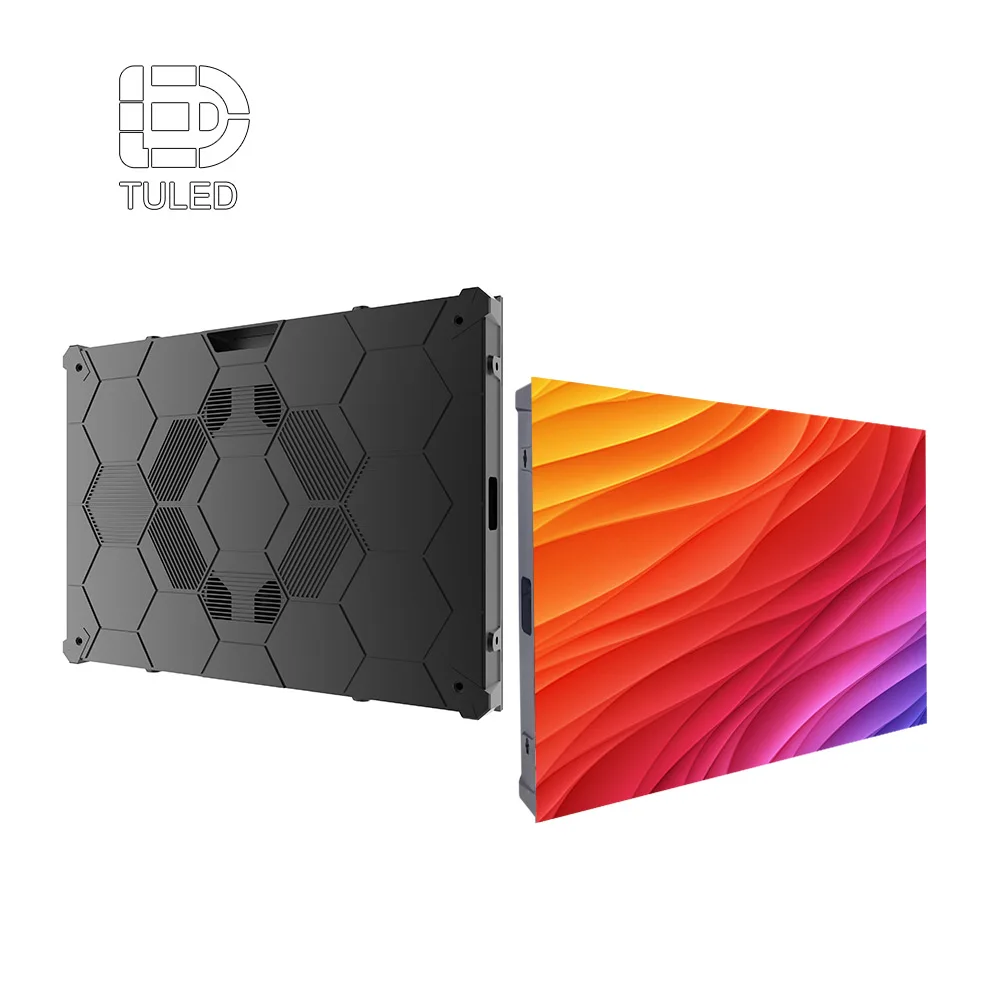
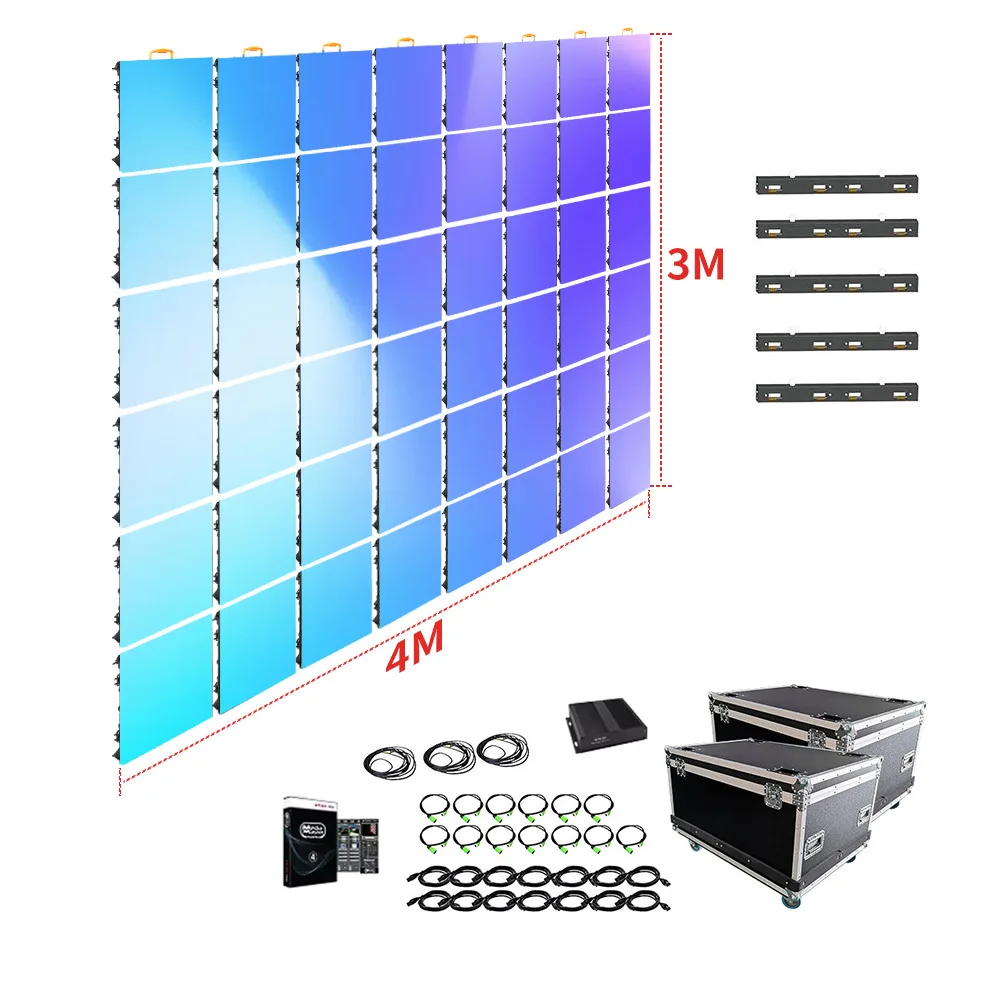
LED display screen panel structure for cabinet appearance, control card, cable route, and packing review.
Pre-shipment photo list
- Cabinet front, back, side, locks, handles, and mounting points.
- Power supplies, receiving cards, ribbon cables, and signal ports.
- Spare modules, spare power supplies, cables, screws, and accessories.
- Software settings, configuration file screenshot, and cabinet mapping.
- Inner foam, carton labels, wooden case labels, and packing list proof.
- Final loading photos with case quantity and visible shipping marks.
Best-Fit Projects for a Detailed QC Report
A detailed QC report is especially useful for distributor stock orders, engineering contractor projects, LED display installation teams, advertising screen operators, rental event providers, shopping mall display upgrades, church video walls, control room screens, and outdoor billboard projects.
For these projects, remote approval often happens before the goods are loaded. The report must show enough visual proof to support production approval, installation planning, spare part preparation, and after-sales communication.
Project types that benefit most
- Outdoor advertising screens that require waterproof structure and high-brightness testing.
- Indoor video walls where color uniformity and grayscale performance are critical.
- Rental LED panels that need cabinet lock, handle, connector, and flight case checks.
- Distributor inventory orders that require clear module batch and spare parts records.
- Overseas engineering projects that need remote approval before shipment.
Project Preparation: Details to Send Before QC
A stronger QC report starts before production. The factory can prepare better inspection records when the project file is clear from the beginning. Screen size, application environment, installation method, control needs, and destination details all affect what should be checked before shipment.
An outdoor advertising screen needs brightness, waterproof structure, ventilation, cable sealing, and packing protection checks. An indoor fine-pitch wall needs closer attention to grayscale, white balance, cabinet flatness, and front maintenance access.
Site photos can reduce technical guesswork. Photos of the wall, steel structure, viewing distance, power route, service space, sunlight direction, and installation height help the factory align product selection with the final QC checklist.
Project details to include in the inquiry
- Screen width, height, quantity, and expected pixel pitch.
- Indoor or outdoor environment, viewing distance, and content type.
- Wall mounting, hanging, stacking, column mounting, or rental use.
- Front service or rear service requirement.
- Destination country, voltage, plug standard, and shipment deadline.
- Site photos, structure drawings, or installation sketches.
- Processor, media player, sending card, receiving card, or software needs.
Factory Support and Product Review Before Final Approval
Product review and QC review should work together. The product page helps compare display categories, while the QC report proves the finished order matches the selected direction. Early product review should lead naturally into a structured pre-shipment inspection file.
For standard panel planning, the LED Screen Panels page is useful for reviewing panel structure, application direction, module options, and display formats. This helps procurement and engineering teams prepare more specific production questions.
At the same time, a factory support package should include more than photos. It should include drawings, cabinet connection maps, control configuration files, aging test videos, calibration photos, packing lists, and accessory records. As a result, shipment approval becomes easier to review and easier to archive.
Product direction before QC confirmation
Before asking for a pre-shipment QC package, confirm whether the project needs an indoor wall, outdoor advertising screen, rental panel, LED module, transparent screen, poster screen, or standard LED screen panel. Product direction affects the aging test, brightness check, waterproof review, control system record, and packaging method.
Review LED Display ProductsExtended Reading
Related product and project resources
FAQ
What should an LED screen QC report include before shipment?
A useful report should include aging test photos, aging videos, color calibration proof, module batch photos, cabinet inspection images, control card screenshots, spare parts photos, packing photos, and final loading records. All files should match the confirmed order details.
Why are aging test videos important for LED display orders?
Aging videos show real operation over time. They can reveal flashing blocks, scan lines, signal drops, unstable modules, and brightness problems that may not appear in one still photo.
How do module batch photos help future LED panel replacement?
Module batch photos record the original production identity. Later, spare modules or replacement parts can be compared with the same batch information. As a result, the repaired screen is more likely to keep consistent color and brightness.
Should control card settings appear in the pre-shipment report?
Yes. Control card settings affect resolution, cabinet mapping, refresh rate, scan mode, and signal connection. Screenshots and configuration files help the installation team restore settings faster after delivery.
What project information helps the factory prepare a better inspection file?
Screen size, pixel pitch, application environment, quantity, country, voltage, installation method, service access, site photos, control system needs, and packaging preference all help. Drawings or sketches also make cabinet labeling and layout checks clearer.
Final Takeaway: QC Approval Should Be Visual, Traceable and Practical
A strong QC report proves more than basic power-on performance. It should show aging test records, color calibration, module batch control, cabinet appearance, control settings, spare parts, packaging, and final dispatch condition. This helps reduce installation delays and shipment disputes.
For the next review step, the wholesale LED screen product range can be used to match project direction before requesting a tailored pre-shipment QC package.
- First, request aging test videos with white, red, green, blue, grayscale, and real content playback.
- Second, confirm module batch photos, spare parts, cabinet labels, and control configuration files.
- Finally, prepare screen size, site photos, country, voltage, installation method, and equipment needs before final approval.