EN
EN

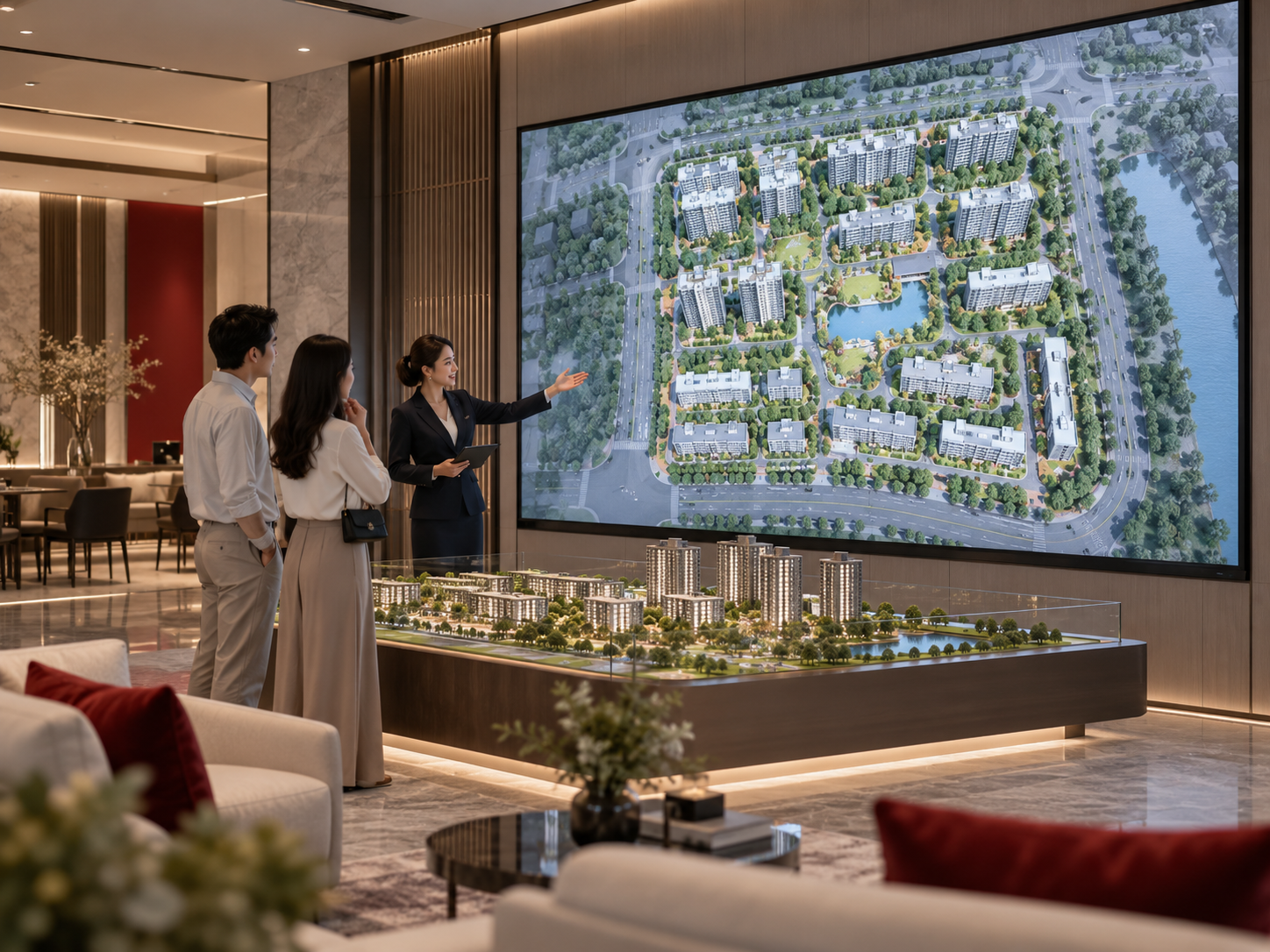
A buyer enters a real-estate sales center and sees the LED wall before the sales conversation has really started. At that moment, the screen does not need to explain every building, landscape zone and unit type. It only needs to establish the project well enough for the visitor to understand where they are and what they are about to discuss.
A few minutes later, the same buyer is standing beside a consultant in front of the masterplan. Now the wall has a completely different job. The consultant may be explaining how two residential zones relate to an entrance, where an amenity sits within the development, or why one building is relevant to the buyer's priorities.
Then the group sits down. The conversation becomes narrower. Instead of understanding the whole development, the buyer may want to compare a building, a unit type or another specific piece of sales material.
That changing conversation is the real planning problem behind custom LED wall signs for property sales centers. The screen should not simply fill an available wall. It needs to support the way a consultant moves from project introduction to masterplan explanation and then into a more focused discussion without losing the buyer's attention.
Start With What Happens in the Room
LED-wall planning often begins with an elevation drawing: the design team identifies an empty wall, marks out a screen area and then asks what display should fill it. For a sales center, that sequence starts too late.
Before discussing the wall as hardware, look at the appointment itself. Where does the consultant greet visitors? Is there a physical model between the entrance and the screen? Where do people naturally stop when the masterplan explanation begins? Do they remain standing, or does the discussion move quickly to a consultation table?
Those details change what the display needs to accomplish.
A screen that looks dominant from reception may not be easy to use from the normal presentation position. A wall that works beautifully for three people standing directly in front of it may become harder to follow when a larger group gathers around a scale model. A layout that looks balanced on an architect's elevation may place the most important masterplan detail behind furniture from the buyer's actual seat.
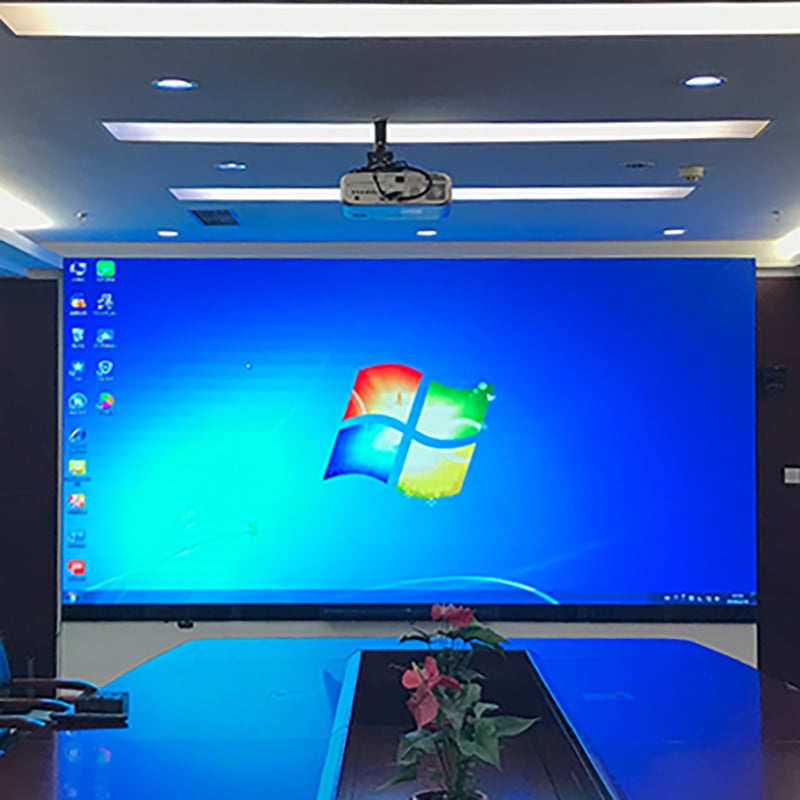
This is also where the broader Indoor LED Display category fits the project. A property sales center is an indoor presentation environment, but “indoor” alone does not define the right wall. The project still needs to explain the room, audience and content.
Audience size deserves the same attention. A one-to-one appointment is flexible: the consultant can shift position and bring the buyer closer to the screen. A group presentation is less forgiving. Once several visitors are watching together, the useful viewing zone becomes wider and the consultant has less freedom to reposition everyone around the display.
Start with: Where does the sales conversation happen, and what does the visitor need to understand at each point? Screen layout becomes much easier to judge once that is clear.
A Masterplan Works Better as a Story Than as a Data Wall
A large digital canvas creates a predictable temptation: use all the available space. The full site plan goes in the middle, development highlights fill one side, lifestyle imagery fills another, and smaller labels are added until almost every part of the wall contains useful information.
Nothing is technically missing, but the consultant now has to compete with the screen.
Masterplan content is usually easier to explain when the information appears at the same scale as the conversation.
First, establish the development
The opening content only needs to help a new visitor answer a basic question: What am I looking at?
A project overview, development image or another approved high-level asset can establish that context. This is not the moment to demand that a visitor decode the complete masterplan from across reception.
Then use the masterplan when location becomes important
When the consultant begins explaining where different parts of the development sit, the site plan becomes the working surface. At this stage, the display's job is to make spatial relationships easier to follow.
Consider a buyer asking about two residential zones. The consultant may need to move from the whole project to those zones, then explain their relationship to entrances, shared facilities or another feature shown in the approved sales material.
If every label and sales message remains equally prominent, the visitor has to decide where to look while also listening to the explanation. The wall is more useful when it helps the presenter direct attention toward the current question.
A useful content rule: the wall should emphasize the part of the project the consultant is talking about now, not every part they might discuss later.
Finally, let the discussion become more specific
Once the visitor understands the overall development, the screen can move away from the full masterplan and support the next question. That may involve building-specific information, unit material, floor-plan-related content or another approved sales asset.
This progression mirrors the way people usually make sense of a property project:
What is the project? → Where is the part I care about? → Which specific option should we discuss?
Smaller digital information points may play a different role from the main presentation wall. Where a display functions more like a changeable wall information sign than the principal masterplan canvas, an LED Sign Board can be considered separately rather than forcing every communication task onto one large screen.
There Is No Single “Best Viewing Position” in a Sales Center
A sales-center wall is viewed from several places during the same appointment. What changes is not only distance. The visitor's reason for looking at the screen changes as well.
That makes three viewing zones particularly useful to mark on the room plan.
The standing presentation zone
This is normally where the masterplan does the most work. The consultant is speaking while several people look at the same wall, so the content needs a clear hierarchy that allows the presenter to direct attention.
The room may prevent the audience from standing in the theoretically ideal position. A physical model may occupy the center. A circulation path may need to remain open. Some visitors may stand to one side rather than directly in front of the screen.
The correct review therefore uses the actual presentation area rather than an abstract distance measured straight out from the center of the wall.
The seated discussion zone
Once the group moves to a consultation table, the LED wall becomes one part of a larger conversation. The buyer may also be looking at printed materials, a tablet, a brochure or the consultant.
This changes what useful content looks like. A detailed masterplan that worked when everyone was standing close to the feature wall may not be the best content state for a seated unit comparison.
The screen does not need to reproduce the standing presentation experience from the table. It needs to keep the information relevant to the seated discussion understandable.

The wider reception view
Reception creates a different problem again. Visitors may see the wall from farther away and without a consultant explaining what matters.
That is why the default display state should usually be judged separately from the masterplan presentation. A wall full of detailed plan labels may be useful during a guided explanation but look unnecessarily busy to someone who has just walked through the door.
On the room plan, label the important positions as reception view, standing masterplan presentation and seated consultation. This gives more useful context than one unlabeled viewing-distance measurement.
The Awkward Moment Usually Comes When the Consultant Needs the Next Screen
Imagine that the masterplan explanation has gone well. The buyer now asks about a particular unit. The consultant turns away from the conversation, opens a file list, searches through several folders, discovers that the previous appointment left another presentation open and spends the next minute finding the correct material.
Nothing is wrong with the LED image. The problem is that the presentation workflow was never defined.
The project brief does not need to invent advanced control features to solve this. It simply needs to describe the states the sales team expects to move between.
Who controls the presentation?
This question changes the workflow significantly.
If the sales consultant operates the content alone, switching needs to fit naturally into a conversation. The presenter should not have to choose between maintaining eye contact with the buyer and finding the next visual.
If another operator manages the content, the room needs a clear handoff between the person speaking and the person controlling the display. In that case, presentation states still need to be obvious enough that both people understand what should appear next.
Neither workflow should be assumed. It should be described by the project team.
Define the action before specifying the technology
A useful brief can say, “the consultant needs to move from the welcome state to the masterplan, then to unit material and finally back to the default screen.” That is enough to begin reviewing the source and control arrangement. It is better than inventing an unsupported function simply because it sounds convenient.
What Should Be Sent Before the LED Wall Is Customized?
A request for “one large LED wall for our property showroom” identifies the application, but almost nothing about how the screen needs to work.
The most useful project package tells the story of the room rather than reading like a hardware checklist.
Show the available wall. Provide the usable width and height of the proposed display area. If an elevation already exists, include it.
Show the room around it. Room plans and site photos help explain where visitors enter, where furniture and physical models sit, and how people move toward the presentation wall.
Mark the real viewing zones. Identify the main standing presentation area, consultation seating and important reception views.
Describe the content. Final artwork may not be ready, but the project team should know whether the wall will carry a masterplan, project overview, building information, unit material, video or a mixture of these.
Explain how the sales team presents. State whether one consultant operates the wall directly or another person supports content switching.
Describe the intended source and control workflow. Known source arrangements can be included. Anything not yet decided should remain open for coordination rather than being guessed.
Confirm the project scope. State the quantity and whether the project includes one principal wall or several display positions.
Add the location and schedule. Include the required power standard, installation country and expected project timeline so these conditions are known during coordination.
The actual masterplan graphics and unit material may still be under development, but the display team should understand the expected content types. A wall used mainly for broad masterplan imagery creates a different presentation problem from one that regularly moves into detailed unit comparison.
Where the Factory Discussion Should Become More Specific
Once the room, content and sales workflow are understood, the conversation can move toward the display itself without becoming a specification dump.
The first issue is category fit. The principal masterplan wall has a different role from a secondary digital sign. The proposed display direction should follow that role rather than using one product label for every digital surface in the sales center.
The next step is layout. Wall dimensions can be compared with the shape of the content, especially the masterplan. If the screen proportions and the presentation material work poorly together, the problem will remain visible every day even if the LED equipment itself performs correctly.
Mounting and service coordination also need to remain connected to the finished room. The relevant architectural, structural and electrical teams retain responsibility for their own parts of the project, but the proposed LED arrangement should still be discussed with those surrounding conditions in mind.
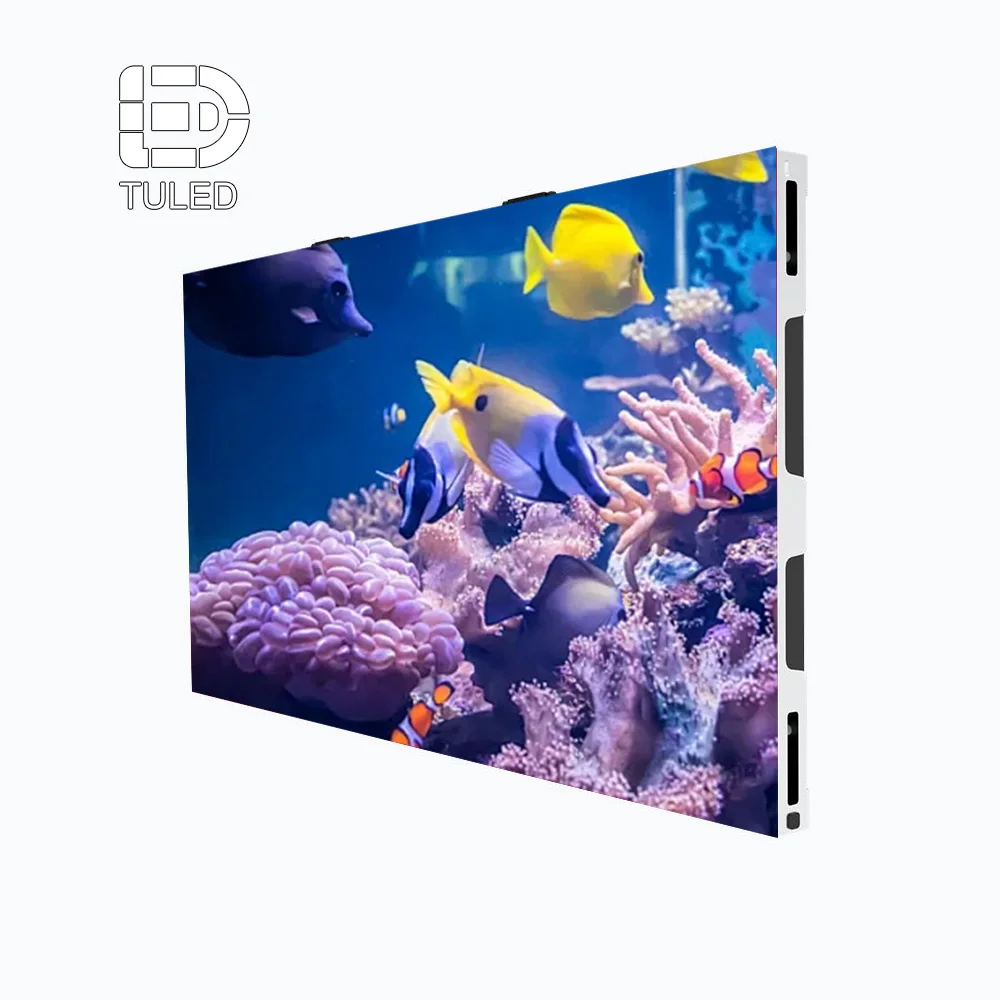
Review the LED wall as a complete presentation surface
A sales-center project should connect the visible screen format with the available wall area, content proportions, mounting approach, service coordination and everyday operator workflow.
Explore LED Wall PanelsThe final check should return to the sales team. Imagine an ordinary appointment rather than a demonstration. The consultant welcomes the visitor, opens the project discussion, moves into the masterplan, answers a unit question and then hands the room over to the next colleague.
If the proposed wall and operating workflow still make sense in that ordinary sequence, the technical discussion is connected to the actual purpose of the project.
Four Moments the Display Should Handle Well
A short scenario map is enough to make the intended use clear. It does not prescribe a control system and it is not a content-approval schedule. It simply gives the design team, sales team and display supplier a shared picture of what the wall is expected to do.
| Moment | What is happening | What the wall should achieve |
|---|---|---|
| Reception | Visitors enter or wait before the consultant begins a detailed explanation. | Establish the project clearly without requiring people to interpret a dense masterplan from across the room. |
| Masterplan | The consultant is actively explaining spatial relationships within the development. | Help the audience follow the relevant part of the site plan without unrelated information competing for attention. |
| Unit discussion | The buyer has moved from the overall project to a more specific building or unit question. | Narrow the visual conversation so the wall supports the current decision rather than continuing to dominate with the full masterplan. |
| Between appointments | One conversation has finished and another consultant may use the space next. | Return to a known default state instead of leaving the previous visitor's discussion on screen. |
Frequently Asked Questions
How should masterplan content be structured on a sales-center LED wall?
Which viewing zones should be considered in a real-estate sales center?
What should the sales team be able to do during a live presentation?
What project information should be sent before customizing an LED wall sign?
The Useful Wall Is the One That Makes the Project Easier to Explain
A large LED wall can create immediate visual impact in a property sales center, but impact is only the beginning. The display earns its place when it helps a buyer understand the project more easily.
A person walking through reception needs a different level of information from a group standing beside the masterplan. A buyer comparing unit options at a table needs something different again.
Planning these moments together keeps the wall connected to the actual sales journey. It also gives the display supplier a much clearer basis for discussing wall layout, indoor display category, mounting coordination and operator use without relying on assumptions.
Start the LED wall discussion with the room and the sales workflow
Send the wall dimensions, room plan or site photos, masterplan and expected content types, viewing zones, sales-team workflow, intended source/control method, quantity, power standard, installation country and timeline.
These details give the project team a practical basis for discussing how the LED wall should fit the presentation environment rather than selecting a display in isolation.
Contact OUBO LED