EN
EN

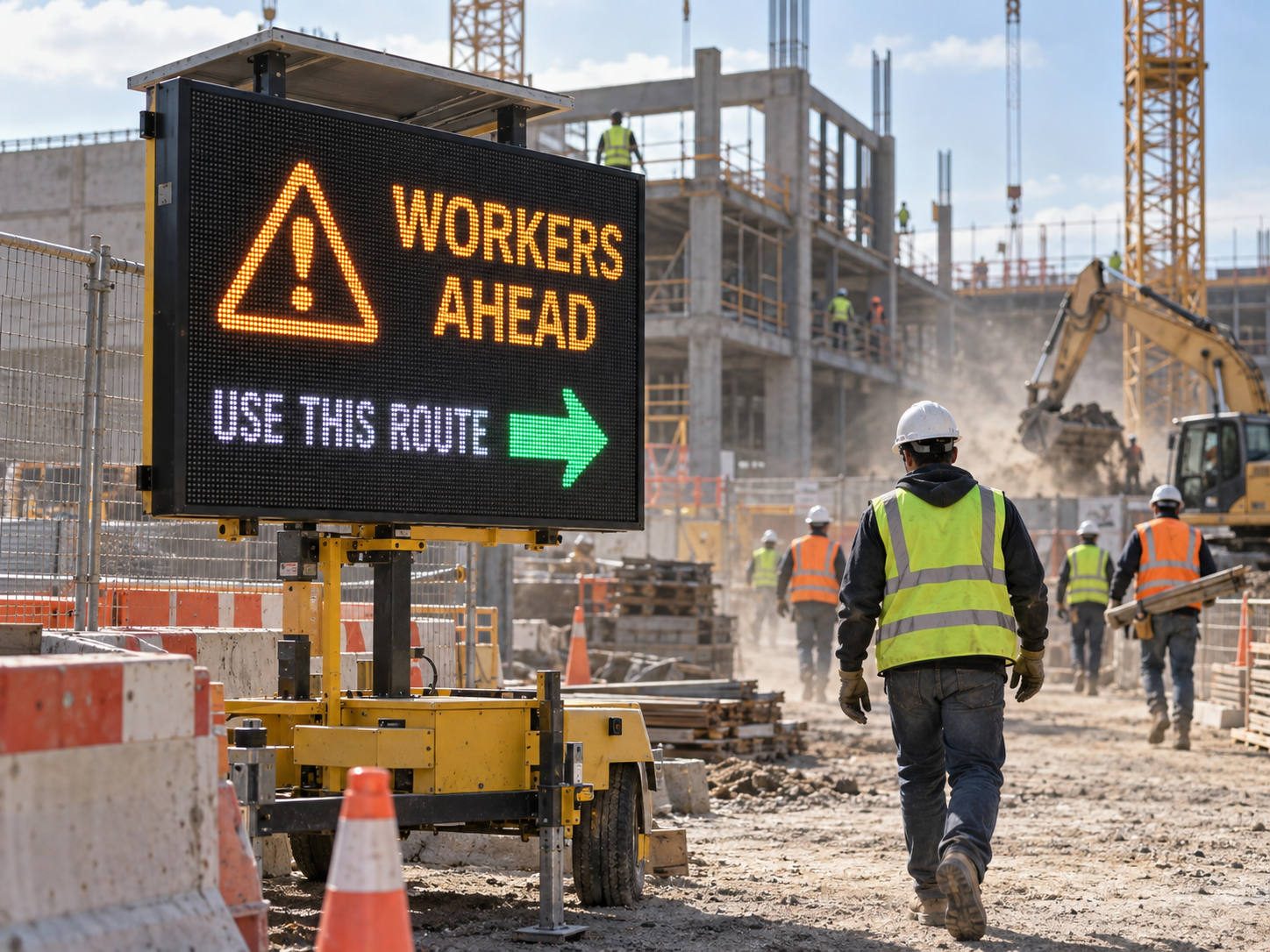
A construction site can look completely different from one month to the next. Pedestrian routes move, vehicle lanes change, scaffolding blocks old sight lines, temporary storage appears, and a work area that was open yesterday may be restricted today. Workers still need to understand those changes quickly, often while they are already watching vehicles, machinery, barriers and the task in front of them.
That is where a custom LED display board can add value. The useful question, however, is not simply which screen has the right specification. The project has to connect the display to a real viewing point: who needs to see it, what they need to understand first, how the site around it will change, and whether the board will remain in one place or move as construction progresses.
For a construction safety application, that context matters more than turning the screen into a digital noticeboard full of information. The best use is usually much simpler: make a changing work-zone condition obvious before a worker reaches it.
Project Context: A Safety Display Has to Follow the Work Zone
Two construction projects can both ask for an outdoor safety display and still need very different solutions.
At one site, every worker may enter through the same controlled gate for most of the project. The display position, viewing direction and surrounding area are relatively stable. At another site, the main access route may move several times as excavation, structural work and external works progress.
The second project is not simply buying the same screen for a more complicated location. Relocation changes the entire viewing situation. A board that is clearly visible beside the original entrance may later sit behind temporary fencing, stored materials or a container. A position that receives strong afternoon daylight during one phase may be shaded by the building several months later.
A worker approaching on foot may have several seconds to notice a changed route. A driver moving through an internal site road has much less time and should not be expected to read several lines of detailed instructions. The same screen can therefore require very different content depending on where it is placed.
This is why site photos and a work-zone plan are more useful than a generic request for “an outdoor LED board.” They show where the display sits in relation to people, vehicles, temporary structures and future construction activity.
If relocation is already part of the project, it is worth considering the next likely position before approving the first one. That keeps the purchasing decision connected to the whole construction sequence instead of only the site as it looks today.
Worker Alerts Work Better When the Important Message Wins
Construction sites already compete heavily for attention. Workers are watching equipment, vehicle movements, temporary barriers, warning signs and instructions from supervisors. Adding more content to a screen does not necessarily make the communication better.
The first question should be: what changed, and what does the worker need to do because of that change?
During normal operations, the board may confirm the current route or work-zone status. If an area becomes restricted, that restriction should immediately become more important than routine information. During an urgent alert, lower-priority content should not remain on screen simply because space is available.
Shorter messages are often stronger in a moving environment
A long explanation can be technically complete and still fail at the viewing point. Someone walking toward a controlled gate may have time for a brief supporting line. Someone approaching in a vehicle may only have time to recognise the main instruction.
Messages such as AREA CLOSED, USE EAST ACCESS or STOP – WAIT FOR INSTRUCTION establish the immediate action first. The site's existing briefing, supervision and safety processes can carry the longer explanation where necessary.
This also makes changes easier to recognise. If routine notices, restrictions and urgent warnings all use the same dense layout, a worker has to work out what changed. A stronger hierarchy makes that difference visible immediately.
The message needs a clear owner
A functioning display can still be misleading if its message is out of date. The project therefore needs a clear understanding of who can change a safety message and who confirms that a temporary restriction has ended.
That responsibility becomes particularly important after a shift change, relocation or power interruption. The useful operational question is not only how content reaches the screen; it is whether the screen still reflects the site workers are about to enter.
Daylight Readability Depends on Where Workers Actually See the Screen
Daylight performance is often reduced to a specification discussion, but a construction site makes the problem much more physical. Orientation, approach direction, viewing distance and the surrounding scene all affect whether the message is easy to recognise.
A screen may face open daylight in the morning and become shaded later. Workers may initially approach it directly, then approach from an angle after a temporary route moves. As a building rises, the same position can gain new shadows, reflections or obstructions.
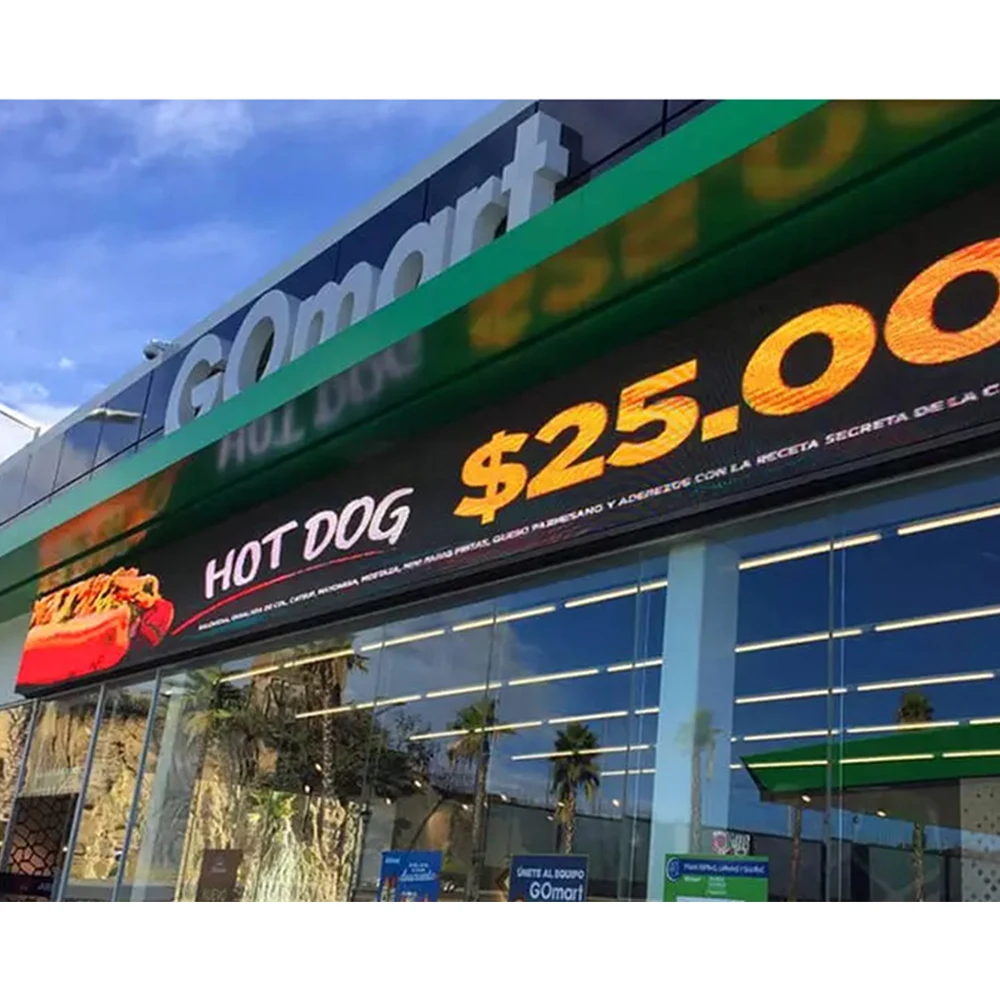
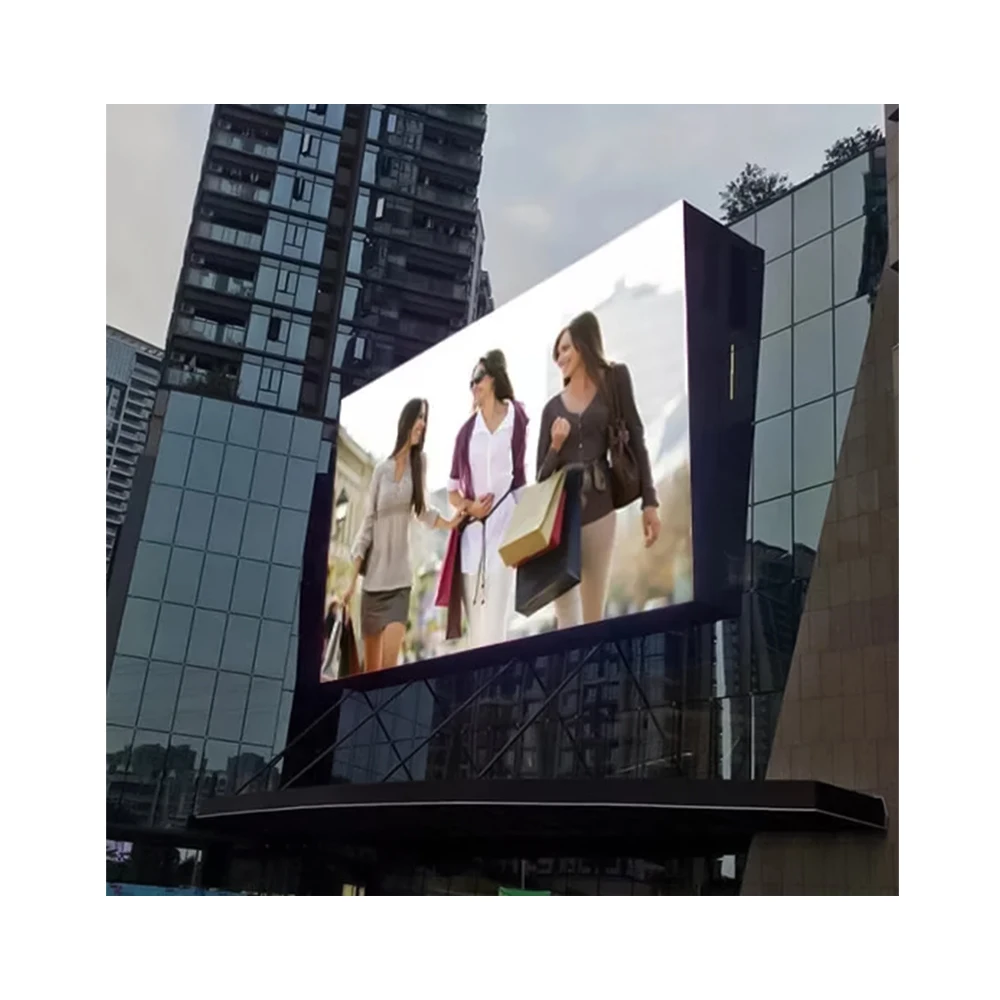
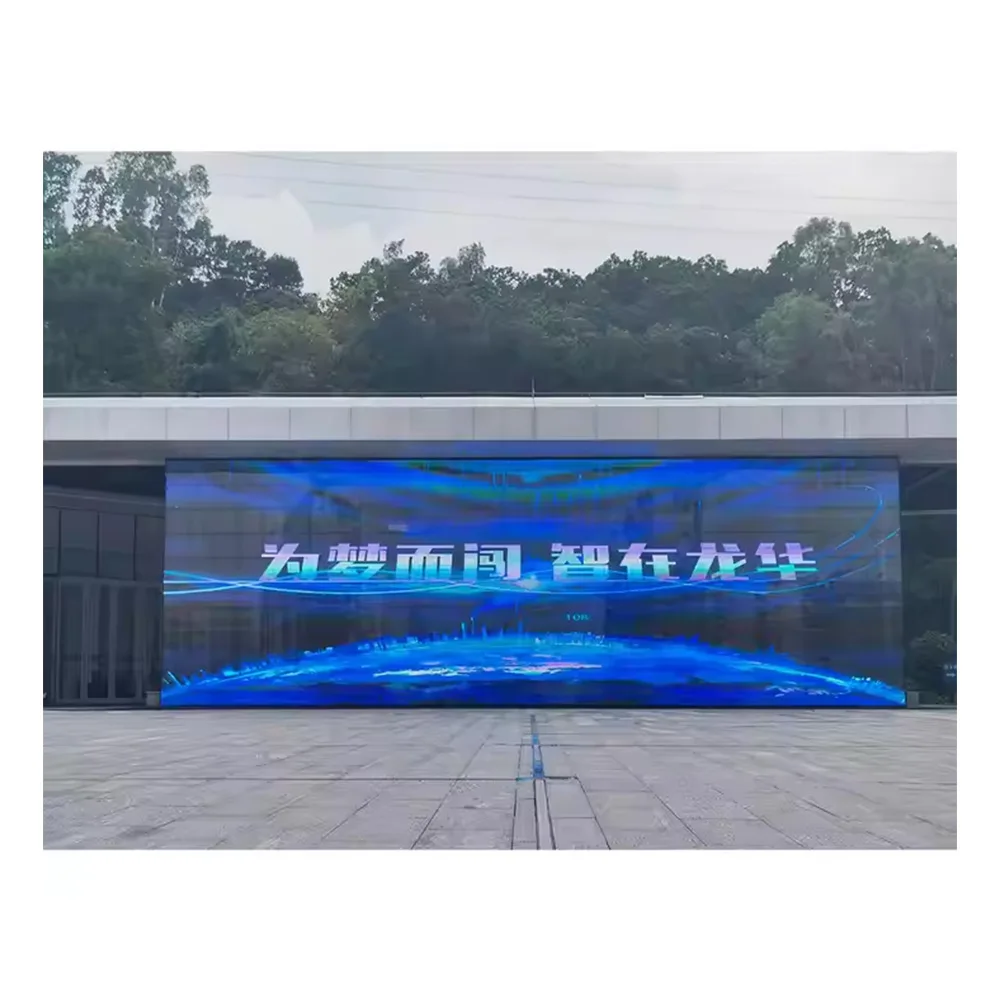
For an externally exposed site, the project may naturally move toward an Outdoor LED Display configuration. That still does not answer every readability question. The factory needs to understand where workers first see the board and what the content is expected to do at that distance.
The message design and the viewing route belong together
Detailed graphics that look attractive on a computer screen may add little value across an active work area. Small text, weak contrast and several competing messages can reduce the useful reading distance even when the screen itself is appropriate for outdoor use.
A better review starts from the worker's position. Is the board directly ahead or off to one side? Is the worker still moving? Is the background visually busy? Will temporary machinery, barriers or other safety signs compete for attention?
The answers should influence how much information appears at once. In a construction safety application, recognition usually matters more than visual complexity.
Before approval, confirm the proposed display's rated brightness, pixel pitch, total screen size and any automatic brightness-control capability against the actual viewing distance and orientation. The useful specification is the one that supports the intended message at the worker's real viewing point, not a brightness figure considered in isolation.
Dust and Relocation Can Turn a Good Position Into a Bad One
Dust exposure is rarely constant throughout a construction program. Excavation, cutting, demolition, vehicle movement and material handling can create a very different environment from the later finishing stages of the same project.
That makes location more important than a generic statement that the site is “dusty.” A display beside active earthworks may face very different conditions from one positioned at the main gate, even though both are technically on the same construction site.
The most visible location is not always the easiest location to maintain. A position close to the work zone may give workers an excellent sight line while also sitting close to heavy dust generation. Moving the board farther away can improve its surroundings but weaken the point at which workers first notice the message.
The better decision balances those two needs.
For equipment selection, confirm the protection rating that applies to the actual cabinet configuration, including whether the stated rating covers the front, rear or complete enclosure. Cable entries, connectors and the practical cleaning or service access should be reviewed for the proposed dusty location rather than assumed from a generic outdoor label.
Access around the display matters later, not only on installation day
A clear area around the board can disappear quickly. Temporary fencing moves. Materials arrive. Another contractor occupies the adjacent space. What looked easy to inspect at the beginning of the project can become difficult to reach several weeks later.
That is one reason relocation should be treated as more than simply moving the screen to another coordinate. When the board changes position, the viewing route, dust exposure, maintenance access and power source can all change at the same time.
Before the board returns to service in its new position, look again at how workers approach it, what may block the sight line, where nearby site activity is taking place and whether the screen remains practical to inspect.
Temporary Power Matters Most When the Site Changes While the Screen Is Off
Construction power arrangements can evolve just like the work zone. A display may operate from one temporary supply during an early phase and later move to an area with a different arrangement. Some projects also shut down temporary supplies outside normal working hours.
The important display question is not to turn the enquiry into an electrical-protection guide. It is to understand how the screen fits into that operating pattern.
Consider a board showing the normal access route at the end of one shift. Power is then isolated. Before the next restart, the work zone changes and the route is closed. If the display returns showing yesterday's message, the screen can be operating correctly while the information is already wrong.
For quotation and configuration review, provide the available supply voltage and frequency, the intended temporary power source and the expected display load for the proposed screen size. Also confirm what should happen to the player and displayed content after an outage or restart. The supplier can provide equipment-side requirements; site distribution and protection remain project responsibilities.
A restart check is therefore about content as well as power
Someone on the project should know who confirms the current message after an interruption. That becomes especially important where shutdowns are routine or where the screen moves between temporary work zones.
The supplier can review the intended display configuration and operating scenario. Site electrical distribution, protection and project-specific electrical procedures remain with the appropriate qualified project personnel.
Choose the Display Around How the Site Will Change
By this point, the purchasing question becomes clearer. The project is not simply choosing between cabinet sizes. It is deciding how the display needs to live on the site.
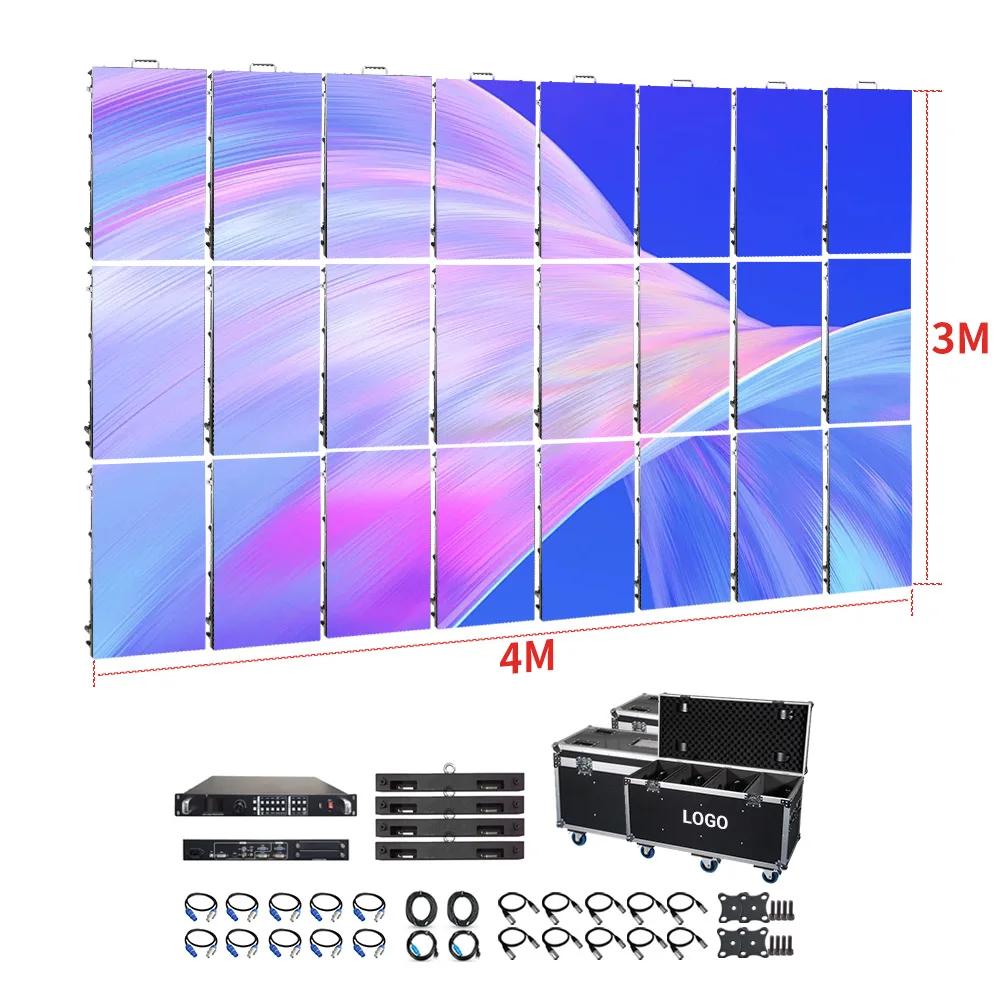
Cabinet size alone does not determine whether a display is fixed or relocatable. Mounting method, cabinet handling, locking or connection method, service access and the planned number of moves should be reviewed together.
This is also where product pages become useful. They allow procurement teams to compare physical display formats after the real deployment pattern has been understood, rather than starting with specifications and trying to force the site around them.

960×960 LED Display
When a safety display is expected to remain at one entrance, compound or work-zone position for a longer construction phase, a 960×960 cabinet format is one product direction worth reviewing.
The useful comparison is not the cabinet dimension alone. Procurement should still look at the required total screen area, viewing distance, available installation space and how long the board is likely to remain in that location.
A site that expects repeated relocation creates a different requirement. If the screen will be dismantled, handled and configured again as pedestrian routes or active zones change, that repeated movement should be discussed before the equipment is selected.
P3.91 500×500 Indoor/Outdoor Rental LED Display
A 500×500 rental-style cabinet is another direction to examine where repeated assembly or reconfiguration is already part of the site plan. The product page shows a cabinet format designed around handling and quick-lock assembly, which makes it relevant to projects where relocation is not an occasional exception.
That does not mean a rental cabinet is automatically the right answer for every temporary construction site. Viewing distance, overall screen dimensions, outdoor exposure and the actual deployment method still need to be reviewed together.

These product directions are most relevant to general contractors, EPC teams, safety coordinators and LED integrators working on projects where access, restricted areas or worker routes change during construction.
If the information is permanent and rarely changes, conventional fixed safety signage may be the more appropriate solution. A programmable construction site LED display makes more sense where the message genuinely needs to change with the work zone and where workers benefit from seeing that change before they reach it.
Buyer Inputs: Give the Factory Enough Site Context to Make a Useful Recommendation
A quotation request that says only “we need an outdoor LED board for a construction site” leaves almost every important decision open. A few site photos and a marked plan can often tell the factory much more than a long list of generic requirements.
Include the proposed screen size or available space, approximate viewing distance, worker approach points and examples of the messages that matter most. If the size is still undecided, showing the available installation area is more useful than guessing.
Site photos should reveal daylight direction, nearby structures, dusty work, vehicle movement and anything likely to block the screen later. If the board will move, mark the likely future locations on the work-zone plan.
Include the expected quantity, temporary power source, where message changes originate, installation country and project timeline. These details allow the display discussion to reflect the real deployment rather than an assumed one.
A marked photograph is particularly useful. An arrow showing the worker approach direction, another showing the proposed display location and a note identifying a future obstruction can explain the site more clearly than several paragraphs of description.
The same applies to relocation. If one board is expected to serve three construction phases, showing the three likely positions helps the factory understand whether one configuration can support the whole deployment plan.
Factory Support Is Most Useful When It Catches Problems Before Installation
Once site photos, viewing points and the proposed display area are available, the conversation becomes much more practical. A screen can fit physically and still be badly positioned for the worker who needs to see it.
A layout or drawing review can help expose those conflicts earlier. The proposed position may sit behind a future barrier. Another location may have an excellent sight line but become difficult to access after material storage expands. A screen that works at the first installation point may face a very different power arrangement when moved later.
This is where configuration review, drawings and deployment coordination add value. The factory can work from the site information provided and help relate the display layout to the available space and intended use.
The project team still owns the site-specific decisions: worker routes, safety procedures, electrical arrangements and installation conditions. Keeping those responsibilities clear avoids the common situation where the equipment is ready but important assumptions about the site have never been resolved.
Use the Site State to Decide What Workers See First
A construction safety board does not need an elaborate content framework. It needs a simple relationship between what is happening on site and what appears on the screen.
| Site state | First message priority | Useful supporting information | What the project must confirm |
|---|---|---|---|
| Normal operations | Current access or work-zone status | Only the routine information needed for the present route or shift | Who confirms that the displayed normal state is still current? |
| Restricted area | The restriction or changed route | A short alternative route, affected area or immediate next action | Who authorises the restriction and clears the message when it ends? |
| Urgent alert | The immediate warning and required action | Only essential information that does not compete with the alert | Who can trigger, verify and clear the urgent message state? |
| Power interruption | Do not rely on the screen until its state has been checked | Confirm both display operation and the current site message after restart | Who verifies the screen and updates an outdated message? |
The wording itself will vary from site to site. The important principle is that a higher-priority condition should replace lower-priority information rather than simply being added to an already crowded screen.
That keeps the display in the correct role. It helps workers recognise a change while remaining part of the site's wider safety communication rather than trying to replace required signs, supervision, barriers or established procedures.
Frequently Asked Questions
What should a construction-site safety LED board display first?
The first message should match the action workers need to take immediately. During normal work, this may be the current access or work-zone status. When a restriction or urgent condition occurs, the higher-priority message should replace competing routine content.
What site details have the biggest effect on daylight readability?
Screen orientation, worker approach direction, first viewing point, viewing distance, nearby structures and future obstructions all matter. The amount and complexity of content on the screen also affects how quickly the message can be recognised.
Should a construction-site LED display be fixed or movable?
That depends on the work-zone plan. A stable entrance or compound may suit a more fixed arrangement, while phased projects with changing pedestrian routes or restricted areas should discuss repeated relocation and reconfiguration before selecting the display format.
How should temporary power be discussed with the display supplier?
Explain the intended power source, normal operating period, expected shutdowns and whether the arrangement changes when the display moves. The project should also know who verifies the correct message after power returns.
What information is needed for a custom LED display board on a changing worksite?
Useful inputs include the proposed screen size or available space, site photos, work-zone plan, viewing points, typical message types, daylight and dust exposure, temporary power source, control source, quantity, installation country and timeline.
Turn the Work-Zone Plan Into a Display Requirement
For a construction-site safety display project, send the work-zone plan, proposed screen size or available area, site photos, worker viewing points, typical message types, dust and daylight exposure, temporary power source, control source, quantity, installation country and timeline.
If the board is expected to move during construction, include the likely relocation points as well. That gives OUBO LED a clearer basis for reviewing the layout, display direction and deployment approach against the real site.