EN

A driver arriving at a busy EV charging hub needs a quick answer before choosing a charging area: which zone has available chargers, is there a queue, and is any part of the site temporarily unavailable? An EV charging hub LED information screen can bring these details together at the entrance or forecourt, giving drivers a useful overview before they move further into the site.
The value of a shared display is not in showing more information than an individual charger. It is in making information across the entire location easier to understand. A driver should be able to compare charging zones without reading separate charger interfaces or trying to work out the site's layout after entering.
That makes the display's position, information hierarchy and connection to the operator's data just as important as the physical LED screen itself.
What the entrance screen is there to solve
At a multi-zone charging site, the first visible row is not always the one with space. If drivers cannot see which area is available before turning in, they may have to circle back through the forecourt.
An entrance display gives drivers that context before they commit to a route. For a hub with several charging zones, a clear overview of availability and restrictions is more useful than a long list of individual charger numbers.
The exact role depends on the layout. A compact site with one main charging area may need only a simple availability summary. A larger hub with separate entrances, multiple forecourts or different charging areas benefits from a clearer zone-based overview. The screen should reflect the way drivers actually move through the location.
There is also an important distinction between shared information and individual charging functions. The display at the entrance helps drivers decide where to go. The charger itself handles information about its own session, while fixed signs and road markings guide vehicles through the physical site.
Trying to replace charger interfaces and physical wayfinding signs with one entrance screen would make a simple routing decision harder than it needs to be.
A clearer way to show charger availability
Drivers approaching the entrance have little time to scan a display, so the way availability is grouped matters as much as the information itself.
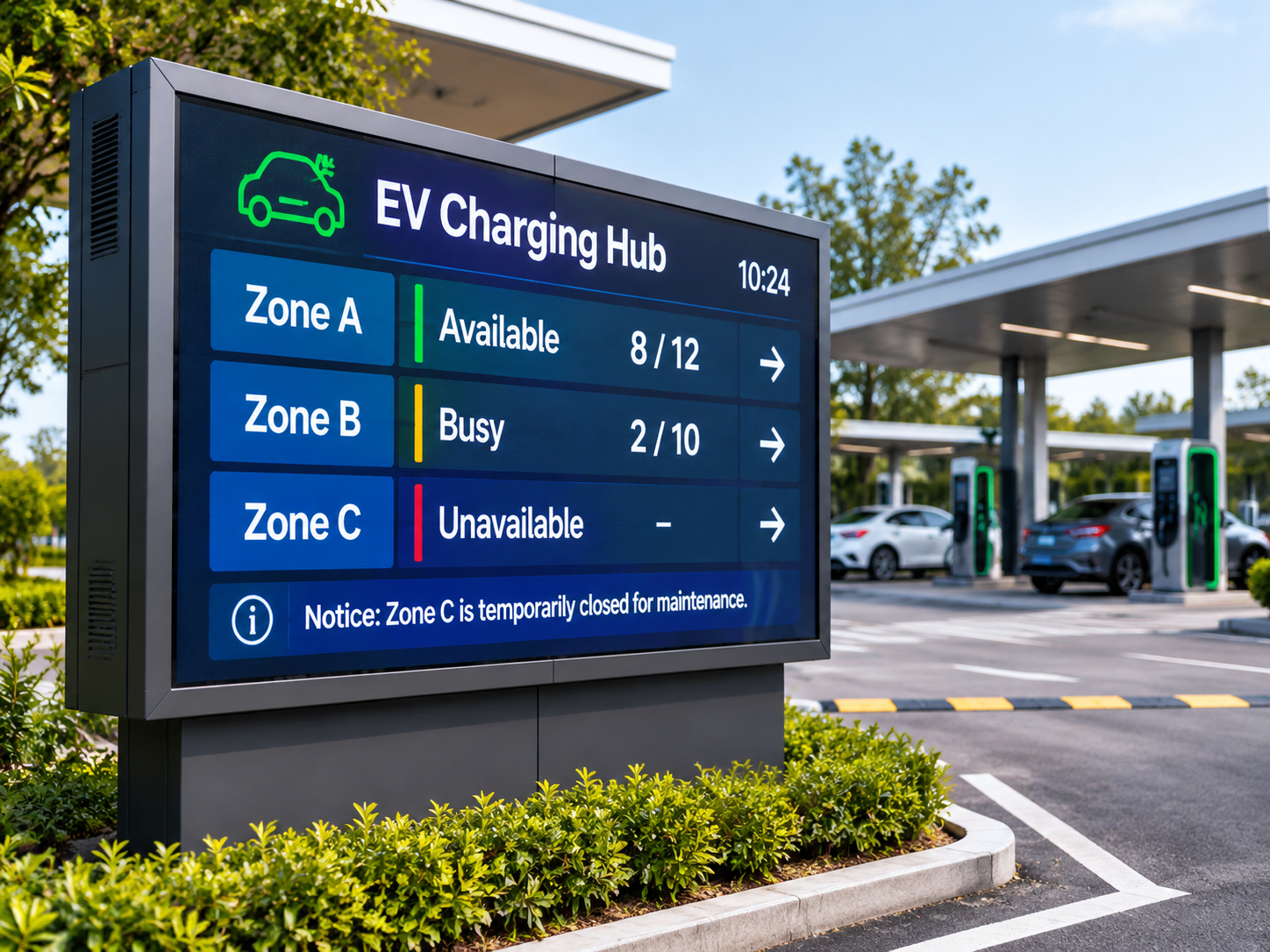
Imagine a site with three charging areas. A screen listing every charger identifier may contain plenty of information, but a driver approaching the entrance still has to compare a long series of individual entries. A zone-level summary makes the same general information easier to interpret: which area has capacity, which is busy and which cannot currently be used.
Illustrative information layout only, not live charging-site data.
The zone names should correspond to the labels drivers see on the ground. If the screen refers to the North Zone while the physical signs use Row A, the driver has to translate between two naming systems. That small inconsistency can undermine an otherwise clear display.
Status wording also deserves attention. Available, occupied, unavailable and unknown describe different operating conditions. A charger that is in use is not the same as one that has failed, and a missing data update does not necessarily mean that the entire zone is unavailable.
For example, if the operator's data feed stops updating, the screen should not continue presenting an old availability count as current. A status such as information unavailable is more honest than showing a precise number that can no longer be verified.
The screen does not need every connector specification or charger identifier. However, if charging zones differ by connector type, charging power, access restrictions or price, the details that affect a driver's choice should be easy to see—provided the operator can keep them accurate.
Queue estimates and service notices need reliable data
Availability tells drivers where they may be able to charge. Queue information tells them whether they may need to wait. The two are related, but they should never be treated as the same measurement.
A charging area with several occupied bays does not automatically have a queue. Some vehicles may be charging normally, while others may be temporarily unavailable or reserved. Simply counting occupied spaces cannot establish how many vehicles are waiting or how long the wait will be.
This distinction becomes particularly important when a display shows an estimated waiting time. That figure needs to come from an operational data source with a defined method for calculating it. If the operator cannot verify the estimate, a clear queue status is more useful than a precise-looking number that drivers may rely on incorrectly.
Service notices can be equally valuable when something changes after drivers have entered the site. A temporarily closed zone, a restricted access route or a facility that is unavailable may affect where vehicles should go next.
Compare a general message such as "Service Disruption" with a notice that identifies the affected charging area and explains the next available action. The second gives drivers a much clearer understanding of what has changed.
The timing of these messages matters. A notice that remains visible after a restriction has ended may send drivers away from an area that is operating normally again. The operator therefore needs to retain control over the information, including when it becomes valid and when it should disappear.
Behind the screen: Availability, queue estimates and maintenance notices may come from different operator systems. Establishing which source controls each field helps prevent the display from presenting conflicting information.
Long scrolling messages are difficult to follow from a vehicle. A short notice linked to a recognizable zone, such as “South Zone closed; use North Zone,” gives drivers a clearer next step without pulling their attention away from the approach road.
Why outdoor viewing position matters as much as screen size
Even accurate information can be ineffective when the screen is installed in the wrong place. A display positioned beside an entrance may look prominent from the pavement but remain difficult to read from the driver's actual approach route.
The best position is usually determined by the decision the screen is meant to support. If drivers need to choose between two charging areas, they should see the relevant information before reaching the point where the routes divide. If the display becomes visible only after that turn, it has missed its most useful moment.
Drivers approaching in a vehicle have less time to read than pedestrians standing beside a screen. That calls for large zone labels, short status messages and a simpler information hierarchy—not several lines of small text.
The viewing angle matters too. A screen that is easy to read head-on may be difficult to see from a side lane, particularly where vehicles arrive from more than one direction.
Outdoor lighting and weather conditions affect the physical display as well. Direct sunlight, reflections, nighttime illumination, rain and dust can all change how clearly information appears. The screen's brightness, protective enclosure and installation structure should therefore be assessed against the actual site environment rather than selected from the word outdoor alone.
There is also a practical difference between screen size and pixel pitch. A larger screen creates more space for information, but it does not automatically make small text readable from a greater distance. The intended viewing positions and the density of the displayed content need to be considered together.
The mounting structure also has to fit safely into the site. It should not block pedestrian access, vehicle circulation or important sightlines, and the information should be visible without encouraging sudden stops or last-minute lane changes.
Choosing a display format for the charging site
Once the screen's role and information layout are clear, the discussion can move towards the physical display. Not every charging hub needs the same type of outdoor LED screen. A straightforward entrance display and a much larger multi-zone information screen can involve different cabinet arrangements, viewing requirements and installation structures.
A standalone outdoor LED signboard is one possible direction when the site needs a single public-facing information point. A larger installation may be better evaluated as a modular LED display, where multiple cabinets form the required screen area. The decision depends on the available space, the information that needs to fit on screen and the way the display will be supported and maintained.
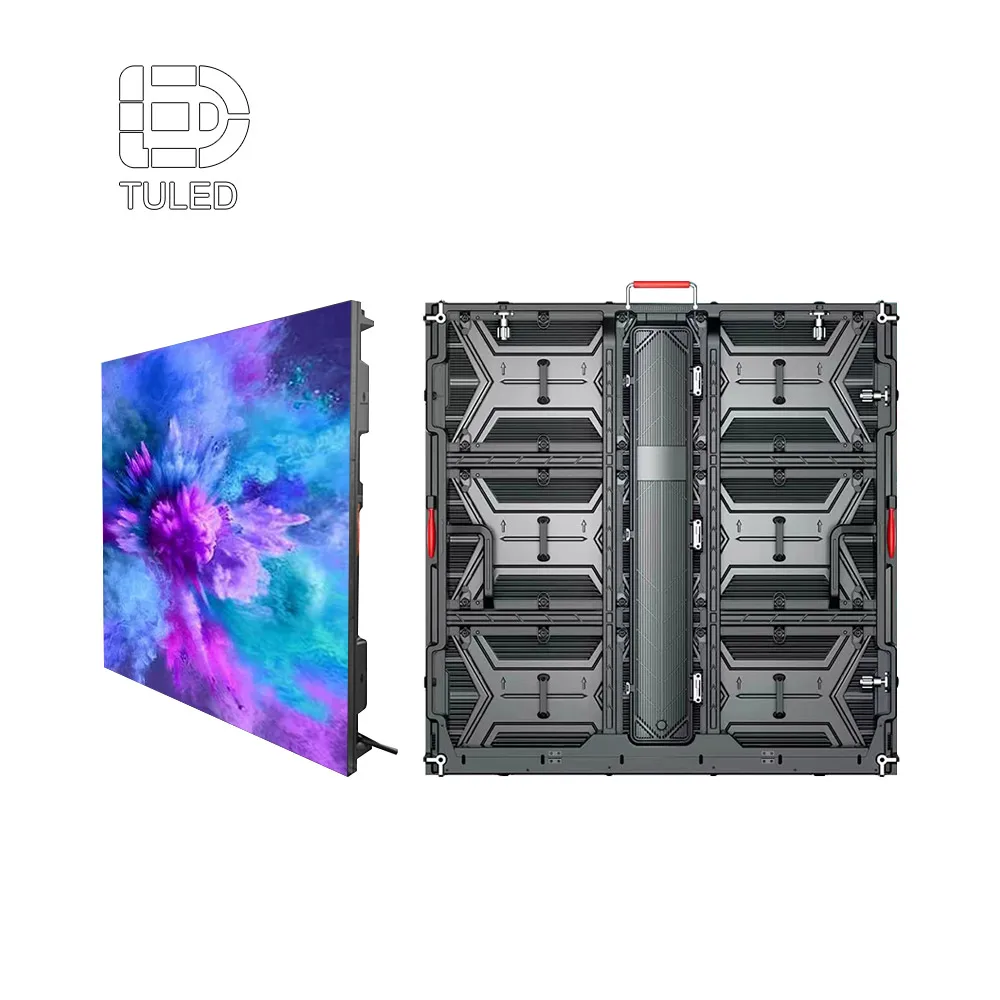
Outdoor LED Sign Board
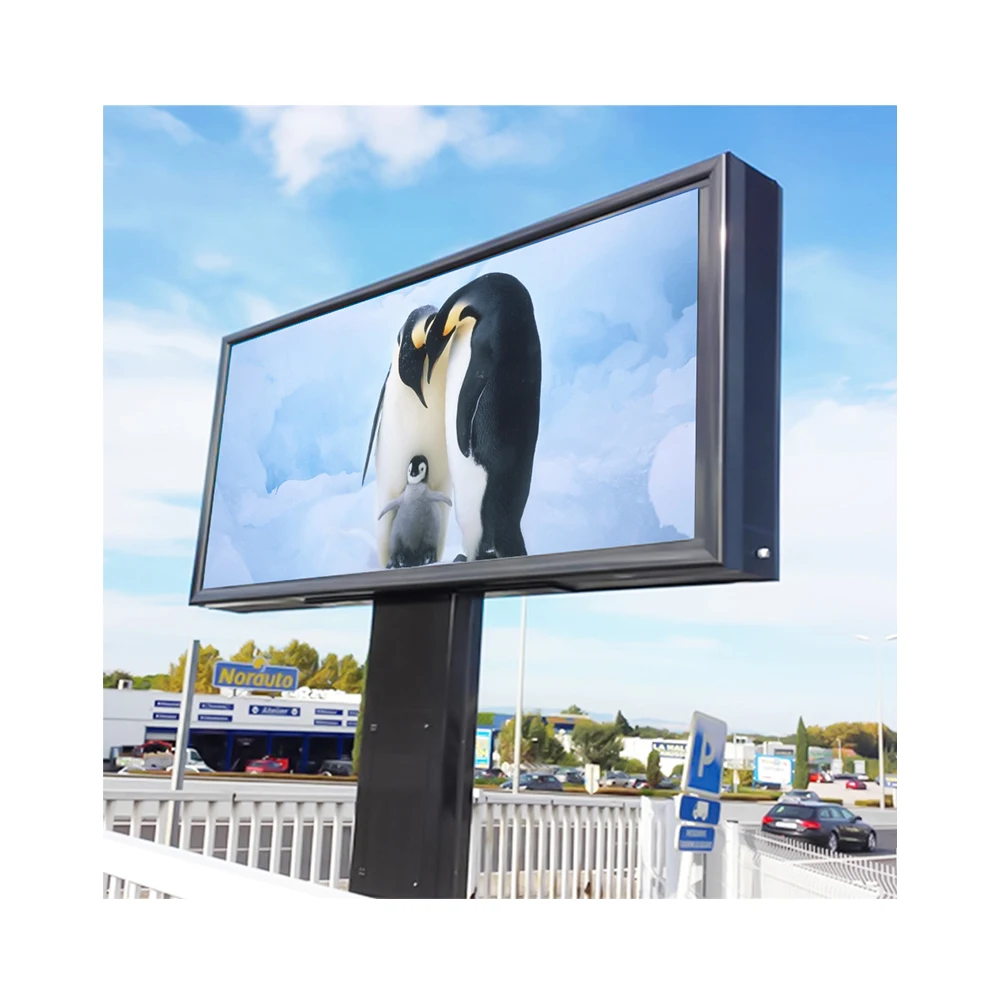
For a site with one main entrance or forecourt information point, an outdoor LED sign board is a straightforward format to consider. It can focus on zone names, availability and short notices rather than duplicating individual charger interfaces.
Its final dimensions and installation arrangement should reflect the driver's viewing position, outdoor exposure and available mounting space.

960 × 960 LED Display
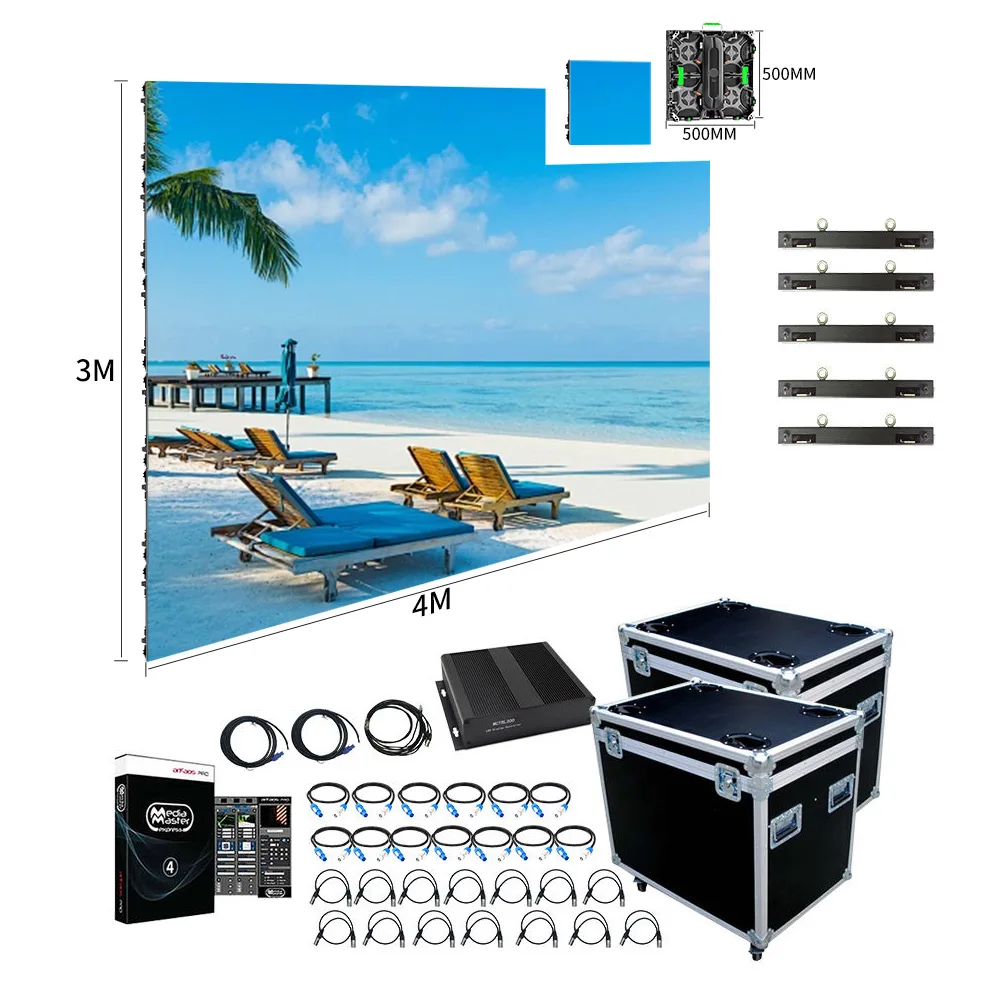
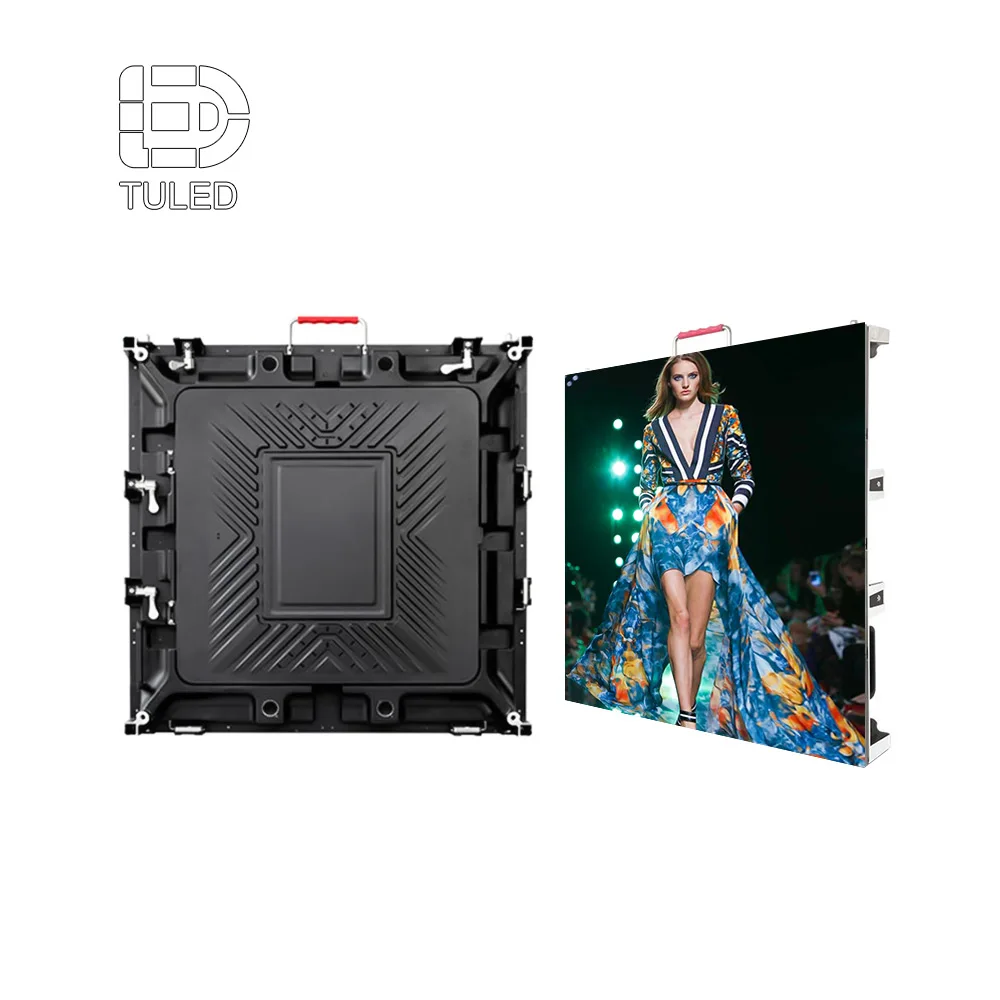
When the information needs more display area, a modular cabinet format offers flexibility in overall screen dimensions. The number and arrangement of cabinets can be considered alongside the planned viewing distance.
The cabinet arrangement, fixed-installation suitability and maintenance access should be confirmed against the proposed site rather than assumed from the product image.
The LED sign board range and modular cabinet options give the site operator two practical hardware directions to review. The next question is how the charging site will supply the information shown on the screen.
The display hardware presents the information; the charging platform or an appointed integrator provides the underlying data. Before choosing a configuration, clarify where each status field comes from, how updates reach the screen and what appears if the feed stops.
That is why the most useful supplier discussion starts with the site rather than a cabinet specification. A marked-up plan and photos of the entrance can show where drivers approach, where the screen could stand and how much space is available.
Add the number of charging zones, the information fields to be displayed, any available data source, an approximate screen-size range and the project country. These details help narrow down the hardware choice without treating the live information system as a feature of the LED cabinet itself.
Frequently Asked Questions
What should an EV charging hub LED information screen show?
Can an outdoor LED information screen display live charger availability?
Is a modular LED screen suitable for a large charging hub?
Does an LED Sign Board automatically connect to an EV charging management system?
Discuss Your EV Charging Hub Display Project
A useful shared display is one drivers can understand before choosing a charging zone. The right hardware format follows from where it will be installed and what it needs to show.
Share your site plan, proposed screen position, number of charging zones, approximate screen size and available status data. Those details give the supplier a practical starting point for comparing display formats and identifying integration questions.