EN
EN

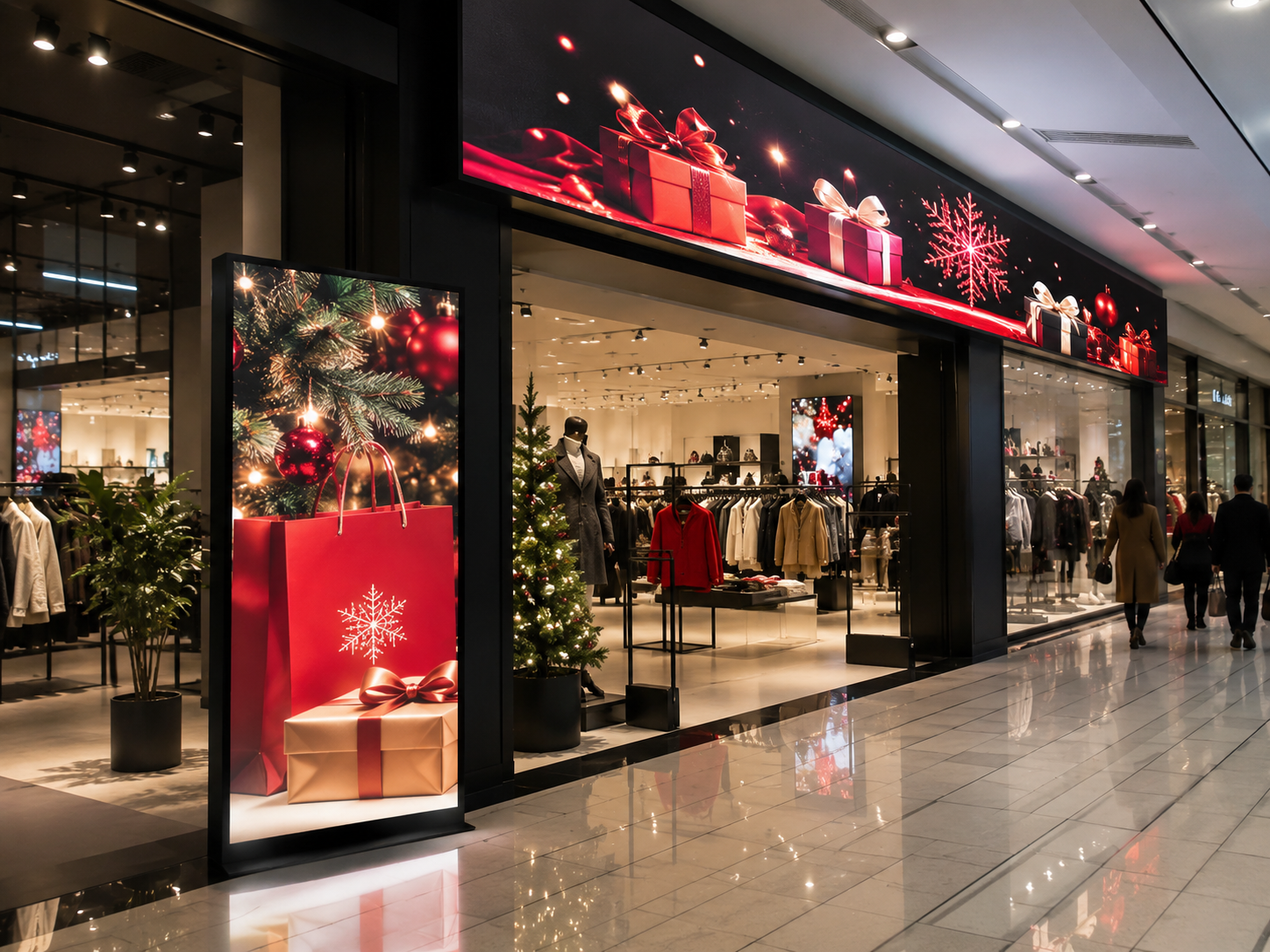
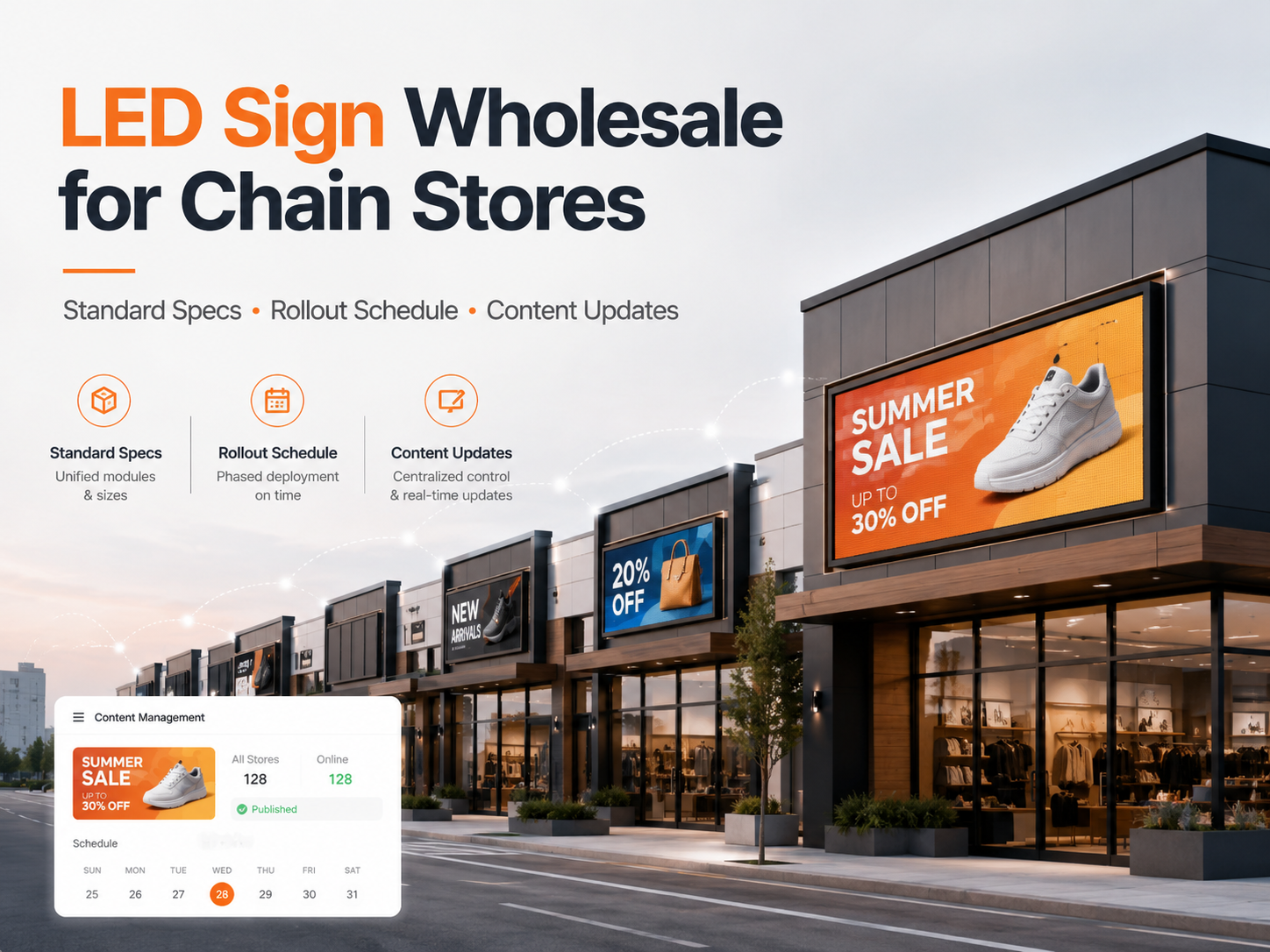
Seasonal retail campaigns change quickly. Therefore, a wholesale LED sign project should include a content update plan before production starts. The plan should define campaign dates, artwork sizes, file formats, approval steps, remote update methods, store groups, and support actions.
Meanwhile, seasonal signage should not rely on last-minute files. A retail network may need holiday sale loops, local store notices, launch messages, member-day offers, and fallback brand content. As a result, the display system should support both strong visual impact and daily operating control.
Quick Navigation
Seasonal Needs Content Files Remote Workflow Store Support Best-Fit Projects Project Details Factory Support Related Resources FAQ
Seasonal Campaign Needs for LED Sign Programs
First, seasonal retail campaigns need a clear calendar. This calendar should include launch dates, end dates, store groups, languages, time zones, and fallback content. Without this structure, even a small file change can create confusion across many locations.
At the same time, each store environment changes the content style. A street-facing storefront needs short text, strong contrast, and wide spacing. However, an indoor mall display can show more product detail because the viewing distance is shorter.
In addition, one campaign may need several display-ready versions. For example, a horizontal entrance sign, a vertical poster display, and an outdoor advertising screen cannot use the same layout without cropping or weak readability.
Therefore, content planning should begin before final artwork. Screen size, pixel pitch, viewing distance, brightness level, installation height, and update method all affect how the message appears in real foot traffic.

Campaign moments that need advance planning
- Holiday sales, such as Christmas, Lunar New Year, Ramadan, Golden Week, and summer promotions.
- Product launches, member days, weekend flash sales, clearance campaigns, and grand-opening events.
- Local store messages, including opening hours, temporary notices, service changes, and event guidance.
- Evergreen brand loops that replace expired campaign content after the promotion ends.
Content File Preparation
First, every display should have a confirmed file specification. This includes physical size, pixel resolution, aspect ratio, screen direction, and supported media formats. Then, the design file can match the display instead of being stretched after upload.
For example, a long storefront sign may need a narrow banner layout. Meanwhile, a freestanding poster display may need a vertical video. In both cases, the same campaign idea can remain consistent while the file structure changes.
In addition, file naming should be clear. A name that includes campaign, country, screen type, resolution, date, and version number reduces mistakes. A file called “WINTER-US-OUTDOOR-3840x960-V03” is easier to control than “new-final-video.mp4.”
Moreover, each campaign should include fallback content. This can be a brand loop, store-hour message, or approved product visual. As a result, the screen can return to safe content if a seasonal file has an error.
Authority reference for content design
For general digital signage planning, Penn State Digital Signage recommends simple, display-ready content principles such as matching the screen orientation and keeping the message easy to scan. This supports a practical rule for retail LED content: use fewer words, stronger hierarchy, and correct file dimensions. Read the content design reference.
Recommended campaign file package
| Main loop | Primary video or image sequence for the campaign period. |
| Outdoor version | Higher contrast layout for sunlight, wider viewing angles, and longer viewing distance. |
| Indoor version | More detailed layout for mall corridors, counters, windows, and close-view scenes. |
| Language versions | Localized campaign files for different countries, cities, or store groups. |
| Fallback file | Approved evergreen content for emergency replacement or post-campaign playback. |
Practical design rules for seasonal content
Generally, short messages work better than crowded artwork. A headline should carry the main offer. Then, supporting text can stay brief and easy to read from the main viewing distance.
Also, motion should help the message rather than hide it. Slow reveals, simple product transitions, and clean loops usually perform better than fast flashing effects. For store signs, readability should lead the design.
Remote Update and Approval Workflow
Next, the update workflow should define responsibility. The campaign team may prepare the brief, operations may control store grouping, and technical staff may test playback. This separation keeps the process clean and reduces last-minute changes.
However, remote updates still need approval control. Each file should have a version record, approval status, upload date, and store group. Otherwise, the wrong message can reach the wrong display group.
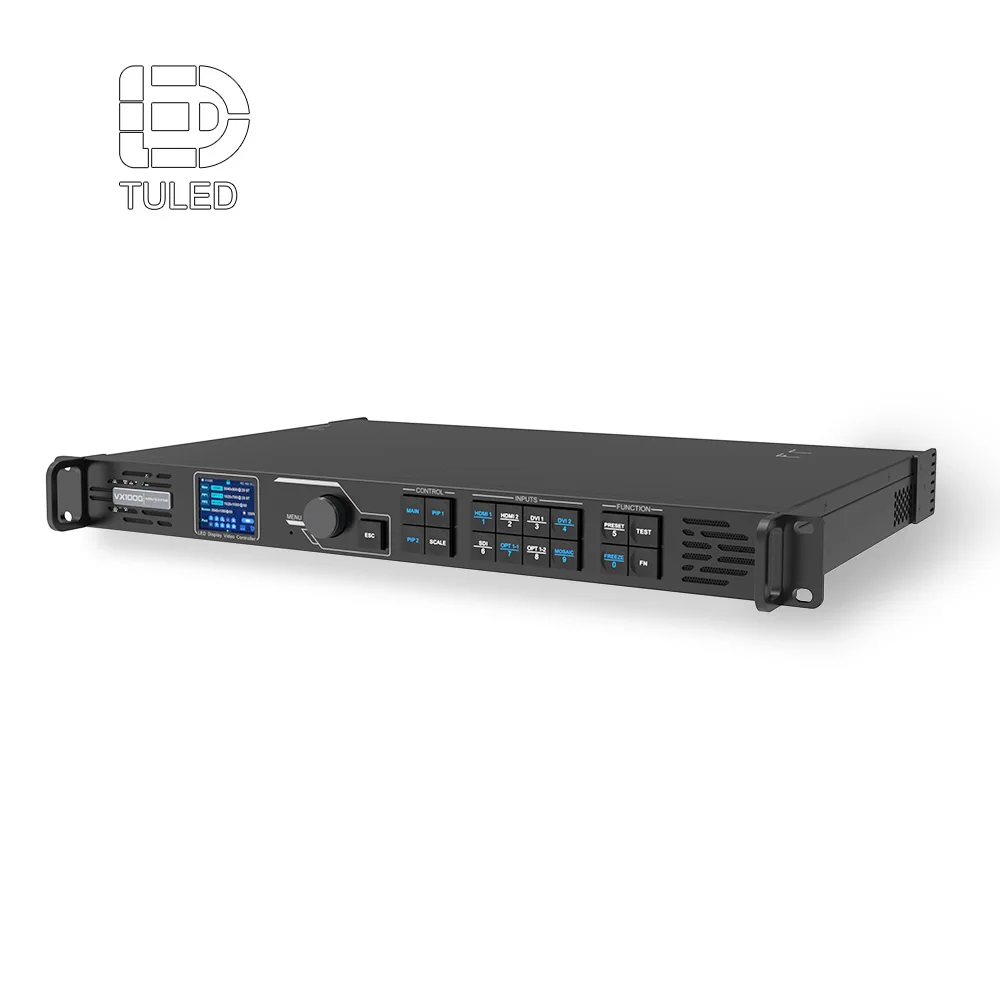
For larger retail networks, cloud control or network-based update methods can reduce manual work. Meanwhile, smaller projects may still use USB or local network updates when campaign changes are less frequent.
In practice, the best update method depends on store count, network access, campaign frequency, file size, and local IT rules. Therefore, the control system should be discussed before production.
A simple approval path
- Campaign dates, message priority, languages, and store groups are confirmed.
- Display specifications are checked before artwork production.
- Design files are exported by screen ratio and environment.
- Technical staff test format, loop, brightness schedule, and playback behavior.
- Approved files are uploaded to the correct store group.
- Playback confirmation is collected after launch.
Remote update methods to compare
| USB update | Suitable for a small number of signs with infrequent campaign changes. |
| LAN or Wi-Fi | Suitable for stores with stable local network access and approved IT conditions. |
| 4G control | Useful when store network access is limited or rollout locations vary by region. |
| Cloud scheduling | Better for multi-location campaign timing, playlist control, and central management. |
Store-Level Maintenance and Support
After launch, store-level support should stay simple. Local staff only need to check power, confirm the right playlist, take a photo or video of a fault, and report the issue through the agreed channel.
At the same time, remote monitoring can make seasonal operation easier. A central team can check whether screens are online, whether playlists are scheduled, and whether campaign content has changed on time.
Common issues usually fall into a few categories. The file may be the wrong size, the text may be too small, the playlist may be outdated, or the screen may need brightness adjustment. Therefore, a simple support checklist saves time.
In addition, spare content should always be ready. If a seasonal campaign file fails, the display can switch to approved brand content while the issue is solved. This prevents a blank screen during busy retail periods.
Brightness and readability note
For outdoor electronic message centers, the International Sign Association provides brightness-level recommendations that highlight the importance of display brightness control. This is useful for outdoor retail signs because day and night visibility require different settings. Read the brightness reference.
Daily check points
- Correct campaign appears during the approved period.
- Brightness matches daytime, evening, and indoor lighting conditions.
- No expired promotion remains after the campaign ends.
- Text remains readable from the main viewing distance.
- Photos or short videos are available when reporting a fault.
Best-Fit Projects for This Content Update Plan
This planning method fits projects where content changes matter as much as the screen itself. It is especially useful for retail chains, brand stores, shopping malls, convenience store networks, quick-service restaurant entrances, and seasonal pop-up areas.
Moreover, it fits teams that need one visual standard across many locations. A central campaign can stay consistent, while local versions can adjust language, offer timing, store hours, and display format.
| Chain store entrances | Useful for unified holiday promotions, brand campaigns, and store-specific operating messages. |
| Shopping mall advertising | Suitable for campaign loops, new arrivals, wayfinding messages, and event promotion. |
| Outdoor storefront signs | Works for street visibility, roadside messages, opening promotions, and night-time brand display. |
| Franchise store networks | Helpful when campaign control stays central but each location needs local timing or language versions. |
Project Details to Send Before Production
Before production, the project file should explain how the LED signs will work in real retail operation. This is especially important when several locations need the same campaign schedule but different screen sizes or installation conditions.
Therefore, a practical brief should include screen dimensions, environment, quantity, country, installation method, project photos, update method, operating hours, and service access. These details help the factory match display hardware with content workflow.
| Site and display details | Screen size, installation area, indoor or outdoor environment, viewing distance, viewing direction, and storefront photos. |
| Operation details | Campaign frequency, content update method, daily operating hours, brightness schedule, and language versions. |
| Installation details | Wall-mounted, hanging, embedded, pole-mounted, fascia-mounted, front service, rear service, power route, and access limits. |
| Content details | Static images, MP4 loops, daily schedules, campaign dates, language versions, and fallback files. |
Additionally, sample campaign files are useful. They show whether the project depends on video loops, price messages, product images, menu content, or brand visuals. As a result, display ratio and control method can be chosen with fewer assumptions.
How Factory Support Helps Content Planning
A seasonal content plan works better when hardware, control system, cabinet layout, and service method are discussed together. For this reason, the main LED sign page is a useful next step for comparing signboard directions, retail applications, and project options.
Meanwhile, the LED Display Board page can support broader content planning. It connects digital messages with stores, malls, public spaces, transportation areas, and outdoor advertising scenes.
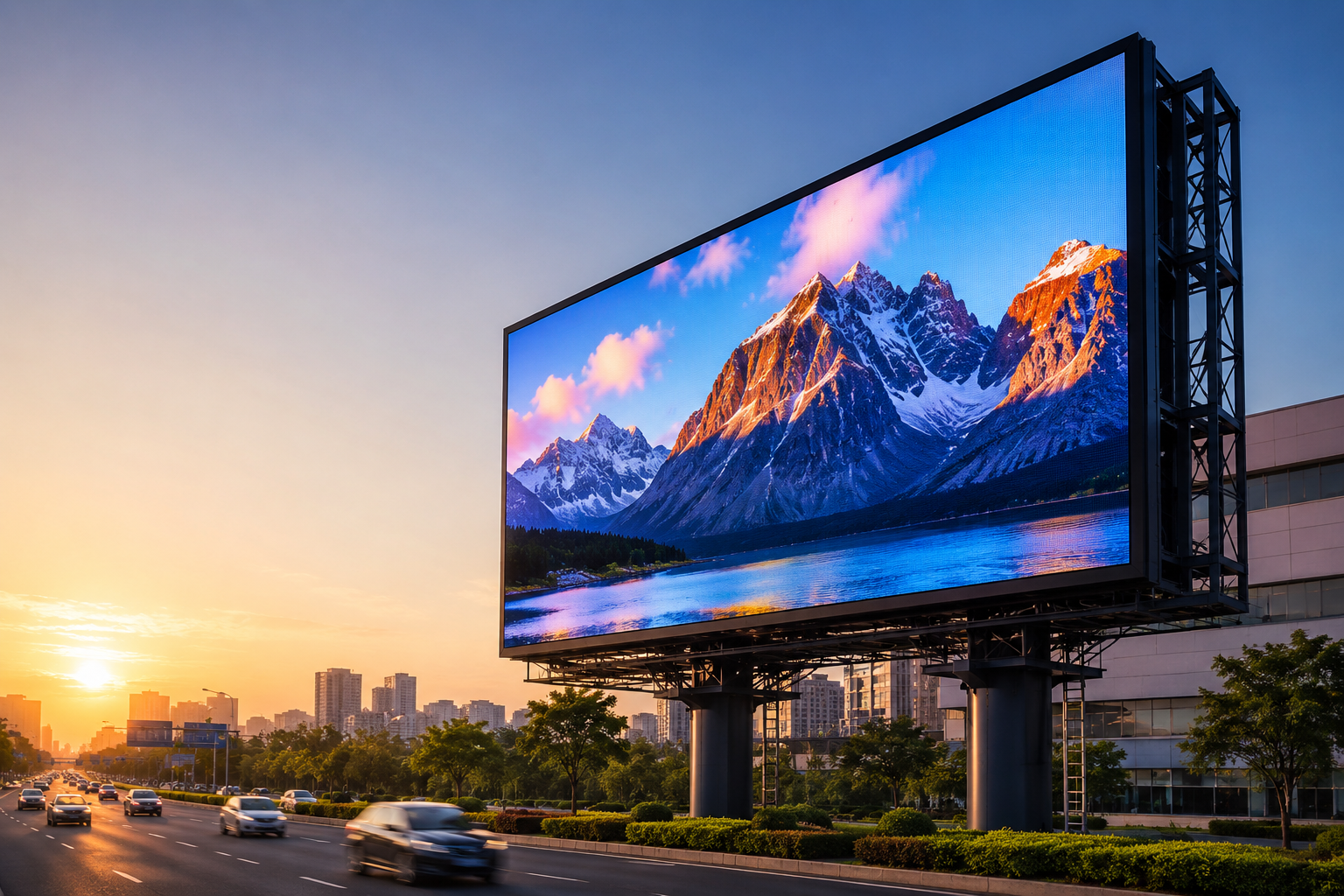
For exposed storefronts and roadside campaign zones, the Outdoor LED Display category is also relevant. Outdoor projects need stronger brightness, weather protection, ventilation, drainage, and service access.
Finally, factory support can help check sample files before mass rollout. A short test loop can confirm text size, motion speed, file format, screen ratio, brightness setting, and remote update method before the campaign reaches multiple locations.
FAQ
How early should seasonal LED sign content be prepared?
Ideally, content should be prepared several weeks before launch. First, campaign dates, screen ratios, languages, and store groups need confirmation. Then, technical staff can test playback and schedule the update.
What file formats are usually used for LED sign content updates?
Common files include JPG, PNG, and MP4. However, the final format should follow the control system, media player, resolution, frame rate, and file size limits.
Can one campaign file work for every retail location?
Usually, one file is not enough for every location. Outdoor signs, indoor signs, vertical poster displays, and narrow storefront signs often need different layouts. Therefore, one campaign idea should become several display-ready versions.
How can remote LED sign updates stay controlled across many stores?
Remote updates stay controlled through store grouping, file naming, approval records, scheduled playlists, and playback checks. In addition, access rights should be limited so only approved roles can publish campaign files.
What should happen after a seasonal promotion ends?
The playlist should return to evergreen brand content or the next approved campaign. Also, a final check should confirm that expired promotions are removed from all active displays.
Summary and Next Steps
Seasonal retail LED signage works best when content planning starts before production. A clear schedule, correct file sizes, controlled approval path, remote update method, and store-level checklist help campaigns launch cleanly across multiple locations.
For a wholesale LED sign project, the next discussion should include display size, application environment, quantity, country, installation method, project photos, update method, operating hours, and service access requirements.
- First, prepare a campaign calendar with launch dates, end dates, store groups, and fallback content.
- Next, export artwork by screen ratio, viewing distance, and indoor or outdoor environment.
- Finally, confirm the update method, approval path, and support checklist before production.