EN
EN

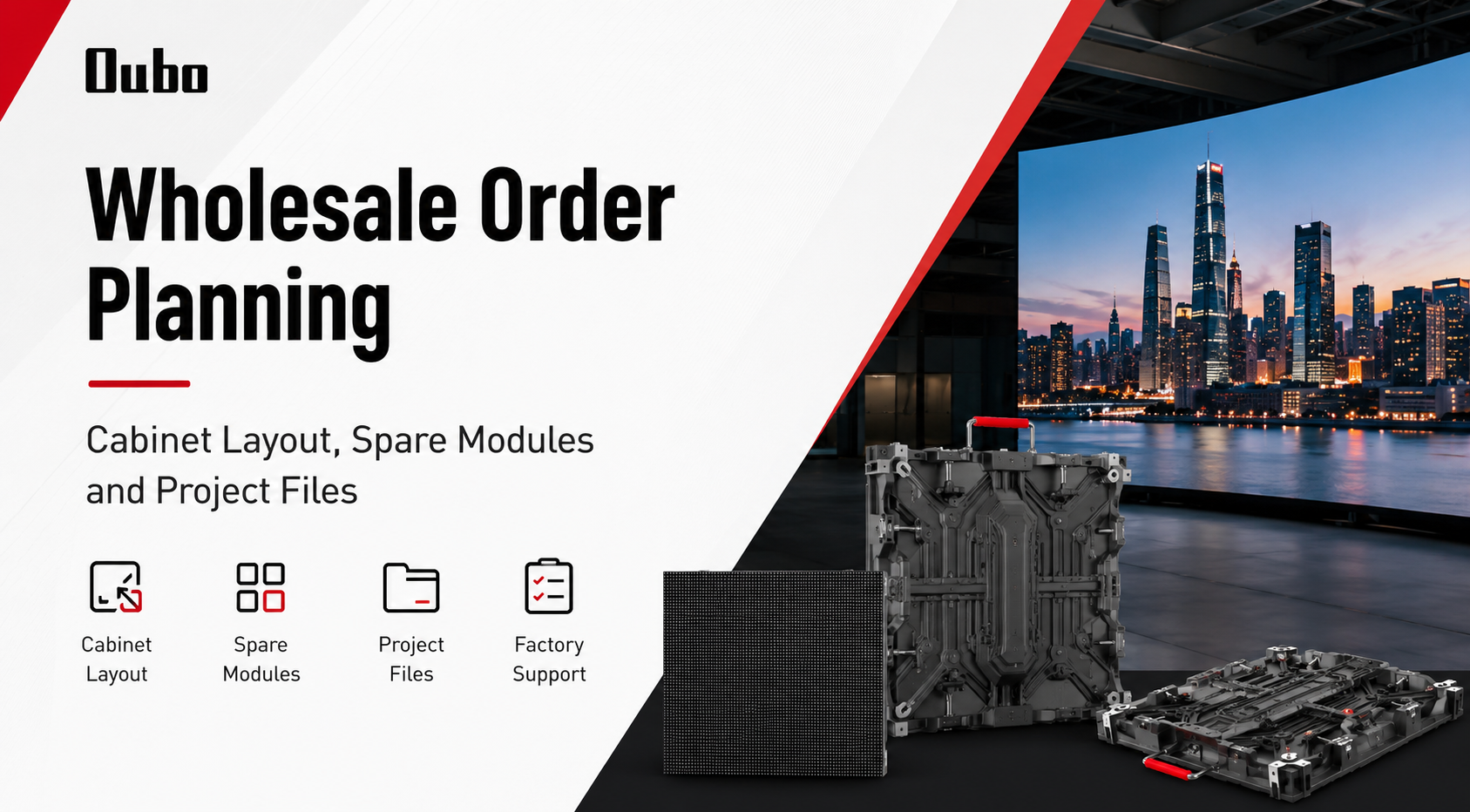
A wholesale LED screen order should begin with a clear project file, not scattered product notes. In practice, cabinet layout, spare module planning, screen size, installation access, and control equipment should be reviewed before production details move forward. Therefore, LED display wholesale planning works best when the screen is treated as a complete project system from the first factory review.
Quick Navigation
At the same time, early planning should avoid vague notes such as “large LED screen” or “outdoor display.” Those descriptions are too broad for accurate technical review. Instead, a stronger order file should explain screen size, pixel pitch direction, cabinet structure, site environment, maintenance access, country, and equipment needs before the screen enters production review.
In addition, a planned wholesale order supports repeat supply. The first project may become the reference for later store branches, outdoor signs, indoor LED walls, or rental display packages. As a result, stable cabinet structure, common spare parts, and clean project files can reduce repeated communication during future orders.
Project Scenario: Wholesale Orders for Contractors and Distributors
First, wholesale screen projects often involve several decision layers. A contractor may focus on installation structure. A distributor may focus on repeatable product supply. Meanwhile, a system integrator may need the LED screen body, control system, video processor, sending card, receiving card, power supply, and spare parts to match one technical workflow.
However, many project problems start before any product leaves the factory. Cabinet size may not match the target screen size. Pixel pitch may not match normal viewing distance. Maintenance access may be ignored until the screen reaches the wall. As a result, a simple quotation can turn into repeated file changes.
Therefore, early order planning should treat the LED display as a complete system. The display body, cabinet layout, module batch, power route, signal route, installation structure, and service path should be reviewed as one package. This approach helps OUBO LED understand the project scene before recommending a suitable product path.
Typical wholesale project scenes
- Indoor fixed LED walls for conference rooms, showrooms, command centers, and corporate lobbies.
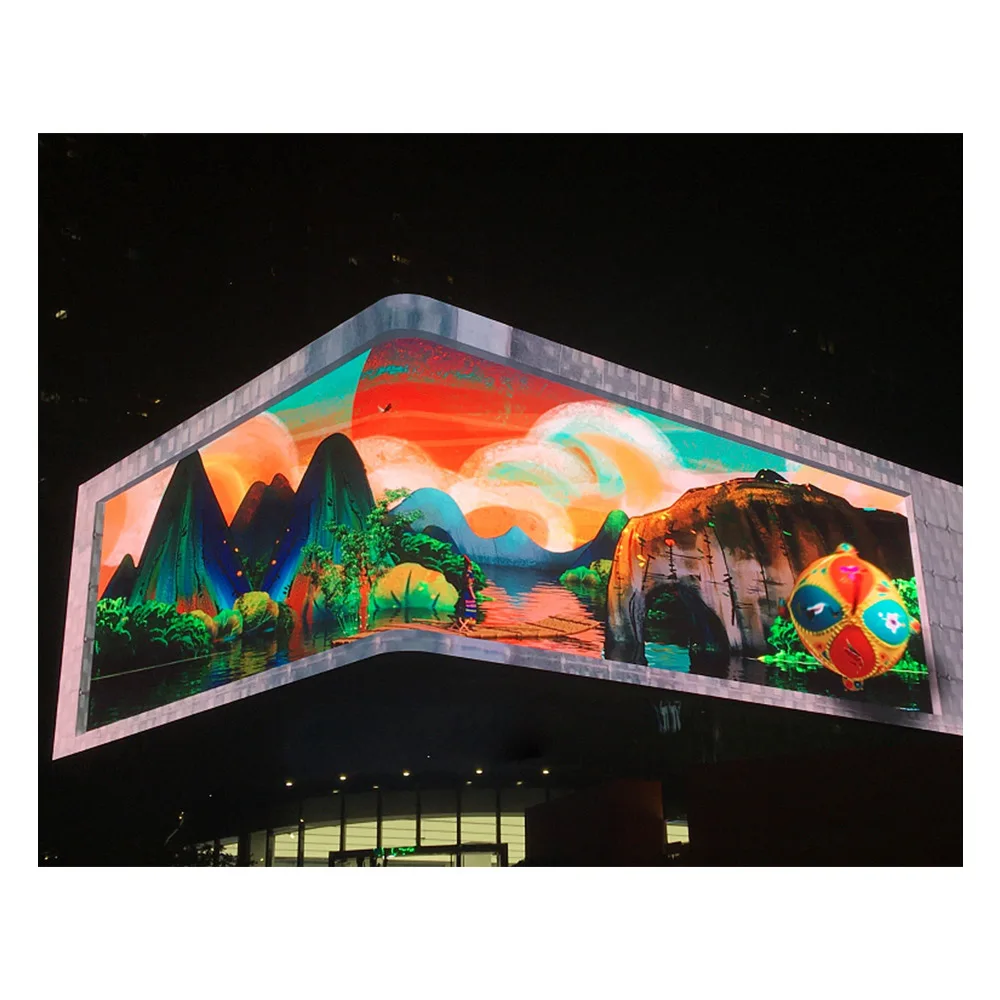
- Outdoor LED displays for roadside advertising, building façades, and brand signage.
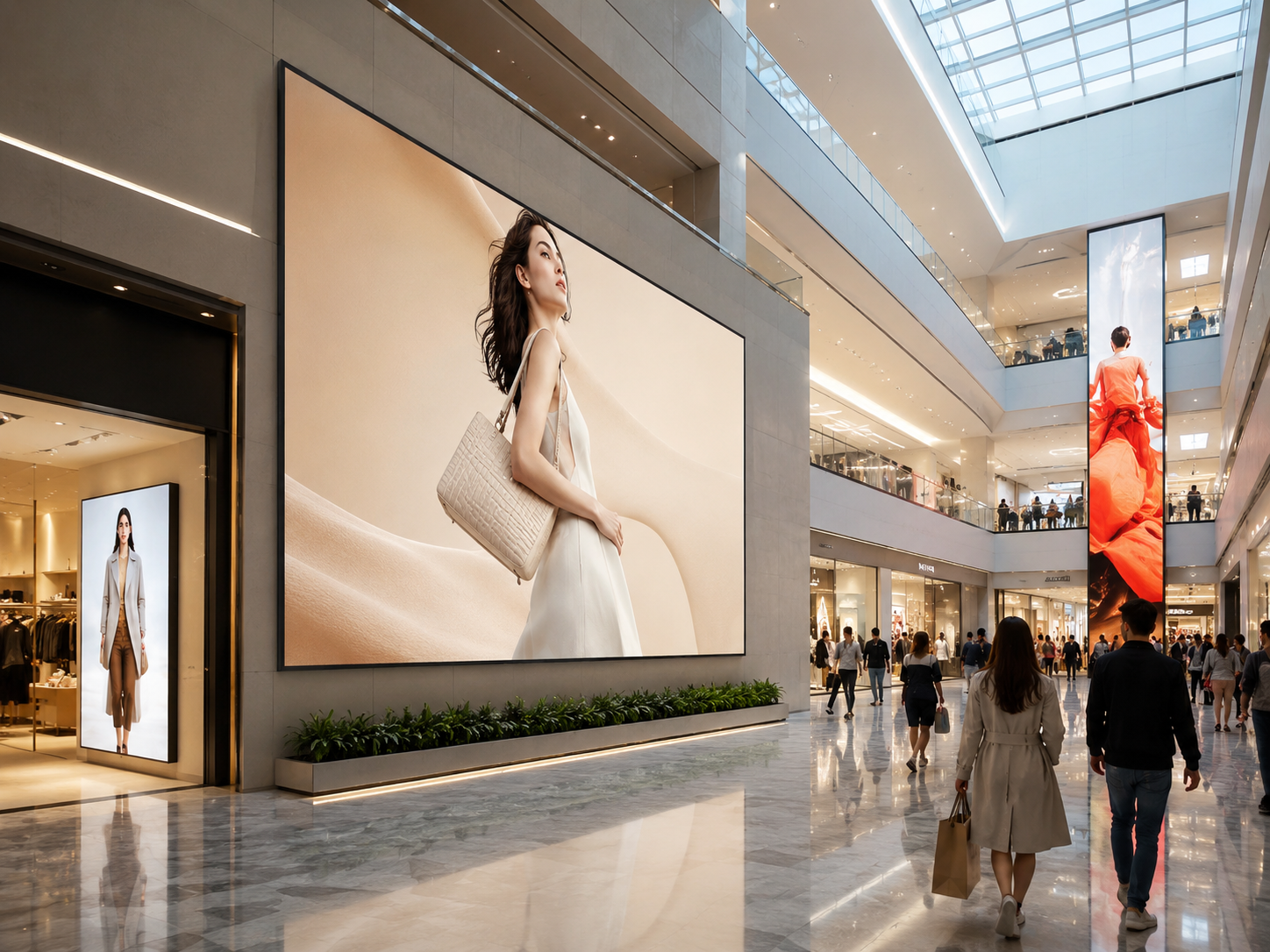
- Repeated retail LED screens for chain stores, shopping malls, and promotional areas.
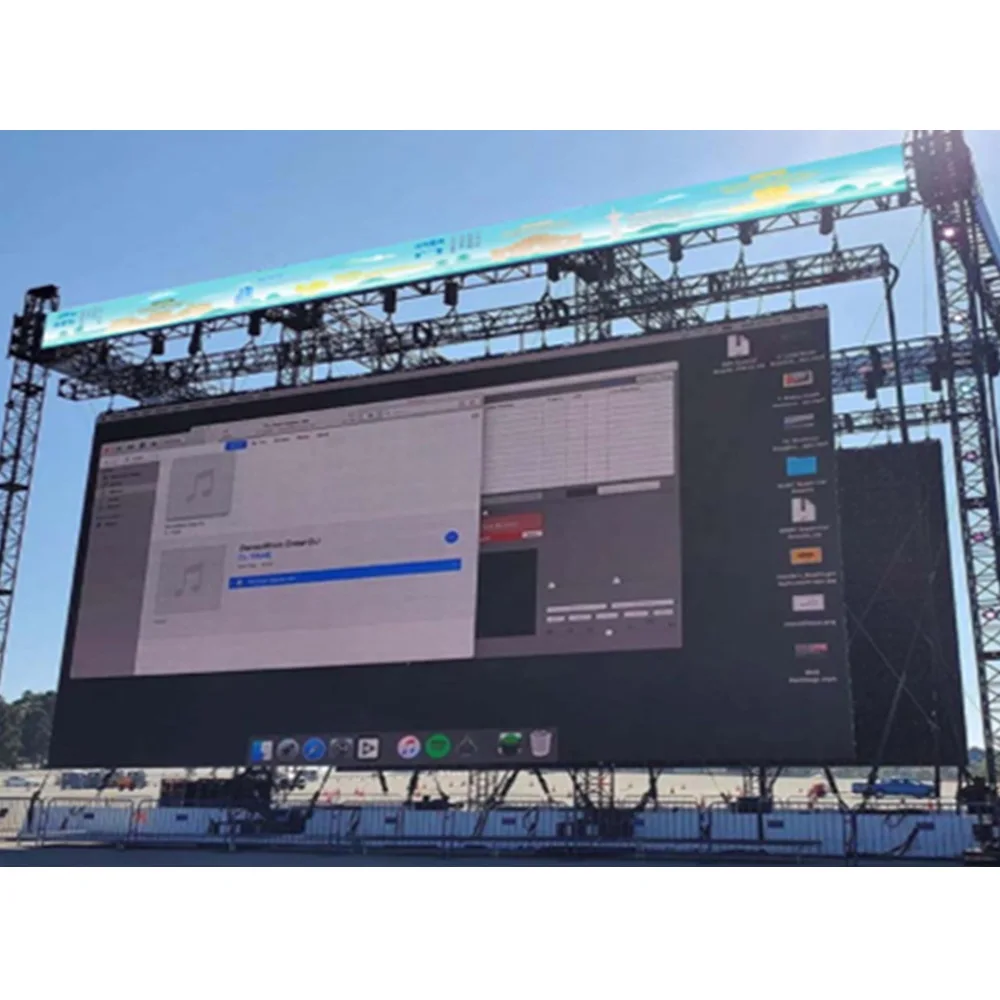
- Rental-ready LED screen panels for events, exhibitions, stages, and temporary campaigns.
- Custom LED display projects where size, cabinet depth, and service access need extra review.
Which Project Teams This Guide Fits
This planning method fits teams preparing fixed installation screens, repeated store displays, outdoor advertising boards, event rental packages, and custom LED walls. It is especially useful when one order includes several screen sizes, several installation locations, or a long-term repeat supply plan.
For example, a distributor can use the same cabinet plan across several retail branches. A contractor can use the file list to confirm installation details before structure work starts. Meanwhile, an integrator can match control equipment, spare modules, and cabinet layout before the final factory quotation.

Cabinet Layout and Spare Module Planning
Firstly, cabinet layout decides how the screen becomes a real display. A target size may look simple in a message, but the final size depends on cabinet width, cabinet height, module size, and cabinet orientation. Therefore, the screen drawing should show rows, columns, cabinet direction, and any allowed size adjustment.
Meanwhile, cabinet layout affects installation speed and screen flatness. A clean cabinet map helps the installation team align cabinets, manage seams, and follow the correct power and signal route. In contrast, a mixed or unclear cabinet plan can slow assembly and create confusion on site.
For example, a 500 × 1000mm cabinet system may suit tall outdoor advertising screens and rental-style structures. However, a fine-pitch indoor wall may use a different cabinet size with front maintenance. As a result, cabinet selection should follow screen size, viewing distance, content ratio, and service access.
Cabinet layout points to confirm
| Screen size | Confirm visible display size and outer structure size separately when needed. |
| Cabinet map | Show cabinet rows, columns, orientation, and any special edge position. |
| Module match | Confirm module size, pixel pitch, batch direction, and replacement consistency. |
| Service direction | Confirm front service, rear service, side access, or uncertain access before design review. |
| Signal route | Prepare a simple signal path when the screen is large or has several sections. |
Next, spare module planning should not be treated as a random accessory request. A spare module needs to match the same module type, pitch, IC direction, brightness level, and cabinet structure. Otherwise, a later replacement may look different from the original screen area.
In many fixed installation projects, a spare module level around 2–3% can support basic maintenance needs. However, the final plan should consider screen quantity, operating hours, local service distance, application environment, and replacement speed. Therefore, spare modules, receiving cards, power supplies, cables, masks, and screws should be reviewed together.

Project Files to Prepare Before Factory Review
First, the project file should include exact screen dimensions. Width and height should use one clear unit, such as millimeters or meters. In addition, the file should explain whether the number means visible display size, cabinet outer size, or reserved opening size.
Second, application environment should be described in plain words. Indoor meeting rooms, outdoor billboards, shopping mall atriums, retail entrances, airport information boards, church stages, and control rooms all create different technical priorities. Therefore, a short scene description can guide pixel pitch, brightness, cabinet structure, and service method.
For a deeper intake format, the LED display screen project brief page can support file preparation. It is useful when project photos, size, installation method, and content source need to be organized before factory discussion.
Pixel pitch and viewing distance
Pixel pitch means the distance between two LED pixels. A smaller pitch can show finer image detail at close range. However, it also increases pixel density and system complexity. Therefore, pitch selection should follow normal viewing distance and content detail, not only a desire for a smaller number.
For close indoor viewing, P1.25, P1.56, P1.86, P2, or P2.5 may appear in the discussion. For outdoor signs, P4, P5, P6, P8, or P10 may fit better depending on viewing distance and brightness demand. Meanwhile, small text, data dashboards, and camera-facing scenes usually need more careful pitch review.
Installation method and maintenance access
Installation method changes cabinet choice early. Wall-mounted displays, embedded LED walls, hanging rental screens, floor-supported frames, and column-mounted outdoor signs do not use the same hardware logic. As a result, the installation method should appear in the project file before cabinet approval.
Additionally, maintenance access should be confirmed before layout drawings move forward. Front service helps when the back side is blocked. Rear service can work when a service corridor exists. However, unclear access may create future maintenance difficulty even when the screen itself works well.
Control system and content source
Control planning should also appear in the early file. The screen may receive content from HDMI, a computer, a media player, a video processor, scheduled playback software, camera input, or a mixed signal workflow. Therefore, signal input and content source help define controller and accessory needs.
Furthermore, sample content can prevent ratio problems. A logo file, video frame, campaign poster, dashboard screenshot, or playback resolution can show whether the screen ratio fits the final visual. In other words, a correct cabinet map still needs a sensible content ratio.
Project Preparation / Details to Send
Before a factory recommendation, the project file should make the application clear without creating unnecessary complexity. A simple structured list often works better than many separate messages. Therefore, the following information can support a faster technical review.
Project details to send
- Screen size: width × height, plus any allowed adjustment range.
- Application: indoor LED wall, outdoor LED display, LED sign, retail screen, stage screen, control room, or custom display.
- Quantity: number of screens, number of locations, and whether the same design repeats.
- Viewing distance: closest viewing point and typical viewing range.
- Pixel pitch direction: confirmed pitch or expected factory recommendation.
- Installation environment: indoor, outdoor, semi-outdoor, high humidity, strong sunlight, high heat, or close-viewing space.
- Installation method: wall-mounted, embedded, hanging, floor-supported, column-mounted, or custom structure.
- Maintenance access: front service, rear service, side access, or uncertain site condition.
- Country or region: useful for voltage, plug type, documentation, and project file review.
- Photos or drawings: front view, side view, wall detail, power position, structure area, and surrounding light.
- Equipment needs: video processor, controller, sending card, receiving card, spare modules, power supplies, cables, and accessories.
- Content source: computer, media player, camera feed, HDMI, scheduled playlist, advertising software, or mixed input.
For example, one front photo can show the display location. A side photo can show depth, viewing angle, and maintenance space. Meanwhile, a close-up photo can reveal wall material, power route, existing frame, and possible obstruction.
However, photos should not replace measurements. A photo without dimensions may still lead to assumptions. Therefore, useful files combine photos, size notes, installation method, content source, and viewing distance in one clear folder.

Factory Support and Quote Checklist
After the project file is ready, factory support should turn that information into a practical screen plan. OUBO LED can review product category, cabinet size, pixel pitch, spare module direction, control workflow, and service access according to the submitted project details.
At this stage, the LED Screen Panels page is useful for understanding panel structure, LED modules, cabinet parts, control system, power supply, brightness, refresh rate, IP rating, and maintenance points. It helps connect project planning with real product components.
For outdoor projects, IEC IP rating guidance is also useful when checking how electrical enclosures resist dust and liquid intrusion. Therefore, waterproof level, cabinet sealing, maintenance access, and installation environment should be reviewed together instead of treated as separate notes.
Meanwhile, the main Products page gives a broader product path across indoor LED display, outdoor LED display, LED module, LED wall panel, LED poster, rental LED screen, and accessories. Therefore, it works well as the next step when a project includes several screen types.
What a practical quote file should confirm
- Display model, pixel pitch, brightness direction, refresh rate, and viewing angle.
- Cabinet size, cabinet material, cabinet quantity, cabinet layout, and service direction.
- Module size, module resolution, spare module quantity, and replacement part list.
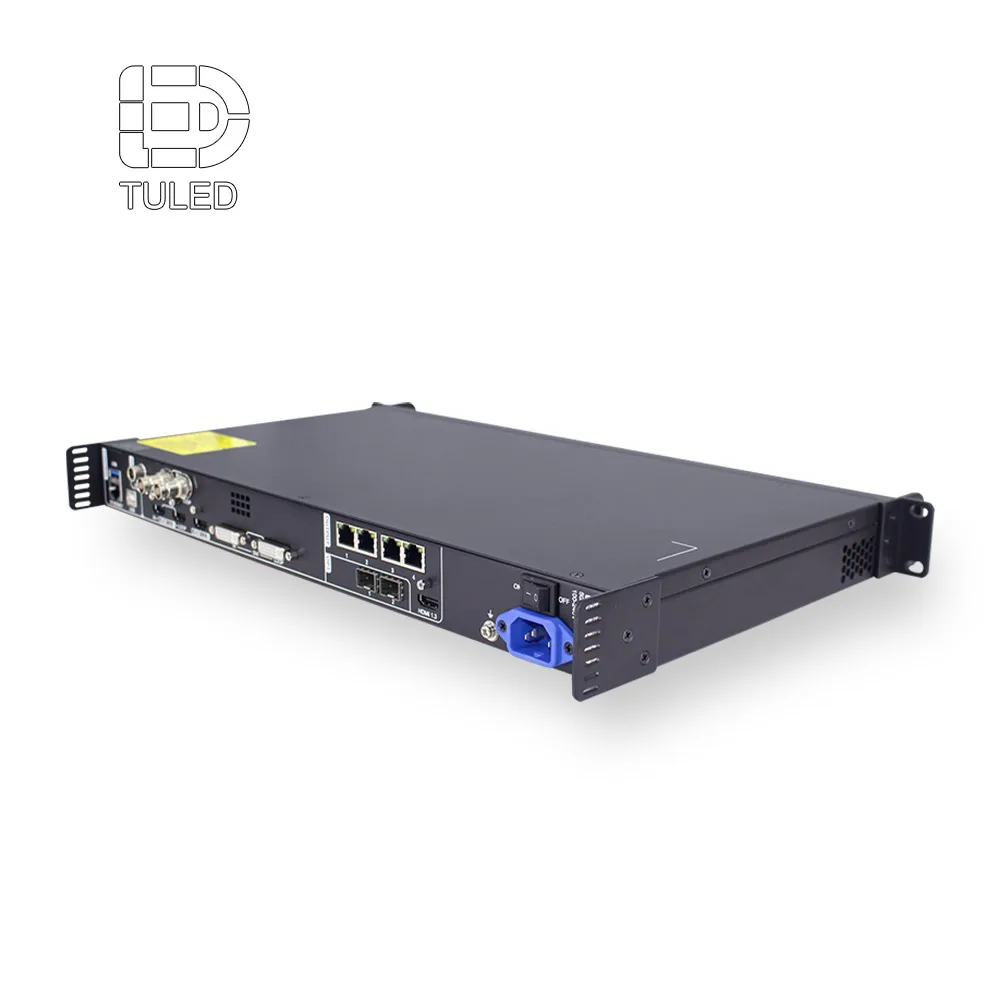
- Control system, receiving card, sending card, video processor, and signal accessories.
- Power supply quantity, power route, cable list, connector notes, and voltage direction.
- Testing scope, aging test record, full-screen playback check, and project photo record.
- Drawing support, cabinet map, packing label logic, and screen section naming.
In addition, the quote file should make the display package clear. It may include LED cabinets, modules, receiving cards, power supplies, sending card, video processor, data cables, power cables, spare parts, and installation drawings. Clear scope helps several departments review the same project without mixed assumptions.
Finally, inspection support should connect with the order file. Module aging, cabinet flatness, color consistency, control system operation, power testing, and full-screen playback records can support pre-approval before the screen reaches installation. Consequently, project review becomes more concrete.
A restrained factory support path
Factory support should not feel like hard selling. Instead, it should clarify whether the screen needs indoor fine pitch, outdoor waterproof cabinets, front service, rear service, rental locks, custom cabinet depth, or a standard modular solution. This is where technical review becomes more useful than a general product comparison.
Furthermore, OUBO LED can help connect application logic with product selection. A stadium screen, retail LED sign, airport information board, shopping mall advertising wall, and corporate lobby screen may all use LED technology. However, each project needs a different balance of brightness, pitch, cabinet depth, refresh rate, and service access.
Extended Reading and Related Resources
The following resources can support the next planning stage. Each page serves a different purpose, so the project can move from early files to product review without random navigation.
FAQ
Summary: Plan the Order Before Production Review
In summary, a wholesale LED display project becomes more stable when the screen plan, cabinet map, spare module list, control workflow, and project photos are prepared together. Therefore, the strongest early step is not requesting a quick product list. It is building a clear project file that shows where the screen will work, how it will be installed, and what support the system needs after installation.
For led display wholesale planning, send the screen size, application scene, quantity, country, installation method, maintenance access, project photos, and equipment needs through the Contact page. Then, OUBO LED can review the project direction before cabinet layout, spare modules, and control equipment move into final confirmation.
Three practical actions
- First, prepare a cabinet layout with screen size, cabinet quantity, cabinet direction, and maintenance access.
- Second, confirm spare modules, receiving cards, power supplies, cables, and labels before production review.
- Finally, send project photos, content source, country, installation method, and schedule notes for a clearer factory recommendation.