EN

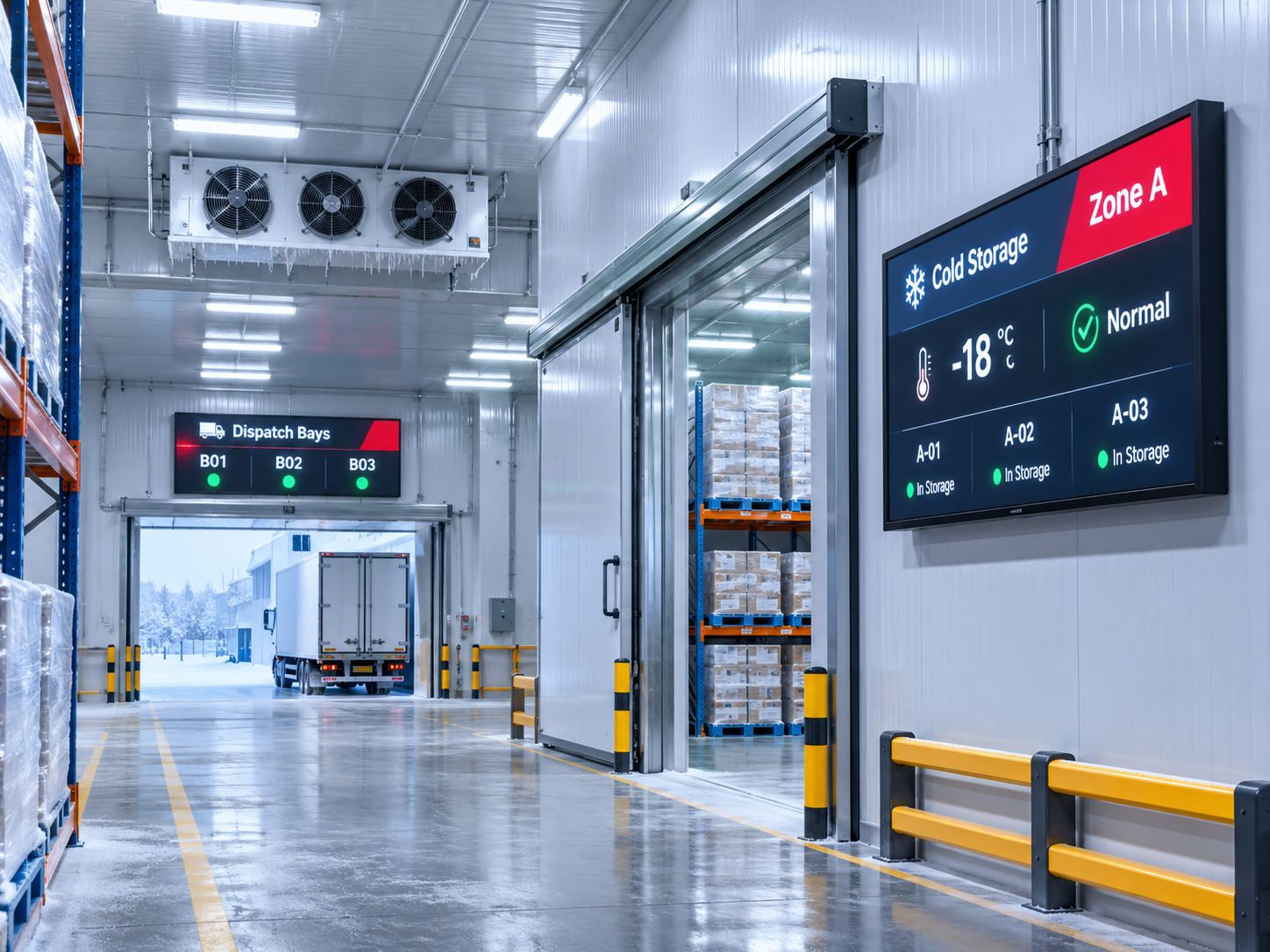
A screen above a dispatch door and one inside a freezer may display the same loading instructions, but they face very different conditions. The first may be exposed to daylight and humid air each time the door opens; the second has to operate at a much lower temperature. Choosing the same display for both simply because the information is identical can create unnecessary maintenance problems.
The best cold storage warehouse LED display is one that staff can read from their normal working positions and that can operate reliably in its particular temperature zone. Sometimes the simplest solution is to move a screen outside the freezer rather than specify a more demanding installation inside it. Screen size, cabinet construction and service access all follow from that decision.
Where LED Displays Work Best in Cold Storage Facilities
Start with the point at which staff actually use the information. A loading assignment, for instance, is most useful where employees can read it before approaching the relevant bay.
In a warehouse where several freezer rooms feed into a shared dispatch area, a single display near the entrances may give staff the information they need without placing equipment inside every freezer.
A long picking aisle presents a different problem: a screen at the main entrance may be unreadable from the opposite end. A display closer to the working area or at a cross-aisle junction could be more useful than a larger screen at the entrance.
At loading doors, frequent contact between warmer outside air and cold indoor surfaces increases the risk of condensation. Daylight can also make the display harder to read. If sightlines allow, moving the screen further inside the building may reduce both problems.
Mounting a display above the usual pallet height can improve visibility, provided overhead structures do not obscure it. The mounting position also has to remain clear of forklift travel and pedestrian routes.
For warehouses with multiple doors, our guide to LED displays for distribution center loading docks explores when shared screens make more sense than individual displays.
Viewing Distance and Screen Size in Cold Storage Warehouses
Once the position is clear, the next question is how large the information needs to appear. A display that looks sharp from a few metres away may be difficult to read across a busy aisle.
Pixel pitch is the distance between neighbouring LED pixels. A smaller pitch provides more pixels within the same screen area, allowing finer detail at close viewing distances. At longer distances, a larger pitch can be sufficient if the information is simple and the characters are large enough.
A large zone number, for example, can remain legible on a relatively coarse-pitch display. A screen showing several loading bay identifiers and status messages at once may benefit more from additional screen area than from a finer pitch alone.
Screen size will not solve a blocked sightline, however. Racking and stacked pallets may obscure a display along an aisle, while staff approaching a loading bay from the side may need a better viewing angle. Near open loading doors, stronger ambient daylight can call for higher brightness than a screen deep inside the warehouse.
A useful test is to prepare a sample layout using the longest zone name and the most detailed status message the display will carry. Include the number of information areas that need to appear at once, then assess legibility from the furthest normal viewing position.
Test the information, not just the resolution. If staff cannot read the sample message at the intended distance and angle, a larger character size, simpler layout or better screen position may help more than a finer pixel pitch.
Low Temperatures, Condensation and Display Enclosures
Even a well-positioned screen can be the wrong choice if its cabinet or electronics cannot tolerate the local conditions. Inside a freezer, the temperature rating is a first filter; at a loading entrance, moisture, dust and repeated changes in temperature may be just as important.
For example, equipment rated down to -20°C is outside its published operating range in a freezer held at -25°C. There is little value in comparing pixel pitch or cabinet size until that basic temperature mismatch has been resolved.
Restarting after a power interruption presents a separate question. A display that runs while its electronics are warm may behave differently after cooling to the surrounding freezer temperature. The supplier should confirm cold-start as well as continuous operating performance for the complete assembly.
Moisture can form when warm, humid air reaches a cabinet or connector whose surface is below the air's dew point. This is particularly relevant at doors between temperature zones. An IP rating describes protection against specified dust and water ingress, not how the display will cope with condensation or repeated temperature changes.
Two LEDDisplayFactory modules illustrate how different temperature ratings can narrow the options before a complete screen is specified.
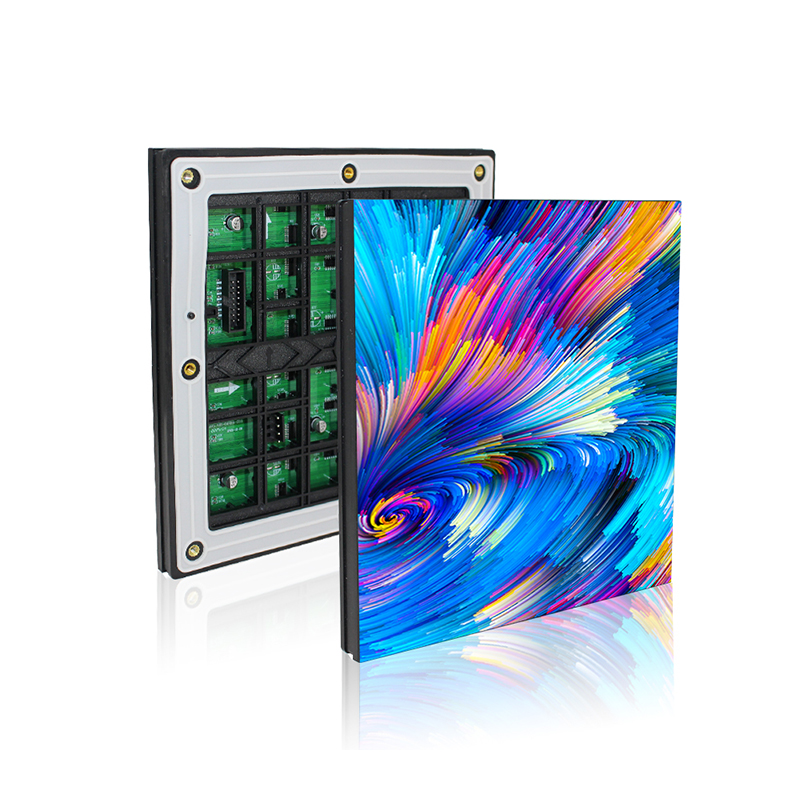
High Brightness Outdoor 192×192 LED Module
The published operating range is -20°C to +60°C, with front and rear maintenance access listed on the product page. Its lower temperature limit makes it a useful reference when comparing options for colder positions.
The stated operating humidity range is 10–85% RH; the specifications do not say whether condensation is permitted.
Where it fits: A candidate for technical review in colder areas within the published range, rather than an established freezer-ready display. Locations below -20°C fall outside that range.
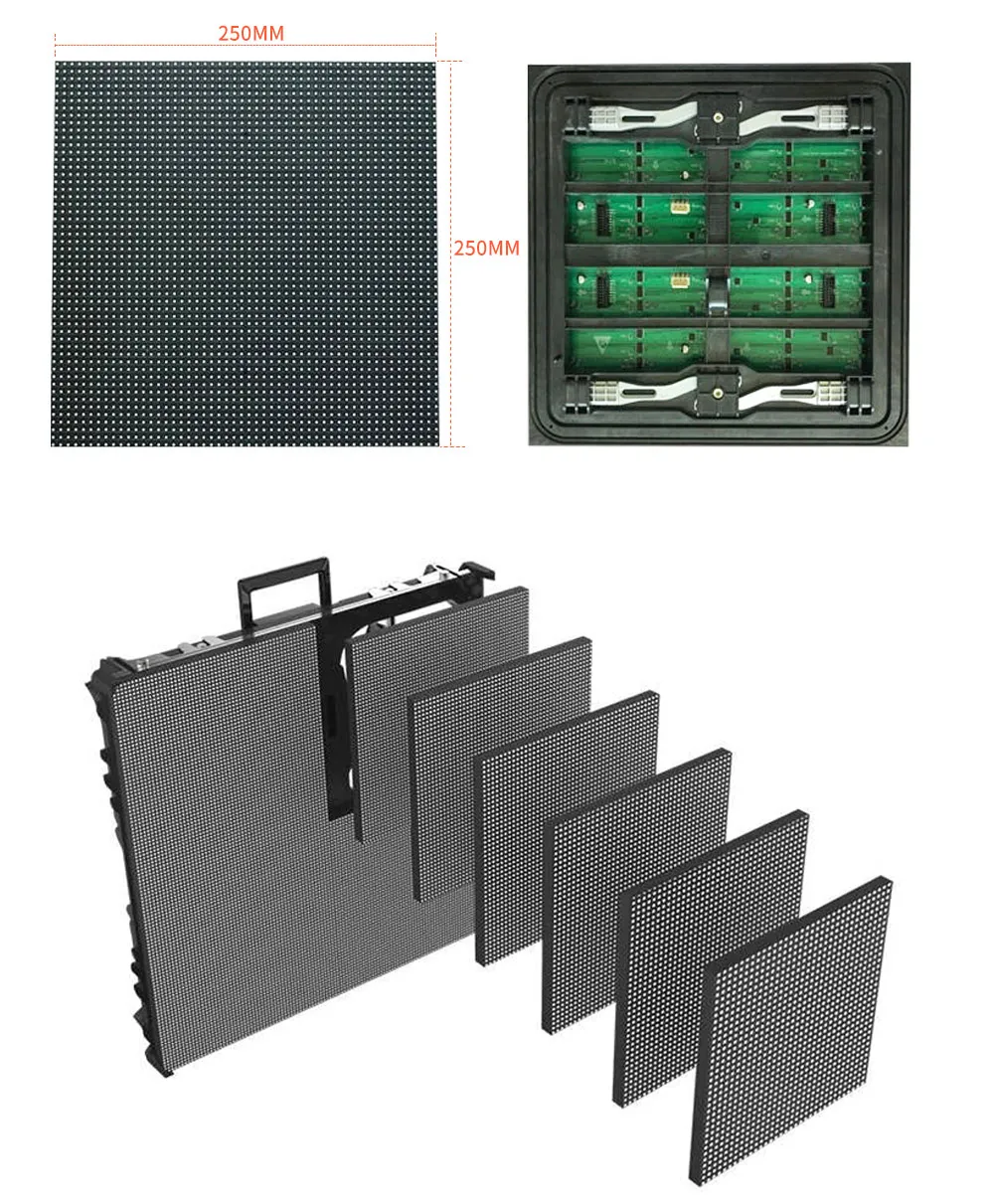
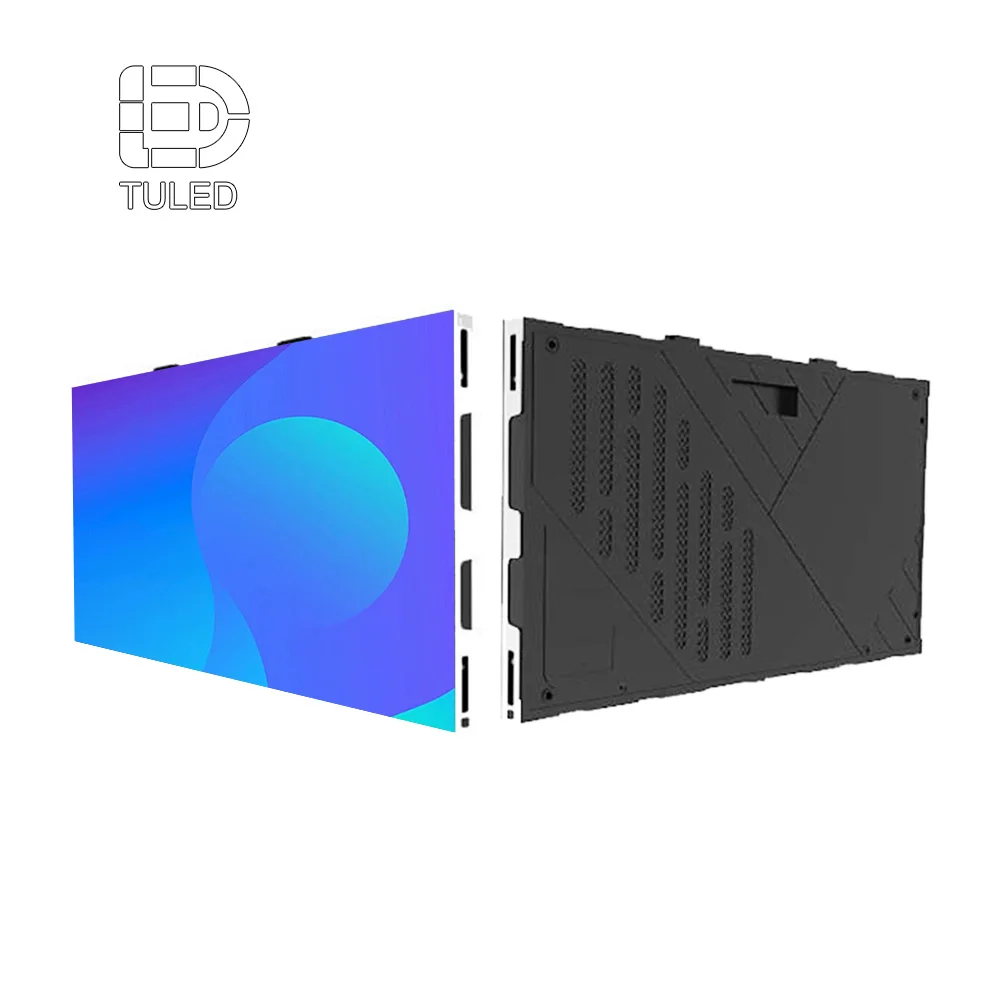
250×250mm LED Module
For warmer dispatch and transition areas, this module offers another modular construction and service-access option.
Its published operating temperature range is -10°C to +40°C. The product page lists IP54 for indoor use and IP65 for outdoor configurations, together with front and rear service options.
Where it fits: Chilled picking areas or loading bays within the published operating range. Freezer locations below -10°C fall outside that range.
These figures help distinguish candidates for different temperature zones, but neither product page establishes freezer suitability for a complete display. The cabinet, power supply, receiving electronics, seals and connections all need to be assessed against the conditions at the proposed location.
Mounting and Maintenance in Restricted Spaces
The space available behind a display is often limited by insulated walls, refrigeration equipment or warehouse racking. A screen may fit perfectly on a wall yet leave too little room for installation or future repairs.
An insulated sandwich panel can look like a convenient mounting surface, but the outer sheet alone may not support the weight of a display cabinet. The supporting frame and fixings depend on the building construction and screen weight.
The same wall construction affects power and signal cable routing. Unnecessary openings can compromise insulation and vapour-control layers, so cable penetrations are best planned with the responsible installation team.
Where there is little room behind the cabinet, front maintenance can avoid the need to create a rear service aisle.
The term can mean different things, though. Some designs allow the LED modules to be removed from the front but still require rear access to the power supply or other internal components.
Our guide to front and rear maintenance access explains these cabinet differences in more detail. In a restricted warehouse, the ability to reach all serviceable components may matter more than a small difference in cabinet depth.
Allow room for the repair, not just the screen. Agree on safe access for inspection and component replacement, alongside power and signal connections, before the supporting structure and cable entries are finalised.
What Suppliers Need to Know Before Quoting
A quotation based only on screen width and height may overlook the conditions that make one cabinet more suitable than another. A marked-up warehouse plan gives the supplier a much better starting point.
Photos taken from both the proposed mounting position and the employee's viewing position can reveal obstructions that a drawing alone misses. Linking each position to its temperature zone also helps distinguish between displays that may share a specification and those that need separate consideration.
Sample messages are equally useful. A simple zone identifier and a screen carrying several loading assignments and temperature-related messages call for different layouts and update methods. The display presents information from the customer's existing system; that system remains responsible for measurements, alarm thresholds and status definitions.
With that information, the available LED screen panel options provide a starting point for comparing screen sizes and cabinet configurations.
The following details are particularly useful when discussing a quotation:
Frequently Asked Questions
Can an outdoor LED display operate inside a cold storage warehouse?
Does an IP65 rating make an LED display suitable for freezer rooms?
What information should be provided for a cold storage LED display quotation?
Discuss Your Cold Storage LED Display Project
Planning displays for a freezer, chilled picking area or loading bay? Share your warehouse layout and installation conditions with LEDDisplayFactory to discuss screen dimensions, cabinet arrangements and the operating specifications for each location.