EN

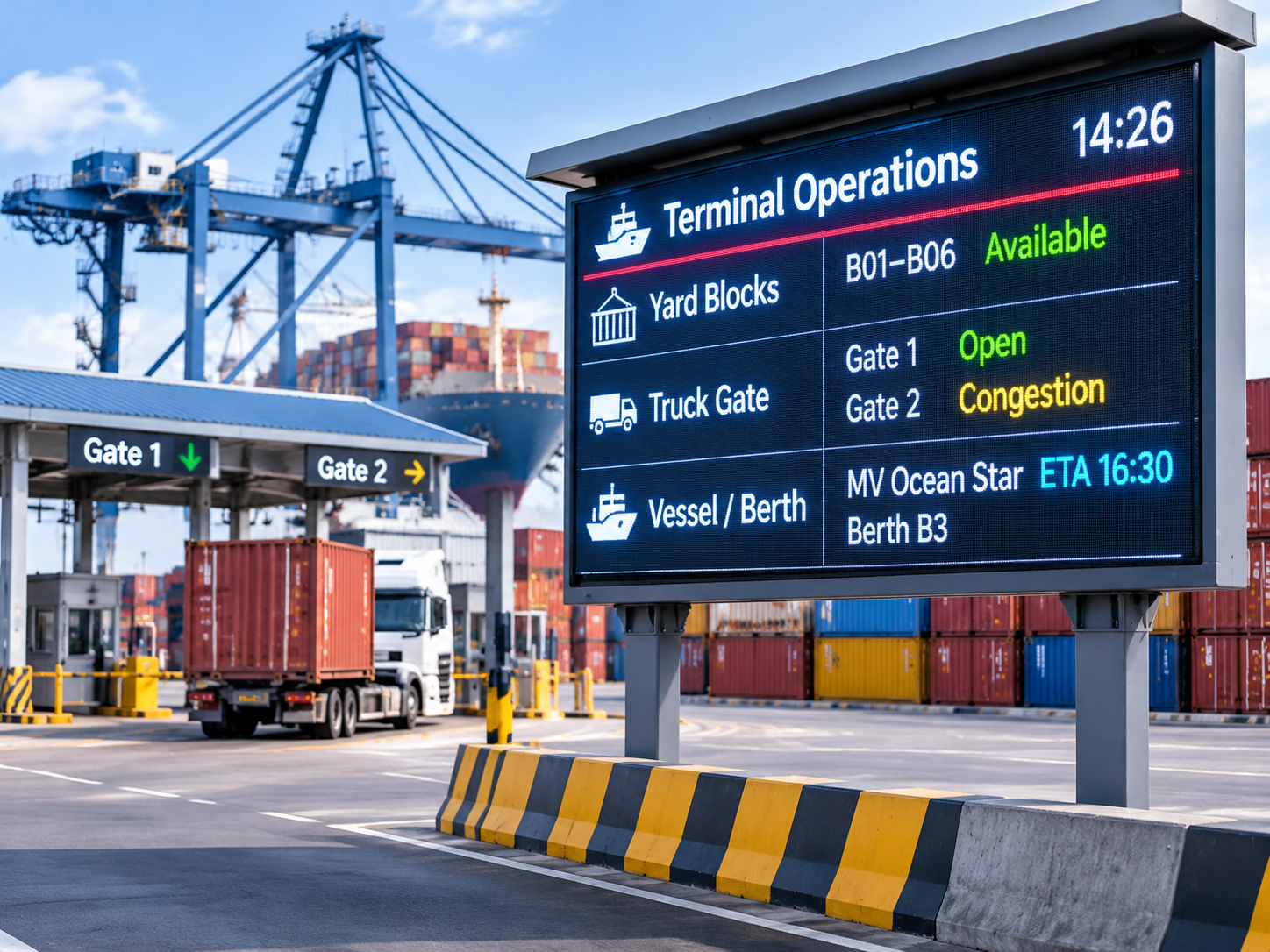
A container port terminal LED display system is most useful when it connects operational information with the place where a decision is made. A driver approaching the gate needs to know which lane is available. A yard supervisor needs to understand changes to block allocation. Vessel operations staff need to distinguish an updated arrival estimate from a confirmed berth change.
These are connected activities, but they do not require identical screens. A useful system gives each operating area the information it needs while maintaining a consistent view of approved terminal updates. The display acts as a visual communication layer for information from the terminal operating system (TOS), gate platform and vessel planning process; it does not replace those systems.
The important design question is therefore not simply how many screens a terminal needs. It is where information becomes operationally relevant, who needs to see it and what could go wrong if an outdated or unclear message remains visible.
Identify the terminal zones that need operational visibility
A terminal-wide display layout should follow the way containers and vehicles move through the site. The container yard, truck gate and vessel or berth operations each have different information needs, even though a change in one area can affect the others.
In the yard, information is primarily about location and allocation. Supervisors need to see which blocks are assigned, which areas are available for planned activity and where a temporary restriction may affect container movements. Showing every individual container record is rarely necessary on a shared overview screen.
At the truck gate, timing and visibility become more important. Drivers need to identify an available lane or understand a temporary access restriction before committing to a queue. A message positioned beyond the point where a driver can safely change direction has limited practical value, regardless of how clear the screen itself is.
Vessel and berth information serves a broader planning purpose. Changes to vessel arrival estimates, departure schedules or berth assignments may influence yard preparation and related operations. These updates are generally more useful in locations where planning and coordination teams can interpret their operational implications.
This distinction should guide the site layout. A gate approach may need a concise outdoor information board, while an operations building may benefit from a broader display covering several yard blocks and vessel updates. The objective is not to put the same information everywhere, but to make the right information available at the right decision point.
Start with the terminal layout and mark the locations where an update would change an operator's next action. Include viewing direction, approximate distance, ambient lighting and the people expected to read each screen. This gives the display design a real operational basis rather than relying on screen quantity alone.
Display container-yard block and allocation information
A container-yard display should make the layout easier to understand, not turn a shared screen into a smaller copy of the TOS interface. Block-level information is usually a more practical starting point because it allows supervisors to recognize changes across an operating area without reading a large number of individual records.
For example, a yard overview might distinguish between a block assigned for planned activity, one available for further allocation and another temporarily restricted. The labels should reflect the terminal's actual operating definitions. If two states have different consequences for equipment movements, presenting them as the same status can create confusion rather than improve visibility.
There is also a meaningful difference between an allocation decision and a completed movement. A container assigned to a block is not necessarily already in position. The display should preserve that distinction, particularly when information is being shared with teams that do not have direct access to the underlying planning system.
Occupancy indicators can be useful when the source data is reliable and the calculation is understood. However, a percentage without context may be misleading. A block approaching its planning limit is not automatically equivalent to a block that is physically inaccessible or closed to further movements.
The screen's audience matters as well. A supervisor may need a wider overview of several blocks, while staff in a specific yard area may only need information relevant to their immediate operation. The same applies to container references and cargo details: they should only appear when the intended audience genuinely needs them.
Yard information also changes as vessel plans, gate demand and operating restrictions evolve. A static yard map cannot communicate these changes adequately. The terminal should establish which system owns each displayed field, how approved updates reach the screen and what users see when the source stops refreshing.
One distinction is essential: A last-known allocation should never be presented as a confirmed current position when the data feed has stopped updating. Showing an update time or an unavailable state is more useful than giving an outdated value the appearance of certainty.
This is where display design and operational data governance meet. A clean layout can improve visibility, but only a reliable source and clearly defined status rules can make the information trustworthy.
Coordinate truck-gate status with vessel and berth updates
Gate displays have a different job from yard overviews. They communicate information to vehicles approaching an access point, often within a relatively short decision window. The most useful messages are therefore concise and positioned where drivers can read them before choosing an inbound or outbound lane.
Lane availability, temporary closures and approved access restrictions are more actionable than a screen filled with general terminal announcements. Queue information can also be useful, but only when the terminal has a reliable way to calculate and update it. If waiting-time estimates cannot be maintained accurately, a general congestion notice is less likely to create false expectations.
Gate and yard information should still be coordinated. An open lane does not necessarily mean that every destination block is available. If a yard restriction affects a particular movement, the relevant teams should agree how that information is communicated without turning a public-facing gate screen into a detailed dispatch system.
Vessel and berth updates introduce a different kind of timing issue. An expected vessel arrival may change several times before it becomes a confirmed operational schedule. The display needs to preserve those distinctions rather than present every new estimate as a final instruction.
A vessel or service identifier, planned or estimated arrival, confirmed berth assignment and approved schedule change may all be useful fields. What matters is the status attached to each one. An estimated arrival time should remain identifiable as an estimate, and a berth change should only be presented as confirmed when the authorized planning source has established it.
Consider a revised vessel window that affects the timing of yard preparation. The information may need to reach the vessel operations team and the relevant yard supervisors, but drivers approaching the gate may only need to see a resulting access or traffic change if one has been approved. The same source update can therefore lead to different messages in different locations.
This is a better approach than forcing gate and berth information into one universal layout. The terminal can maintain a consistent visual language while allowing each screen to focus on the operational details that matter to its audience.
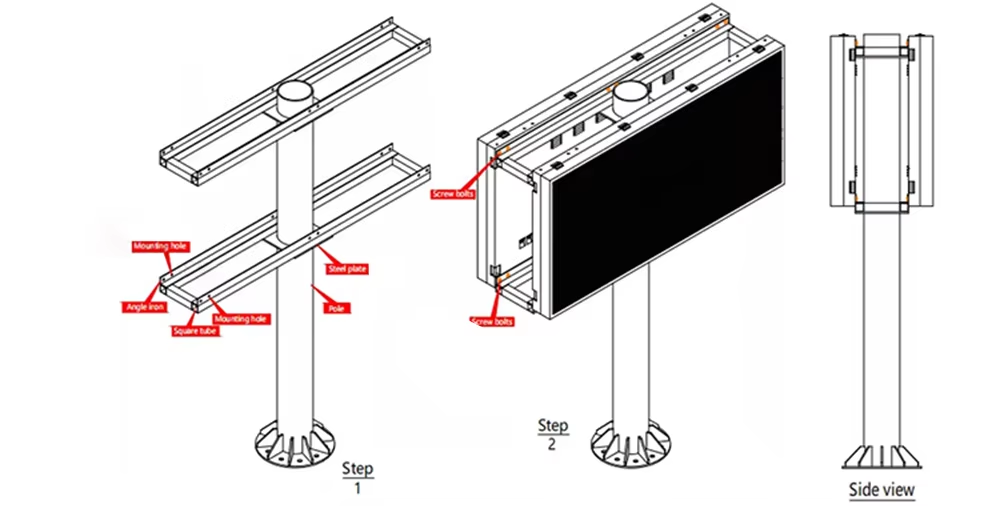
Outdoor LED Display Board
A pole-mounted display board is one form factor worth evaluating for a gate approach, entrance road or another outdoor location where drivers need to see a short operational notice.
The supplier's product page shows single-pole and two-pole mounting examples. These provide a useful reference for discussing installation format, although the structural requirements and viewing conditions at a container terminal still need a separate site assessment.
The display should complement the terminal's existing gate controls and traffic instructions. It should not be treated as an independent traffic-management authority. Screen placement, mounting height and the time available to read a message all need to be considered alongside the gate's physical layout.
Prioritize exception messages for congestion or schedule changes
Routine information helps teams understand what is happening. Exception messages explain what has changed. The difference matters because a terminal screen can become difficult to interpret when every update is given the same visual priority.
A gate lane closure, an inaccessible yard block or a confirmed berth change may deserve more attention than a routine status refresh. But not every delay should become a terminal-wide alert. The affected area, the people who need the message and the action expected from them should determine where it appears.
Good exception wording is specific without being overloaded. For example, “Gate 2 inbound lane temporarily closed — follow instructions from gate staff” identifies the affected location and directs drivers to the authorized on-site procedure. A vague notice such as “Traffic Disruption” leaves too much for the reader to interpret.
The visual treatment should reinforce the message rather than compete with it. Routine yard allocation and vessel information can remain in stable positions, while an urgent notice receives a clearly distinguishable area. This helps people recognize a genuine change without making the entire display feel like a permanent warning.
There is another issue that often receives less attention: when should an exception disappear? A lane closure message should not remain after the authorized gate team has reopened the lane. Likewise, an earlier berth update should not continue to appear after a newer approved schedule has replaced it.
Each message therefore needs an owner, an approval process and a clear condition for removal. If a source feed becomes unavailable, the display should not silently continue showing old information as current. Depending on the risk, it may show the last update time, mark the affected field as unavailable or temporarily remove the status.
This is particularly important when several operating systems supply information to one display network. A missing update from the gate platform does not automatically mean a lane has closed. A delayed vessel feed does not establish that the published arrival estimate is still valid.
Operational messages need an authoritative source. The LED display communicates approved information; it should not independently create a lane instruction, confirm a berth assignment or decide that an operational restriction has ended.
When these rules are agreed in advance, the display becomes a more dependable communication point. Staff can recognize the meaning of an update, identify whether it applies to their area and understand when the information needs to be checked elsewhere.
Prepare site, data and installation details for supplier review
Once the operating zones and information requirements are understood, equipment selection becomes more specific. An outdoor screen near a gate is exposed to a different environment from an indoor display in an operations building. Treating them as interchangeable can lead to a specification that looks suitable on paper but does not reflect the installation conditions.
At a port, outdoor equipment may face direct sunlight, rain, humidity, dust, wind and salt-laden air. The exact exposure depends on the location. A screen close to the shoreline may have different corrosion and maintenance considerations from one installed inside a sheltered entrance area.
Viewing distance is equally important. A driver reading a short lane notice from a moving vehicle needs a different content layout from a supervisor studying several yard blocks. Pixel pitch, screen dimensions, brightness, viewing angle and text size should be assessed together using representative information rather than chosen as isolated specifications.
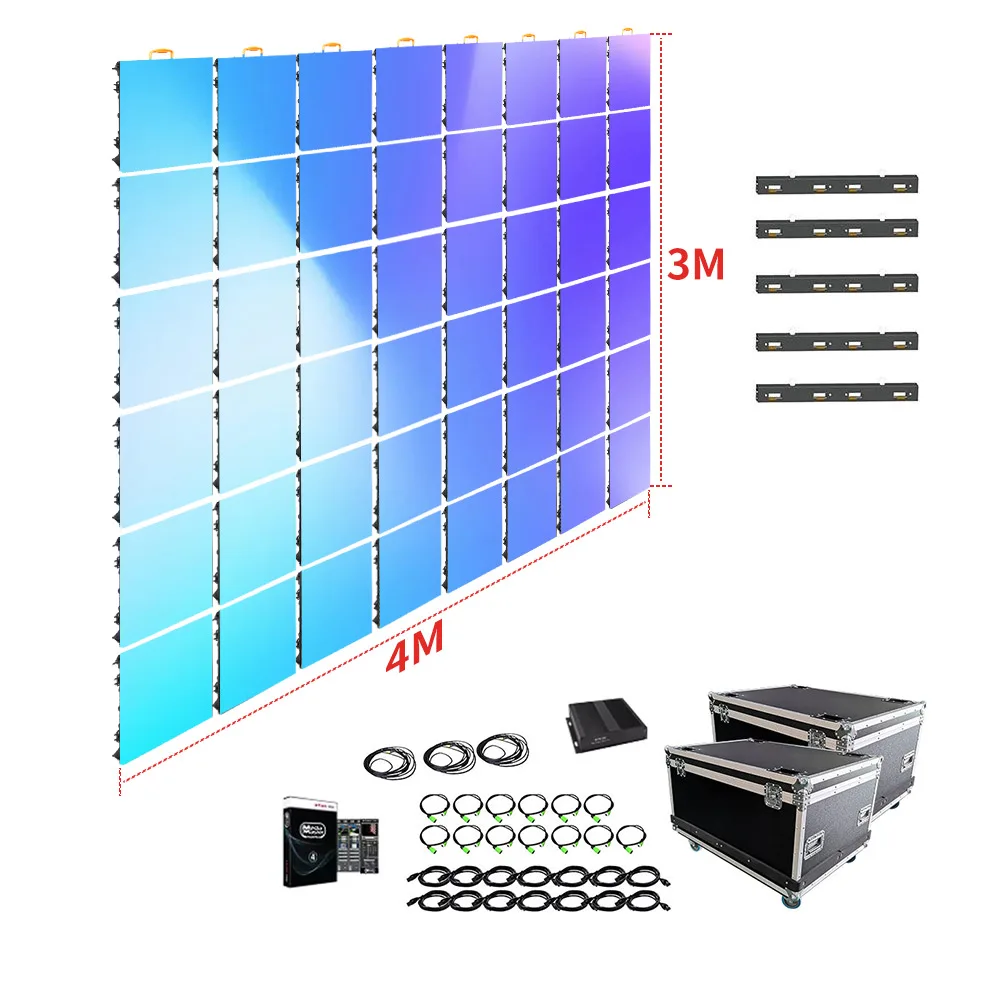
For outdoor information points, the supplier's outdoor display range offers a starting point. A fixed outdoor board and a modular cabinet-based screen may both be worth discussing, but they serve different installation requirements.

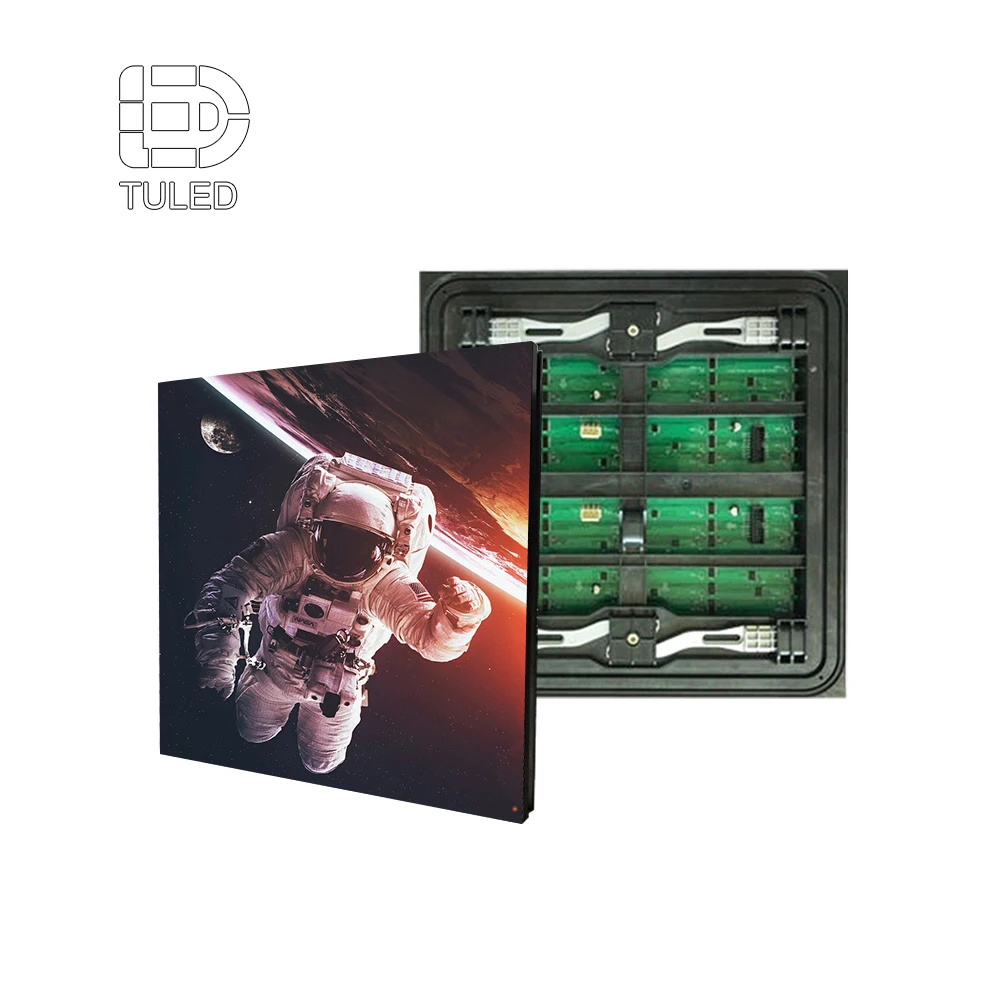
P4.81 Outdoor Waterproof LED Billboard Screen
This product provides a reference for a cabinet-based outdoor LED screen. Its published product page identifies a 500 × 500 mm cabinet format and describes combining 500 × 500 mm and 500 × 1000 mm cabinets.
The page also lists an IP65 outdoor rating. That specification should not be treated as proof of suitability for every port environment. Salt exposure, wind loading, supporting structures, viewing distance and maintenance access still require project-specific verification.
The distinction between these product directions is practical. A pole-mounted board may suit a defined information point near an entrance, while a modular cabinet arrangement may be considered when a larger display surface is required. Neither should be selected solely because its product description includes the word outdoor.
Indoor operating areas need a separate assessment. A screen used for yard and berth overviews may prioritize closer viewing, detailed text and a wider information layout. The outdoor product examples above should not automatically be treated as the right choice for an indoor operations room.
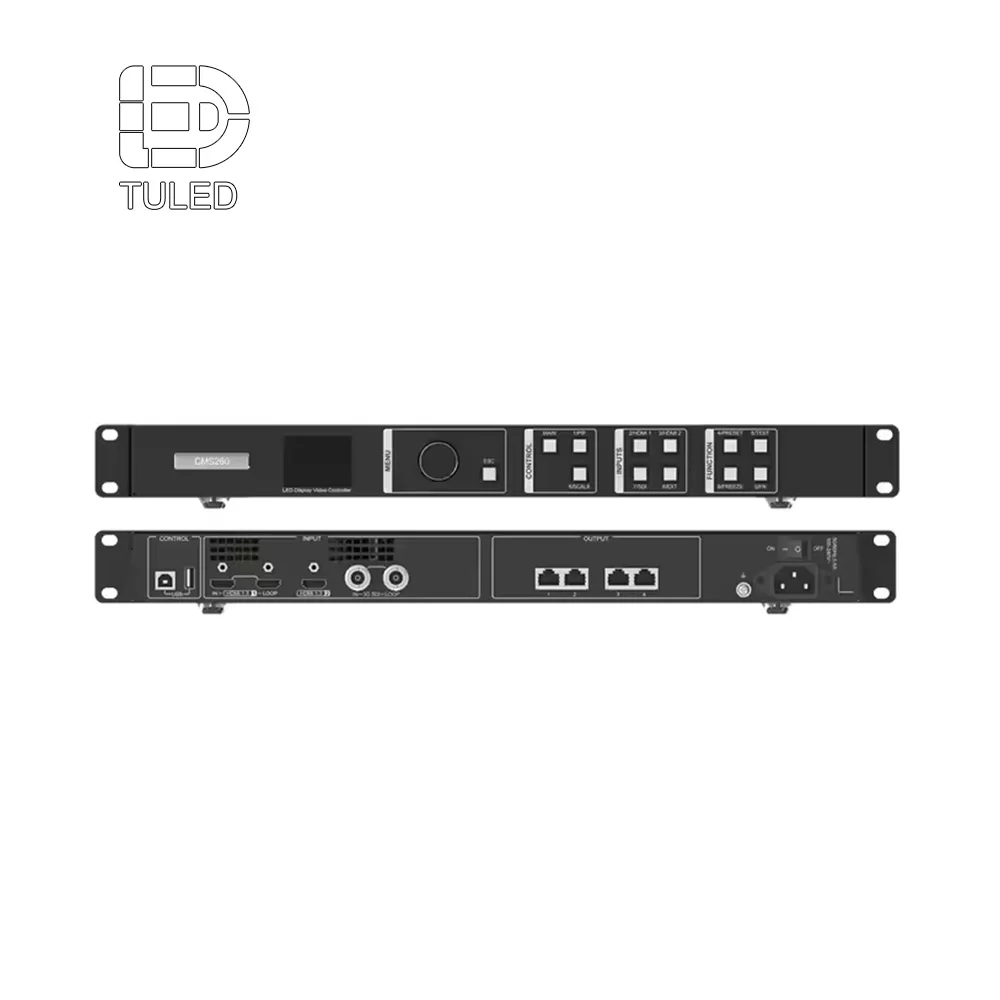
Data integration also needs to be discussed before the display configuration is finalized. Yard allocation may come from the TOS, gate status from the gate management platform, and vessel or berth information from an approved planning source. The project team needs to establish which fields can be shared, who owns each interface and how updates reach the display controller.
A direct connection should never be assumed simply because the source system contains the required information. Data permissions, interface availability, network arrangements, update frequency and fallback behavior all need to be confirmed with the relevant technical owners.
For a broader view of available product categories, review the supplier's led display wholesale range. The final selection should follow the terminal's actual information needs and site conditions, rather than a generic product description.
When preparing a project brief, bring together the terminal area plan, indoor and outdoor screen locations, proposed screen quantity, viewing distances and required display fields. Include the responsible data-interface contact, power and network arrangements, mounting conditions, maintenance access and expected project timeline.
These details allow the supplier to assess the physical display requirements alongside the information that needs to appear on screen. They also help identify which questions require confirmation from the terminal's IT, operations, engineering or installation teams before a final configuration is agreed.
Frequently Asked Questions
What information should a container-yard LED display show?
Should truck-gate and vessel information appear on the same screen?
Can an LED display connect directly to a terminal operating system?
Does an IP65 rating guarantee suitability for a container port?
Discuss Your Container Port Terminal Project
A useful display proposal starts with the actual terminal layout and the information that each operating area needs to communicate. Sharing these details early makes it easier to review product format, screen placement and data integration without assuming that one configuration fits every location.
Provide your terminal area plan, indoor and outdoor screen locations, screen quantity, required display fields, data-interface contact and project timeline for an initial supplier review.