EN
EN

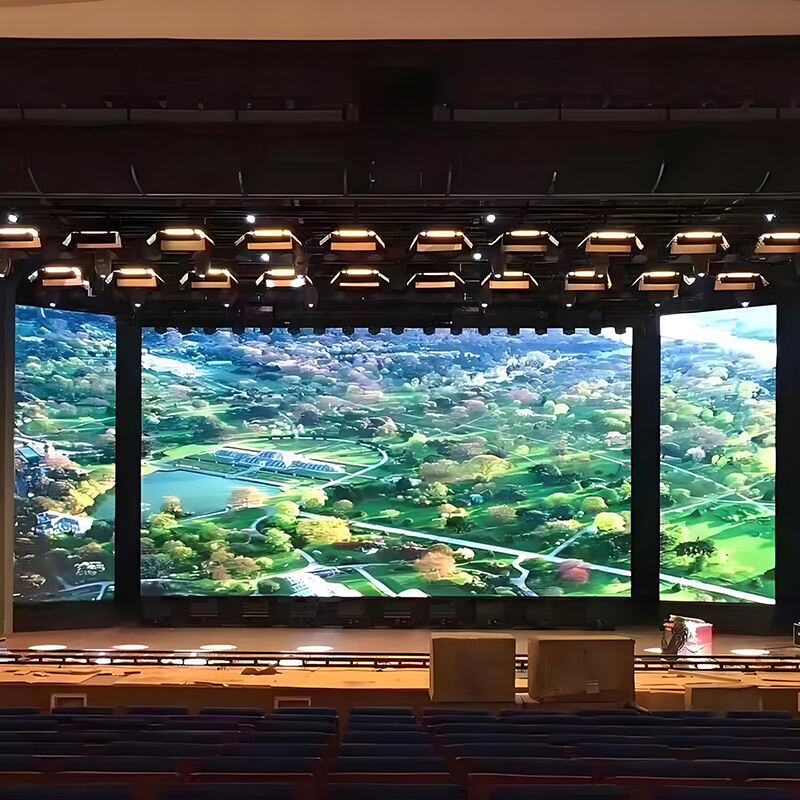
Can LED Display Be Repaired? Understanding Feasibility and Limitations
When repair makes economic and technical sense vs. full replacement
It makes financial sense to fix LED displays when only small sections are damaged, usually when less than 15% of the modules stop working properly. Most shops find that swapping out single modules saves around 40 to 60 percent compared to buying an entirely new setup, which works well for problems like black spots on screens or faulty connections between parts. But things get tricky when important bits like power supplies or control boards go bad, particularly in older installations. At that point, replacing everything tends to be smarter over time. The newer LED models consume less electricity these days, sometimes below 180 watts per square meter, so they cut down on running expenses while boosting return on investment. That's why many businesses opt for complete replacements rather than complicated fixes. When figuring out what to do next, experienced techs look at several factors including how much something will cost to fix versus how old the display already is and whether it still performs adequately.
Common failures: Dead pixels, lines, flickering, and burn-in — root causes and fixability
When it comes to fixing LED displays, there are four main problems technicians tend to encounter most frequently. Dead pixels happen when those tiny LED driver chips fail or when solder joints crack over time. Usually, this means replacing the entire module where the issue occurs. Then there's the problem of horizontal or vertical lines showing up on screens. These generally point to damaged printed circuit boards or simply loose connections somewhere in the system. Most of the time, just unplugging and replugging connectors does the trick, though sometimes signal cards need to be swapped out completely. Flickering screens are another common complaint, and they usually stem from unstable power supplies or fluctuating voltages running through the system. Technicians will either recalibrate these components or replace them altogether if necessary. The worst case scenario for LED displays though? Burn-in. This happens when parts of the screen age at different rates, causing permanent brightness differences across the display. Unfortunately, once burn-in sets in, there's no going back. Full module replacements become necessary to get that consistent look across the whole screen again.
How to Troubleshoot LED Display Issues Systematically
Step-by-step diagnostics: Power, signal, environment, and module-level checks
Begin troubleshooting by verifying power supply stability. Use a multimeter to confirm input voltage is within ±10% of specifications and inspect distribution points—over 60% of electrical failures originate from loose connections.
Next, assess signal integrity:
- Swap video cables to rule out transmission faults
- Test source devices independently
- Ensure resolution and refresh rate compatibility
Evaluate environmental conditions using the following benchmarks:
| Parameter | Acceptable Range | Testing Method |
|---|---|---|
| Temperature | -20°C to 50°C | Infrared thermometer |
| Humidity | 10% to 85% RH | Hygrometer |
| Dust levels | < 0.3 mg/m³ | Particle counter |
Finally, perform module-level isolation:
- Run solid color tests (red, green, blue, white) to identify dead pixels or dim modules
- Use thermal imaging to detect overheating driver ICs
- Inspect solder joints under magnification for micro-fractures
Documenting each step resolves 78% of issues without specialized tools, enabling efficient diagnosis and repair.
Professional Repair vs. DIY: Risks, Warranty, and Module-Level Serviceability
Assessing intervention risk: Controller board, power supply, and pixel module repairs
The difficulty level when fixing different parts really depends on what needs attention. Controller boards typically need micro solder work which is tricky business because one small mistake can lead to all sorts of problems down the line. Power supply units have those capacitors inside that hold onto dangerous amounts of electricity even after turning everything off. We're talking about voltages above 400 volts here, so trying to fix these yourself without proper training could be life threatening. Pixel modules might seem easier at first glance but they come with their own headaches if not handled correctly. Mishandling them tends to result in either the screen peeling apart or colors looking completely wrong afterwards. According to recent industry reports, attempting repairs at the component level actually fails around 47 percent more frequently compared to just replacing whole modules. And this approach ends up costing businesses roughly 35 percent extra money over time. That's why smart companies tend to invest in display systems designed with easy access panels upfront. These modular setups make routine maintenance much safer and straightforward for technicians who don't want to spend hours disassembling delicate electronics.
Warranty voidance and safety implications of unauthorized LED display servicing
Most manufacturers won't honor their 3 to 5 year warranties if those tamper proof seals get opened on important parts. When someone tries to service these systems themselves, they're basically skipping all the built-in safety measures. Take those LED cabinets for instance - working around high voltage areas needs special protective equipment against arc flashes, stuff that just isn't commonly found anywhere but at proper service centers. Looking at what the regulations have shown us, roughly one out of every eight electrical injuries happens during improper display maintenance work. That's why facilities dealing with truly critical operations always bring in certified techs. These professionals not only keep everything up to safety standards but also maintain warranty protection. Facility managers know this well because studies consistently show that having proper certification and maintenance practices makes up about 90% of what determines the real long term value of owned equipment.
How to Choose the Right LED Display for Reliable, Long-Term Performance
Key selection criteria: IP rating, energy efficiency (W/m²), and thermal design
When looking for long lasting LED displays, there are basically three main things to consider. Let's start with IP ratings which tell us how well protected the display is against elements like dust and water. For those putting up signs outside, we need at least an IP65 rating to handle whatever weather comes along. Indoors usually means IP54 will work just fine though. Next up is energy consumption. We want something that stays under 300 watts per square meter ideally. Low voltage LEDs combined with good power management systems make all the difference here. The best models cut down on electricity bills by about 35% each year and they also run cooler overall. Finally, thermal management matters a lot too. Displays that get too hot age faster than others. Good quality units keep their internal temps below around 85 degrees Fahrenheit thanks to aluminum heat sinks and proper air circulation design. This helps extend lifespan significantly in most cases.
| Criterion | Performance Threshold | Impact on Longevity |
|---|---|---|
| IP Rating | ≥ IP65 (outdoor) | Prevents corrosion damage |
| Energy Efficiency | < 300 W/m² | Reduces heat-related failures |
| Operating Temp | ≤ 85°F (29°C) | Slows phosphor deterioration |
Service-oriented features: Front-access modularity, standardized cabinets, and spare part availability
How easy something is to service makes a big difference in how long it stays operational and what it ultimately costs. Front access design means one person can fix problems in less than ten minutes, which matters a lot when dealing with displays mounted on walls or ceilings where getting behind them isn't possible. Most cabinets come in standard sizes like 500x500mm, so parts from different brands actually work together. That opens the door for upgrading components halfway through their life instead of replacing everything at once. Before buying, always check if spare parts will be available later on. Top manufacturers promise to keep driver boards and modules in stock for at least ten years, which stops equipment from becoming obsolete too soon. Industry studies show these kinds of considerations cut down maintenance expenses by around forty percent throughout the entire life of the display system.
Maximizing LED Display Lifespan Through Proactive Maintenance and Smart Procurement
Keeping LED displays running longer means staying ahead of problems before they happen and making smart choices when buying new equipment. Dust buildup is a big issue for these screens because it traps heat and can cause serious damage over time. That's why regular cleaning matters so much. Monitoring things like humidity levels and extreme temperatures also helps protect the investment. Don't forget about firmware updates either they keep everything working smoothly and patch any security holes. When shopping around, look for displays rated IP65 or higher and ones with good cooling systems those tend to last much longer in practice. Modular designs are another plus since replacing just one broken part instead of the whole unit saves money and time. Most companies find themselves scrambling when parts go missing, so having spares on hand makes sense. Some businesses even opt for maintenance agreements that cover routine checks this way potential issues get caught early. The bottom line? Thinking beyond upfront costs pays off in the long run with better reliability and fewer headaches down the road.
FAQ: LED Display Maintenance and Repair
Can an LED display be repaired instead of replaced?
Yes, LED displays can often be repaired, especially if less than 15% of the modules are damaged. Repairing is often more cost-effective than replacing the entire setup. However, for significant issues like power supply or control board failures, particularly in older installations, a full replacement may be advisable.
What are common issues with LED displays?
Common issues include dead pixels, lines appearing on the screen, screen flickering, and burn-in. Each problem has its own fix, with dead pixels usually requiring module replacement, lines pointing to connection issues, flickering related to power instability, and burn-in necessitating full module replacement.
Is it safe to perform DIY repairs on LED displays?
DIY repairs carry significant risks, including voiding warranties and safety hazards like exposure to high voltage. Some operations might require specialized equipment and professional training, making it safer to opt for certified technicians.
How can I extend the lifespan of my LED display?
Regular cleaning to prevent dust buildup, monitoring environmental conditions like humidity and temperature, and ensuring that firmware is up-to-date are vital practices. Additionally, choosing displays with high IP ratings, good cooling systems, and modular designs will generally lead to longer-lasting performance.
Table of Contents
- Can LED Display Be Repaired? Understanding Feasibility and Limitations
- How to Troubleshoot LED Display Issues Systematically
- Professional Repair vs. DIY: Risks, Warranty, and Module-Level Serviceability
- How to Choose the Right LED Display for Reliable, Long-Term Performance
- Maximizing LED Display Lifespan Through Proactive Maintenance and Smart Procurement
- FAQ: LED Display Maintenance and Repair