Core LED Display Technologies: DIP, SMD, COB, Mini-LED, and Micro-LED
How Pixel Architecture Defines Performance: From Legacy DIP to Next-Gen Micro-LED
The way LED displays perform really depends on how their pixels are built. Take DIP technology, which has been around for ages. These displays use individual LEDs spaced apart from each other, creating those visible gaps between them. While this setup isn't great for sharp images or consistent colors, it does make the displays tough enough for simple outdoor signs where durability matters more than picture quality. Then came SMD technology, which packed red, green, and blue components together on one circuit board. This allowed manufacturers to get pixel sizes down to about 1.2 millimeters. But there's still a problem with those exposed connections that can break if bumped or exposed to harsh weather conditions. COB technology takes things further by gluing the actual light emitting parts directly onto the base material and covering everything with protective resin. This approach cuts down failures by roughly two thirds compared to SMD versions and lets designers create displays with pixel spacing under 0.9mm while maintaining better brightness across the whole screen. Mini-LED technology mainly functions behind the scenes as intense backlights for top-end LCD screens. Meanwhile, Micro-LED represents cutting edge progress with tiny non-organic pixels that deliver pitch black areas, over 10,000 nits of brightness when needed, and last much longer without losing quality. Looking at these different technologies shows us that improvements in color precision, image depth, and overall clarity tend to follow closely with advancements in how we physically construct these display systems.
Reliability, Thermal Management, and Pixel Pitch Implications by Technology
| Technology | Failure Rate | Max Pixel Pitch | Key Reliability Challenge |
|---|---|---|---|
| DIP | Highest | ≥10mm | Moisture ingress in joints |
| SMD | Moderate | ≥1.2mm | Solder joint fracture |
| COB | 60% lower | ≤0.9mm | Resin delamination |
| Micro-LED | Lowest | ≤0.4mm | Mass transfer yield |
When pixels pack tighter together, managing heat becomes a real challenge. Take DIP technology for instance. With fewer components, it can handle passive cooling just fine for basic displays with lower brightness levels. But push past about 5,000 nits and things start getting problematic. SMD technology works differently, relying on heat transfer through the printed circuit board layers. This approach tends to cause color shifts when brightness exceeds around 7,000 nits, which is a major concern for high-end installations. COB stands out because of its special resin coating that spreads heat more evenly across the surface, allowing these systems to stay stable even at over 8,000 nits. Speaking of Micro-LED, each tiny pixel produces almost no heat individually, but designers still need to think carefully about how heat moves through the entire panel to keep everything looking good over time. The spacing between pixels actually determines how close viewers can get without noticing flaws. COB and Micro-LED setups let people stand right up against massive 4K video walls, while DIP screens typically need to be viewed from much farther away, usually over 10 meters back. Maintenance costs tell another story too. DIP modules often need regular replacements at the diode level, whereas COB's smooth surface naturally resists dust accumulation, withstands impacts better, and keeps moisture out, making these systems far less expensive to maintain in the long run.
LED Display Classification: Indoor, Outdoor, and Color Configuration
Brightness, IP Rating, and Environmental Protection Requirements by Installation Setting
LED screens come designed specifically for different places they'll be used in, with their brightness levels and protection against elements adjusted accordingly. For indoor setups where temperature stays stable, most displays work well between 800 to 1500 nits and generally don't need anything beyond basic IP20 protection from dust. When we talk about outdoor installations though, things change completely. These need much brighter output, usually over 5000 nits but sometimes going up to 10,000+ nits just so people can read them even when the sun is shining directly on them. Plus they require solid IP65 rating or better to keep out both dust and water entirely. There's also this middle ground area like covered walkways or those big bus station canopies where moderate brightness around 2000 to 4000 nits works fine along with IP54 protection that handles occasional splashes and some dust buildup. Getting outdoor displays right means paying attention to several factors including housing materials that resist corrosion, ability to function across extreme temperatures from minus 30 degrees Celsius all the way up to 50 degrees, and systems that actively manage heat buildup. Indoor versions focus more on good air circulation within the enclosure and making sure they run quietly. The numbers tell an important story too - studies show that outdoor screens installed without proper IP65+ sealing tend to fail about 37% more often in areas with high humidity. That kind of problem could have been avoided simply by specifying equipment correctly from the start.
Monochrome, Dual-Color, and Full-Color RGB LED Displays: Use Cases and Efficiency Trade-offs
How colors are set up really affects what something can do and how well it works overall. Monochrome screens usually come in red or amber colors and they use about 60 percent less electricity than their RGB counterparts. These work great for things that need just basic text display, such as those inventory signs in warehouses or direction indicators in parking lots. Then there are dual color options like red with amber or red mixed with green which allow for simple status updates in places like train stations or during emergencies without costing much extra in terms of energy. Full color RGB displays give off vibrant moving pictures that are necessary for things like advertisements, TV broadcasts, and entertainment purposes, though they require three times more power and careful tuning for each color channel. When showing moving images rather than still ones, RGB actually draws even more power, sometimes going up by another 40%. So basically, if someone wants maximum eye-catching visuals they'll pay more in total costs, whereas sticking with black and white makes sense when actual color detail doesn't matter so much and long lasting performance is what counts most.
Key Selection Criteria for the Best LED Display
Selecting the optimal LED display requires moving beyond technical specifications to prioritize context-driven performance. Generic comparisons rarely suffice – your viewing environment and operational goals must dictate key specifications.
Pixel Pitch, Viewing Distance, and Perceived Resolution – Beyond Spec Sheet Numbers
The pixel pitch measures how far apart the centers of neighboring LEDs are from each other, and this measurement plays a big role in figuring out the best minimum viewing distance before images start looking broken up. For instance, displays with a P1.25 rating look smooth when viewed from about 1.25 meters away or further, whereas those labeled P10 work well when people stand back beyond ten meters. Going for smaller pixel pitches does boost the overall sharpness of what's displayed, though it comes at a higher price tag. But there's a point where these tiny pixels don't really make much difference for big installations such as sports arenas or road signs along highways. When specs get too good for the situation, companies end up spending money they don't need to spend. On the flip side, going too cheap can leave folks sitting right in front struggling to read anything on screen. That's why smart specifiers actually test things out in actual spaces instead of relying solely on numbers from product brochures. After all, nobody wants their digital signage to appear blurry to someone standing close by.
Total Cost of Ownership: Balancing Upfront Investment vs. Lifespan and Maintenance
Looking at price alone doesn't tell the whole story about value. Premium outdoor displays typically last around 100,000 hours with failure rates below 5 percent, but they come with a 30% higher price tag compared to cheaper options. The budget models tend to lose brightness quicker too, sometimes dropping by 30% after just three years of use, plus components need replacing about twice as often. When it comes to energy savings, newer technology makes a difference. Constant current drivers cut power usage by roughly 40%, so those extra dollars spent on quality displays might actually pay for themselves in about five years. A real cost analysis needs to factor in things like warranty length, how easy it is to get service when needed, how many times parts will need replacing, and whether the screen keeps its brightness over time. Skipping these details leads to what looks like a good deal now but turns into money wasted down the road as problems accumulate year after year.
Application-Specific LED Display Recommendations
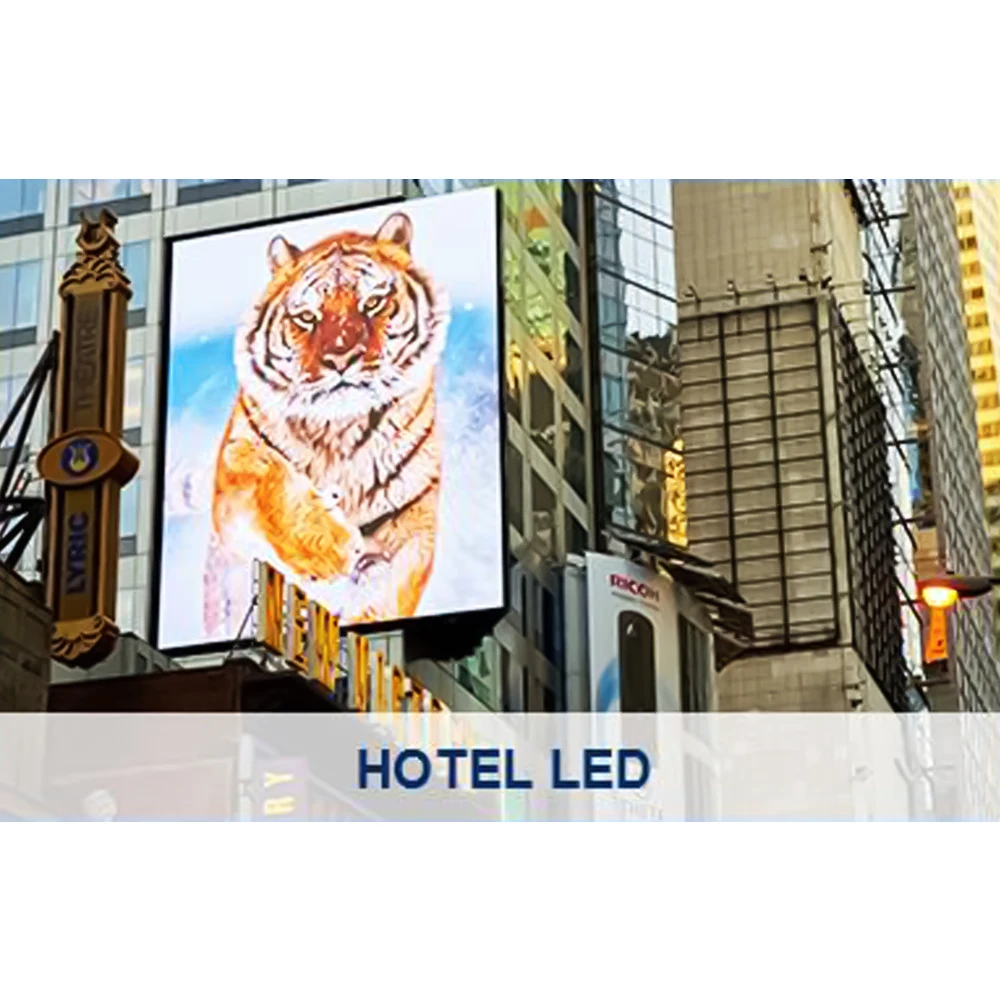
Choosing the right LED display comes down to aligning what the technology can do with where it needs to work and how people will actually view it. Retail spaces that get lots of foot traffic need those fine pitch indoor panels in the P1.2 to P3 range since they show sharp images when folks are standing right next to them. Outdoor billboards tell a different story though they need displays built tough enough to handle whatever weather throws their way, plus at least 5000 nits brightness so they still pop under direct sunlight even with IP65 protection against rain and dust. Control rooms are all about seeing details clearly, which is why ultra fine pixel pitches below P1.5 make sense there for reading complex data sets. Stadiums go in the opposite direction completely, going for P6 through P10 setups because nobody wants to squint trying to see something from over 50 meters away. Event rentals have their own requirements too lightweight cabinets made from die casting materials that let crews swap out modules quickly during setup. Fixed installations meanwhile need extra structural support and often require asynchronous control systems to manage content across multiple screens simultaneously.
| Application | Recommended Type | Critical Specs | Cost Considerations |
|---|---|---|---|
| Corporate Lobbies | Indoor Fixed (P2.5–P4) | 800–1,500 nits, 120° viewing angle | Lower maintenance vs rental |
| Stadiums/Arenas | Outdoor Fixed (P6–P10) | ≥5,000 nits, IP65 rating, active cooling | Higher upfront, 100K+ hour lifespan |
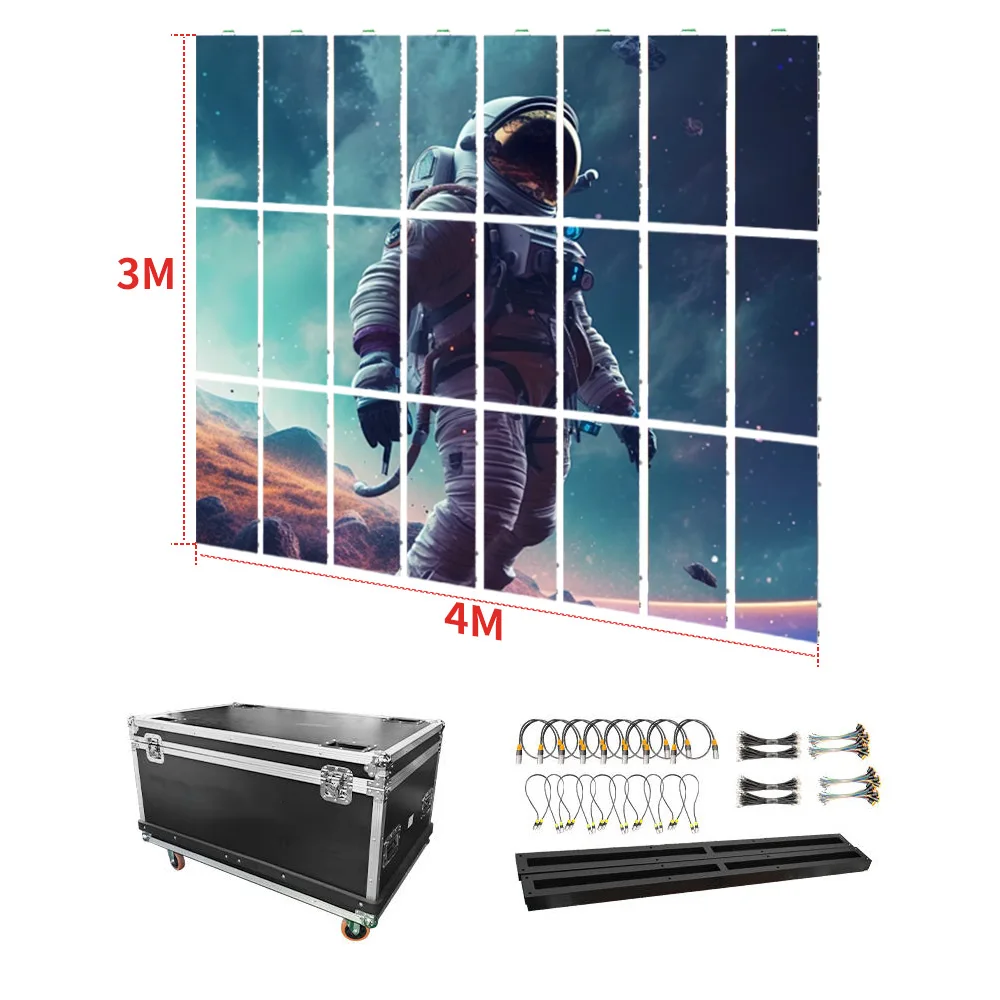
| Event Productions | Rental (P2.6–P6) | Magnesium alloy cabinets, <30kg/m² | Transport/storage logistics |
| Control Centers | Fine-Pitch Wall (P0.9–P1.8) | 4K resolution, 3840Hz refresh rate | Premium pricing for density |
When looking at long term costs, fixed installations actually cost about 40% less over their lifetime compared to rented equipment, even though they require more money upfront. This makes sense when we consider all those savings on shipping stuff around, calibrating systems repeatedly, and paying extra staff time. On the flip side, renting works better when businesses need something just for a short period or when requirements keep changing from month to month. Industry reports show that picking displays that don't fit properly can end up costing companies nearly $740,000 extra over five years according to Ponemon's research last year. That's why smart buyers always check how far people will be standing from screens and whether the chosen hardware matches what's already installed in the space before making any purchase decisions.
Frequently Asked Questions
What is the difference between DIP and SMD LED technology?
DIP technology uses individual LEDs spaced apart, which may create visible gaps. SMD packs the components closer together on one circuit board, allowing for smaller pixel sizes and improved image quality over DIP.
How does COB technology improve LED display reliability?
COB glues the light-emitting parts onto the base material and covers them with resin, reducing failure rates and supporting tighter pixel spacing while maintaining brightness.
Why are IP ratings important in the context of LED displays?
IP ratings indicate the level of protection against dust and water. Higher ratings, like IP65, are crucial for outdoor displays to ensure they withstand environmental elements.
How do you determine the best pixel pitch for a particular application?
The ideal pixel pitch is determined by viewing distance; smaller pitches offer higher resolution but are not always necessary for distant applications like stadiums.
What factors affect the total cost of ownership for LED displays?
Total cost includes upfront investment, lifespan, maintenance, energy savings, and serviceability. Higher quality displays might cost more initially but offer savings over time.