How to Choose LED Display: Transparent Tech Guide

Get a Free Quote

Our representative will contact you soon.
Email
Mobile/Whatsapp
Name
Company Name
Message
0/1000

News&Blogs

Blog img

Understanding LED Display Fundamentals: Technology, Types, and Core Applications

How LED Displays Work: Emissive Pixels vs. Backlit Alternatives

LED displays work by creating light right at the source through something called electroluminescence where electricity actually makes semiconductor materials give off light particles called photons. They're different from LCD screens because those need extra lights behind them while every single LED acts like its own little light bulb. Because they create their own illumination, these displays can get really bright even in sunlight sometimes reaching around 10 thousand nits on models meant for outside use. Plus people can see them clearly from almost any angle and they generally use about forty percent less power compared to regular backlit screens. Most LED displays last forever practically speaking since their operational life runs past 100 thousand hours which translates to over eleven years straight without stopping. That kind of durability means they keep performing well no matter what conditions they face whether it's hanging around a sports field or sitting in some important control room somewhere.

Transparent LED Display Explained: Architecture, Transparency Mechanisms, and Key Use Cases

Translucent LED screens work by placing tiny LEDs on almost see-through glass or super fine metal grids, letting around 70 to 85 percent of light pass through while still showing moving images. The pixels are spaced out more than regular displays, and special chips help hide the wiring so people can still see through them without noticing all the electronics behind the scenes. These displays find their way into several places: shop windows where products need to stay visible alongside ads, museums that want to put digital info right next to actual exhibits, and building fronts that turn into giant screens when stores close at night. Most manufacturers stick with that 70-85% transparency sweet spot because anything below 70% starts looking broken up visually, but going above 90% means colors fade fast and text becomes hard to read outside during the day.

How to Choose an LED Display: Critical Technical Criteria for Performance & Reliability

Pixel Pitch, Brightness (nits), and Viewing Distance — The Legibility Triad

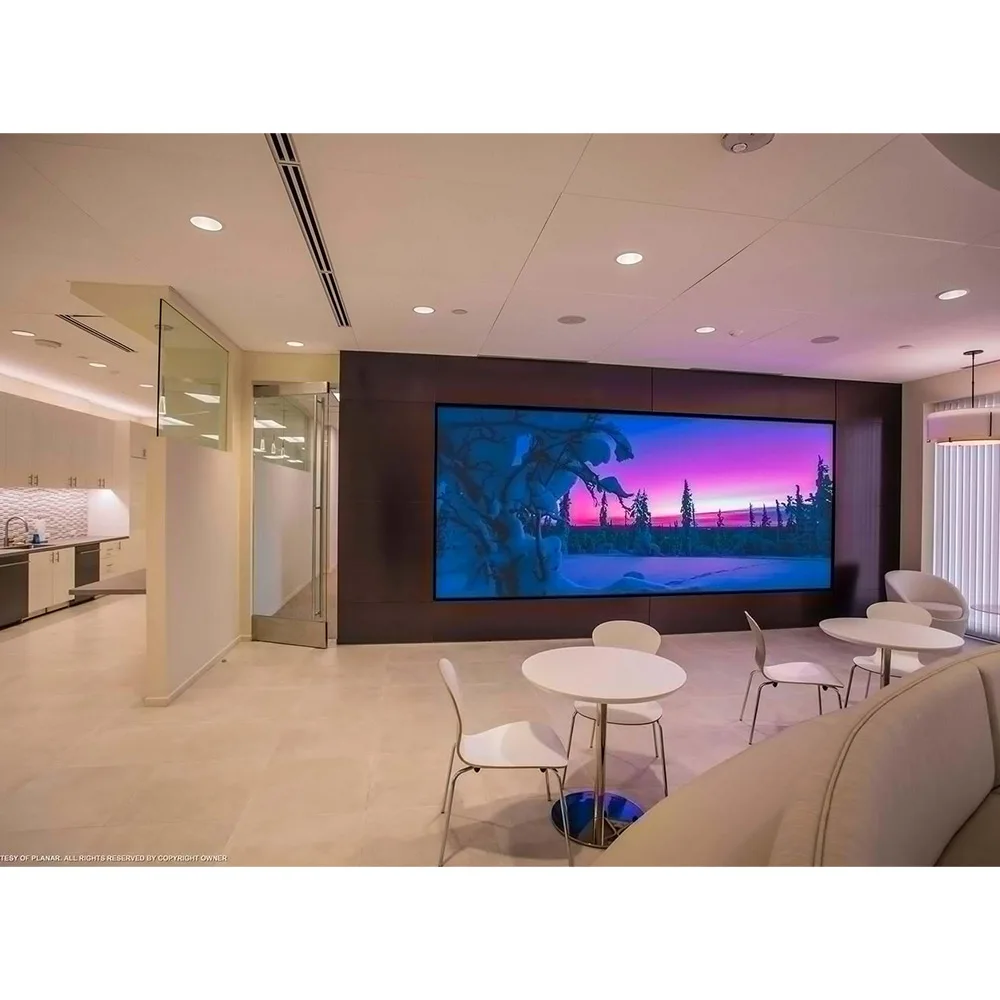
When it comes to LED screens, three factors work together to determine how well they perform and what they'll cost: pixel pitch, brightness measured in nits, and viewing distance. The smaller the pixel pitch, say between P1.2 and P2.5, the clearer the image appears when people stand within about 10 meters. These kinds of screens show up everywhere from corporate reception areas to TV studios and upscale stores where customers get right up close. On the flip side, larger pixel pitches ranging from P6 to P10+ make sense for places where viewers will be farther away, like sports arenas, train stations, or roadside billboards. When folks aren't standing super close, these bigger pixels still deliver good visuals while being more budget friendly in the long run. Then there's brightness. Indoors generally needs around 800 to 1500 nits to look decent. But outside? That number jumps way up. Most outdoor displays need at least 5000 nits just to be seen properly, and sometimes as much as 10,000 nits if they're facing straight into the sun. Otherwise, the text and images just fade into the background.

Environmental Adaptation: Auto-Brightness, UV Resistance, and Thermal Management

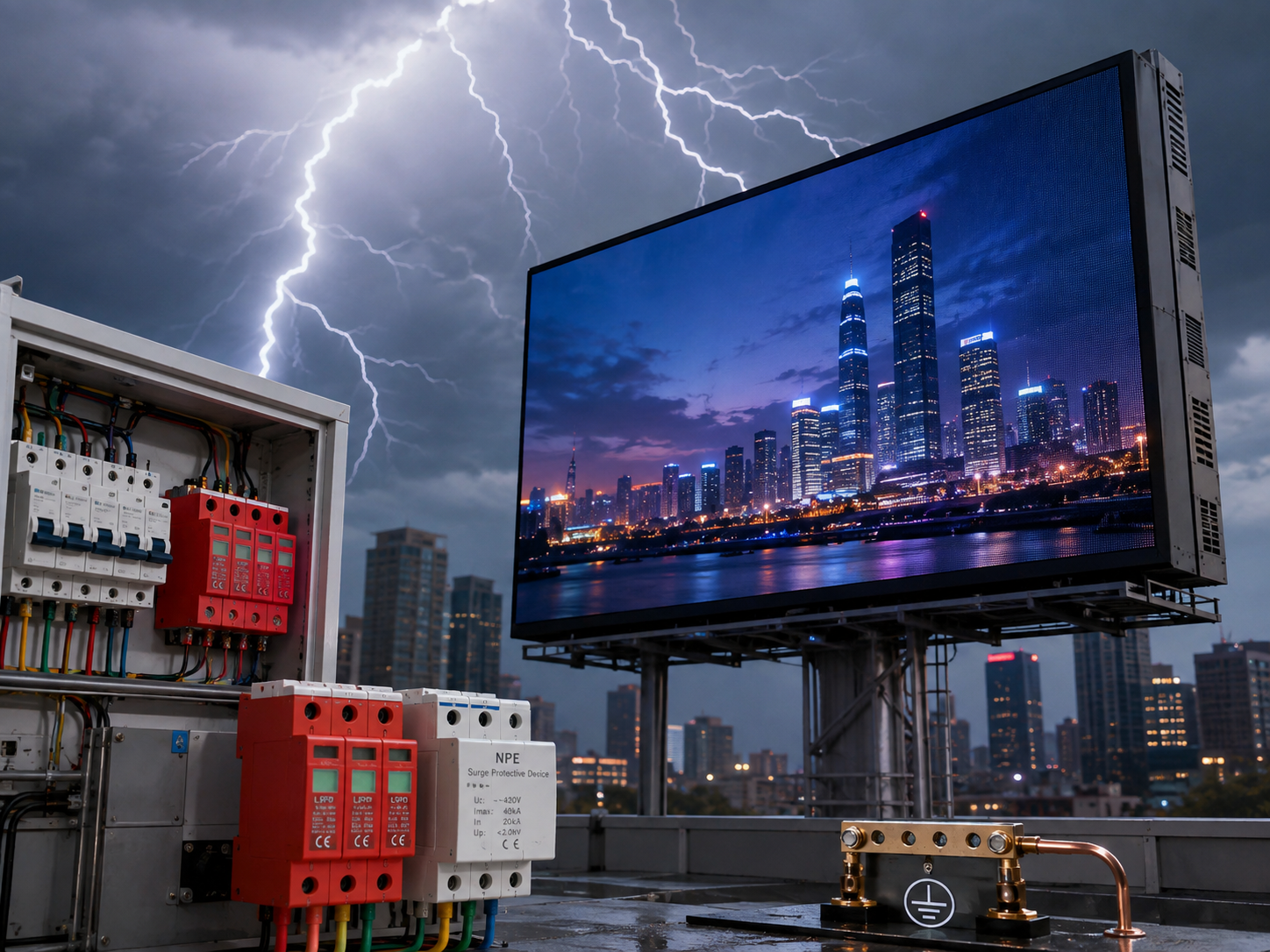
The ability to last over time really depends on how well equipment can stand up to different environments. Brightness sensors that automatically change their output according to surrounding light levels help save power while keeping things comfortable to look at, especially when daylight fades or indoor lighting changes throughout the day. When these devices are placed outside, special coatings and materials that resist UV damage become super important. These protect against colors fading and materials breaking down, which matters a lot in places where the sun beats down hard all day long, think deserts or beachside locations. Managing heat properly is another big deal. Most systems use either aluminum heat sinks that just sit there doing their job or fans that blow air actively. Why does this matter? Because if temperatures stay above 35 degrees Celsius for too long, LEDs start to degrade faster and won't last as long as they should. And finally, enclosures rated IP65 do a great job keeping out dust and water spray, so they work fine even in partially outdoor settings or areas where weather conditions tend to fluctuate quite a bit.

How to Choose the Right Transparent LED Display: Balancing Visibility, Aesthetics, and Functionality

Transparency % vs. Image Quality Trade-Offs: Why 70–85% Often Delivers Superior Retail Impact

Good transparent LED displays actually focus more on clear function than going for full transparency. When manufacturers aim for over 90% transparency, sure, customers can see through better, but the display loses pixel density which hurts how bright and sharp it looks during the day. On the flip side, anything under 70% transparency gives better picture quality, but then people can't see what's behind the screen anymore, defeating the whole point of having a transparent display. Looking at actual installations in stores across the country shows something interesting: around 70 to 85% transparency works best commercially. At these levels, shoppers still get that open feel needed for architecture blending, yet the screens hit those impressive brightness numbers between 5,000 to 8,000 nits so ads pop even in sunlight. Retailers find this sweet spot lets their promotions grab attention without making the space feel cluttered or confusing where things are located.

Structural Integration and Content Strategy: Static Branding vs. Dynamic Motion Requirements

Successful deployment requires alignment between structural constraints and content intent. Structural integration begins with rigorous assessment of existing glass load capacity, mounting surface integrity, and ambient light profiles—factors that influence required mounting depth, thermal dissipation design, and optical calibration. Content strategy then diverges along two practical pathways:

  • Static branding (logos, monochrome motifs, subtle gradients) leverages low power draw and minimal thermal load—ideal for permanent architectural accents or heritage façades.
  • Dynamic motion (video loops, data visualizations, live feeds) demands higher refresh rates (≥3,840Hz) to eliminate flicker and ensure smooth playback. To preserve transparency, avoid solid-color blocks covering more than 30% of the screen at once; instead, prioritize layered, animated elements with strategic negative space. Matching motion complexity to hardware capabilities prevents localized overheating, minimizes long-term pixel wear, and sustains visual consistency over time.

How to Choose an LED Display Manufacturer: Evaluating Real-World Capability Beyond Datasheets

When picking a manufacturer, focus more on what they actually deliver versus what looks good on paper specs. Vertical integration matters a lot these days. Companies that run their own surface mount technology lines, handle cabinet assembly themselves, and manage the entire aging process tend to have better grip on quality control while responding quicker when customers need something customized. What happens after purchase counts too. Warranty coverage should be solid - at least three to five years for LED components and two plus years for electronic parts. Regional service centers are a must, along with assurance that replacement parts will still be available seven years down the road. Don't forget to ask for case studies related to similar sized projects in comparable environments and applications, particularly ones where things got complicated like with curved building exteriors, real time data displays, or multiple screens working together seamlessly. During initial consultations with engineers, pay attention to how responsive they are. Manufacturers who genuinely want to work alongside clients developing mounting systems, thermal management plans, or content standards show real partnership spirit instead of just wanting to make a sale. These commitments become evident through talking to past customers and visiting facilities firsthand, which ultimately tells us whether we can expect reliable performance and good returns over time.

FAQ

What is the advantage of using LED displays over LCD screens?

LED displays have the advantage of producing light at the source through electroluminescence, making them brighter and more energy-efficient than LCD screens, which require backlighting.

How transparent are transparent LED displays?

Transparent LED displays typically offer 70 to 85% transparency, allowing for clear image projection while still enabling visibility through the display.

What should be considered when choosing the pixel pitch for an LED display?

The pixel pitch should be chosen based on the intended viewing distance. Smaller pixel pitches (e.g., P1.2 to P2.5) are ideal for close viewing, while larger pixel pitches (e.g., P6 to P10+) are better for distant viewing.

How important is environmental adaptation for outdoor LED displays?

Environmental adaptation, including auto-brightness, UV resistance, and thermal management, is critical for prolonging the lifespan and ensuring the performance of outdoor LED displays.

What should I consider when selecting an LED display manufacturer?

Consider the manufacturer's real-world capabilities, such as vertical integration, warranty coverage, regional service centers, and past project case studies to ensure reliability and ongoing support.

Related Blog

Get a Free Quote

Our representative will contact you soon.
Email
Mobile/Whatsapp
Name
Company Name
Message
0/1000
Email Email Whatsapp Whatsapp

Related Search