EN
EN

A strong LED sign wholesale OEM and private-label program is not simply a standard sign with a new logo. The real work is keeping the visible product, carton, manual, quick-install card, sales photography, market language and repeat-order files aligned around one approved version. When those elements move separately, small branding changes can create old cartons, mismatched manuals or sales images that no longer represent the shipped product. A better approach is to decide which parts of the product line actually need branding, lock the first approved reference carefully, and then make every later file traceable to that reference.
For distributors comparing wholesale LED sign manufacturing options, that creates a more useful form of private label. The range looks consistent in the market, while production can still identify the underlying product configuration. Meanwhile, repeat orders become easier because the discussion starts from a known baseline rather than rebuilding the branding package from old emails, screenshots and attachment folders.
Decide the Private-Label Scope Before Artwork Starts
Many OEM projects begin with a logo file. Yet logo placement is only one part of the decision. The more useful question is where the branded identity needs to remain visible during the full product lifecycle.
On the finished sign, branding may appear on the enclosure, nameplate or model label. During installation, the manual and setup card carry the same identity. Later, the carton, catalog and product photography become the reference used for another shipment. In other words, the branding system continues long after the first logo is printed.
Start with the places that actually affect recognition
A private-label range does not need a logo on every possible surface. Too many branded details can increase artwork revisions without adding much commercial value. Instead, visible product identity should concentrate on the points that remain useful after installation and during support.
A product logo and branded model can create the main outward identity. The nameplate then keeps that identity connected to product records. Packaging and documentation extend the same naming into shipment and installation.
Brand what helps identify the product later. Avoid adding decorative customization simply because a surface is available. A stable branded model, readable product identification and consistent packaging usually create more long-term value than many disconnected logo placements.
Keep branded model names connected to the factory reference
A distribution range may use its own model naming structure. That can make the product line easier to organize in catalogs and sales materials. However, the private-label name should still map internally to the physical product configuration.
This relationship becomes especially important later. A service request may mention the branded model rather than the factory reference. Likewise, a repeat order may arrive months after the original production. With a clear cross-reference, both situations can return to the correct physical configuration quickly.
| Element | What it should establish | Useful reference | Typical mismatch to avoid |
|---|---|---|---|
| Product logo | Visible brand identity | Artwork + placement proof | Correct logo in the wrong position |
| Branded model | Channel product identity | Model cross-reference | Catalog model no longer matching production |
| Nameplate | Stable product identification | Approved field proof | Old model information remaining on the unit |
| Startup graphic | Digital brand presentation | System feasibility + graphic file | Artwork approved before system support is checked |
| Carton artwork | Shipment and market identity | Released print file | Old carton returning on a later order |
Treat startup branding as a separate decision
A physical logo and a digital startup graphic may look like the same branding request, but they depend on different production processes. Digital customization can depend on the selected control setup, software or firmware arrangement.
Therefore, startup branding is better confirmed after the control configuration is clear. When supported, the approved record can include the graphic dimensions, file format and corresponding system reference. If the requested startup treatment creates unnecessary maintenance complexity, keeping the branding physical may provide a cleaner long-term solution.
Make the Manual Feel Like Part of the Product Line
Documentation is often where private labeling starts to feel incomplete. The physical sign can look fully branded while the carton still contains a generic manual or an old quick card.
That mismatch matters because documentation is often used during installation, training and support. A branded product therefore benefits from documentation that looks consistent without turning every page into marketing material.
Use one technical source before creating different branded files
The most stable approach starts with one technically correct master. Branded covers and market-language versions can then branch from that source. This keeps installation instructions, diagrams and product references from drifting between markets.
It also makes product changes easier to manage. When a connection diagram or control workflow changes, the update begins with the technical source. The affected branded and translated versions can then be identified instead of relying on memory.
Let the quick card solve only the first few minutes
A useful quick-install card does not try to reproduce the full manual. It handles the short period between opening the carton and reaching the complete instructions.
That normally means product identification, a basic unpacking check, the main connection path, a reference to the full manual and a clear support route. Keeping the card narrow makes it easier to read and easier to update when the product changes.
Warranty material should follow confirmed commercial terms
Warranty wording deserves separate approval because it can create obligations that a general brochure does not. A reusable private-label template should therefore avoid inserting an assumed duration or coverage level.
Instead, confirmed commercial terms should feed the released warranty version. Contact information also needs attention. An otherwise correct document quickly becomes outdated when it points to an old support address or an inactive distribution contact.
Replace vague names such as manual-final-new.pdf with a structure that identifies the brand, model, document type, language and revision. The exact naming rule can follow the existing internal system; the important point is that a file can still be identified months later without opening it.
Keep Market Versions Separate Without Losing the Product Baseline
The same physical sign can move into different markets while the surrounding information changes. One shipment may need a different language, carton label or support contact even though the hardware stays the same.
Problems begin when those market differences are stored as unrelated files. A better system groups the changing elements around one market reference.
Think in market packs, not individual translated PDFs
A market pack can connect the destination language with the correct carton, manual, quick card, warranty material, barcode information and support identity. The physical product remains tied to its existing configuration unless an actual hardware difference exists.
This structure becomes increasingly useful as the number of markets grows. Instead of asking which of several similarly named files should enter a carton, the production reference points to one approved market pack.
Translate after the technical meaning is stable
Translation should follow the approved source version rather than an evolving draft. Otherwise, a small technical edit in the source can leave another language several revisions behind.
After localization, model names, numbered steps, diagrams and control-interface terminology deserve another check. A fluent translation can still be confusing if the wording no longer matches the labels shown on the actual interface.
Manage packaging information as data before artwork
Packaging becomes easier to control when the changing information exists in a simple data sheet before it appears in graphic artwork. That sheet can define the brand name, product name, branded model, internal product reference, destination, language, barcode information and confirmed shipping marks.
Meanwhile, regulated labeling, electrical information, importer information, certification marks or other destination-specific requirements should stay under project review. They should not be copied from another carton because the products appear similar.
Make the Sample, Product Photos and Sales Materials Tell the Same Story
A private-label range can look inconsistent even when the manufactured product performs as intended. This happens when the sample, photography, catalog and shipped version gradually separate.
For example, the approved sample may use one logo position while an older product image stays in the catalog. Later, the carton changes to a new branded model name. None of those issues is individually dramatic, yet together they make the product line feel poorly controlled.
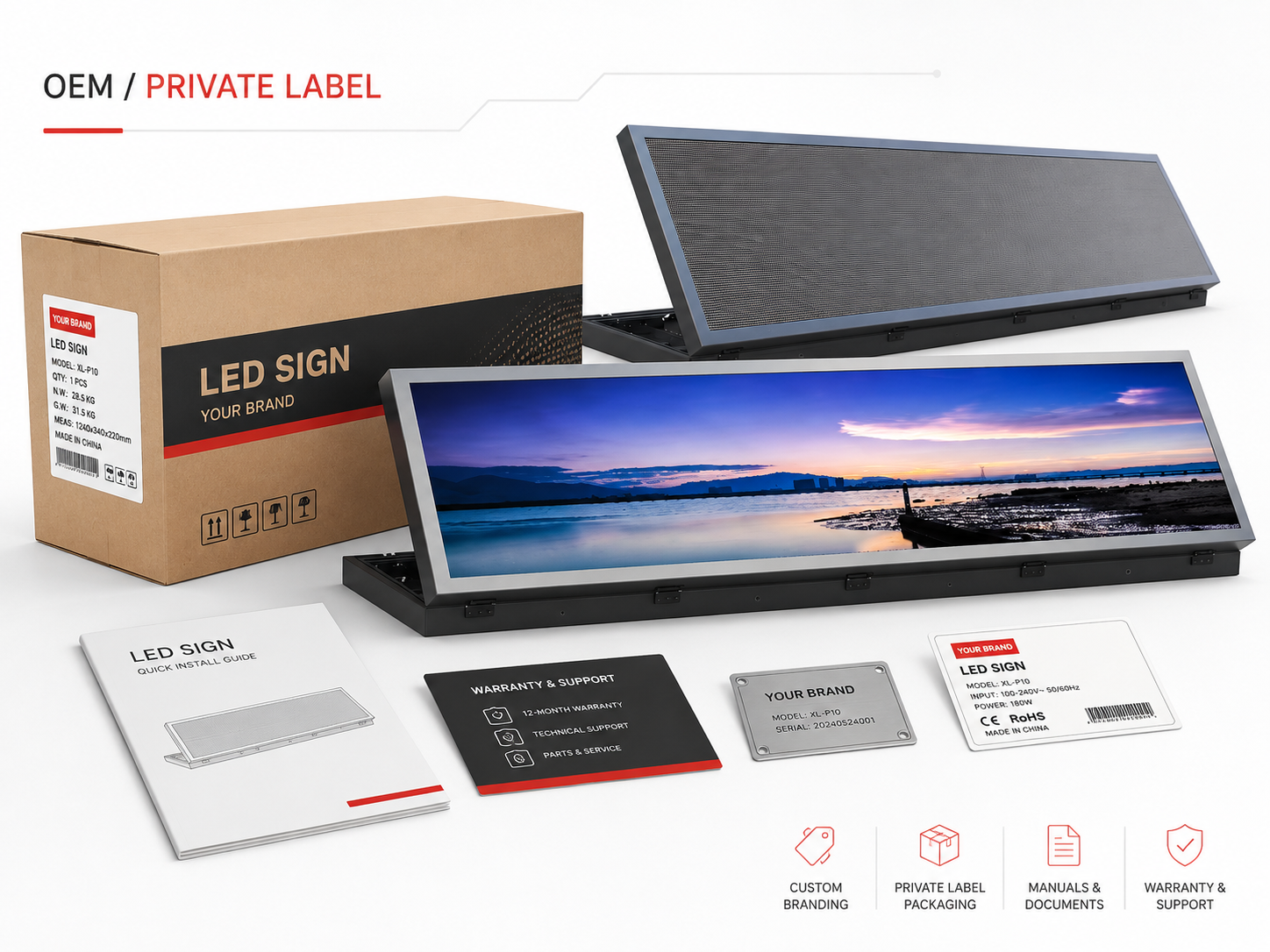
Start Commercial Assets From an Approved OEM Reference
An approved OEM reference makes branding decisions easier to judge. Logo scale, label location, photography angle and packaging presentation can all be reviewed against an actual enclosure rather than a generic mockup.
Once the branded sample is approved, new sales photography should follow that appearance rather than an earlier unbranded or differently configured image.
View LED Sign Board OptionsDefine what the sample actually approves
The phrase “approved sample” can create false confidence when the approval scope is unclear. A sample may prove the enclosure and logo placement while the carton is still under review. Another sample may include approved packaging but use a temporary manual.
Therefore, the sample record should identify the parts that are actually frozen. This does not need to become a long inspection form. A short approval note covering the product appearance, logo, nameplate, startup branding, packaging, document pack and accessories can remove a great deal of later ambiguity.
Photograph the version intended for sale
Product images should represent the version that will actually enter the distribution range. A front image establishes the main appearance, while a rear or detail image can support installation and product comparison.
Packaging photography also has value when the branded carton is part of the commercial presentation. However, older images should move out of the active sales library once visible branding changes.
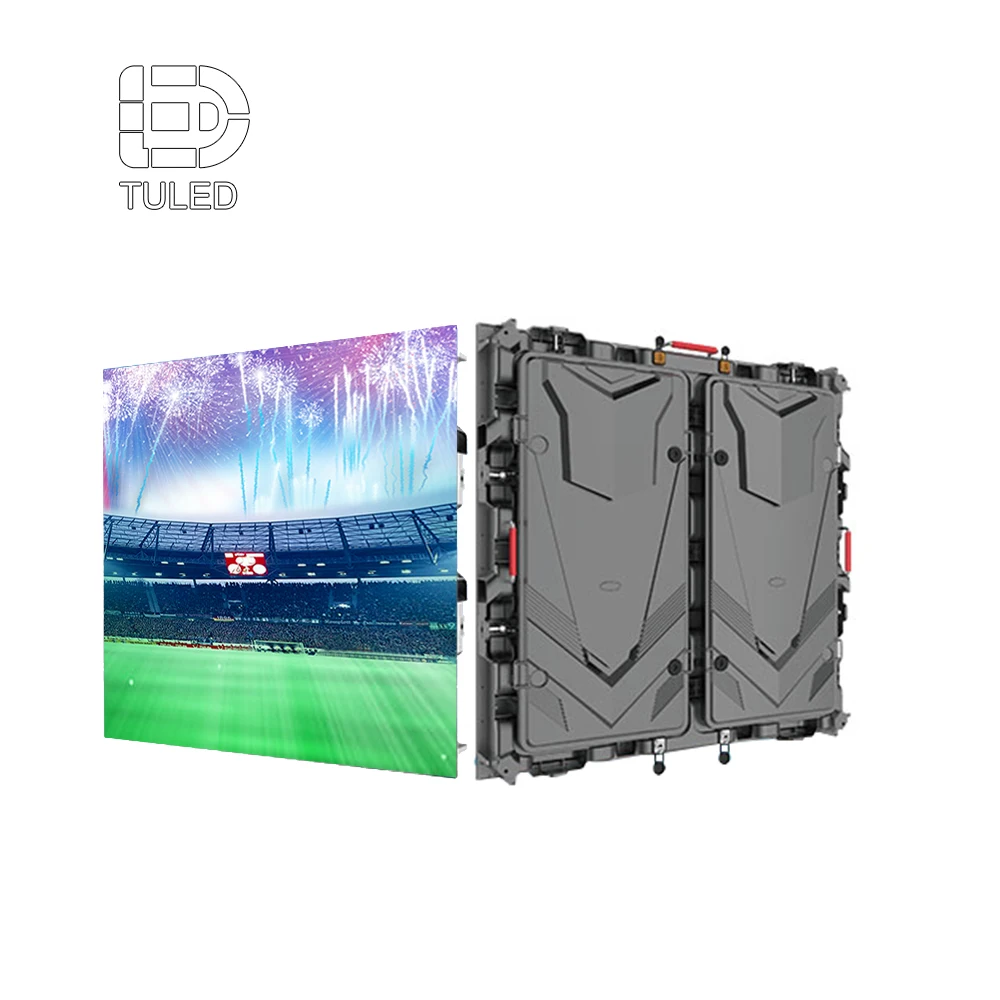
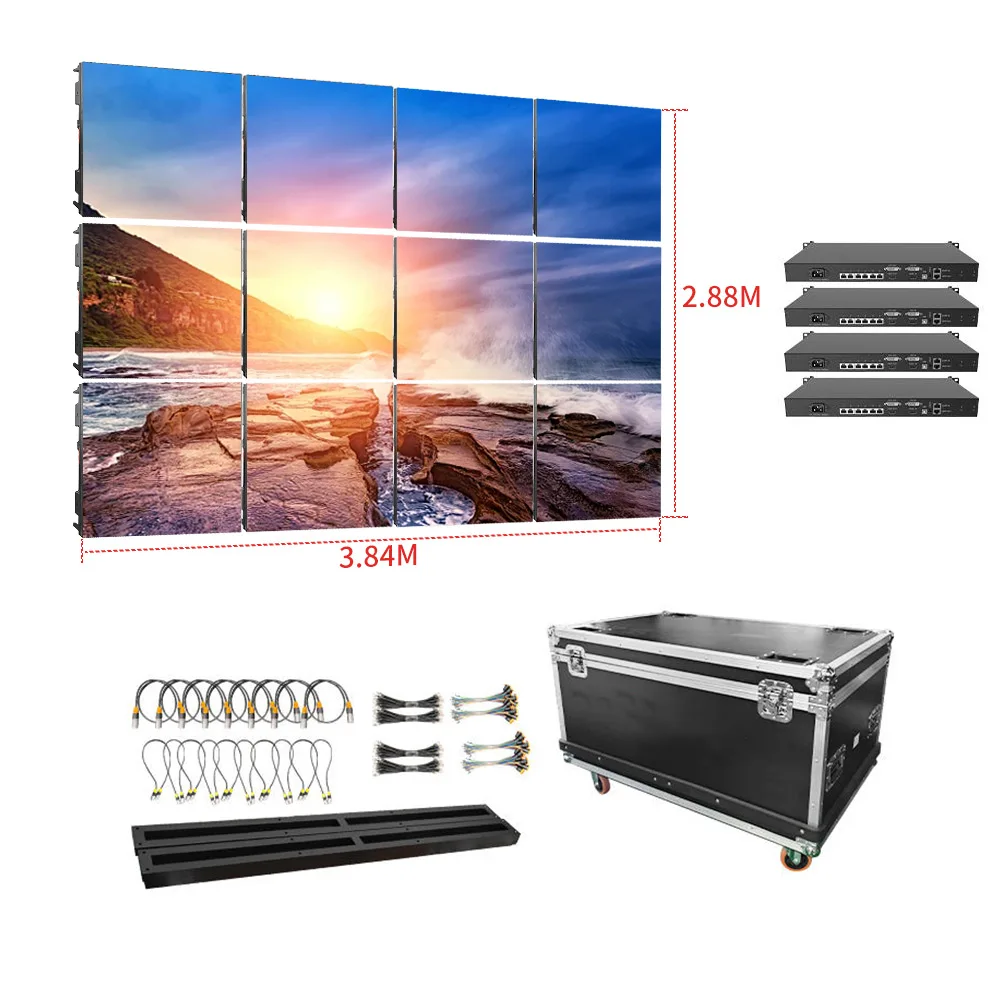
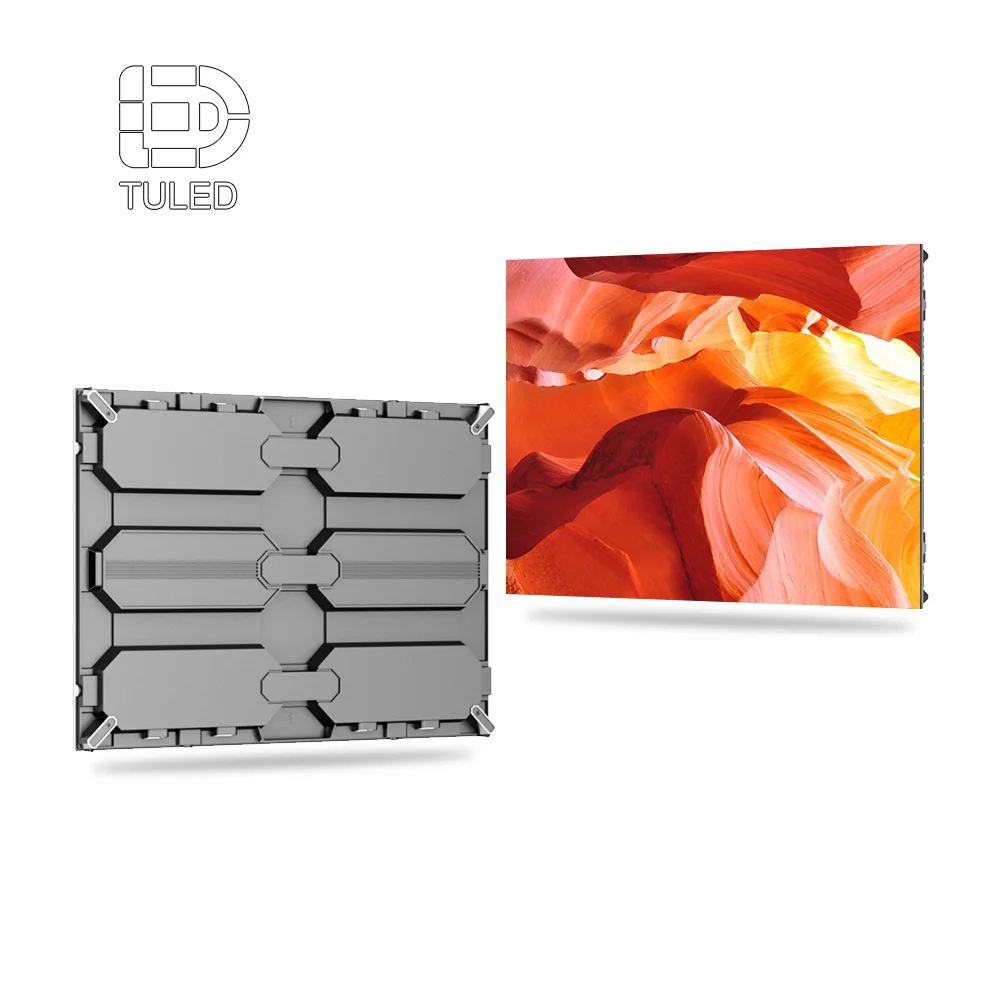
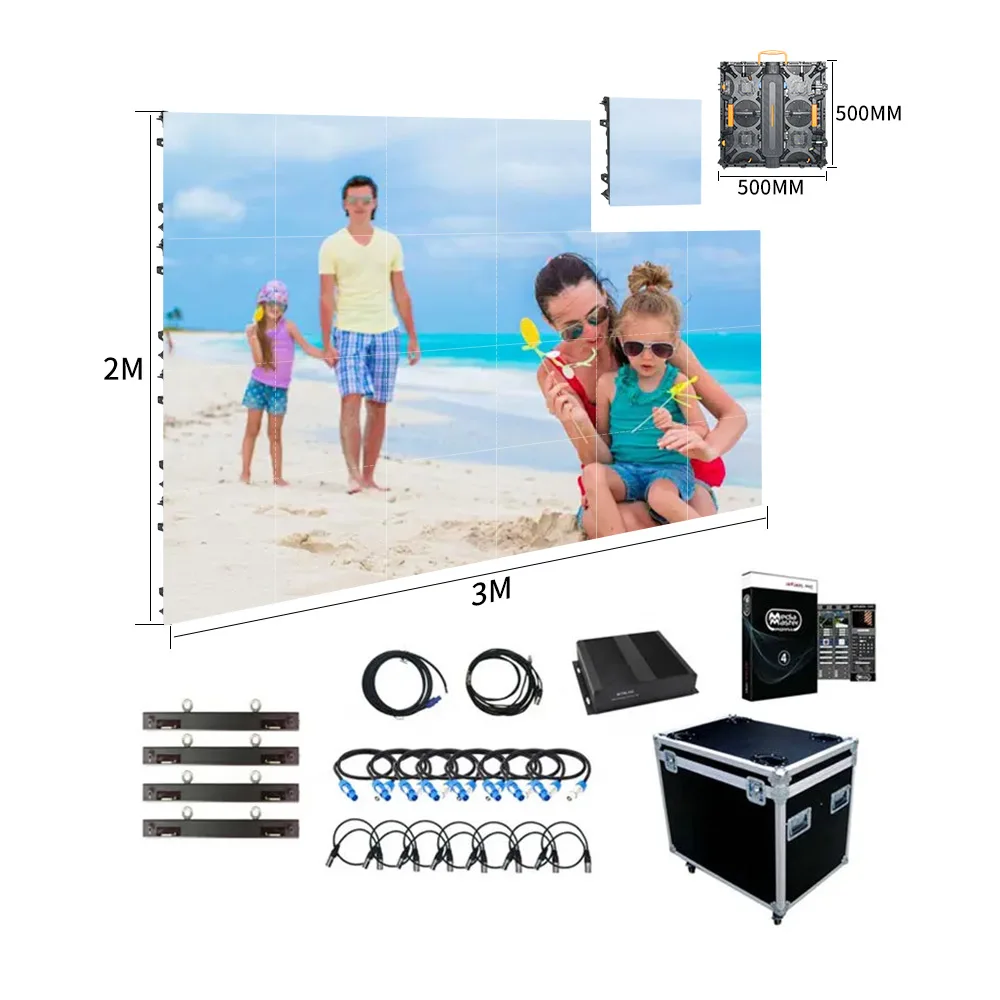
The confirmed LED Sign Board direction is the appropriate product-level reference when the project moves from brand planning into the actual sign range. The final private-label specification should still remain tied to the approved project files rather than relying on a live webpage alone.
Repeat Orders Should Start From a Version, Not From Memory
The first private-label order usually receives close attention because every detail is new. The second or third order can be more dangerous because the product feels familiar.
A short reorder message may mention only the model and quantity. Yet the previous production may also have used a particular carton, manual, logo placement, startup graphic, accessory combination and market-language pack. If those references are not carried forward, repeat production can quietly drift.
A model number alone is not enough
The same physical model may exist with different branding packages. One version can use another carton language. Another can carry a different branded model. A third can include a revised quick card without changing the hardware.
This is why the reorder reference should connect the physical model with the commercial and packaging versions instead of treating them as one inseparable SKU.
| Control layer | What remains identifiable | What this prevents |
|---|---|---|
| Base product | Physical product configuration | Reordering the wrong platform |
| Branded model | Commercial product identity | Catalog and production naming drift |
| Brand revision | Logo, nameplate and placement | Old artwork returning |
| Document pack | Manual, quick card and warranty files | Mixed document revisions |
| Packaging revision | Carton, label and printed inserts | Wrong market packaging |
| Market pack | Destination language and support identity | Localization mistakes |
Save a frozen snapshot after each approved order
Once an order reaches release, the active product, branding, packaging and document references should be saved together. That snapshot becomes the starting point for the next production cycle.
The snapshot does not need to be complicated. It can simply point to the base product, branded model, active artwork, packaging version, document pack, destination pack, accessory configuration and approved sample.
Review only what changed
A delta-based review is faster and easier to understand than resending every file. For example, the carton can move to a new revision while the manual, logo and market language remain unchanged.
This approach also makes approval easier. A new manual does not accidentally imply a new carton, and a packaging refresh does not silently change the product identity.
Dealer Support Works Better When the Brand Has a Product Map
Private labeling changes the names seen in the market. Support still needs to know what sits behind those names.
A simple branded-model cross-reference solves much of that problem. It connects the commercial product name with the physical product, relevant revision, documentation and support reference.
Make support information practical rather than promotional
Sales material explains why a product belongs in a range. Support material helps identify the unit and understand what information is needed when something requires attention.
That can include model identification, serial-label location, connection references, controller identification, accessory information and the correct technical document. The exact troubleshooting content depends on the selected product, but the information path can be designed before the branded range launches.
Keep the active folder small
One of the easiest ways to reduce version errors is to keep superseded files away from current production material. Old files still have value for traceability, so deleting everything is not the answer.
Instead, current approved files can stay in one active location while older revisions move to an archive. A simple status such as Draft, Approved, Superseded or Cancelled is usually easier to understand than several folders containing different files named “final.”
Small Branding Errors That Create Large Repeat-Order Confusion
Most private-label problems are not dramatic technical failures. They are small differences that become expensive because nobody notices them until artwork, packaging or production has already moved forward.
A Cleaner Path From Brand Brief to Repeat Production
The project becomes easier when branding decisions follow the same order as the physical product. Artwork should not lead the process before the underlying sign and market direction are clear.
FAQ
What parts of an LED sign can usually carry private-label branding?
The scope may include a physical logo, model identification, nameplate, carton artwork, packaging labels, manuals, quick-install cards, warranty material and commercial assets. Some control configurations may also support startup or interface branding. The actual scope still depends on the selected product and production method.
How should several language and packaging versions be managed?
Keep one technically approved source and connect each localized document to that source revision. Then group the destination manual, carton, quick card, warranty material, barcode information and support reference into one controlled market pack. This makes the destination version easier to identify during repeat production.
How can sales images stay consistent with the final shipped version?
Build the active photography set around the approved physical reference. When visible branding, model naming, accessories or packaging changes, review the active sales library and move older images out of the current set.
What should be locked before a repeat order?
The repeat reference should identify the physical product, branded model, active logo and placement, nameplate, document pack, carton revision, market pack, relevant accessories and approved sample. A new order can then focus only on what has changed.
What information makes an OEM branding review more efficient?
Useful inputs include production-ready logo artwork, intended product naming, target markets, language requirements, preferred logo location, packaging expectations, manual requirements, warranty wording, barcode or label needs and any requested startup branding. Requests that depend on the enclosure, software or production method still require project confirmation.
Build the Brand Around One Stable Product Reference
Private labeling works best when the brand identity, packaging, documentation and commercial assets remain connected to the same physical product reference. That connection matters more than adding the largest possible number of customized surfaces.
Once the first approved version is clearly recorded, market variants and repeat production become easier to manage. Instead of asking what the original project was supposed to contain, the next order starts from a known release and identifies only the confirmed differences.
- Decide which visible, packaging and document elements actually need private-label identity.
- Connect the branded model with the physical product and market version before sales materials are created.
- Agree how the approved version will be saved so the next production run starts from a controlled baseline.
Send the Brand Inputs Before the Product Files Are Built
Prepare the logo file, intended product name, target market, required languages, preferred branding location, packaging direction, manual requirements, warranty wording, barcode or label needs and any startup-branding request. These inputs allow the physical product, documents and packaging to be reviewed as one private-label package rather than separate design tasks.
With that information in place, the LED sign wholesale OEM program can move toward one approved branded baseline that remains understandable during sampling, sales preparation and repeat production.
Submit OEM / Private Label Requirements