EN


During a busy shift, trucks arrive and depart while teams work across several dock doors. Supervisors need to see which bays are occupied, and drivers and dock workers need to identify the right loading position without confusion.
A loading dock LED display can show door assignments, bay identifiers and operational status messages where supervisors, drivers or dock workers need to see them. This is different from the dedicated warning lights and interlocked safety systems used to control vehicle and dock equipment movements. For an information display, the main challenge is deciding what people need to read, where they will see it and which screen configuration suits that location.
The layout of the docks and the people reading each message are the starting points. Once those are clear, it becomes easier to judge the screen format, viewing distance and installation requirements.
Identify the loading dock areas that need a shared LED display
The first question is not how many screens a distribution center should purchase. It is whether staff need to see the same information from one central location or whether individual loading bays require their own displays.
Consider a facility where a supervisor oversees several adjacent dock doors. A shared LED screen near the supervisor's normal working position could present door numbers alongside short loading-status messages. The benefit comes from having one visible overview rather than requiring staff to check several separate locations.
That arrangement becomes less useful when the building layout creates blind spots. Columns, parked trailers, open dock doors and equipment can interrupt the view. A screen that is visible from the center of the building may be difficult to read from the far end of the loading area.
Individual displays make more sense when information needs to be seen at a particular door. For example, a driver approaching an assigned bay may need a clearly visible door identifier. In this situation, placing a screen near the relevant approach point can be more useful than displaying the same information on a distant shared screen.
These arrangements can also work together. A central screen gives supervisors an overview, while smaller displays guide drivers at individual doors. The number of screens follows who needs to see what, rather than simply matching the number of bays.
The content changes with the location. A shared screen might show several door numbers and short status labels; a display beside one bay might need only a large, unmistakable identifier. Trying to put the same amount of information on both can make the smaller screen harder to read.
Choose screen size and viewing distance for dock supervisors and drivers
A screen can look large enough on a technical drawing but still be difficult to read from the far side of a loading area. Screen dimensions need to reflect the actual distance between the display and its intended viewers.
For a supervisor, the relevant distance is usually measured from the normal monitoring position to the shared screen. For drivers, the viewing relationship may be different. They may approach from an angle, sit below the screen or only have a brief opportunity to read the information before reaching a loading bay.
The content itself changes the decision. A display showing a single dock-door number has a different layout requirement from one presenting several doors and their loading states. If too much information is compressed into a limited screen area, increasing the amount of content can make the display harder to understand rather than more useful.
Pixel pitch, the distance between neighboring pixel centers, matters alongside screen size when the display contains small text viewed up close. At longer distances, adequately sized characters and a clear message hierarchy often matter more than fine pixel detail. The choice depends on the message and the positions from which people will read it.
A practical way to evaluate the proposed arrangement is to use a sample containing realistic door numbers and status wording. Review it from the supervisor's position and the farthest regular viewing point. This reveals whether the text is readable and whether the screen has enough space for the information people actually need.
Viewing angle deserves attention too. A screen mounted directly above a bay may be visible from the front but less comfortable to read from a side approach. Mounting height, surrounding structures and the driver's normal line of sight all influence the final position.
Keep driver-facing messages simple: The assigned door number should be recognizable at a glance. Put secondary status details on the supervisor's overview rather than shrinking the main identifier to fit more text.
Compare indoor and outdoor installation positions and cabinet formats
The physical environment is one of the most important differences between loading dock installations. An enclosed bay, a canopy-covered entrance and an exposed exterior wall may all belong to the same facility, but they do not present the same conditions for an LED display.
An indoor position is generally less exposed to direct rain and sunlight. However, dust, exhaust, vibration, lighting conditions and routine cleaning still need to be considered.
A canopy provides some shelter, but it does not necessarily create an indoor environment. Wind-driven rain, water run-off, changing temperatures and sunlight entering from the sides can affect the installation.
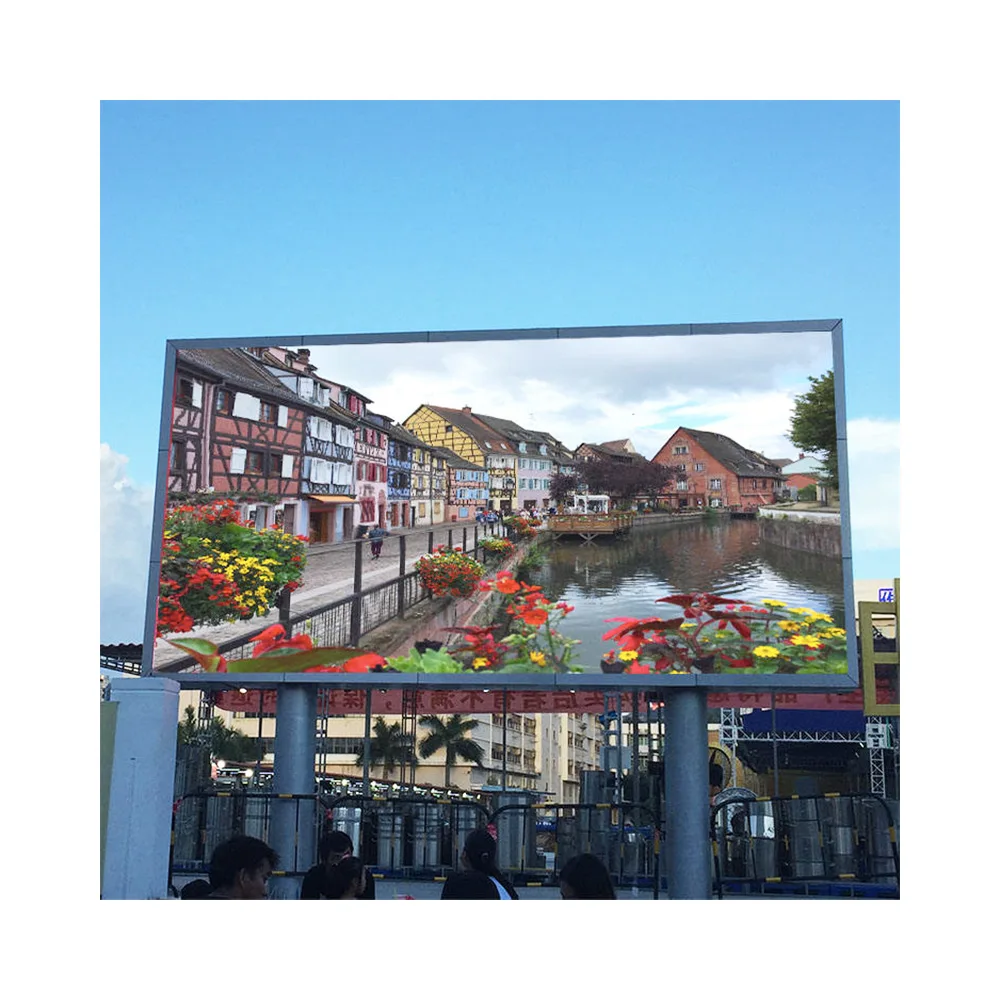
Displays mounted outside the building require a closer review of weather exposure, direct sunlight, dust, moisture and temperature variation. The outdoor cabinet version and its documented protection level must match the actual site conditions.
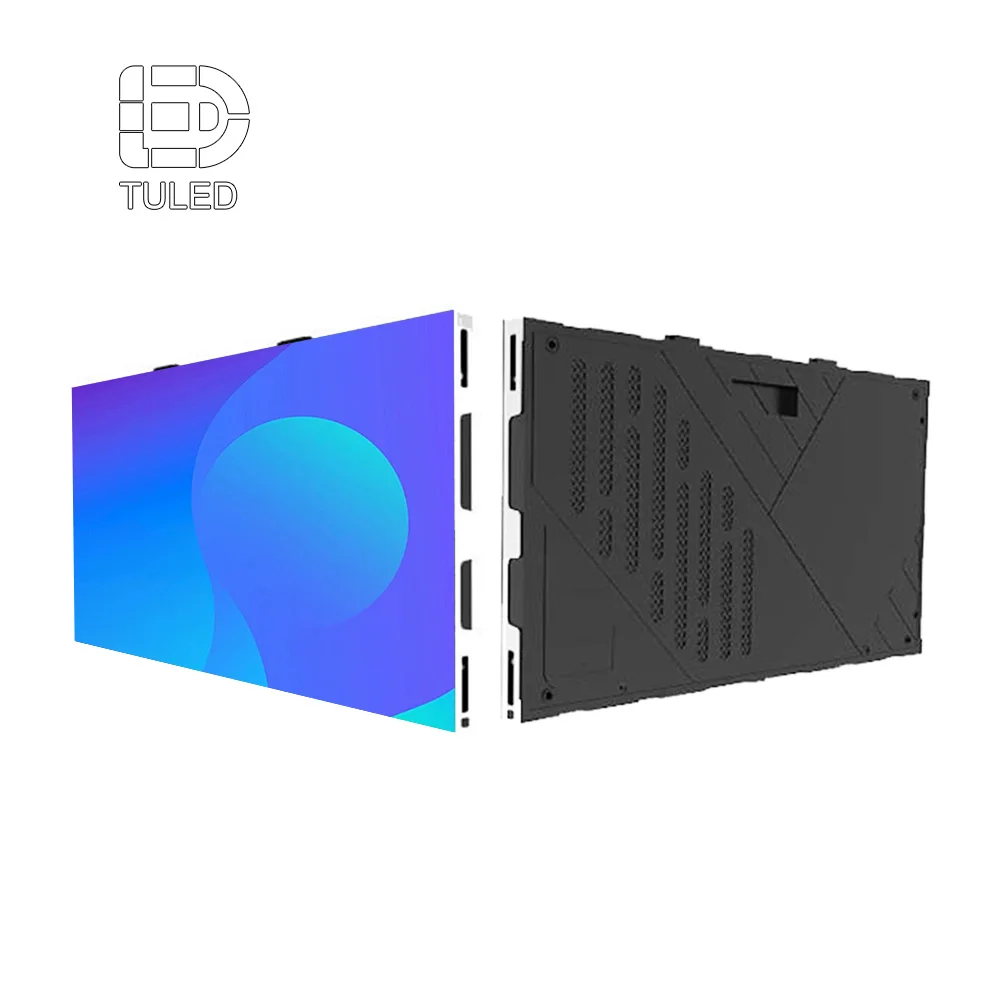
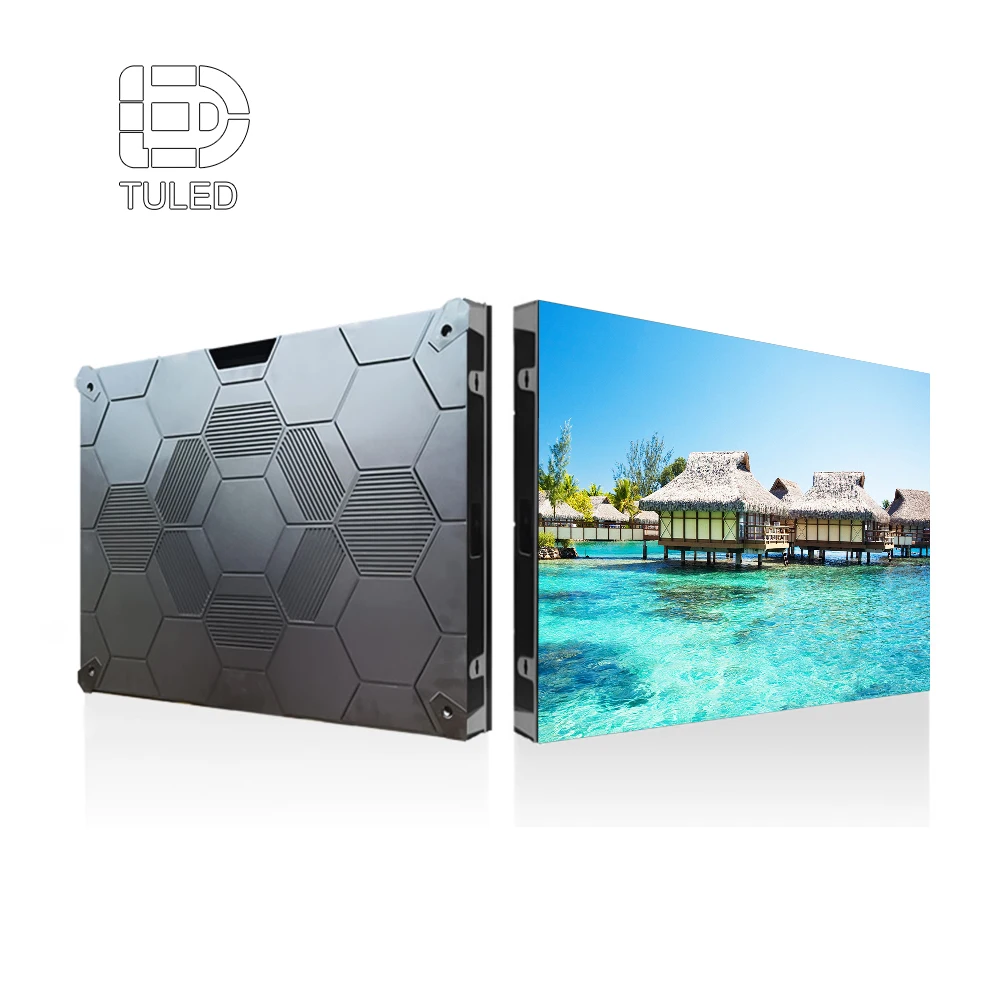
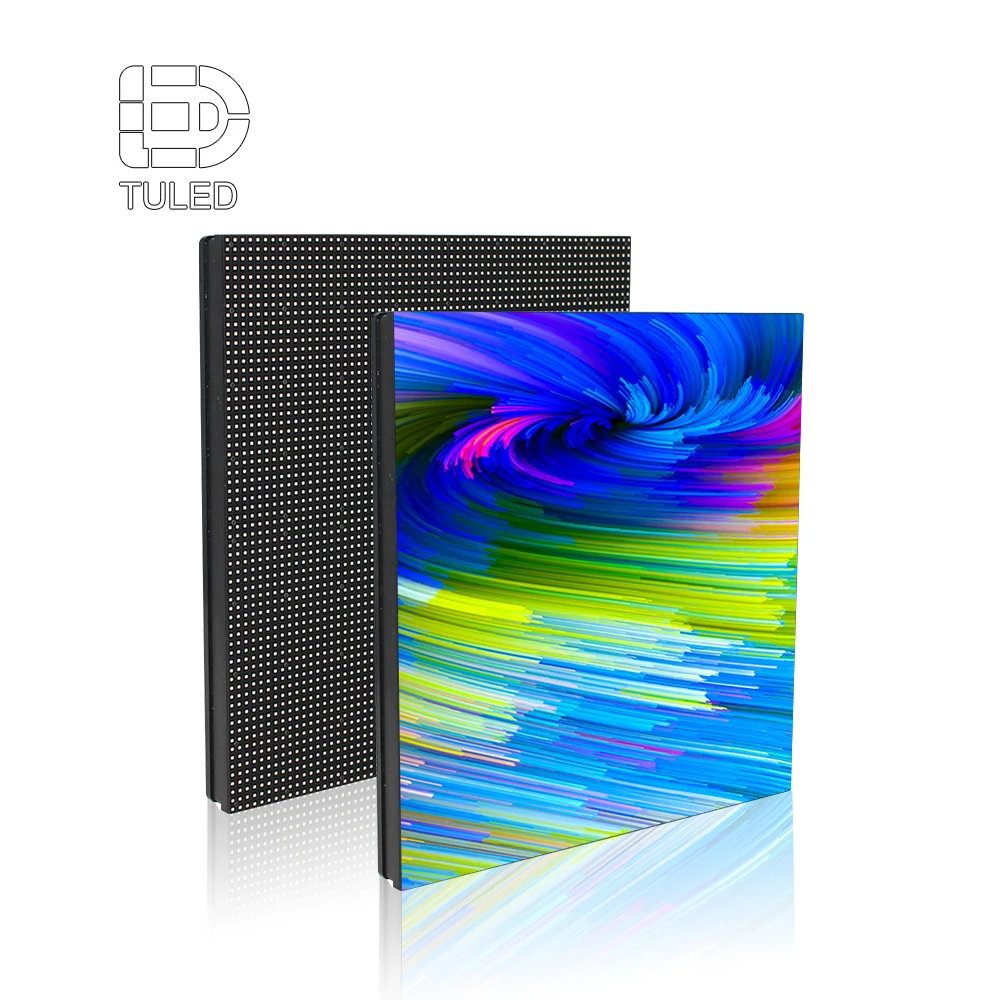
Cabinet format is closely connected to this decision. A shared screen covering several loading doors may require a wider display arrangement, while a local information point may need a more compact board. Modular cabinets can provide flexibility in screen layout, but the final dimensions depend on the available product configuration and the physical space.
The depth of the cabinet is also relevant. A screen installed against a wall or column may have limited clearance behind it. A freestanding arrangement has different support and access requirements. The display should fit the building without interfering with dock equipment or creating unnecessary maintenance difficulties.
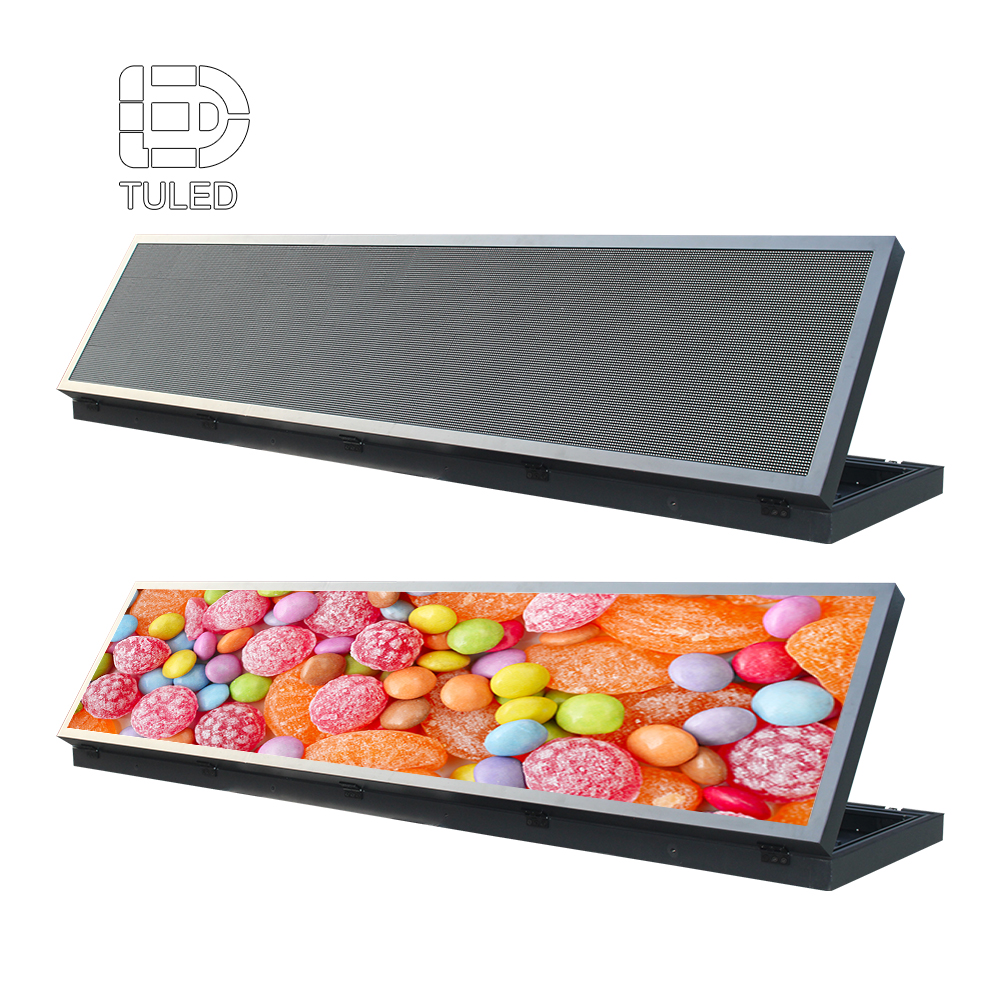
For fixed door numbers or short status messages, the custom led display board range is a useful starting point. The configuration still needs to suit the available space and the conditions at each mounting location.
LED Display Board
For a supervisor's overview, a wider display area may accommodate several door numbers and status labels. At a single bay, a simpler layout with larger text may be easier for approaching drivers to read.
Screen proportions are only part of the choice. Available cabinet dimensions, brightness, weather protection and service access also need to fit the intended installation position.
Plan mounting, power access and maintenance space around loading bays
A loading dock is a working area, not an empty wall. Dock doors move, vehicles reverse into position and equipment occupies space that may appear available during a site survey. The proposed display location needs to work around these activities without interfering with normal operations.
For example, mounting a screen close to the top of a dock door may seem convenient, but the open-door position, overhead equipment and vehicle clearance can change the available space. A nearby wall or column may provide a better location if it offers a clearer viewing angle and a suitable mounting surface.
The support structure should be considered as part of the display project. Wall-mounted, column-mounted and independently supported arrangements have different structural requirements. The facility's engineering team should confirm the suitability of the proposed support before the installation design is approved.
A convenient viewing position is not always convenient for power. If the nearest suitable supply point is far away, extra cable routing or electrical work may be needed. The route also has to stay clear of vehicle movements, dock equipment and cleaning activities.
Maintenance space is often overlooked until the display needs attention. A cabinet installed tightly against a wall may be difficult to access if the selected design requires rear servicing. Where space behind the display is limited, the supplier should confirm whether the proposed cabinet supports front access or another suitable service arrangement.
Servicing can affect dock availability too. If a technician needs a lift or work platform that blocks a bay, a different mounting position may be more practical even when the original position offers a clear view.
Prepare dock drawings, screen quantities, dimensions and site photos for a supplier quotation
The more clearly the loading dock is represented in the initial project brief, the easier it becomes to assess a suitable display arrangement. A request that only states a preferred screen size leaves important questions unanswered, particularly when several bays or different installation environments are involved.
A marked floor plan is a useful starting point. It should show the dock-door numbers, the arrangement of the loading bays, nearby columns, canopies and vehicle routes. Proposed screen locations can then be marked against the areas that need to remain visible. If the project involves multiple screens, distinguish the shared overview positions from individual door locations.
On that plan, note the available mounting area and any proposed screen dimensions. Add the distance from the supervisor's usual position and from the driver's approach. Those measurements give the supplier a way to judge whether the proposed text and screen proportions will be readable.
Photographs add context that a floor plan cannot provide. A wide photograph shows the surrounding loading area, while a closer view reveals the actual mounting surface and available clearance. Photographs taken from the intended viewing positions are particularly useful because they show what people will see once the display is installed.
A site photo does not always reveal the conditions a screen will face. Describe whether each location is enclosed, canopy-covered or exposed, and note any problems with direct sunlight, rain, moisture, dust or limited maintenance access.
Sample content makes the request more concrete. Include the door numbers, status fields and typical messages people will actually see. If the information changes during a shift, explain when it changes and whether it is intended for supervisors monitoring several bays or drivers approaching a particular door.
Before finalizing the display configuration, establish how loading-status information will be updated. Some facilities may use manually managed messages, while others need live updates from a warehouse or yard management system. Where automatic updates are required, the content source, connectivity and compatible display control method should be identified during the initial planning stage, even if software integration is quoted separately.
Quotation scope can vary as much as screen configuration. One proposal may cover only the display cabinets, while another includes mounts, cabling, electrical work, lifting equipment and installation. Comparing those costs is more useful once it is clear what each supplier has included.
With the drawings, dimensions, photographs and sample messages in hand, the supplier can discuss workable LED Display Board configurations rather than quote a screen based on size alone.
Frequently Asked Questions
Does every loading dock door need its own LED display?
Can an LED display be installed underneath a loading dock canopy?
What information should be sent before requesting a loading dock LED display quotation?
Plan Your Distribution Center Loading Dock Display
The right LED display arrangement depends on the loading bay layout, viewing requirements and installation environment. A project-specific review is more useful than selecting a screen based on size alone.
Share your dock layout, proposed screen locations, approximate dimensions and installation photos. If the displays need live status updates, include the information source and expected update method. These details will help the team review a suitable display configuration and clarify the quotation scope.