EN
EN


The meeting goes quiet because the quote gap is too big. Same screen size on the slide. Same pixel pitch in the email subject. Yet one number is 30–40% higher, and nobody wants to be the first person to say, “So… what did we miss?”
That moment is exactly where led display wholesale sourcing gets either efficient—or messy. Price, MOQ, and lead time are not three separate topics. They’re one system. If one piece is vague, the other two turn into surprises later.
This guide follows three questions that tend to show up in every serious procurement review:
Why is the price difference so large? (quote breakdown)
How should MOQ be negotiated without stepping on landmines?
How can lead time be judged as “real” instead of “hopeful”?
Specs are included only when they directly cause overruns, delays, or rework. Everything else belongs in a supplier spec sheet. And yes—final decisions still depend on the project brief, venue, content, and local standards.
1) Why LED display prices vary so much
A clean quote comparison starts with one habit: stop treating “LED screen” as a single line item. A workable quote has layers. Some are visible. Some hide inside “standard configuration.”
In practice, the biggest price swings usually come from four buckets:
Pixel density choices (which quietly multiplies LED count)
Outdoor hardening (IP rating, sealing, corrosion protection)
Image stability choices (refresh + scan method + driver class)
Mechanics and serviceability (cabinet material, access, spare strategy)
Even a small change—like switching from rear service to front service—can push cabinet design, packing, and production flow in a different direction.
The quote needs a common “price mouth”
Before arguing about the number, the quote format needs to match.
Common quote “mouths” seen in wholesale LED screen sourcing:
Price per m² (good for fixed installs; hides cabinet count details)
Price per cabinet (good for rental/stage systems; clearer logistics)
Price per module (mostly for spares or repairs; not a full system view)
Whole system price (best for project delivery; must list inclusions)
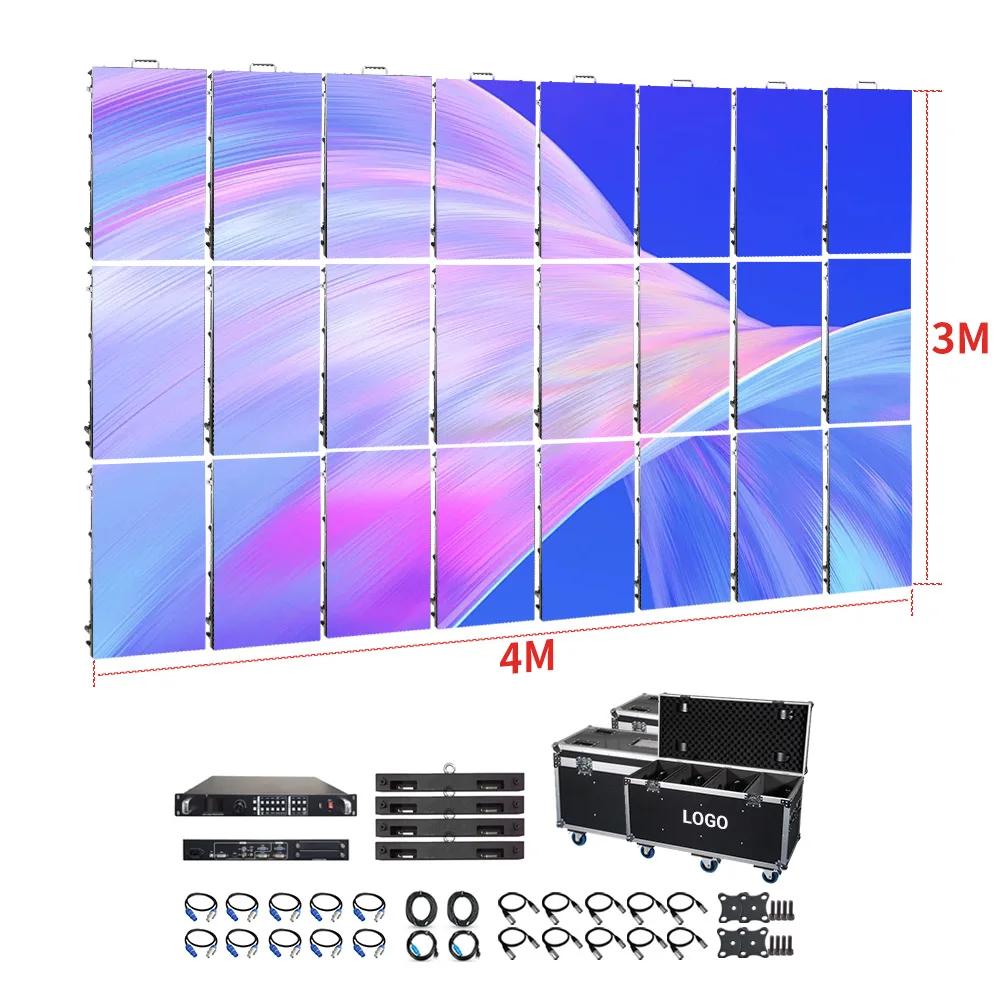
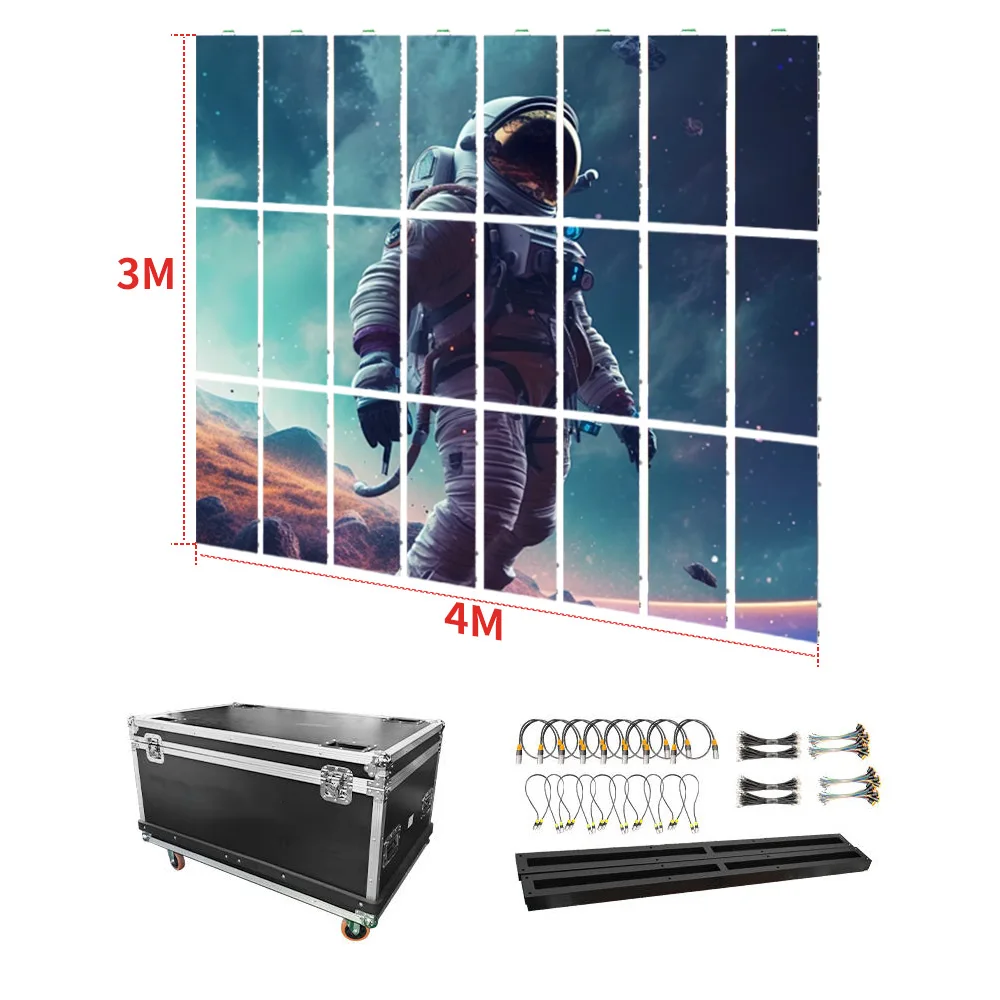
Two quotes can’t be compared if one includes a processor, spare modules, flight cases, and rigging bars, while the other is panels only.
So the first practical step is boring but effective: request a short “Included / Not Included” list. One page is enough.
What should be in the “Included / Not Included” list?
For projects that need to ship and work on site, the usual inclusions look like this:
Often included
Cabinets/modules (with matching batch)
Power supplies and receiving cards inside cabinets
Basic spares (or at least a spare recommendation)
Standard data/power cables for cabinet-to-cabinet connections
Often excluded unless requested
Video processor / controller (or higher-grade versions)
Fiber transmission and converters (long distance)
Steel structure / mounting frame (site-specific)
Rigging hardware for touring
Flight cases (unless rental-oriented)
Installation and commissioning support
Local certifications and test reports (unless specified)
A quote that looks lower can simply be missing the parts that keep a schedule alive.
A simplified comparison table that actually helps decisions
This table stays short on purpose. Each row reflects a choice that commonly changes led display wholesale price, lead time, or rework risk.
| Spec | Option | Best for | Cost impact | Notes |
|---|---|---|---|---|
| Pixel pitch | P1.8–P2.5 | Indoor video wall, close viewing | ↑ | More LEDs per m²; tighter flatness and calibration expectations. |
| Pixel pitch | P2.6–P3.9 | Stage rental, events | ↔ / ↑ | Good balance; cabinet inventory stays manageable. |
| Pixel pitch | P4.8–P10 | Outdoor long-view signage | ↓ (per m²) | Structure, wind load, and brightness drive cost more than pitch here. |
| Brightness class | Indoor ~600–1,200 nits | Lobbies, meeting rooms | ↔ | Over-bright indoor builds create glare and wasted power budget. |
| Brightness + sealing | Outdoor ~4,500–8,000 nits + IP65 | DOOH, roadside | ↑↑ | Higher power + better sealing; also affects lead time through mechanics. |
| Camera stability | Higher refresh + suitable scan method | Broadcast/IMAG stages | ↑ | With cameras on site, refresh rate alone isn’t enough—scan method matters. |
| Service access | Front service | Wall-mount, signboards | ↑ | Saves maintenance space; cabinet design gets more complex. |
| Packing style | Flight cases | Touring/rental | ↑ | Adds cost, but often saves damage risk and load-out time. |
Numbers in quotes should map back to these choices. If the quote can’t explain which option is being offered, it’s not really a quote yet—more like a placeholder.
led display wholesale pricing: what procurement teams should ask for upfront
This section is intentionally direct. It’s not about “getting the lowest number.” It’s about making the number defensible and repeatable across projects.
Ask for the build level, not just the model name
Two screens can share a model label while using different component grades.
A short request tends to clarify the situation fast:
LED package class (and binning approach)
Driver IC class (especially for grayscale stability at low brightness)
Power supply brand/spec range
Receiving card/control ecosystem
Calibration method (module/cabinet level)
Burn-in / aging approach and test coverage
No need for a ten-page document. A simple specification sheet is enough. If the response is vague, the later surprises are predictable.
Watch the “hidden labor” items
Procurement teams often see price as materials. Integrators feel labor pain.
A few items that quietly raise site labor and schedule risk:
Unclear cabinet alignment / poor flatness control
Cable maps that don’t match reality
Spare parts not labeled by batch
Mixed batches of modules inside one shipment
Missing tools for front-service access
A screen wall is built in hours, not days, when the packaging is disciplined. That’s not marketing. It’s load-in reality.
Use a short “quote normalization” template
A template keeps comparisons fair:
Screen size (W × H) and target resolution expectation
Pixel pitch range
Indoor/outdoor classification and IP target
Service method (front/rear)
Control system scope (include/exclude processor)
Packing method
Spare recommendation in writing
Warranty and dead pixel policy summary
Delivery term (EXW/FOB/CIF/DDP)
Lead time definition: “from drawing approval” vs “from deposit”
With that, the price conversation becomes predictable instead of emotional.
2) MOQ: how to negotiate without stepping on landmines
MOQ sounds simple until it isn’t. In LED projects, MOQ exists for reasons that show up later: batch consistency, production efficiency, and spare matching.
The first negotiation step is not “lower MOQ.” It’s “define MOQ type.”
MOQ comes in different forms
Common MOQ structures in led display wholesale sourcing:
MOQ by module model (often for spares)
MOQ by cabinet model (common in rental/stage systems)
MOQ by square meter (common in fixed installs)
MOQ by system package (screen + control + accessories)
Negotiation goes sideways when one side assumes “MOQ by m²” while the other is quoting “MOQ by cabinet + standard spares.”
The real MOQ risk: future matching
MOQ is rarely the main cost. The main risk is mismatch.
A small first batch can be fine. The trouble starts when phase two arrives six months later and the wall needs expansions or replacements. Even with the same pitch, LED bins and calibration profiles can differ slightly between batches. That’s when “same model” still doesn’t look identical.
So MOQ negotiation should include a spare plan. Not a big one—just a practical one.
A spare strategy that doesn’t feel wasteful
A simple approach that tends to work across many projects:
Spare modules: small percentage, same batch
Spare power supplies: a few units
Spare receiving cards: a few units
A labeled mapping file backup and configuration notes
That’s cheaper than a rushed replacement shipment. It also keeps maintenance calm when something fails on a weekend.
When low MOQ is a good idea (and when it’s not)
Low MOQ helps when:
A pilot installation is being validated
A demo unit is needed for stakeholder sign-off
A replacement is urgent and compatibility is clear
Low MOQ becomes risky when:
A multi-site rollout is planned but standards aren’t locked
Multiple pitches/cabinet types are mixed in one small batch
Spares are left “to be decided later”
The schedule requires a tight commissioning window
In short: MOQ isn’t only a negotiation lever. It’s a planning decision.
A practical way to “talk MOQ” without friction
Instead of pushing for “lower MOQ,” it usually works better to ask:
Which parts are driving MOQ? (modules, cabinets, packing, calibration time)
Can the same cabinet be configured across two pitches later?
What is the minimum batch size that keeps calibration consistent?
What spare ratio keeps future replacements safe?
The tone stays technical. The result is often a lower-risk offer, even if MOQ itself doesn’t move much.
3) Lead time: how to judge whether it’s real
Lead time is the easiest number to promise and the hardest number to defend. The most reliable way to judge it is to stop thinking in “total days” and start thinking in checkpoints.
A project schedule fails at checkpoints, not at totals.
The four checkpoints that decide delivery
Drawing and configuration sign-off
This includes cabinet drawings, structure interface notes, cable exits, and service access. Even a two-day pause here can cascade later.Component readiness
LED packages, driver ICs, power supplies, and receiving cards. When a component is tight, the “standard lead time” becomes fiction.Assembly + calibration + burn-in
Burn-in time is not wasted time. It is one of the places where early failures get filtered out before shipping.Packing + booking + customs reality
Sea freight space, air freight seasonality, and customs brokerage readiness.
A lead time is only meaningful if it states what it’s measured from. “20 days” from deposit is very different from “20 days after drawings are confirmed.”
Typical time ranges that help planning (without drowning in numbers)
For many standard builds:
Engineering confirmation: a few days
Factory production + calibration: roughly 2–4 weeks
Packing + dispatch prep: a few days
Shipping: depends on lane and season
For custom-heavy builds, add time. Curves, special shapes, unusual mounting, or strict camera performance requirements all stretch validation and QA.
That’s not pessimism. It’s how production works.
The lead time risk list (the things that usually break schedules)
Drawings not confirmed early
Last-minute change in pixel pitch or cabinet type
Peak season capacity constraints
Component substitution discussions mid-production
Packing changes (flight case decisions late)
Missing documents for customs
Site not ready (structure, power, cable routing)
Content pipeline not tested (processor mapping delays)
A short schedule review can catch these. It only takes 15 minutes, but it saves weeks.
A simple “backward scheduling” method
Start from the installation date and count backward:
Site commissioning window (often 1–3 days)
Local delivery buffer (at least a few days)
Customs clearance buffer (varies by country)
Freight transit time
Factory packing completion date
Burn-in completion date
Assembly completion date
Component ready date
Drawing sign-off date
If the drawing sign-off date lands “in the past,” the schedule wasn’t real.
Specs that cause overruns, delays, or rework (only the important ones)
Specs can become a rabbit hole fast. This section stays narrow: only the spec choices that usually trigger budget creep, lead time slips, or rework.
Pixel pitch vs viewing distance (a simple field rule)
A practical rule that helps early planning:
Comfortable viewing distance (meters) ≈ pixel pitch (mm)
So P2.6 feels comfortable around ~2–3 meters and beyond. P3.9 fits a bit farther back. P4.8 works when the audience is not standing close.
It’s not a law. Content matters. Fine text needs tighter pitch than stage visuals. Still, this rule catches mismatched expectations early, especially when “4K-like clarity” is casually assumed.
For indoor close viewing, browsing the indoor category can help frame typical options: Indoor Fine Pitch / LED Video Wall options.
Brightness class and environment fit
Brightness is not a bragging contest. It’s an environment match.
Common planning ranges:
Indoor: ~600–1,200 nits
Outdoor: ~4,500–8,000 nits (site-dependent)
Indoor over-bright walls cause glare and fatigue. Outdoor under-bright walls disappear in sun. For outdoor installs, sealing and drainage detail matter as much as brightness. A quick reference for outdoor configurations sits here: Outdoor Advertising LED Wall.
Cameras: refresh rate matters, but scan method matters too
When cameras show up—broadcast, IMAG, streaming—the “looks fine to the eye” test is not enough.
Two screens with similar refresh rate can behave differently on camera because scan method and driver behavior affect flicker and banding. For stage work, it’s safer to make “camera use: yes/no” a mandatory RFQ line item. Then ask for a spec sheet that includes refresh rate and scan method.
For stage/rental context, this collection is a practical reference point: Concert/Rental LED Screen.
Front service vs rear service (where rework loves to hide)
Service access is a classic rework trigger.
Rear service demands a maintenance corridor. If the building plan changes, the wall becomes hard to service. Front service reduces space pressure, but it changes cabinet design and sometimes cost.
Signboards and wall-mounted indoor walls often benefit from front access. A relevant category reference sits here: Programmable LED Signboard.
IP rating and outdoor mechanics
Outdoor work is where details punish shortcuts:
IP rating target (often IP65 for full exposure)
Connector sealing and cable entry treatment
Corrosion-resistant hardware in coastal locations
Drainage paths and condensation handling
A spec sheet should state the IP rating clearly. Site requirements still decide the final design.
Scenarios (kept natural, no hard sell)
Each scenario below ends with a single “where to look next” link. No more than that.
Stage rental and concert touring
Touring setups move fast. Cabinets get stacked, flown, and struck late at night. The real cost isn’t only the screen—it’s the crew hours saved when locks align, corners survive, and replacement modules swap quickly.
In this scenario, the quote should clarify:
Cabinet size standardization
Rigging/stacking method
Packing method (flight cases often matter)
Camera requirements (yes/no)
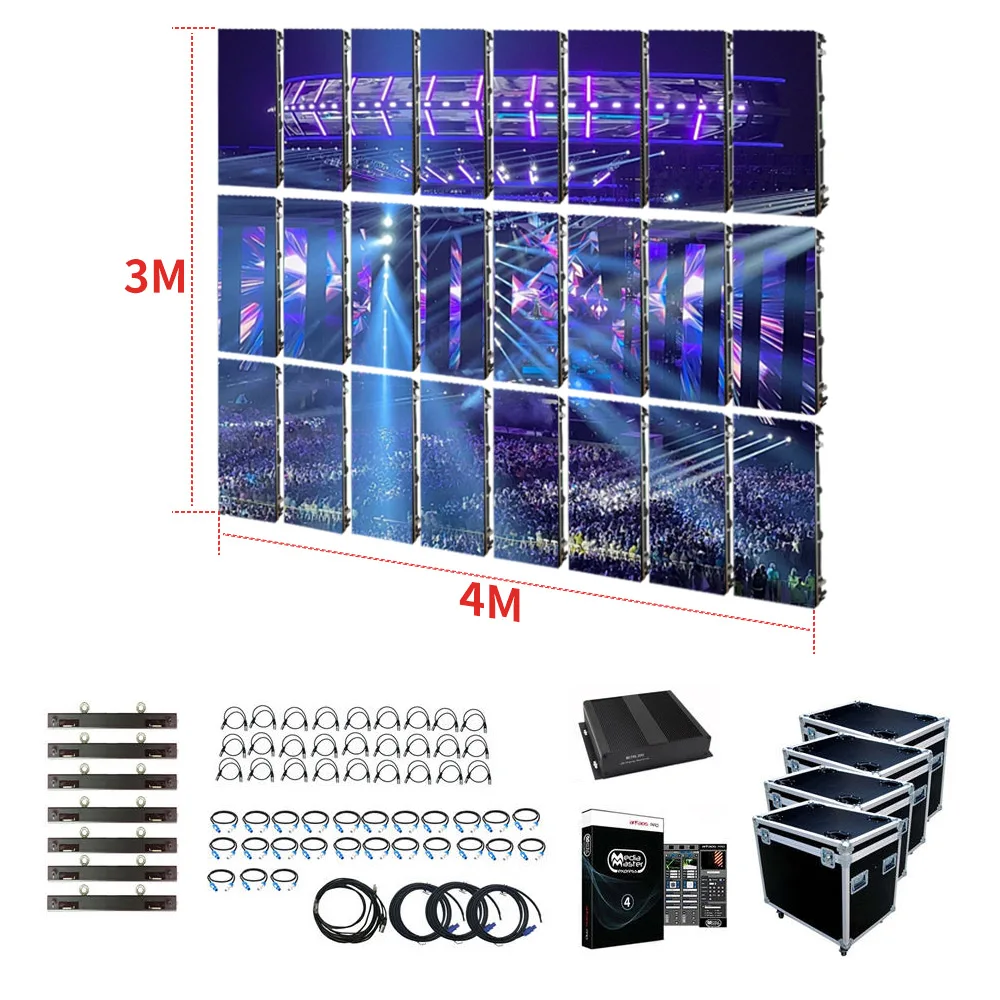
A practical place to browse stage-oriented configurations: Concert/Rental LED Screen.
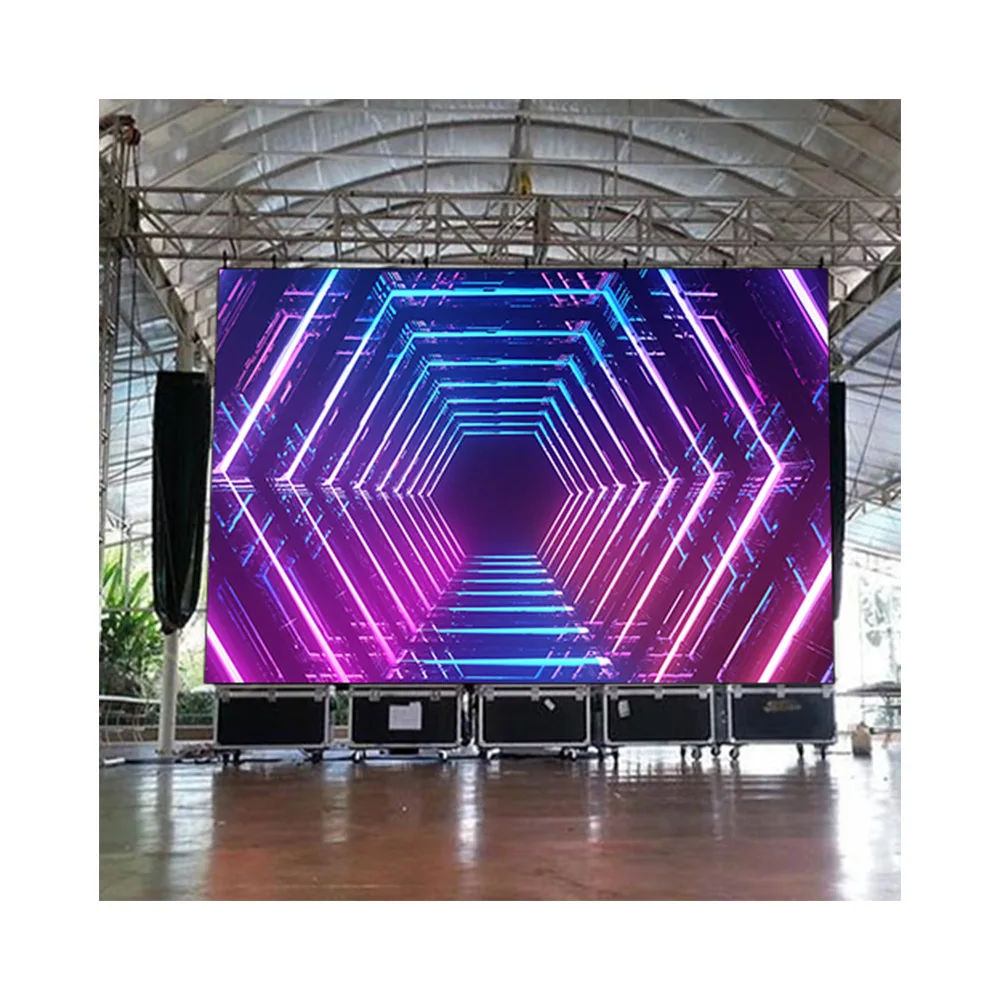
Stage-ready LED video wall visual, often discussed in led display wholesale stage projects.
Outdoor advertising and DOOH
Outdoor projects live with sun, rain, dust, and the “nobody wants to shut it down” reality. Uptime matters more than perfect blacks. That shifts priorities toward sealing, thermal design, and stable brightness.
In this scenario, the quote should clarify:
Brightness class and power budget
IP rating target and cabinet sealing approach
Structure interface responsibility (screen vs structure)
Cable routing and protection plan
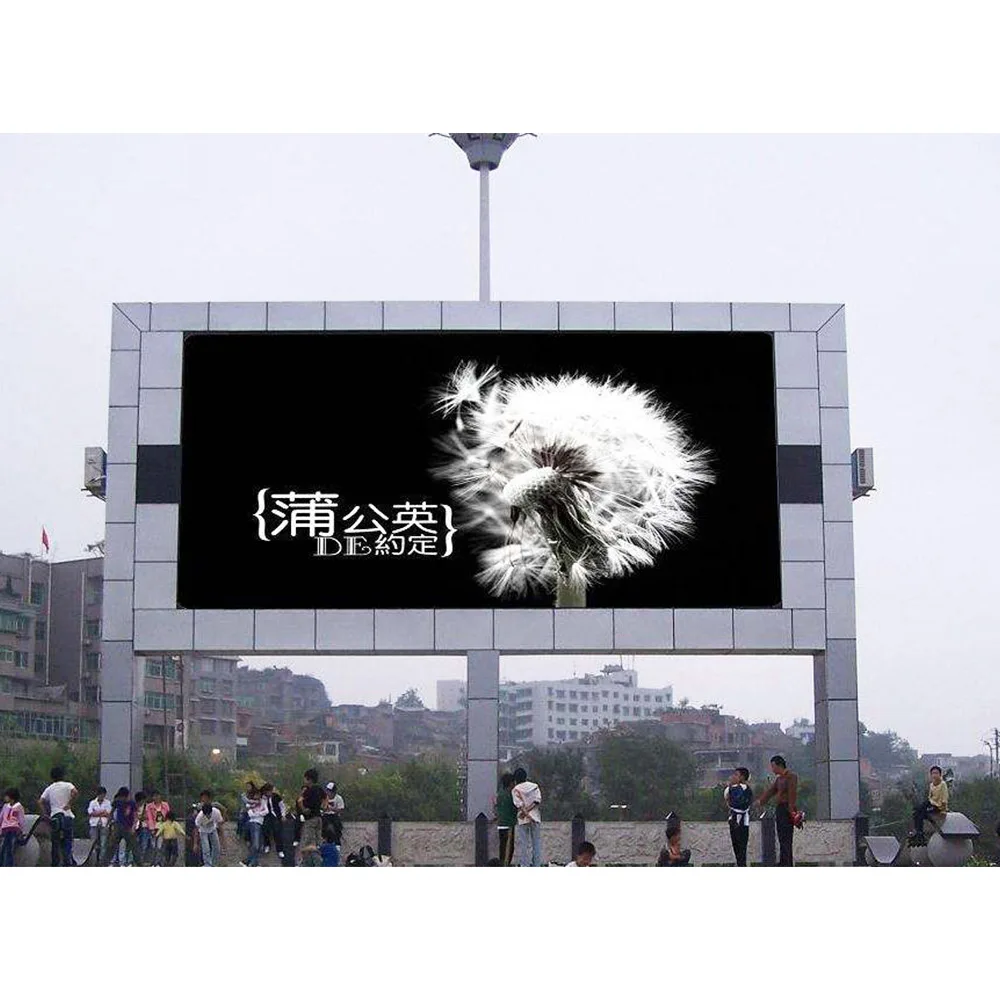
A quick reference for outdoor configurations: Outdoor Advertising LED Wall.
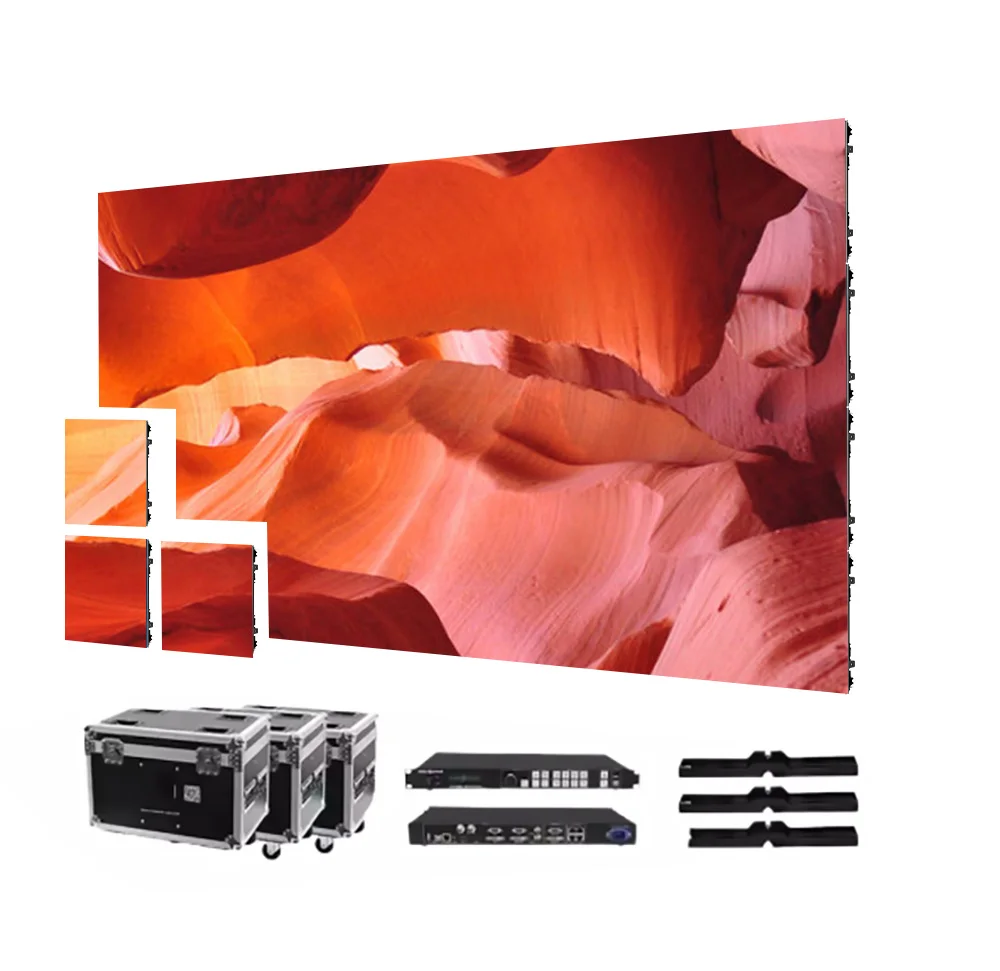
Outdoor LED wall visual—useful when checking led display wholesale options for DOOH deployments.
Programmable information displays and signboards
Signboards are deceptively “simple.” The screen may only show text and schedules, but the uptime expectation is harsh. Many run long hours. Some are mounted where maintenance space is tight.
In this scenario, the quote should clarify:
Front service access method
Control mode (sync/async) and update workflow
Mounting method and wind load considerations
Spare parts plan (because downtime is visible)
A relevant place to browse signboard-oriented builds: Programmable LED Signboard.

Programmable LED signboard image—common in led display wholesale planning for information displays.
Indoor meeting rooms, lobbies, and retail walls
Indoor projects fail in a different way: too much pixelation up close, glare from excessive brightness, or a wall that can’t be serviced without opening a finished interior.
In this scenario, the quote should clarify:
Pixel pitch matched to nearest viewing point
Brightness control range and comfort target
Front service requirement (often critical)
Color consistency approach (spec sheet required)
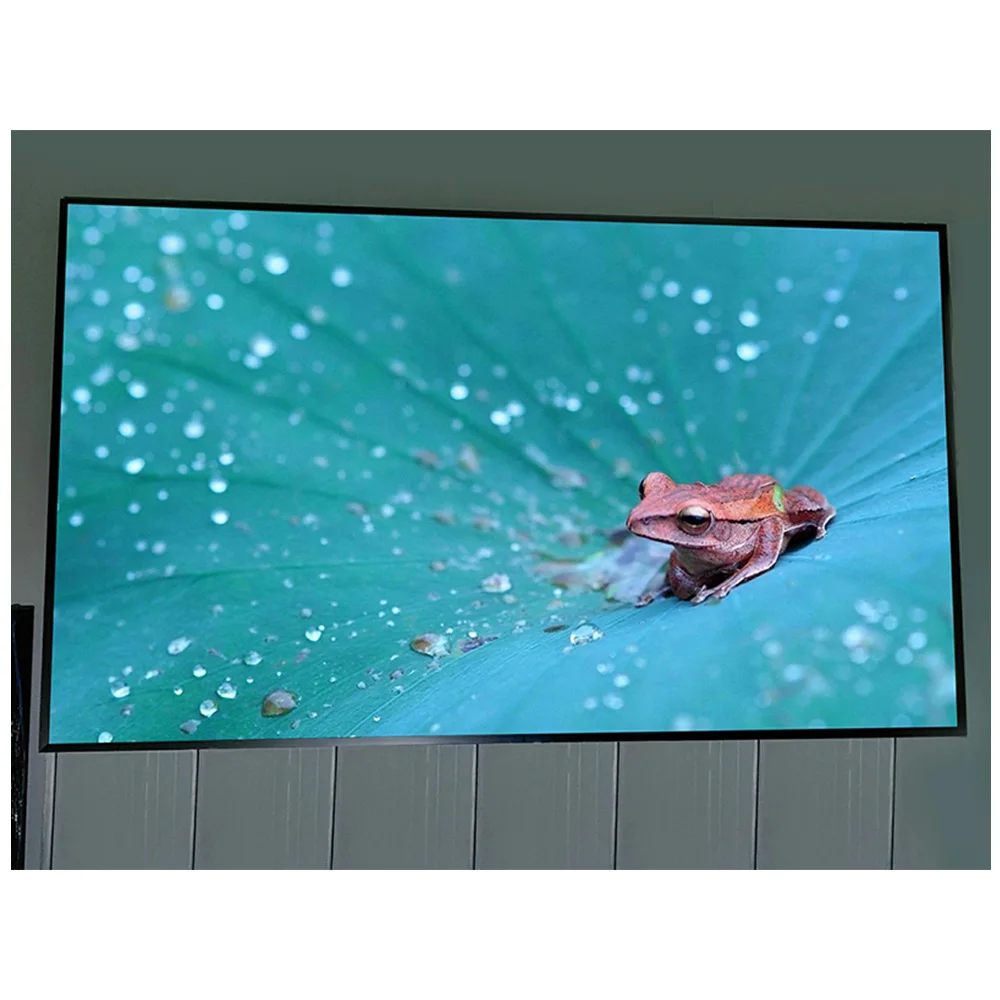
For indoor product browsing and common configurations: Indoor LED Display.
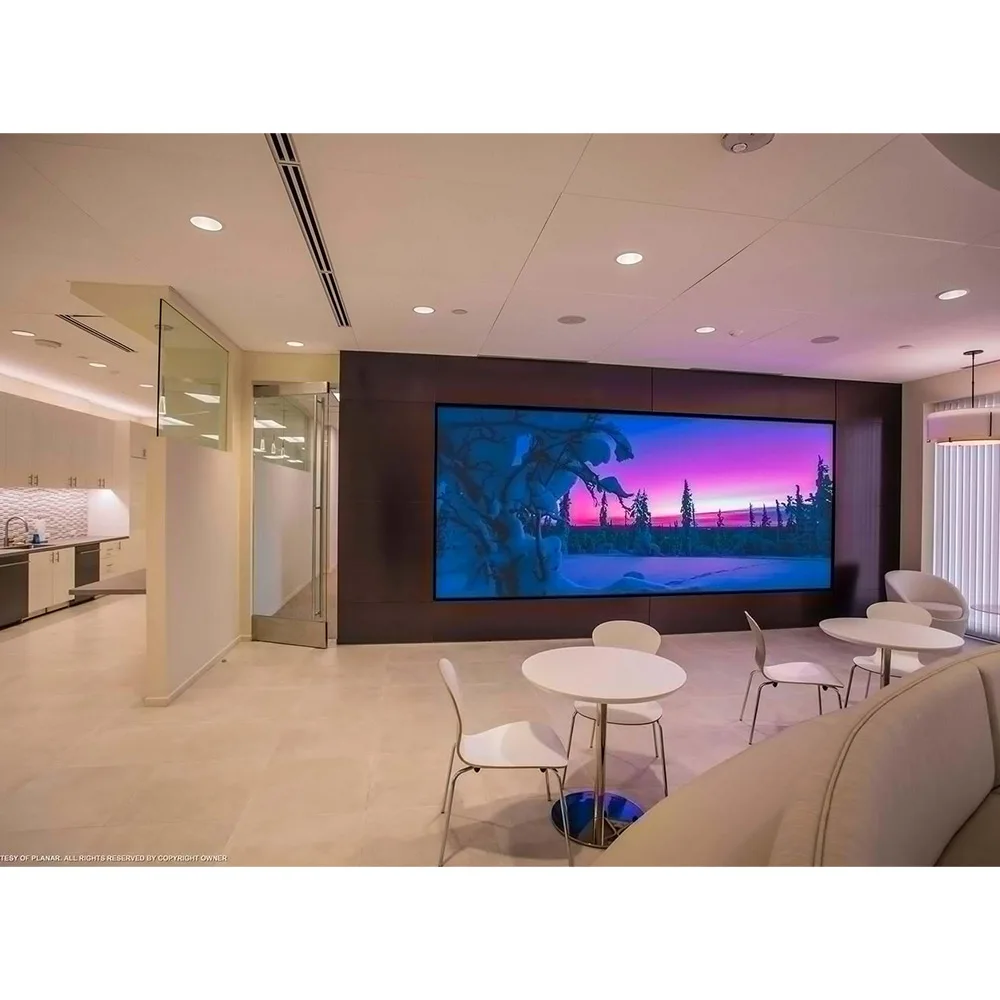
Indoor LED video wall example—often evaluated in led display wholesale discussions for corporate spaces.
A procurement checklist that prevents surprises (printable)
This is the “one page” list that keeps projects calmer. Each line is short on purpose.
Confirm the quote mouth: per m², per cabinet, or full system package.
Lock screen size (W × H) and installation method (wall, hang, stack, pole).
State indoor / outdoor classification and target IP rating.
Provide nearest viewing distance and content type (text-heavy vs video-heavy).
State camera presence (none / occasional / broadcast/IMAG) and request refresh + scan method on the spec sheet.
Confirm service access: front service or rear service, with required clearance noted.
Ask for “Included / Not Included” list: processor, spares, packing, rigging, structure.
Request spare recommendation in writing (modules + key electronics), same batch.
Ask for warranty term and dead pixel policy summary (how acceptance is defined).
Confirm compliance needs: CE/RoHS/EMC or local requirements (project decides the target).
Ask for delivery documents list: packing list, wiring diagram, cabinet drawing, control config notes.
Define lead time start point: “from drawing approval” is usually the only honest anchor.
Add a shipping and customs buffer based on local lane reality.
Require batch labeling and mapping file backup for future maintenance.
FAQs
1) What typically drives the biggest led display wholesale price differences?
Most gaps come from pixel density, outdoor hardening, and stability choices for video. A lower number often excludes processors, packing, rigging, or a meaningful spare plan. The fastest way to compare is to normalize the quote mouth and request an “Included / Not Included” list. Final pricing still depends on project needs and the supplier’s specification sheet.
2) Is MOQ negotiable, or is it fixed?
MOQ is negotiable in method more than in number. MOQ can be set by module, cabinet, square meter, or system package. Negotiation works better when the production reason is clear—batch consistency, calibration flow, packing efficiency. A small pilot order is reasonable, but it should include a spare plan from the same batch to avoid mismatch later.
3) How can lead time be judged as reliable?
A reliable schedule is built on checkpoints: drawing approval, component readiness, assembly + calibration + burn-in, then packing and booking. Any lead time that doesn’t define its start point is hard to trust. Backward scheduling from the installation date usually reveals whether the plan is workable or just optimistic.
4) Which specs most often cause rework or budget creep?
Service access and environment fit cause the most rework. Front service vs rear service changes cabinet design and site layout. Outdoor installs need sealing detail and IP targets, not only brightness. For camera environments, refresh rate matters, but scan method and driver behavior matter too. A supplier spec sheet should capture these items early.
5) What information should be ready before requesting a formal quotation?
A clean RFQ needs screen size, environment (indoor/outdoor), nearest viewing distance, installation method, camera presence, and target delivery window. Adding a preferred quote mouth (per cabinet vs per m² vs full system) prevents confusion. With that information, a formal quote becomes stable and easier to approve internally.
Next steps (simple, practical, and fast)
By the end of the quiet meeting, the goal is not “a lower number.” The goal is a quote that can be defended, delivered, and maintained. That’s what good led display wholesale work looks like.
Before requesting a formal quotation, it helps to prepare five inputs:
Screen size (W × H) and installation method
Environment class (indoor / outdoor) and IP expectation
Nearest viewing distance and content type
Camera presence (none / occasional / broadcast)
Target delivery date and preferred shipping method
If you want a formal quotation that’s actually comparable, send the five inputs above and ask for an “Included / Not Included” list on one page. It’s the fastest way to avoid hidden cost, MOQ confusion, and lead-time surprises.