EN
EN


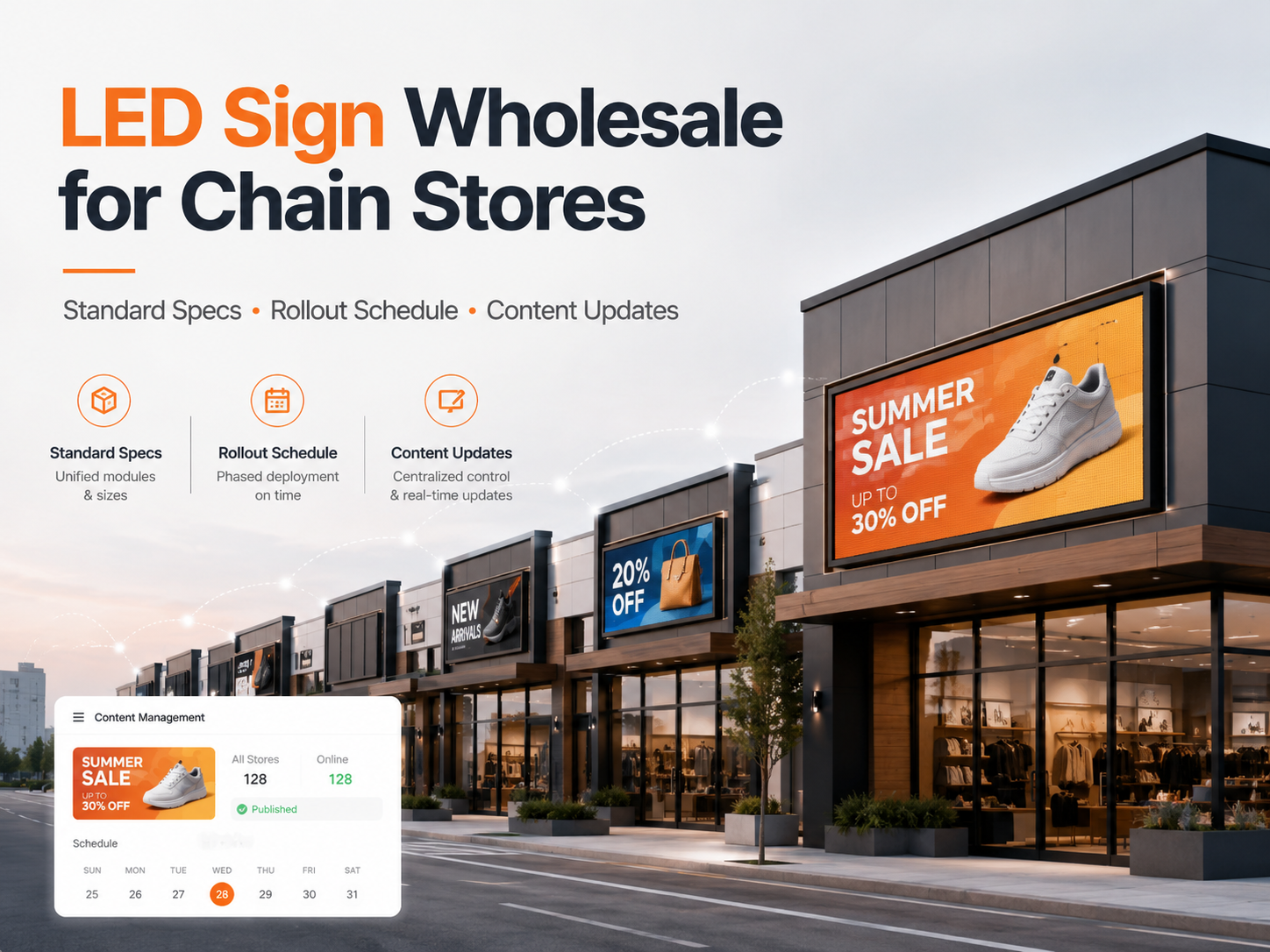
A search for a billboard for sale often begins as a pricing request, then quickly turns into a system decision: outdoor DOOH visibility, mall-atrial impact, storefront glass constraints, event-day reliability, and long-term maintenance discipline. A “screen” becomes an electrical asset, a structural element, and a content channel at the same time. That is why projects move faster when the scope reads like an engineering delivery package instead of a loose wish list.
This guide keeps the best parts of a real project workflow: it starts with a fast selection path, then moves into product mapping, sizing rules, spec checklists, redundancy levels, content operations, installation planning, and finally a signable acceptance criteria table. Malls, stores, and events are covered on purpose—many programs include more than one of these placements, and a shared control workflow can simplify everything.
60-Second Selection Path and Typical Solution Packages
The fastest way to reduce rework is to define the venue type, viewing pattern, and operational risk in the first minute. The rest of the specification becomes easier once those three items are written down.
Step 1: Name the scenario in one line
Pick one primary scenario per screen. Mixed scenarios are fine, but they should be stated clearly.
Outdoor DOOH billboard (sunlight, weather, long hours)
Mall atrium video wall (multi-floor sightlines, reflections, public safety requirements)
Retail flagship wall (close viewing, premium color, quiet operation)
Storefront glass / window display (daylight, reflections, transparency goals)
Event rental wall (fast build, camera performance, repeat deployments)
Step 2: Write the “viewing pattern” in plain language
How close is the closest viewer?
Is the audience walking slowly, standing, or driving?
Is text important, or mostly video imagery?
A wall that must deliver text legibly at close range behaves differently than a wall meant for drive-by impact.
Step 3: Decide the reliability tier (basic / standard / critical)
Basic: downtime is inconvenient.
Standard: downtime is costly.
Critical: downtime is unacceptable.
That single choice drives redundancy, spares, and commissioning effort.
Typical solution packages (mall / store / event)
Package A: Mall Atrium “Brand Anchor”
Indoor LED video wall sized for multi-floor sightlines
Processor for scaling and clean switching
CMS for scheduling, approvals, and dayparting
Service plan: front-service or rear corridor based on architecture
Reliability: Standard → Critical depending on placement
Package B: Store “Sales Driver”
Indoor fine-pitch wall for close viewing and premium whites
Brightness policy tuned for comfort (and glare avoidance)
Templates for weekly promotions and seasonal changes
Service plan: front-service preferred to avoid store disruption
Reliability: Standard
Package C: Event “Repeat-Deploy Kit”
Rental LED cabinets with fast locks and protective corners
Higher refresh target and camera test workflow
Redundant signal option + defined spares ratio
Packing list, labeled cables, and cabinet map for speed
Reliability: Critical → Broadcast-grade for major shows
Field note: A great spec can still fail if service access is slow. If modules cannot be reached within 15 minutes, the “perfect pitch” decision becomes a downtime decision.
What “Billboard” Means in Modern LED Projects
Traditional billboards were static and single-purpose. Modern LED “billboards” are programmable media surfaces used indoors and outdoors, often with shared content workflows and shared approval paths. The word “billboard” now points to multiple product families, not one fixed format.
Three common LED “billboard” interpretations
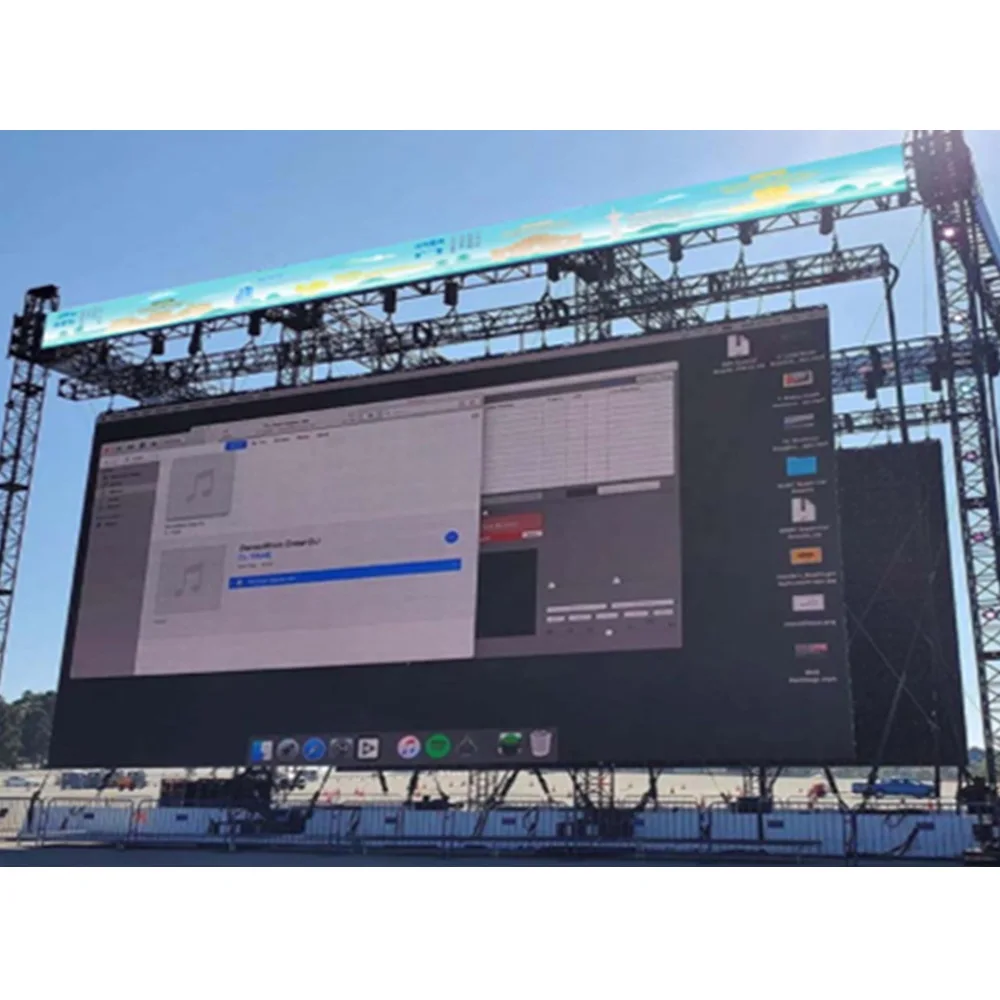
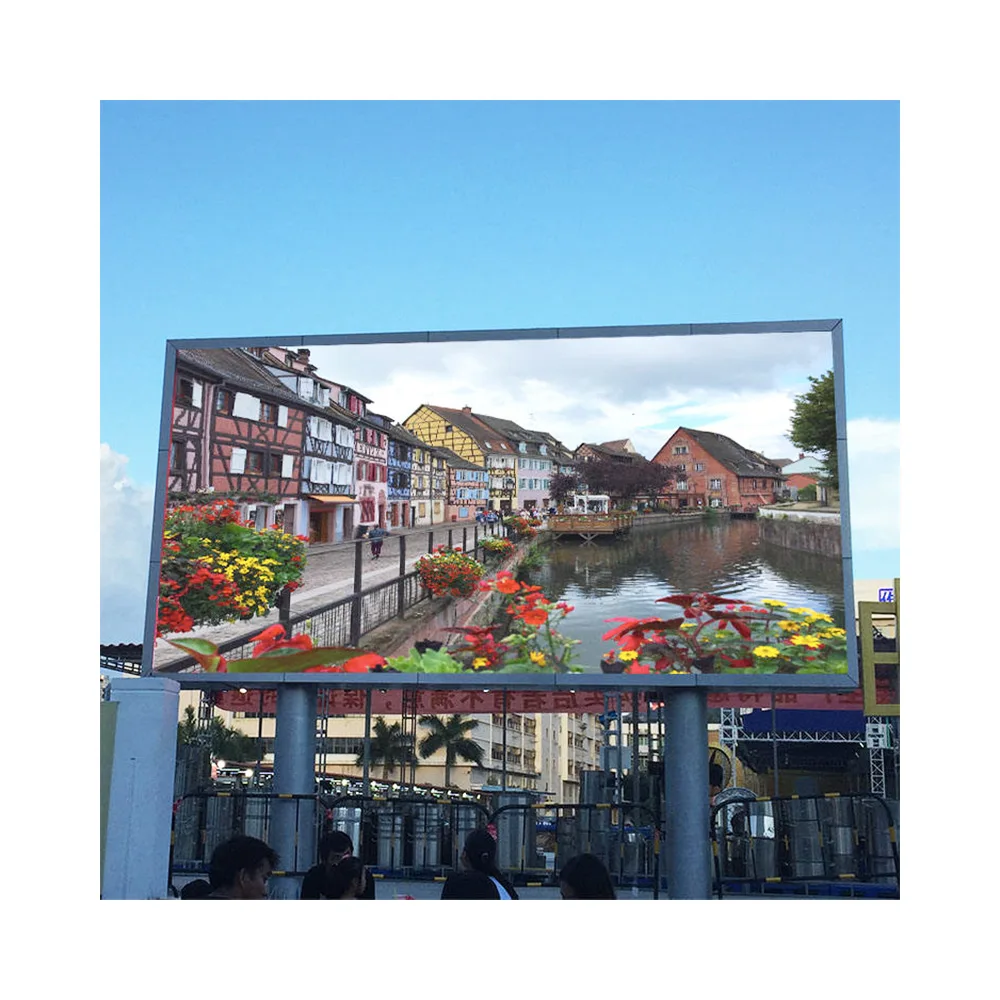
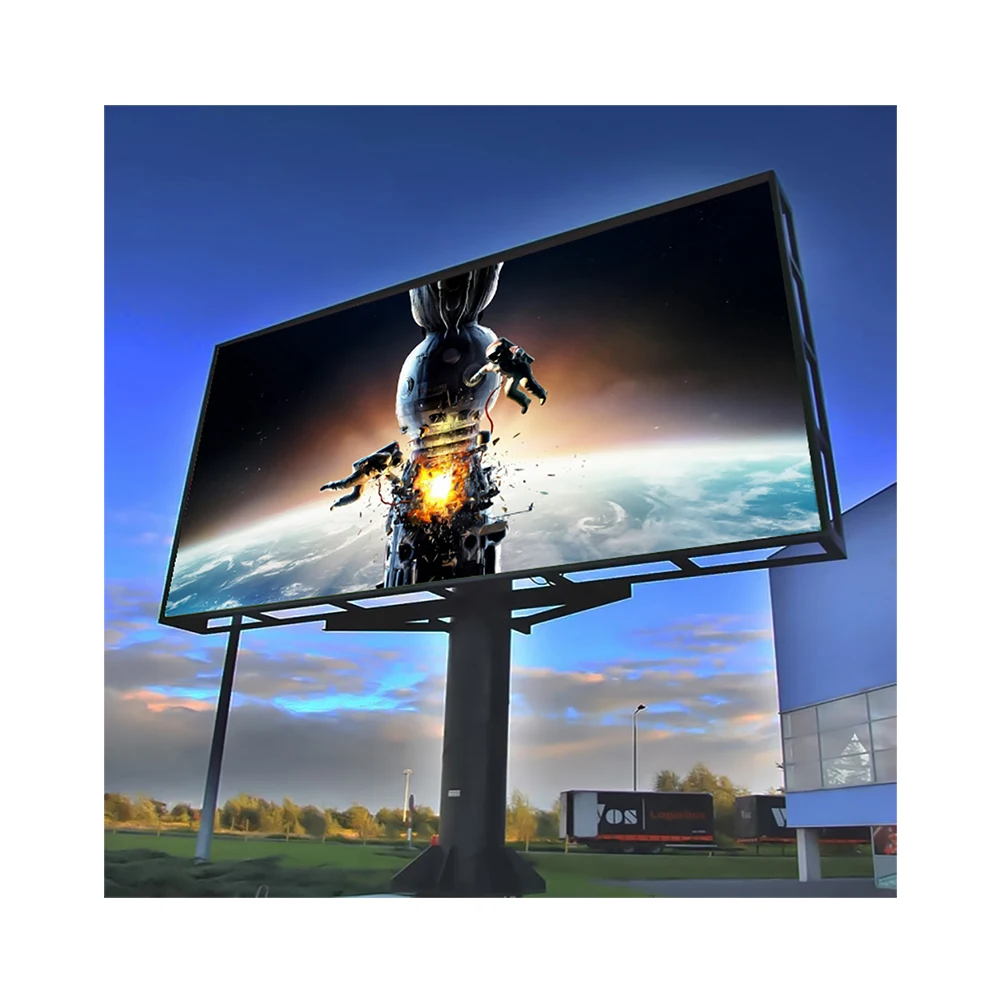
Outdoor DOOH digital billboard
Designed for high brightness, environmental sealing, and long duty cycles. Structural design and power distribution often drive the schedule as much as the LED cabinets.
Indoor LED video wall (mall atrium, lobby, flagship interior)
Designed for mixed viewing distances and close-range quality. Grayscale, uniformity, and reflections matter more than raw peak brightness.
Storefront and window-facing LED
Designed for daylight competition and reflections. Transparent LED window display formats are common when maintaining sightlines is part of the architectural requirement.
Many programs include more than one format. A shared approach to control, content standards, and maintenance can reduce long-term cost and make expansion simpler.
Where LED Video Walls Perform Best in Malls, Stores, and Events
Different venues create different engineering priorities. A mall atrium involves multi-level sightlines and public-space compliance. A store interior demands comfort and premium color. An event wall is a performance system with show-day risk.
Mall atriums and public concourses
Atrium screens usually serve mixed distances and broad angles. Reflections from glass and polished finishes can flatten contrast. Rigging approvals and service access planning tend to determine the project pace.
Common goals:
A central visual anchor for campaigns and seasonal moments
Dayparting playlists (weekday vs weekend, morning vs evening)
A stable brand look despite changing ambient light

Retail interiors and flagship stores
Retail interiors are judged up close. Text must be clean. Skin tones must look natural. Whites must be stable at lower brightness levels. Noise and heat management matter because the wall lives inside a finished space.
Common goals:
A “hero” feature wall that updates weekly
Product launches that need fast creative swaps
Premium visuals that still look good at comfortable brightness
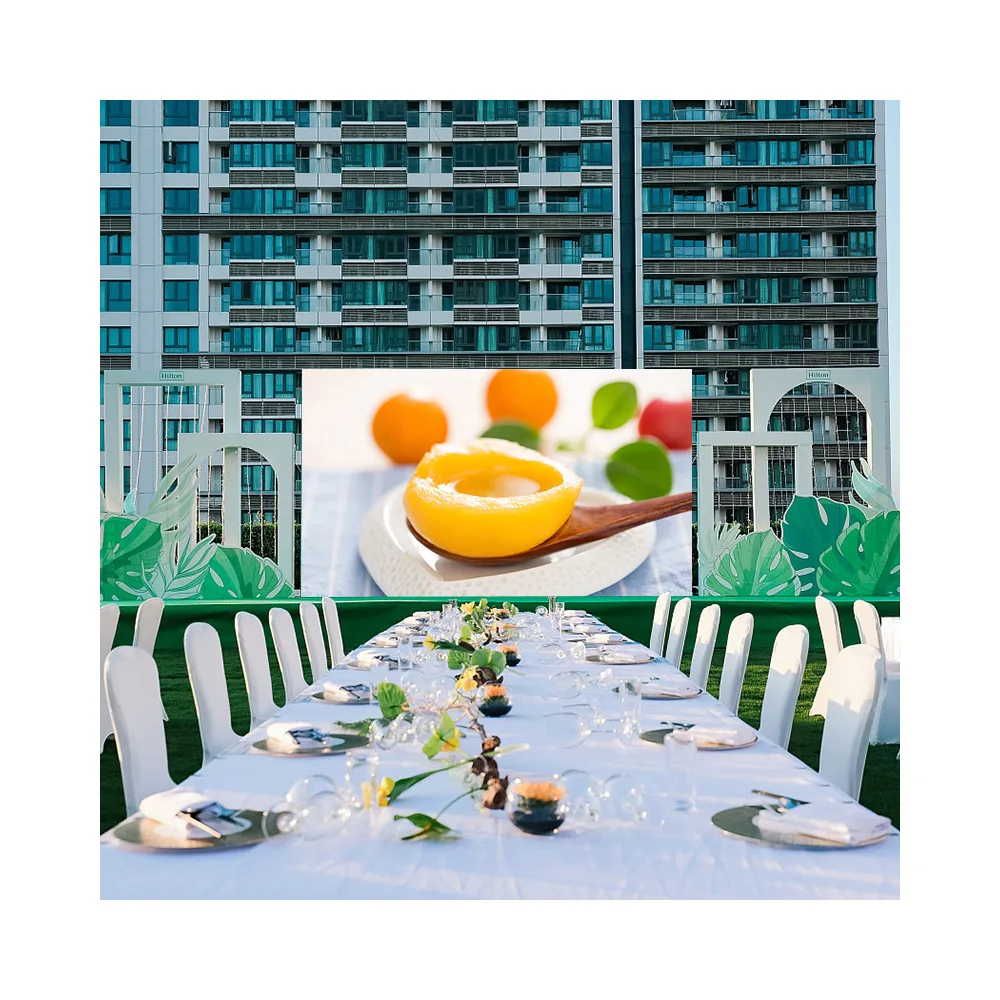
Events, pop-ups, and rental deployments
Event LED walls are built for speed and repeatability. Camera performance can matter more than anything else. A show-day failure costs far more than an extra hour of commissioning.
Common goals:
Fast assembly and teardown
Camera-friendly output and stable refresh behavior
A defined spares and swap routine for fast recovery
Product Types That Map to These Scenarios
A practical selection starts with the product family, then builds the system around it: structure, power, control, spares, and content workflow.
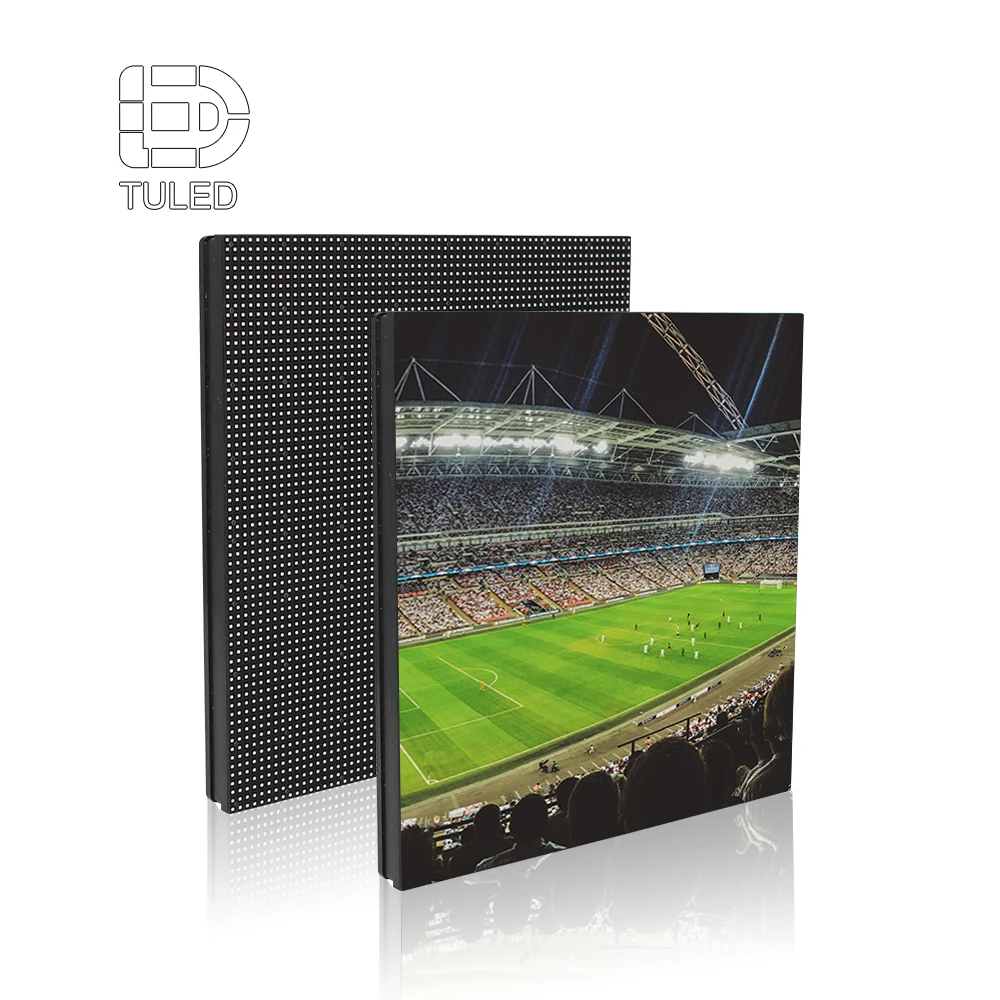
Outdoor LED billboard systems
Outdoor systems prioritize sealing, thermal design, and long-hour operation. Structure and power deserve early attention; many schedules slip because electrical scope or steel approvals were not frozen.
For typical cabinet formats and mounting options, see Outdoor LED Billboard.
Indoor LED video walls for atriums and retail interiors
Indoor walls are about consistency: uniform color, smooth grayscale, and stable motion at comfortable brightness. Front-service designs often reduce disruption in retail corridors and finished lobbies.
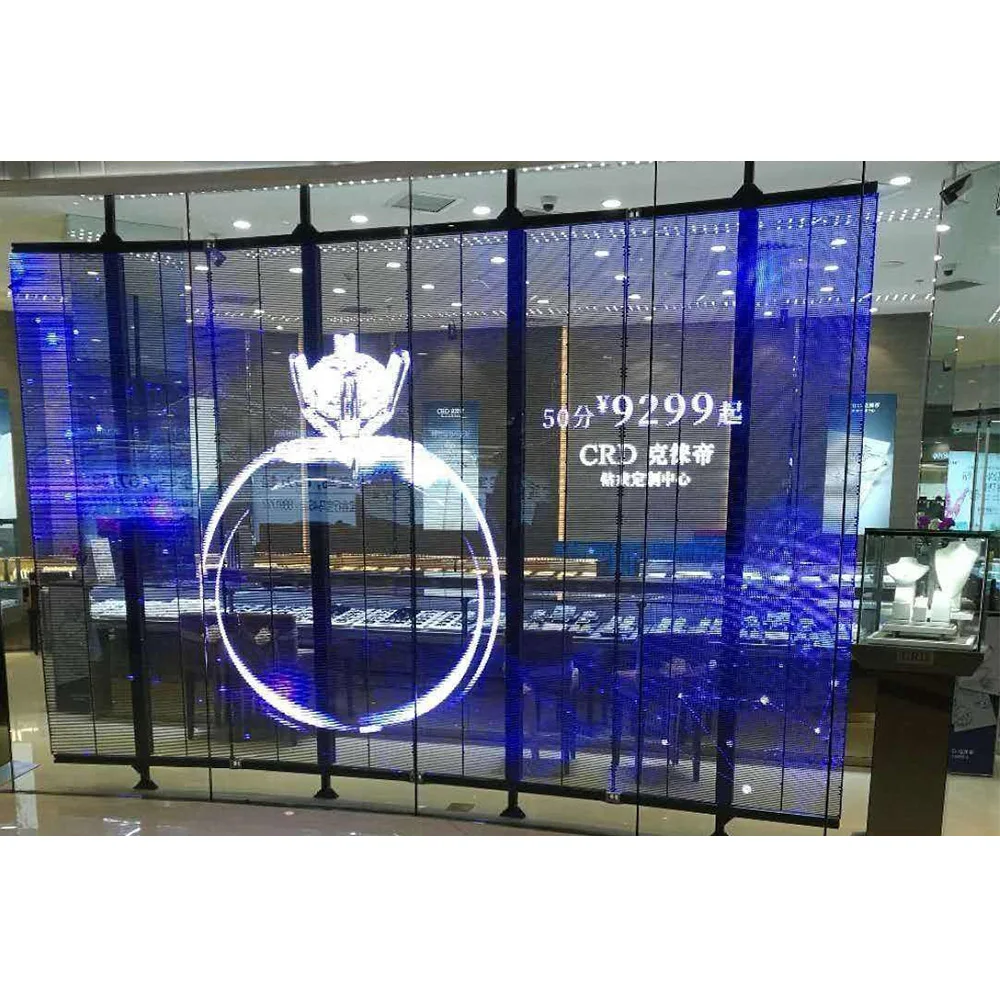
Transparent LED window display for storefronts
Transparent systems support glass façades and window storytelling while preserving openness. The main tradeoff is straightforward: higher transparency reduces available “solid surface,” so content style and contrast strategy matter.
If comparing transparency versus brightness tradeoffs for glass façades, Transparent LED Screen Display for Retail and Glass Walls is a useful reference point.
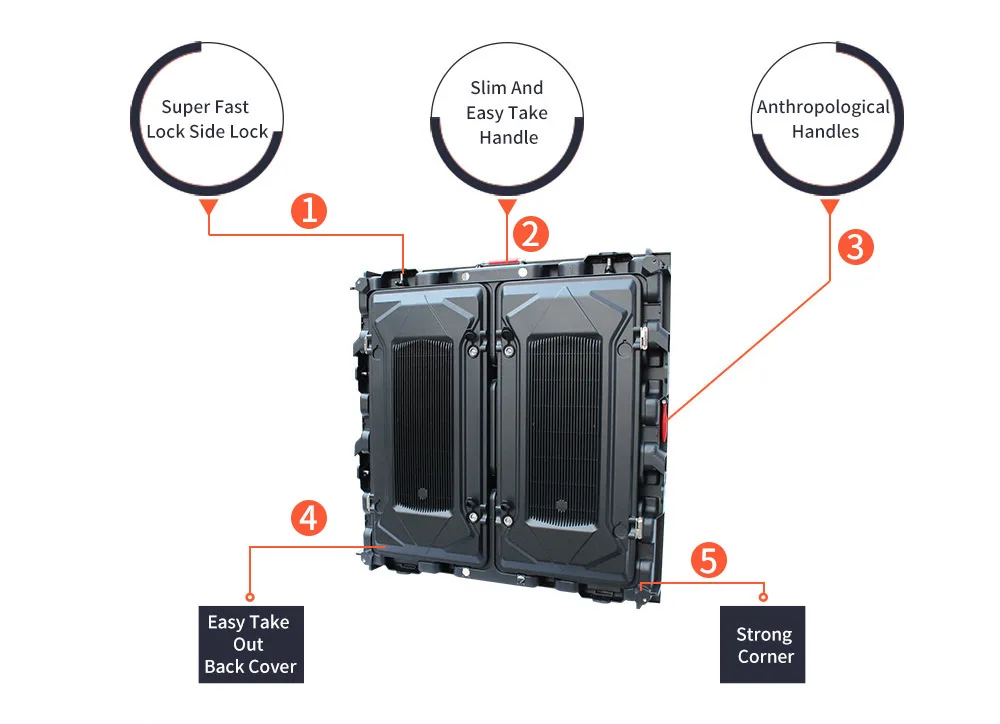
Rental LED wall systems for events
Rental cabinets are designed for handling: fast locks, protective corners, consistent alignment after repeated builds, and quick service access. A repeat-deploy kit should include cabinet maps, labeled cables, and an operator playbook.
For touring kits and repeat deployments, LED Wall on Rent lists configurations designed to be assembled, packed, and rebuilt without degrading alignment.
Sizing Rules and Viewing Distance Cheat Sheet
Sizing rules are where many projects either become easy—or become expensive. A wall can look impressive and still underperform if the pixel map and viewing distances were not aligned with content requirements.
Start with three numbers
Closest viewing distance (m)
Primary content type (text-heavy, mixed, video-first)
Target message legibility (headline only vs detailed text)
Then define the canvas:
Physical size (W × H) and placement height
Aspect ratio (16:9, ultrawide, custom)
Native pixel resolution (from pitch and cabinet layout)
Quick viewing distance cheat sheet (practical planning)
This is a planning tool, not a rigid rule. It helps narrow the pitch band before a site test.
Close viewing (1–3 m): fine pitch is typically required, especially for text and UI-like layouts
Mixed viewing (3–8 m): fine-to-mid pitch often works for atriums and concourses
Far viewing (8 m+): mid-to-larger pitch can work when content is video-first and text is minimal
Drive-by DOOH: pitch is usually chosen by distance and structure constraints; brightness and environmental design often dominate the decision
A simple method to avoid “soft text” and scaling blur
Many “it looked sharp in the preview” issues come from fractional scaling. The fix is procedural:
Build a cabinet map and confirm the wall’s native pixel resolution
Produce templates that match native pixels
Lock the processor scaling mode and avoid non-integer scaling ratios when text is important
Common pitfall: A CMS canvas set to a convenient “standard resolution” can cause scaling artifacts if it does not map cleanly to the wall’s native pixel grid. Thin fonts then look fuzzy, and diagonal lines shimmer.
Aspect ratio: 16:9, ultrawide, and custom
16:9
Fast content production. Easy sourcing. Minimal scaling pain.
Ultrawide (32:9 or similar)
High impact in concourses and atriums. Requires content designed to fill width; center-only content can look empty.
Custom shapes
Architecturally striking. Requires stronger processor planning and strict safe zones. Content must be designed for the shape, not forced onto it.
LED Billboard Specs Checklist That Procurement Teams Use
Specs become useful when tied to a survey and an operating plan. The goal is not “best brochure numbers,” but predictable performance on the real site.
Pixel pitch
Pitch is not a vanity metric. It is a decision about viewing distance, content density, and budget efficiency.
Text-heavy content pushes toward finer pitch
Video-first content can tolerate a slightly larger pitch
Minimum viewing distance should be documented and defended
Brightness and brightness policy
Brightness is a policy, not a single number. A screen that runs at maximum all day can create glare complaints, higher power cost, and accelerated wear.
Planning bands commonly used:
Indoor controlled lighting: ~800–1500 nits
Bright atriums / skylight zones: often ~1200–2500 nits
Window-facing storefront zones: higher than standard indoor depending on reflections and glass angle
Outdoor DOOH: often ~5000–10,000 nits depending on site and constraints
Refresh rate and camera performance
Events expose flicker and scan artifacts. A camera test is part of the product, not an optional add-on.
For camera-heavy events, 3840 Hz+ is a common starting target
Validate at real brightness presets, not only at full brightness
Confirm banding behavior across typical shutter settings
IP rating and environmental exposure
Outdoor exposure is not one condition. Document the exposure:
direct rain and wind-driven rain
dust and sand
coastal corrosion risk
humidity and condensation cycles
Power and thermal planning (with a usable estimate method)
Power planning improves when peak and typical power are separated.
A practical estimate:
Peak power (W) = screen area (m²) × peak W/m²
Typical power (W) = peak power × content factor (often 0.35–0.65)
Annual energy (kWh) = typical power (kW) × annual operating hours
Content factor is not fixed. Bright full-white content and high brightness presets push averages up. Darker content and night dimming push averages down.
Procurement tip: Request power assumptions in writing (peak W/m² and typical operating assumptions). Quotes that hide power behavior create surprise electrical scope later.
Two Decision Tables That Speed Internal Approvals
Decision tables reduce debates and make documentation repeatable.
Table 1: Scenario → recommended format → maintenance model
| Scenario | Viewing pattern | Recommended LED format | Brightness strategy | Maintenance model | Primary risk |
|---|---|---|---|---|---|
| Outdoor DOOH (digital billboard) | far, short attention | outdoor LED billboard cabinets | daylight-first + night dimming | planned access + sealing checks | wind, heat, compliance |
| Mall atrium | mixed distance, multi-floor | indoor LED video wall | comfort + glare control | front service or rear corridor | access, reflections |
| Retail flagship interior | close, text clarity | fine pitch indoor wall | comfort-first, stable whites | front service preferred | fatigue, uniformity |
| Storefront window | daylight + reflections | transparent LED window display | contrast-first creative | modular service plan | washout, sightlines |
| Event stage | camera + fast setup | rental LED wall | show presets + camera test | fast swap routine | show-day failure |
Table 2: Player vs CMS vs Processor (control architecture)
| Architecture | Best fit | Strength | Risk | Typical add-ons |
|---|---|---|---|---|
| Standalone player | single screen, simple playlist | low complexity | weak governance | templates + naming rules |
| CMS | multi-screen, frequent updates | approvals + scheduling | needs role design | monitoring + audit trail |
| Processor | live sources, complex scaling | switching + scaling | config complexity | backup configs + test plan |
| CMS + processor | atriums, venues, events | flexible + controlled | workflow must be defined | emergency override |
Image Quality Parameters That Decide “Premium” Indoors
Indoor walls rarely fail because they are not bright enough. They fail when low-brightness performance looks noisy, gradients band, or skin tones look unnatural.
Grayscale and low-brightness behavior
Strong grayscale performance improves perceived quality at comfortable brightness. This matters in:
premium retail visuals
cinematic gradients
dark scenes and subtle textures
Calibration strategy and maintenance impact
Calibration is not only a commissioning step. It sets an expectation for long-term uniformity. A credible program defines:
baseline calibration at commissioning
periodic check cadence (quarterly for premium walls, or as needed)
replacement module matching rules
Contrast and reflections
In bright atriums, reflections can lift blacks and flatten images. Content contrast strategy can outperform “more brightness” as a solution.
Field note: A mall atrium screen that looks perfect at night can look flat at noon. A midday on-site content test often reveals whether contrast strategy needs adjustment.
Redundancy Levels: A Practical Framework That Improves Uptime
Redundancy works best when defined in levels that match placement importance.
Level 0: Basic continuity
Single signal path
Local backup playlist (USB/local storage)
Manual restore process
Level 1: Standard operational resilience
Dual power supplies where supported
Basic backup signal plan
On-site spare module kit
Documented swap routine
Level 2: Critical placement resilience
Dual signal paths with tested failover
Primary/standby sending/control components
Configuration backups and restore playbook
Monitoring thresholds and alerts
Level 3: Broadcast-grade event resilience
Redundant processing or hot-spare processor
Standby playback chain with rapid switch plan
Rehearsed checklist and show-day test routine
Defined spares ratio for touring
Common pitfall: Failover that was never tested is not failover. A real switch test during commissioning prevents most “mystery outages.”
Content Workflow That Works Across Multiple Venues
A strong LED program scales when content standards and publishing rules are simple and documented.
Content specification template (copy-ready)
Resolution: native pixels or fixed CMS canvas
Frame rate: 25/30/50/60 based on region and camera needs
Codec: H.264/H.265 with defined profiles
Bitrate range: balanced for quality and network capacity
Duration: loop policy per zone (e.g., 6–12s concourse loops)
Safe zones: margins for text and critical elements
Naming rules: predictable versioning and rollback naming
Approval flow (lightweight but safe)
Submission with preview
Brand and technical checks
Scheduling assignment and dayparting
Publish with a rollback snapshot
First-play verification + log
Emergency override policy
Define priority content before the first emergency:
fire alarm or safety notices
event announcements
urgent closures
Field note: Emergency messages should be rehearsed like a drill. The first time it runs should not be during a real incident.
Installation Planning: Structure, Service Access, and Safety
LED projects succeed when installation is treated as part of the system, not a last-mile task.
Service access: front, rear, hybrid
Front service: best for retail and finished interiors
Rear service: best for large structures with walkways
Hybrid: useful for partial access constraints
A practical requirement:
Define “time to reach a module” as a measurable goal
Ensure tools and clearance are documented
Rigging and load paths in malls and events
Overhead installs need certified rigging plans in many venues. Load paths, anchor points, and access equipment should be part of the design package, not discovered late.

Cable routing, labeling, and documentation
Labeling is not cosmetic. It reduces downtime.
numbered cabinet maps
numbered cable maps
clean separation of power and data
service loops where required
Environmental risks: heat, humidity, dust, coastal air
coastal sites: corrosion protection matters
humid sites: condensation planning matters
dusty sites: sealing and cleaning routines matter
big day/night swings: thermal design matters
Operations Plan: Weekly, Monthly, Quarterly, Annual Rhythm
Operations planning turns LED from a “project” into a stable program.
Weekly
surface cleaning appropriate to environment
vent/airflow inspection
quick pixel health scan with test patterns
Monthly
spot-check for uniformity drift
review temperature logs if monitoring exists
verify scheduling and storage behavior
Quarterly
recalibration spot tests for premium indoor walls
spare parts audit and replenishment plan
connector and cable checks in accessible areas
Annual
full health check: power distribution, grounding, thermal paths
compliance review: brightness policy and safety constraints
documentation refresh: maps, backups, restore playbook
Field note: Repeated faults usually point to one of three issues—thermal stress, connector wear, or inconsistent handling in rental workflows.
Delivery Documents: What a “Complete Package” Looks Like
The fastest long-term wins come from clean handover documents. These documents prevent downtime and reduce reliance on tribal knowledge.
Delivery package checklist (handover-ready)
cabinet map + module map
power/data schematic
control chain diagram (player/CMS/processor)
configuration backups + restore steps
spare parts list with quantities (modules/PSU/receiving cards)
maintenance SOP + safety notes
brightness schedule policy + emergency presets
content templates + naming convention rules
training guide + escalation path
Project milestones (simple, repeatable)
Survey complete → signed survey sheet
Design freeze → approved drawings + cabinet map
Factory test → burn-in + calibration records
Shipment → packing list + serial tracking
Install complete → alignment + safety checks
Commissioning complete → acceptance sign-off
Training complete → operator handover
Warranty start → documented go-live date
Acceptance: Criteria Example Table That Can Be Signed
Acceptance works best when criteria are measurable, not subjective. The table below is designed to be copied into a commissioning report and signed.
Acceptance criteria (example)
| Category | Test item | Acceptance criteria example | Method | Result | Sign-off |
|---|---|---|---|---|---|
| Visual | Uniformity | No visible brightness patching on flat-field at operating preset | Flat-field test patterns | ||
| Visual | Color consistency | Whites consistent across wall at preset brightness | White/gray test + visual check | ||
| Visual | Dead pixels | Within agreed dead-pixel policy threshold | Pixel test pattern scan | ||
| Visual | Seams | No distracting seam lines at typical viewing positions | On-site viewing positions | ||
| Motion | Video playback | No stutter on standard clips at target frame rate | Playback test clip | ||
| Camera (events) | Banding/flicker | No banding at typical camera shutter settings | Camera sweep test | ||
| Reliability | Reboot recovery | System returns to expected playlist/state after power cycle | Power-cycle test | ||
| Reliability | Redundancy failover | Signal/power failover works as designed | Simulated failure test | ||
| Thermal | Heat soak | Stable operation after extended runtime at preset | 2–4 hour heat soak | ||
| Operations | Scheduling | Dayparting schedules run correctly for a full cycle | CMS schedule test | ||
| Operations | Override | Emergency override content can be triggered quickly | Override drill | ||
| Documentation | Handover | All maps/backups/templates delivered | Document checklist |
Common pitfall: Camera issues often appear only after dimming. Camera tests should be performed at real operating presets, not only at maximum brightness.
Budget and TCO: How to Compare Quotes Without Chasing One Number
The most useful budget model breaks costs into system components so quotes can be compared fairly.
A practical cost composition frame:
display surface (cabinets/modules/calibration)
control chain (sending/receiving, processor, player, CMS)
structure (steel, rigging, approvals)
electrical (distribution, protection, grounding)
installation labor (access equipment, site constraints)
logistics (packing, shipping, customs where relevant)
operations (spares, maintenance cadence, monitoring)
A quote comparison checklist:
spares listed separately with quantities
redundancy options clearly stated
drawings and commissioning scope included
training included and described
configuration backups and maps included
This approach makes total cost of ownership visible instead of guessing later.
Billboard Advertising Examples That Translate Well to LED
Examples help teams align quickly, especially when multiple venues share one content library.
Patterns that work reliably
one hero visual + one headline + one supporting line
high contrast for daylight and window-facing screens
6–12 second loops for high-traffic concourses
dayparting variants (weekday/weekend, morning/evening)
Creative billboard advertising that uses LED strengths
LED is strongest when motion supports readability:
subtle motion accents instead of constant full-frame animation
soft transitions that protect text edges
short live overlays for events without clutter
Mobile Digital Billboard and Hybrid Programs
A mobile digital billboard is evaluated differently than fixed signage: vibration tolerance, transport constraints, and power limitations often dominate. Hybrid programs combine mobile placements with fixed retail or atrium walls to keep brand presence consistent during launch periods.
Practical hybrid pairings:
mobile route + flagship interior wall during launch weeks
touring event kit + storefront window display for pre-event awareness
DOOH anchor screen + retail interior “conversion wall” for the same campaign
FAQ
What is the fastest way to lock pixel pitch without overbuying?
Anchor pitch to minimum viewing distance, then adjust for content density. Text-heavy layouts push finer; video-first layouts can tolerate slightly larger pitch.
How should size and resolution be chosen for an atrium?
Start with sightlines and circulation paths, then define a canvas that matches the wall’s native pixel map. Confirm service access and structural constraints before freezing dimensions.
Does content need to match native pixels exactly?
Matching native pixels reduces scaling artifacts. If a fixed CMS canvas is required, keep scaling consistent and avoid fractional ratios for text-heavy content.
Why do some walls look fine to the eye but poor on video?
Cameras reveal scan artifacts and flicker patterns. Refresh target, scan settings, and real shutter tests should be part of commissioning for events.
What belongs in a commissioning package?
Cabinet maps, cable maps, control chain diagram, configuration backups, acceptance test results, and an operator guide with escalation paths.
Summary and Next Actions
A reliable LED program treats the wall as a system: structure, power, thermal behavior, signal chain, control workflow, content standards, and maintenance rhythm. Clear sizing rules prevent scaling blur. Redundancy levels protect uptime where it matters. A signable acceptance table prevents subjective disputes.
Three next actions that move projects forward:
Complete a survey sheet that captures viewing distance, light sources, power capacity, and service access time.
Lock the control architecture early (player vs CMS vs processor) and define an emergency override routine.
Use measurable acceptance criteria and deliver a complete handover package with maps and backups.
A well-scoped decision around a billboard for sale becomes less about chasing a single specification and more about building a platform that performs in malls, stores, and events—predictably, safely, and without constant rework.