EN

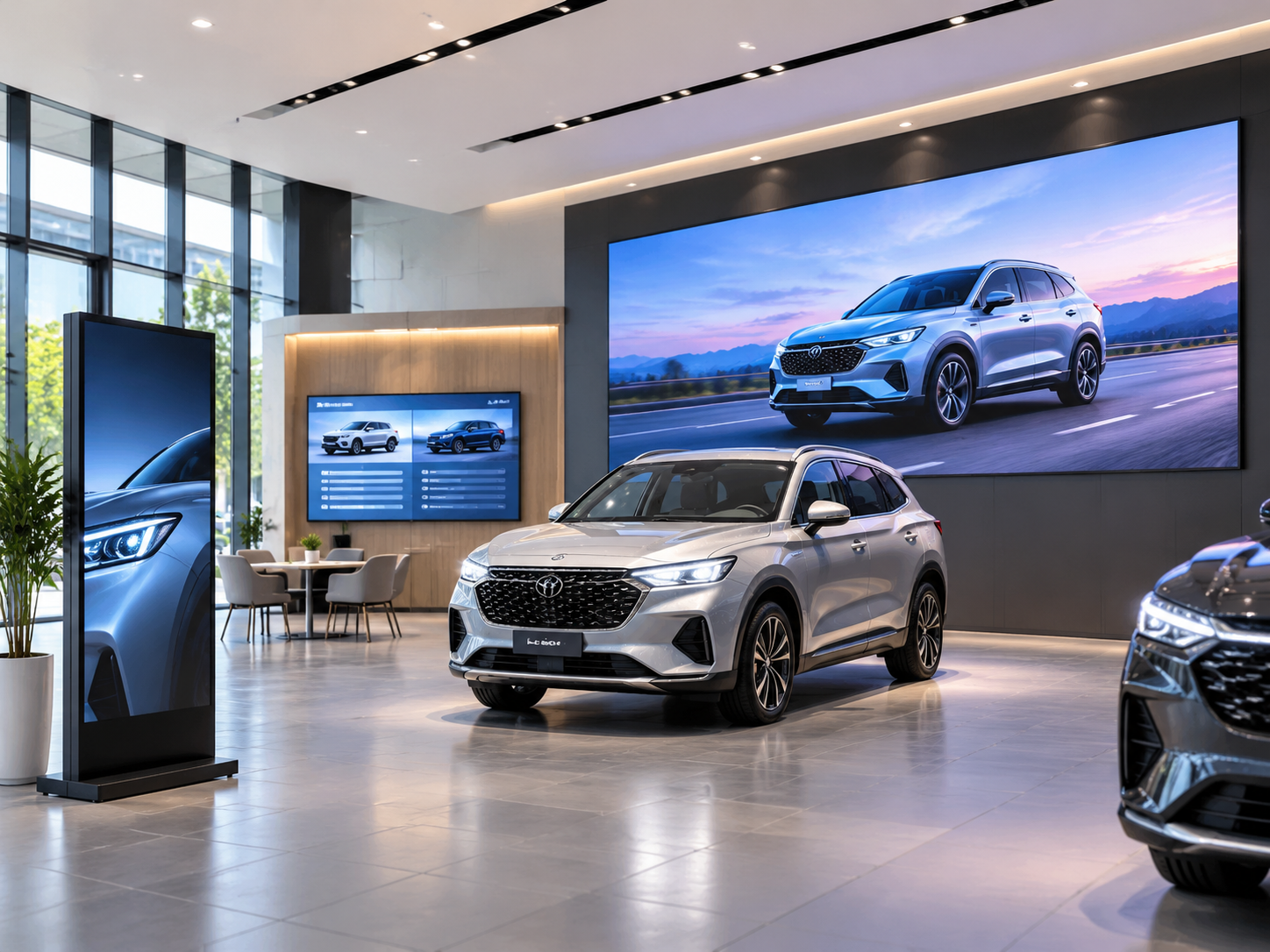
An automotive dealership showroom LED display should help visitors understand the vehicles on display, not compete with them. A large screen can introduce a new model, a second display can make vehicle differences easier to follow, and a smaller screen near a consultation area can bring important details into a sales conversation.
These roles call for different display arrangements. A launch wall needs room for strong vehicle imagery. A comparison screen needs enough clarity for visitors to examine details. A consultation display should be visible without becoming a distraction. Treating all three as the same advertising surface often leads to excessive motion, duplicated content and screens that do not fit the way people use the showroom.
The more useful approach is to plan the visitor journey first, then match the screen format and content to each part of the experience. That keeps the physical vehicles at the centre of the showroom while giving digital displays a clear purpose.
Map vehicle display zones and customer viewing paths
A showroom layout should follow the way visitors move between vehicles, rather than the amount of empty wall space available. Someone entering the dealership may first notice a featured model, walk closer to inspect its exterior, move toward another vehicle for comparison and eventually sit down with a salesperson. Each stage creates a different viewing situation.
The main display wall often works best where it can establish the visual identity of a featured vehicle without taking attention away from the actual car. A new model presentation, for example, might use exterior footage on the wall while the vehicle itself remains visible in front of it. The screen provides context; the physical vehicle provides the detail visitors want to inspect.
Comparison areas need a different relationship between screen and vehicle. If several models are arranged together, visitors should be able to see the relevant information while looking at those vehicles. A display positioned too far away may attract attention but contribute little to the comparison. One placed directly in a walking route may interrupt the natural movement around the cars.
The same issue appears in consultation spaces. A screen may be visible from the showroom entrance but poorly positioned for someone seated at a sales desk. It is worth checking the proposed location from the positions where visitors will actually stand or sit, rather than relying only on a front-facing elevation drawing.
Interior conditions also influence placement. Large glass entrances, ceiling spotlights, polished vehicle surfaces and decorative wall finishes can change how a screen looks from different angles. A display that appears balanced in a design rendering may become distracting under the showroom's actual lighting.
The central design question is not how many screens the showroom can accommodate. It is which parts of the vehicle presentation genuinely benefit from digital content, and where visitors need to see that content.
This distinction often leads to a more considered arrangement: one prominent presentation wall, supporting displays where comparisons take place, and only as many consultation screens as the actual seating and viewing layout requires.
Organize model launches and vehicle comparison content
A model launch and a vehicle comparison may use the same screen, but they should not use the same content approach. A launch presentation is about introducing a vehicle and establishing its visual identity. A comparison presentation is about helping visitors understand differences between models or trim levels.
For a launch, the screen should give the vehicle room to make an impression. Exterior footage, interior details and carefully selected feature visuals can create a natural sequence around the car on display. The presentation does not need to explain every specification. Its job is to introduce the model clearly and encourage visitors to look more closely at the actual vehicle.
The content becomes more specific when visitors begin comparing alternatives. At that point, a dramatic brand film is less useful than a consistent view of the vehicles being considered. Model names, model years and trim levels should be easy to identify. If equipment or specification differences are shown, they should be presented using the same categories and terminology.
Make comparisons understandable at normal viewing distance
A common mistake is trying to place too much information on one large display. Small specification text may look acceptable on a desktop design, but it can become difficult to read when the visitor is standing several metres away. A main showroom wall is usually better suited to vehicle imagery and a limited number of key messages. Detailed comparisons belong on a display that can be examined more closely.
Content proportions matter too. A wide screen may accommodate a vehicle image alongside a small comparison panel, while a portrait display needs a different layout. Simply cropping the same promotional artwork for every screen can remove important vehicle details or make the text hierarchy difficult to follow.
Accuracy is just as important as presentation. A comparison between two trims should not mix specifications from different model years or show promotional figures that are no longer current. The dealership's approved vehicle information should remain the reference for anything presented as a factual difference.
When launch content and comparison content are planned separately, the showroom can change its main campaign without repeatedly redesigning the material used during everyday vehicle discussions.
For launches that will be photographed, recorded or live-streamed, test the complete display and signal chain with the cameras and content planned for the event. Refresh-rate figures alone do not establish how a screen will appear on camera. Ask the supplier to run a camera test using representative launch footage and the intended operating settings before the event.
Support sales consultations without crowding the showroom
The purpose of a display changes when a visitor moves from looking at vehicles to discussing a specific model. At this stage, the screen should help explain something that is difficult to communicate through a general promotional video.
Interior photographs, dashboard details, seating arrangements and approved equipment information can provide a useful visual reference. A salesperson discussing a particular trim, for example, may want to show the relevant interior layout while the visitor looks at the physical vehicle. The screen becomes part of the conversation rather than another source of advertising.
This works best when the display is positioned around the consultation itself. Visitors should be able to see the screen from their normal seating or standing position without turning away from the salesperson. Its brightness and content movement should also feel appropriate to the surrounding space.
There is little value in filling a consultation area with continuously changing launch videos if the visitor is trying to understand a specific vehicle. A calmer presentation, with clear imagery and a limited amount of supporting information, is often easier to use during a discussion.
The physical arrangement should guide the screen choice. A shared display may work well when several salespeople use the same viewing area. Separate displays make more sense when different consultation positions need to show different material or have distinct viewing angles. Not every desk needs its own LED screen.
The aim is to keep the showroom visually coherent. Digital content should make vehicle information easier to discuss without overwhelming the furniture, the physical cars or the people having the conversation.
Coordinate campaign changes across multiple display positions
A dealership campaign may appear on several screens, but that does not mean every display should show the same file. The main launch wall might carry a cinematic vehicle presentation, while a nearby comparison display shows selected model differences. A smaller portrait screen can introduce the campaign to visitors approaching a particular vehicle.
The message can remain consistent even when the layouts differ. The vehicle name, campaign identity and approved promotional information should agree across the showroom, while the actual content is adapted to each screen's proportions and viewing position.
This becomes particularly important when a new model replaces an earlier campaign. The main wall may need a complete visual update, but the comparison content could remain useful if the vehicles are still available. Separating those content roles makes routine changes less disruptive.
Multi-location dealerships have another consideration. A shared campaign may be used across several branches, but each store may display a different vehicle selection or have different local promotional information. Central visual guidelines can maintain a consistent presentation without forcing every showroom to use identical content.
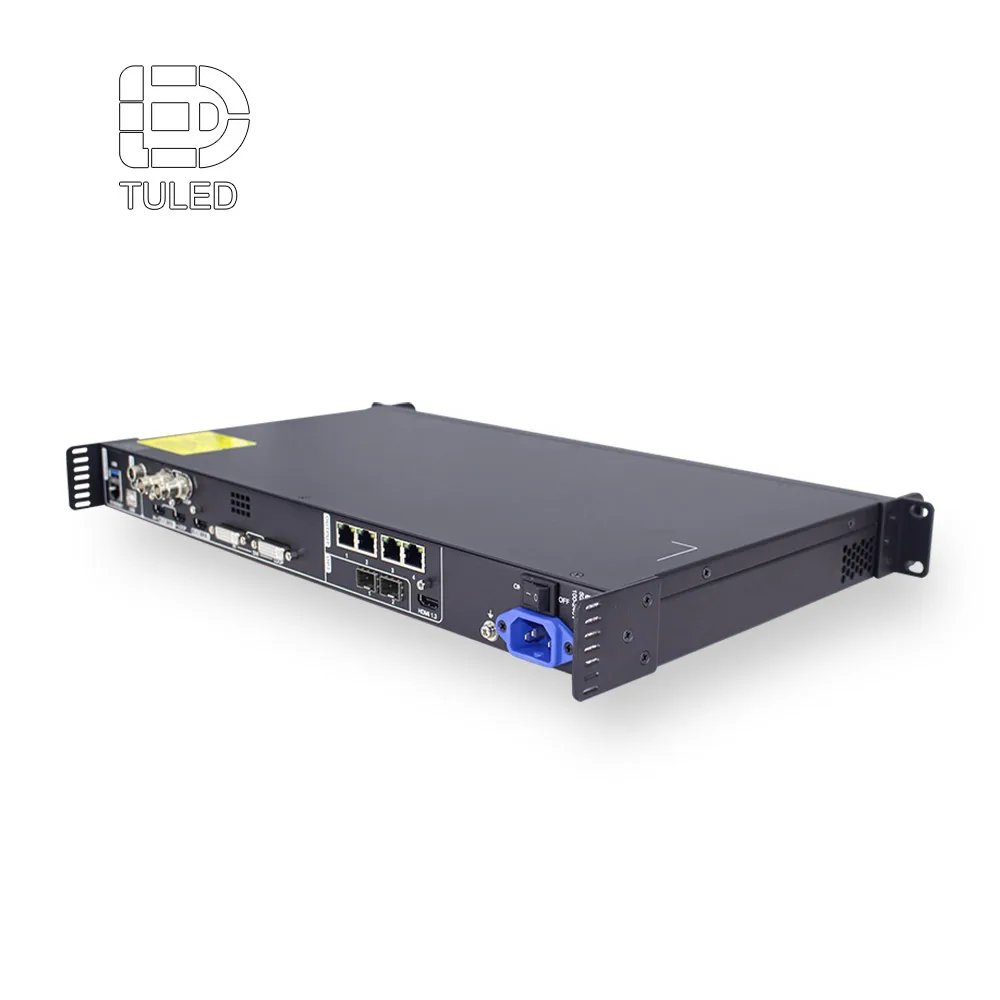
The control arrangement should be confirmed against the intended operating workflow. Some projects need multiple screens to show the same material; others need independent content at different positions. The required control system, content sources and update method should be discussed with the supplier before the final configuration is selected.
It is also worth deciding who approves changes to vehicle names, specifications and campaign messages. This helps avoid a situation where the main display has been updated but a supporting screen continues showing outdated information.
Prepare screen dimensions, content roles and quantity for a quote
Once the display positions are clear, product selection becomes a more meaningful discussion. The same indoor LED display format will not automatically suit a large vehicle launch wall, a close-view comparison area and a smaller promotional position.
Viewing distance is one of the main reasons. A screen used for close inspection needs to present vehicle details and text comfortably. A large feature wall viewed mainly from farther away may have different pixel-pitch and cabinet requirements. Screen dimensions, content resolution and the closest normal viewing position should therefore be considered together. For a more detailed explanation of how viewing distance affects pixel pitch selection, see our indoor LED pixel pitch guide.
Installation conditions can change the decision as well. Wall construction, available depth, cable routes, power access and maintenance space all affect the final arrangement. A display integrated into a feature wall needs to be assessed differently from a freestanding screen that can be positioned elsewhere in the showroom.
LEDDisplayFactory lists several indoor display formats that illustrate these different project requirements. Rather than assuming one model should serve every zone, it is more useful to compare the format with the role of the screen.

640 × 480 LED Display
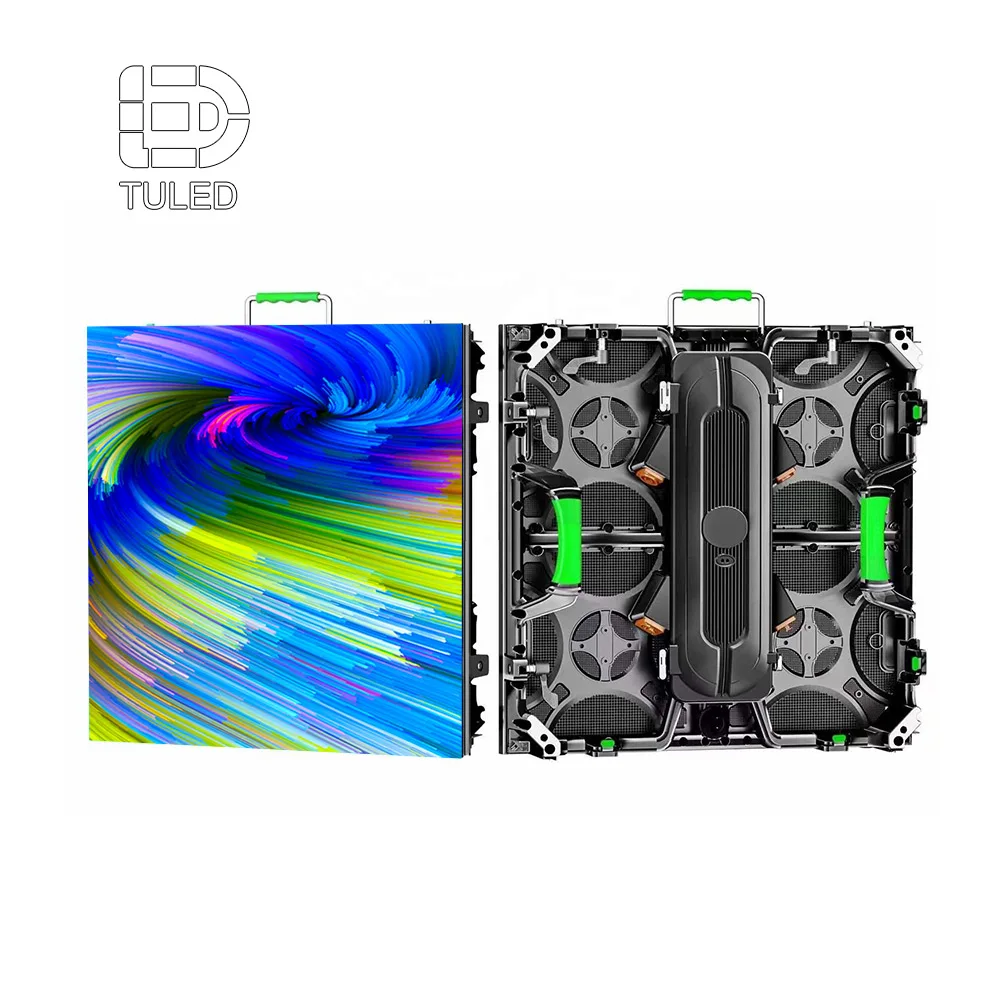
A cabinet-based format worth evaluating for a larger fixed showroom wall. Its modular construction gives the project a defined cabinet format to work with when planning a wider vehicle presentation surface.

UHD Small Pixel LED Display
A fine-pitch option to assess where visitors stand close to the screen, particularly when the content includes detailed vehicle imagery or comparison information.

Floorstanding LED Poster Display
A more compact vertical format for a secondary launch or campaign position. It may suit a showroom area where a full wall installation is unnecessary and a standalone promotional display is more practical.
Product images and published specifications are from LEDDisplayFactory. These are product references, not examples of completed automotive dealership installations. Final suitability depends on the showroom layout and project requirements.
The published product specifications list brightness of at least 600 nits for the UHD Small Pixel LED Display, 1,000–1,200 cd/m² for the 640 × 480 LED Display, and 800–1,000 cd/m² for the LED Poster Display. These figures provide a starting point for comparison, not a guarantee of visibility in every showroom. Ask the supplier to assess the display under the showroom's actual lighting conditions, including daylight through glazed entrances and overhead lighting, and to confirm the usable brightness range for the intended viewing environment.
The three formats serve different planning purposes. A modular cabinet may be worth reviewing for a larger display wall, fine-pitch LED is relevant when the closest viewing position makes image detail important, and a floorstanding poster offers another approach for a smaller campaign area. None should be selected solely because its product description sounds suitable.
For a project requiring a custom indoor LED display solution, the screen arrangement should be assessed against the complete showroom plan. This includes how many vehicles are being presented, which screens need to work together and whether the same configuration will be repeated across multiple dealerships.
A useful quotation request should explain the project in enough detail for the supplier to understand the actual installation, rather than simply asking for a screen price. The most useful information includes:
- Showroom floor plan: Entrance, vehicle positions, comparison areas, consultation spaces and proposed display locations.
- Screen dimensions: Required width and height, or the available wall dimensions where the final size is still being planned.
- Viewing positions: Closest normal viewing distance, main visitor positions and the areas where sales staff will use the content.
- Content types: Vehicle launch videos, exterior and interior imagery, model comparisons and campaign material.
- Installation conditions: Wall structure, mounting restrictions, available depth, power access, cable routes and maintenance access.
- Project quantity: Number of screens per showroom, number of dealership locations and any differences between branches.
Photographs of the proposed screen walls are useful alongside the floor plan. They can show lighting, architectural finishes and nearby vehicles that may not be obvious from a drawing. If several dealerships are involved, provide a separate location plan for each store rather than assuming that every branch has the same installation conditions.
These details give the supplier a practical basis for reviewing screen dimensions, pixel pitch, cabinet arrangement and content requirements. They also help distinguish the main vehicle presentation wall from the smaller displays that support comparison and consultation.
Frequently Asked Questions
What type of LED display works for an automotive dealership showroom?
Indoor LED displays are the main category to consider for enclosed showroom applications. A modular LED wall may suit a large vehicle presentation area, while a fine-pitch display can be assessed for closer viewing and a floorstanding poster may work for a smaller promotional position. The choice depends on screen location, viewing distance and content.
Should a dealership use the same LED screen for vehicle launches and comparisons?
One screen can support both purposes if the content is prepared for each use. Launch presentations should prioritize vehicle imagery and model identity, while comparisons need consistent model and trim information that visitors can read comfortably.
Is small-pixel LED suitable for vehicle comparison displays?
It is worth evaluating when visitors stand close and need to examine detailed images or text. The final pixel pitch should be selected according to the closest normal viewing distance, content resolution and required screen dimensions rather than choosing the smallest pitch automatically.
What information should be provided for a dealership LED display quotation?
Provide the showroom floor plan, vehicle display zones, proposed screen dimensions, viewing distances, content types, installation restrictions and required screen quantities. For multi-branch projects, include the number of stores and identify differences in their layouts.
Plan Your Automotive Dealership LED Display Project
The right showroom display arrangement depends on how vehicles are presented, compared and discussed. A clear project brief helps match the display format to the showroom rather than relying on a generic product recommendation.
When discussing your project, provide the showroom floor plan, vehicle display zones, proposed screen dimensions, content types, installation restrictions and number of dealership locations. Site photographs and marked display positions will also help clarify the requirements.
With this information, the display configuration can be reviewed around the actual showroom environment, including the main vehicle launch wall and supporting consultation displays.