EN
EN


Understanding LED Display Types and Core Technologies
SMD vs. COB vs. MicroLED: Performance and Use-Case Fit
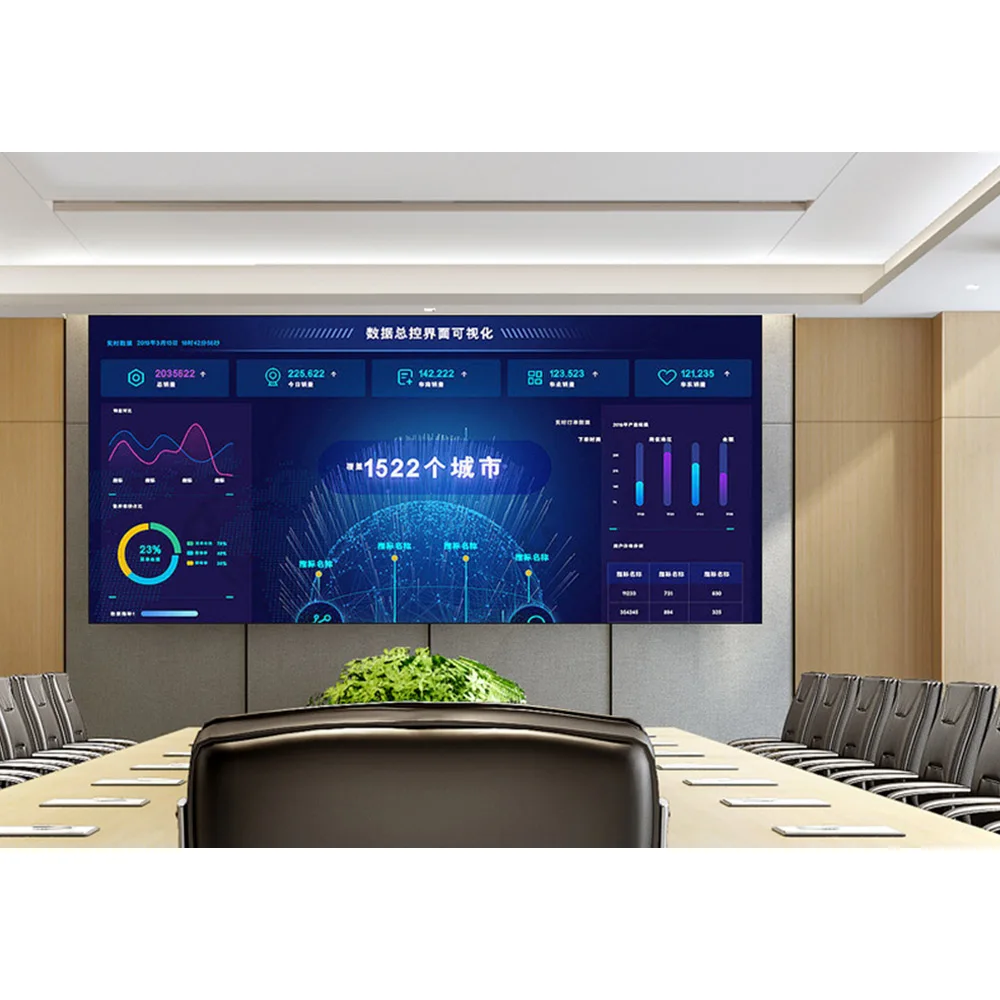
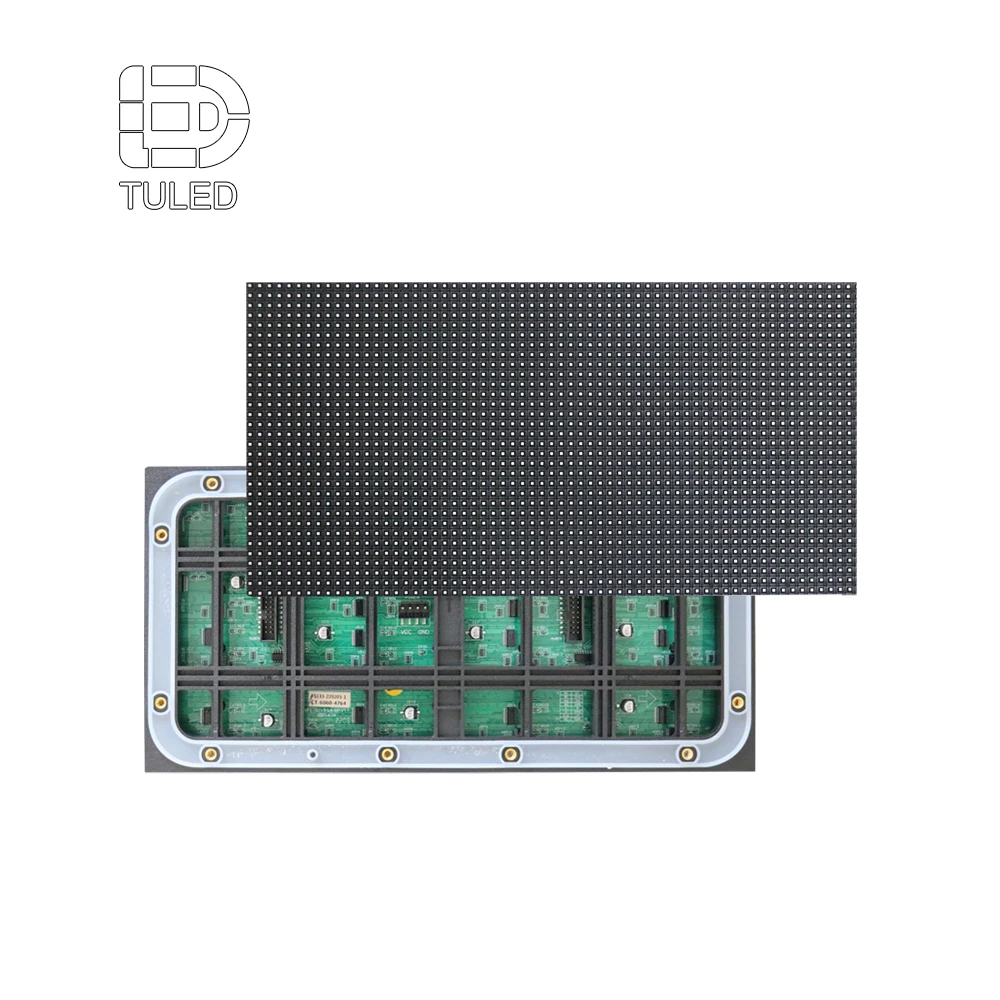
SMD technology places individual LEDs right on printed circuit boards, which makes it a good option for regular resolution displays at a reasonable price point. These are great choices when budgets matter, especially indoors where things don't get too rough on equipment like in office buildings or average retail stores. But there's a catch. The solder joints stick out and can get damaged easily if installed somewhere busy or where vibrations happen regularly. COB technology takes a different approach by sealing several LED chips together under one protective resin coating. This setup gives around 2.5 times better impact resistance compared to SMD plus much better protection against dust and moisture getting inside. That extra toughness explains why COB is often seen in places like train stations, school auditoriums, and those big digital signs we see in public spaces. Then there's MicroLED, which works with tiny self-lighting pixels to deliver colors that rival movie theaters, almost instant response speed, and brightness levels over 10,000 nits. While this tech is fantastic for critical situations such as control centers, upscale shopping malls, and top notch TV studios, it does come with a hefty price tag that keeps many businesses from jumping in just yet.
Indoor, Outdoor, and Rental LED Displays: Key Technical Differences
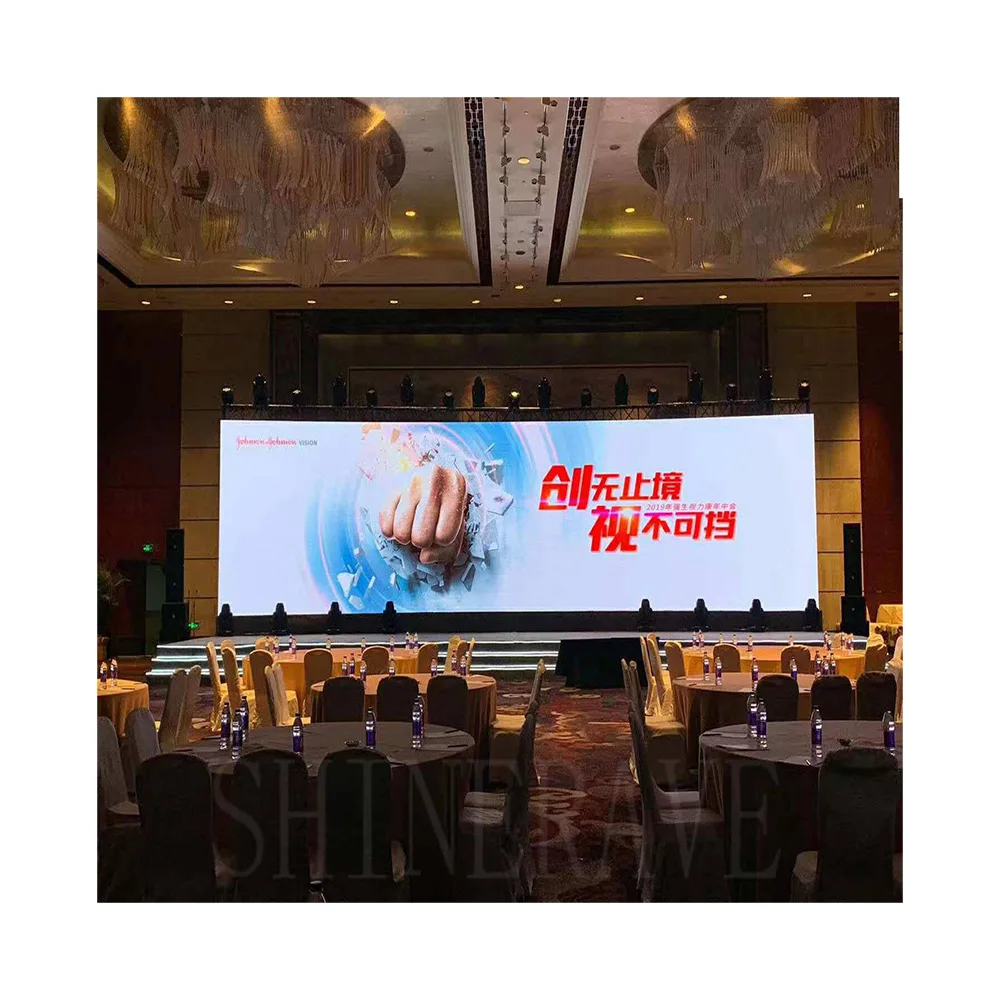
When it comes to indoor LED displays, manufacturers focus on small pixel sizes ranging from P1.2 to P2.5 along with brightness levels between 500 and 1,500 nits. These specs help keep images clear when viewers are standing right next to them while also preventing those annoying eye strain issues common in dimly lit rooms. For outdoor applications though, things get quite different. The displays need to withstand all kinds of weather conditions, so they must meet at least IP65 standards. Brightness becomes super important too, needing around 5,000 nits minimum but sometimes going as high as 8,000+ nits when placed directly under sunlight. Pixel pitches here tend to be larger, usually somewhere between P4 and P10, since people generally stand farther away from these screens anyway. Rental quality panels have special features built into them for quick setup and teardown. Think about those events like music festivals or product launches where time is money. They come with lightweight carbon frame constructions, snap together modules that don't require tools, front access points for maintenance, and everything designed to go up fast. Contrast ratio matters a lot too, often hitting over 5,000:1 which makes sure text stays readable even during performances with lots of lights flashing around or when there's glare coming off nearby surfaces.
Critical Performance Metrics for Commercial LED Displays
Brightness, Contrast, and Viewing Angle Requirements by Environment
Commercial LED display performance must be calibrated to environmental demands—not just technical specs.
- Brightness (nits): Indoor settings (e.g., retail stores, conference rooms) perform best at 800–1,500 nits—sufficient for visibility under typical ambient light while minimizing viewer fatigue. Outdoor installations require ≥5,000 nits to overcome solar luminance; high-glare zones like highway billboards or sun-drenched plazas often need 7,000–8,000+ nits.
- Contrast ratio: In controlled indoor lighting, 3,000:1 delivers rich blacks and visual depth. Outdoor environments demand ≥5,000:1 to preserve image fidelity against ambient washout and reflected glare.
- Viewing angle: Wide horizontal/vertical angles (140°–160°) support flexible audience positioning indoors—essential in boardrooms or open-plan retail. Outdoor deployments typically optimize for 120°–140° to balance brightness uniformity with effective crowd dispersion across large areas.
| Environment | Brightness Range (nits) | Minimum Contrast | Viewing Angle |
|---|---|---|---|
| Indoor | 800–1,500 | 3,000:1 | 140°–160° |
| Outdoor | 5,000–8,000+ | 5,000:1 | 120°–140° |
Automatic brightness sensors now adjust output on 72% of commercial displays in real time—boosting readability while cutting energy use by 19%, per the Digital Signage Federation’s 2023 industry benchmark.
Pixel Pitch, Resolution, and Optimal Viewing Distance Calculations
Pixel pitch—the millimeter spacing between adjacent pixels—directly governs resolution density, visual sharpness, and ideal viewing distance.
- Fine-pitch displays (≤1.8mm) deliver over 444,444 pixels per square meter, enabling crisp 4K imagery within 3 meters—ideal for boardrooms, digital signage in luxury boutiques, or command centers requiring detail fidelity.
-
Large-format displays (≥6mm) operate at ~11,111 pixels/m², balancing cost and scalability for stadiums, transit stations, or roadside billboards. The minimum optimal viewing distance follows a proven rule of thumb:
Optimal Distance (meters) = Pixel Pitch (mm) × 2.5
For example, a P10 display performs best at 25 meters—preventing visible pixelation while maximizing content impact.
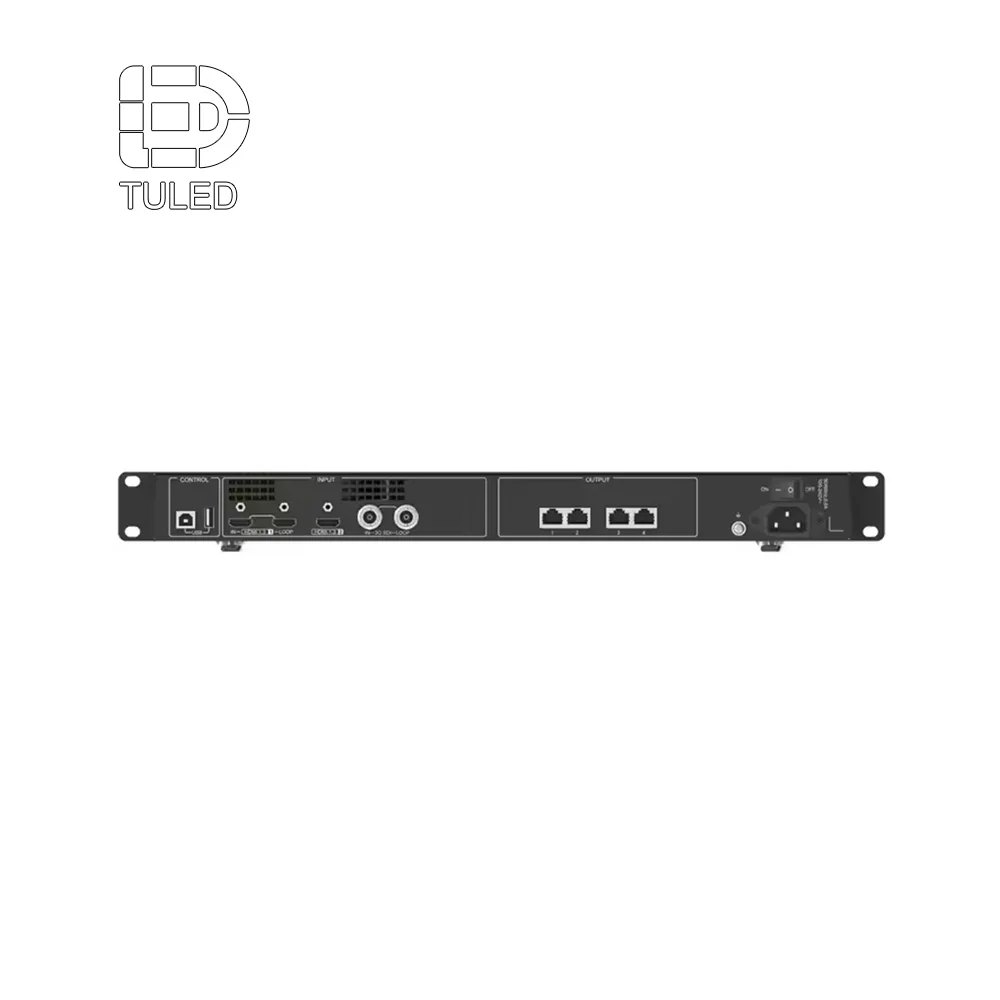
When going for those higher resolutions like 3840x2160, the system needs proper support too. The content management systems must handle 12G-SDI bandwidth and work with different aspect ratios. Most screens need 16:9 for videos but some data displays still rely on old school 4:3 format. Getting the pitch or resolution wrong for what it's actually used for can really mess things up. According to a recent study from Digital Signage Today in their 2023 procurement report, mistakes here either jack up costs by about 37% because people overspend on unnecessary specs, or worse yet, lead to displays nobody can read properly. That's just not good for business at all.
B2B Procurement Considerations: Reliability, Support, and Total Cost of Ownership
Warranty Terms, Lifespan (L90/L80), and Maintenance Protocols
When making procurement choices, it's wise to focus more on how reliable equipment will be over time rather than just what it costs initially. The best suppliers typically provide warranties lasting between three to five years that cover everything from panels to power supplies, controllers, and signal processors. These warranties often include fast replacement options which really matters when trying to keep operations running smoothly without unexpected stoppages. Another key consideration is how long these displays actually last in practice. Photometric ratings like L90 (when brightness drops to 90%) and L80 (down to 80%) give a good indication of real world performance. Some premium models hit the L80 mark around 100,000 hours, which works out to roughly 11 years straight operation according to recent industry standards from SID in 2023. Displays designed for front access save technicians loads of time during maintenance compared to those requiring rear access. Standardized parts mean techs don't need special tools or complicated procedures to swap out components quickly.
Integration Readiness: Control Systems, Content Management, and API Compatibility
When AV systems are truly ready for integration, they break down those pesky silos and stand up to whatever the future throws at them. Look for displays that work well with major enterprise control platforms like Crestron, AMX, and Extron. These allow for centralized monitoring across multiple rooms or even entire campuses, plus better scheduling and faster fault detection when things go wrong. Good content management isn't just about having stuff online either. The system needs cloud-based scheduling with easy drag-and-drop features, so different zones can show different messages. Maybe promotions in sales areas while directions appear near entrances. Automatic failover capabilities are also important to keep screens from going dark if sources drop out unexpectedly. RESTful API support matters a lot too for scaling operations. It lets systems talk back and forth with building automation, environmental sensors, CRM software, and emergency alerts. This cuts down on manual work maybe around 35-40 hours each month depending on setup size. Before signing any contracts though, make sure to check SDK compatibility and run some real tests with vendors. We've all seen what happens when companies skip this step!
Frequently Asked Questions (FAQ)
What is the main difference between SMD, COB, and MicroLED display technologies?
SMD integrates individual LEDs on circuit boards, suitable for environments where budget is a concern; COB clusters several LED chips under a protective resin for enhanced durability; MicroLED uses self-lighting pixels providing superior color and brightness.
Why are indoor and outdoor LED displays different?
Indoor LED displays focus on smaller pixel sizes and require lower brightness levels. Outdoor displays need to withstand weather conditions and higher brightness to be visible under sunlight.
How do fine-pitch and large-format displays differ in application?
Fine-pitch displays offer superior resolution suitable for close-up viewing in high-detail environments, while large-format displays are ideal for scalable applications requiring larger view distances.
Why is warranty and lifespan important in B2B procurement of LED displays?
Longer warranty periods and lower brightness degradation rates ensure reliable long-term operation, minimizing downtime and replacement costs.
How do integration-ready systems enhance LED display functionality?
They facilitate centralized control, effective content management, and seamless integration with existing enterprise platforms, optimizing operational efficiency.