EN
EN


What Is a Digital LED Display? Core Definition and Self-Emissive Advantage
Digital LED Display vs. LCD/OLED: Fundamental Architecture and Light Generation
Digital LED screens work differently from most other display technologies because each tiny pixel actually produces its own light through small semiconductor components. Traditional LCD panels need those special liquid crystal layers plus separate LED lighting behind them to control what we see. OLED technology does generate light on its own too, but it uses organic materials instead of the inorganic stuff found in standard LEDs like Indium Gallium Nitride or Aluminum Indium Gallium Phosphide. The way these LED displays are built gives them some real advantages. They can reach incredible brightness levels around 10,000 nits for outdoor applications, maintain good visibility even when viewed from extreme angles beyond 160 degrees, and generally keep their brightness consistent over time without fading as quickly as other options might.
Self-Emissive Principle: How RGB LED Pixels Emit Light Without Backlight or Filters
An RGB subpixel works like its own little light bulb. The magic happens when electricity moves through the diode's special junction area. Electrons meet up with holes there and create light particles called photons via this thing called electroluminescence. What makes this setup so great? There's no need for those extra components like backlights, polarizers, or color filters that other displays require. This means the display can control each pixel individually. We get deeper black levels because pixels can turn off completely. Colors stay accurate too since there aren't any filters messing with them. The result is a much better picture quality overall compared to traditional screen technologies.
LED Display Manufacturing Process: From Semiconductor Wafer to Integrated Module
LED Chip Fabrication: Epitaxial Growth, Wafer Processing, and Die Sorting
The manufacturing process starts with something called epitaxial growth through metalorganic chemical vapor deposition, or MOCVD for short. This happens on either sapphire or silicon carbide substrates, creating those crystalline layers that ultimately determine whether we get red light from AlInGaP materials, green tones, or the blue emissions characteristic of InGaN compounds. Next comes photolithography work combined with plasma etching techniques to create those tiny circuit patterns at the micron scale. Then there's the doping stage which helps improve how well carriers recombine within the material. Once everything gets diced apart into individual units, automated systems inspect every single micro LED die for both brightness levels and wavelength consistency. Only the ones that fall within this strict ±2nm color tolerance make it past quality checks though. This screening is absolutely critical because if even one chip slips through with off-color output, it can cause noticeable mismatches when these components are assembled into larger display modules later on.
Packaging & Assembly: SMD Dominance, Thermal Design, and Automated Calibration
SMD packaging continues to dominate the market thanks to how well it scales production and handles heat issues. Modern manufacturing relies on those high precision pick and place machines that can accurately place LED dies on either ceramic or FR4 materials with micron level precision. To keep things running smoothly, manufacturers often turn to aluminum core PCBs along with special thermal pads that help keep operating temperatures under control, ideally staying below 85 degrees Celsius which is really important for maintaining light output over time. After everything gets assembled, there's another step where automated systems check each individual LED's color properties and tweak the current flowing through them in real time. This ensures colors stay consistent across all units so nobody ends up with noticeable differences in brightness or shade between adjacent LEDs.
Cabinet Integration: Structural Engineering, Power Distribution, and IP-Rated Sealing
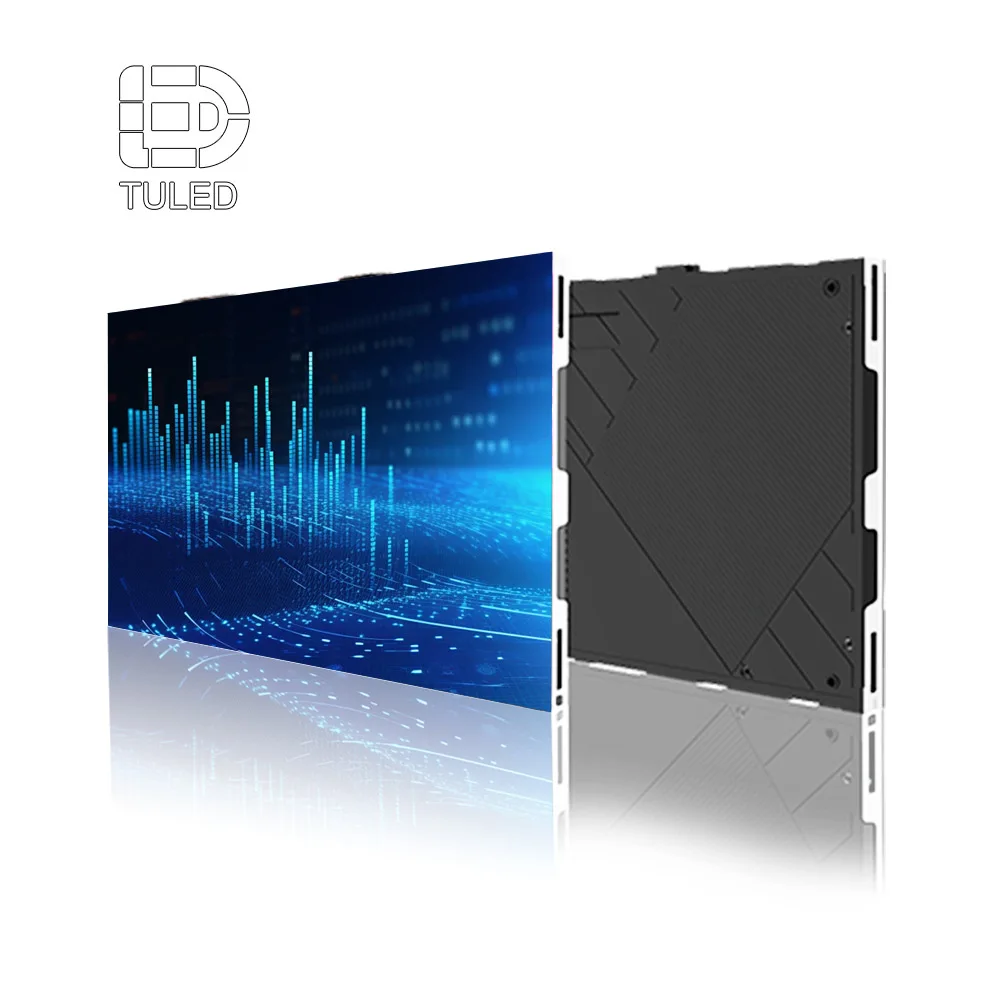
The modules fit inside specially designed aluminum cabinets that are built tough enough to handle whatever Mother Nature throws at them. We run these frames through finite element analysis software to check how they hold up when exposed to strong winds, even those blowing at speeds as high as 150 kilometers per hour. The power systems have backup components so there's almost no fluctuation in voltage levels throughout big installations. When placed outdoors, these cabinets come with IP65 protection ratings thanks to special seals made from compressed gaskets and materials that repel water. This combination keeps out dust particles and stops water from getting inside even during heavy rainstorms. Before shipping, every cabinet goes through rigorous testing conditions that simulate extreme environments. They're put through temperature swings ranging from minus 30 degrees Celsius all the way up to 60 degrees, plus we dunk them completely underwater for a full day. These tests help ensure reliable operation whether installed in massive sports arenas, busy transportation centers, or anywhere else where equipment needs to perform flawlessly despite challenging surroundings.
LED Display Pixel Architecture and Color Science
RGB Subpixel Layout: Direct-Emitting Geometry, Pixel Pitch Implications, and Viewing Angle Optimization
Pixels are made up of separate red, green and blue diodes that get arranged in certain ways, usually hexagons, so they can produce better light mixing and reduce those annoying color shifts when viewed at angles. The spacing between pixels, called pixel pitch and measured in millimeters, really affects how sharp the image looks and how close someone needs to be for it to appear clear. Take a look at these numbers: displays with a P1.2 rating pack about 694 thousand pixels per square meter, whereas P4.8 models only manage around 44 thousand. When manufacturers cluster the pixels in hexagonal patterns instead of squares, colors stay consistent even when viewers aren't looking straight on. This works great for people sitting near the sides of a venue or back in luxury boxes too. Best part? No need for extra layers or special films to fix the color issues.
Color Fidelity Explained: Semiconductor Materials (InGaN, AlInGaP), Gamut Coverage, and White Point Consistency
The secret to accurate colors lies deep within material science. For blue and green hues, manufacturers rely on indium gallium nitride (InGaN) layers, while red comes from aluminum indium gallium phosphide (AlInGaP). These materials were chosen specifically because they offer precise control over light wavelengths and maintain clean, pure color output. When done right with high quality epitaxy techniques, displays can reach an impressive 90 to 110 percent NTSC gamut coverage. That's about 40 percent better than what most standard LCD screens manage. Factories deal with natural material inconsistencies through careful calibration processes. They check how far off white points drift from the standard D65 reference point and then adjust each diode's current individually. This keeps color errors below ΔE<3 throughout the entire brightness spectrum, which goes all the way up to 10,000 nits. Even when exposed to bright ambient lighting conditions, these displays maintain their color integrity.
Key Performance Metrics That Define LED Display Quality
Pixel Pitch, Resolution, and Viewing Distance: Practical Guidelines for Indoor vs. Outdoor LED Display Selection
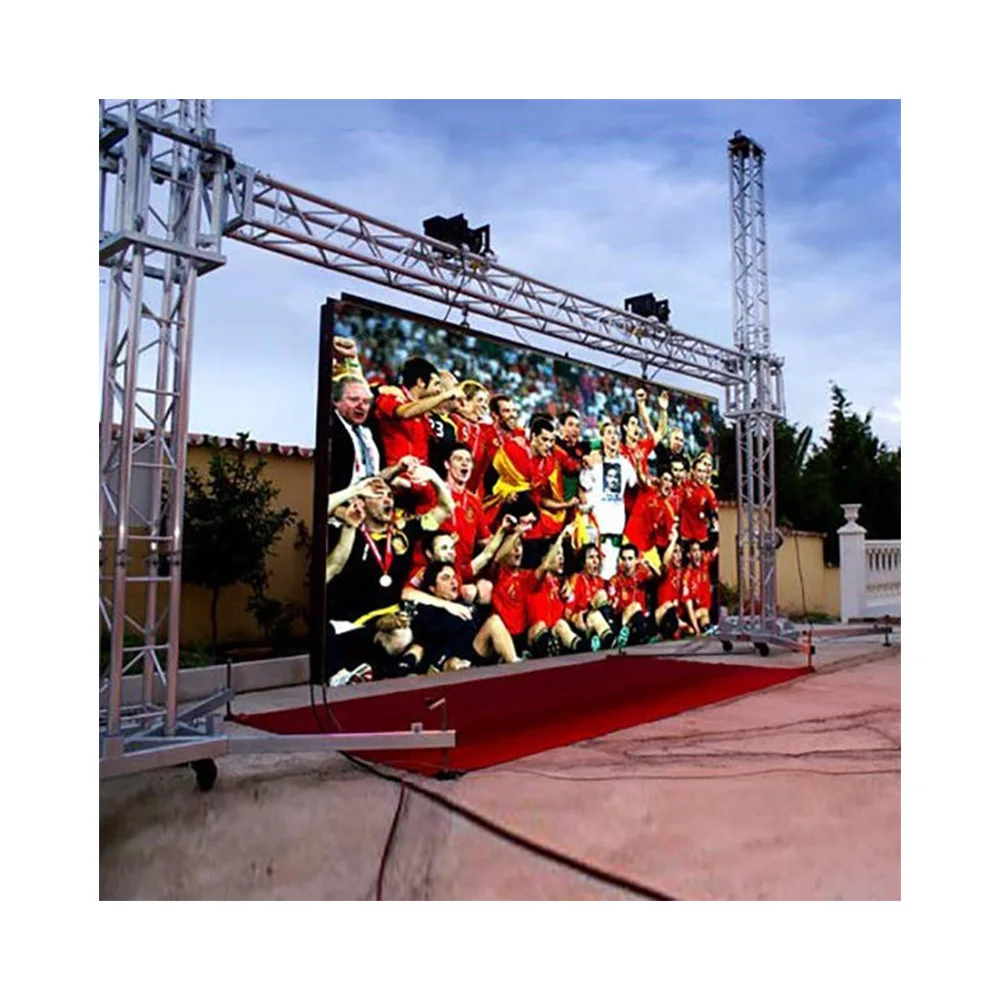
The size of pixels in a screen plays a big role in how clear things look and what kind of setup works best. When we talk about smaller pixel pitches, those under 2.5mm are great for indoor stuff where people stand close by, like in control rooms or when setting up video walls in stores. These screens work well when folks are standing between one and ten meters away. On the flip side, bigger pitches ranging from P4 to P10 focus more on staying bright, lasting longer, and being affordable for outside signs or displays at stadiums where people watch from much farther distances, often over 100 meters away. There's actually a handy trick to remember here: multiply the pixel pitch measurement in millimeters by 1000 to get the minimum distance someone should be from the screen without seeing individual pixels. Take a P3 display for instance, nobody wants to see squares if they're closer than three meters. For indoor setups, most require resolutions higher than 1920x1080 just so text remains readable. Outdoors though, screens need to shine brighter than 5000 nits and have good contrast ratios to fight off all that daylight and other ambient light sources around them.
| Application | Recommended Pixel Pitch | Viewing Distance Range |
|---|---|---|
| Indoor (Conference Rooms) | ≤2.5mm | 1–10 meters |
| Outdoor (Billboards) | ≥4mm | 10–100 meters |
Refresh Rate, Grayscale Depth, and PWM Control: Ensuring Flicker-Free Motion and Broadcast-Grade Video
The refresh rate measured in Hz determines how clear moving images appear on screen. Displays with rates under 1920Hz tend to show blurring when watching action-packed scenes, whereas professional setups need at least 3840Hz to handle live sports broadcasts or studio work without visual artifacts. When it comes to grayscale depth, this refers to the number of shades between black and white that a display can produce. A 14 bit system gives about 16 thousand different intensity levels across each color channel, which means no visible banding occurs in gradual transitions from dark to light areas. Pulse width modulation, or PWM as it's commonly called, works by turning LED lights on and off really quickly to adjust brightness levels. If the frequency is too low, say below 1000Hz, people might notice flickering that causes discomfort over time. But when manufacturers go above 3000Hz, they get much smoother dimming effects and better support for HDR content. This matters a lot in places where image quality is absolutely critical, such as television broadcasting facilities or hospitals where doctors rely on accurate visual information for diagnoses.
FAQ Section
What is pixel pitch and why does it matter?
Pixel pitch refers to the spacing between pixels in a digital LED display, measured in millimeters. It affects the sharpness of the image and the viewing distance required to avoid seeing individual pixels. Smaller pixel pitches are suitable for indoor applications where viewers are close, while larger pitches are ideal for outdoor settings where viewing distances are longer.
How does LED technology differ from LCD and OLED?
LED technology involves self-emissive pixels that generate light through semiconductor components, unlike LCD screens that require backlighting and OLED screens that use organic materials. This gives LED screens advantages like higher brightness levels and better color accuracy without additional filters.
What are some key performance metrics for LED displays?
Important performance metrics for LED displays include pixel pitch, resolution, refresh rate, grayscale depth, and PWM control. These factors determine the display's clarity, brightness, color fidelity, and ability to handle motion sequences smoothly.