EN
EN

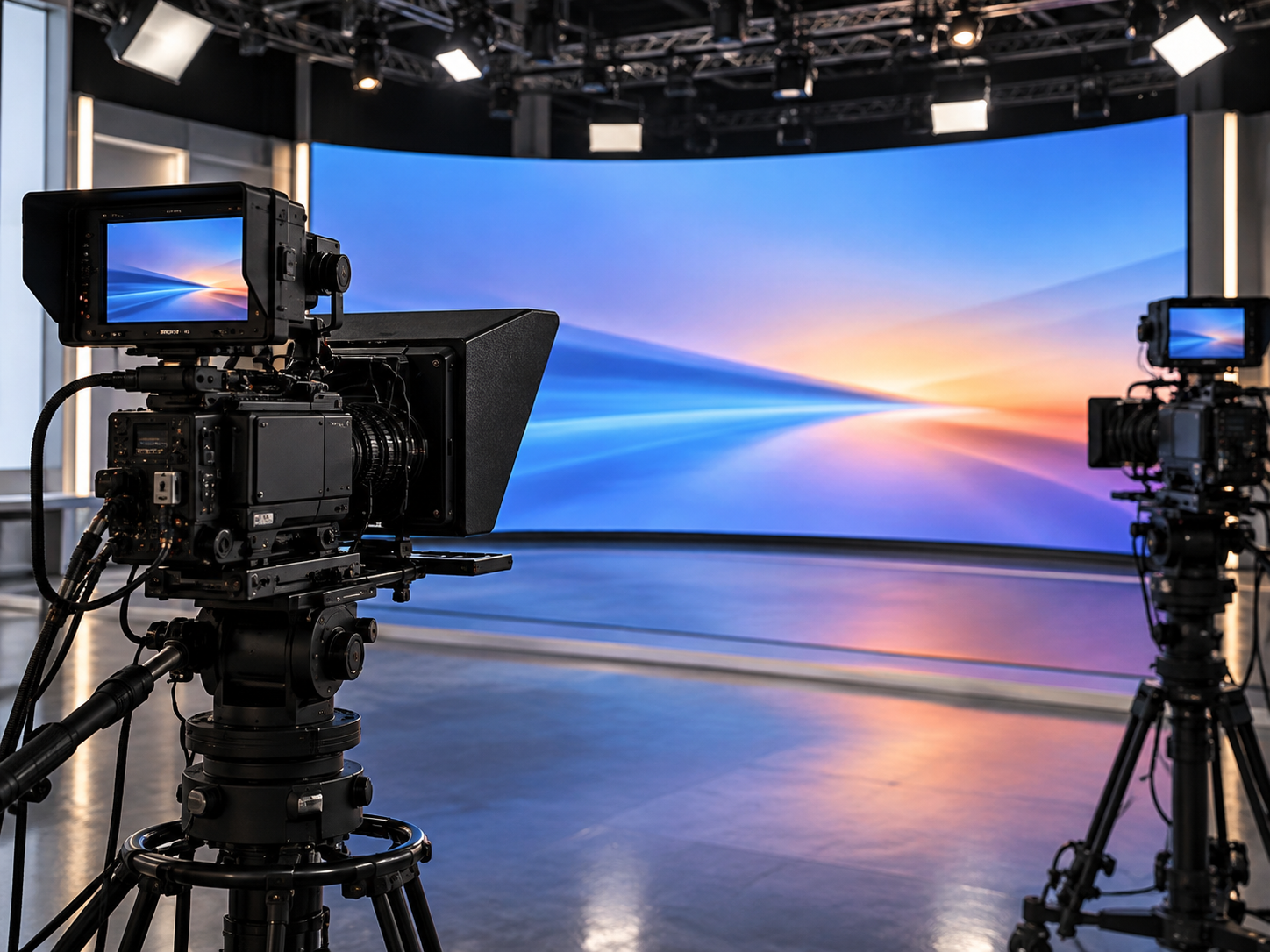
A studio LED wall can look perfectly acceptable to the production crew while appearing noticeably different through a broadcast camera. Color shifts, horizontal bands, uneven dark tones or distracting brightness changes may only become visible once the wall is filmed under the studio's actual lighting and camera settings.
For broadcast studio LED wall color matching, the reliable starting point is not a showroom image or an isolated refresh-rate specification. Engineers need to compare the wall through the cameras that will be used on air, under representative lighting, with the shutter settings and program material the production actually requires.
The evaluation should also extend to the program feed. A wall that performs well with a static demonstration image must still behave predictably when graphics change, sources are switched or the incoming signal is interrupted. These connected production decisions should be assessed before a proposed LED wall configuration receives technical approval.
Judge the wall through the production camera first
The production camera should be the main reference for assessing LED wall image quality. What matters is whether the wall produces acceptable footage from the planned camera positions, rather than whether it looks impressive to someone standing directly in front of it.
Consider a news set with a presenter seated in front of a large LED background. The wide camera captures the entire composition, making differences between display areas easier to notice. A tighter shot can reveal artifacts that are less obvious in a wide view, including temporal issues such as flicker or rolling bands and spatial moiré caused by the interaction between the LED pixel structure and the camera sensor. These effects need different checks: shutter and timing adjustments address temporal behavior, while pixel pitch, lens choice, focus and camera distance influence moiré.
An off-axis camera introduces another variable. The display may appear different when filmed from the side, so a satisfactory central-camera test cannot automatically represent every angle used during production.
The engineering team should record these views with consistent settings and retain the original footage. Camera model, lens, frame rate, shutter, white balance, exposure and the wall's operating configuration all affect whether the results can be reproduced.
When discussing requirements with led video wall suppliers, this camera-based evidence is more useful than a general statement that a display is suitable for broadcasting. The relevant question is whether the proposed configuration can be demonstrated under the conditions the studio intends to use.
Compare color under the studio lighting and camera settings
Studio color matching is rarely a matter of choosing one attractive display preset. The wall, lighting and camera image-processing chain all influence the final picture, and a change that improves one part of the frame may make another part less satisfactory.
For example, a presenter may need a stable exposure and natural skin tones while the LED background shows bright graphics. Adjusting the camera simply to improve the background can compromise the presenter, even if the wall itself appears more colorful. A useful evaluation keeps the intended production image in view rather than treating the LED wall as an isolated subject.
Bright news or presentation set
With prominent key and fill lighting, compare graphic clarity, white areas and skin tones without changing the camera exposure solely to favor the LED background.
Lower-light interview set
At lower operating brightness, darker gradients and subtle color variations may become more noticeable. Review recorded footage for distracting changes behind the subject.
Both conditions can reveal weaknesses that a single bright showroom demonstration misses. They also explain why broadcast LED camera color consistency should be judged with representative production footage, not just a static test image.
White balance deserves particular attention. If two cameras use different white-balance settings or image profiles, the same wall can appear different in their recordings. Engineers should establish a consistent camera reference before attributing every visible difference to the display.
Camera white balance is only one part of color consistency. The wall should also be evaluated against an agreed production color reference, with its white point, grayscale behavior and brightness uniformity checked at the intended operating level. Where multiple cabinets or replacement modules are involved, calibration consistency across the complete display surface matters as much as the appearance of an individual panel. The final comparison should use recorded camera footage rather than relying exclusively on the processor's calibration interface.
The viewing angle, LED brightness setting and source graphics should also remain documented. A wall that looks consistent with a white test pattern may behave differently when displaying saturated colors, a dark background or graphics with subtle gradients.
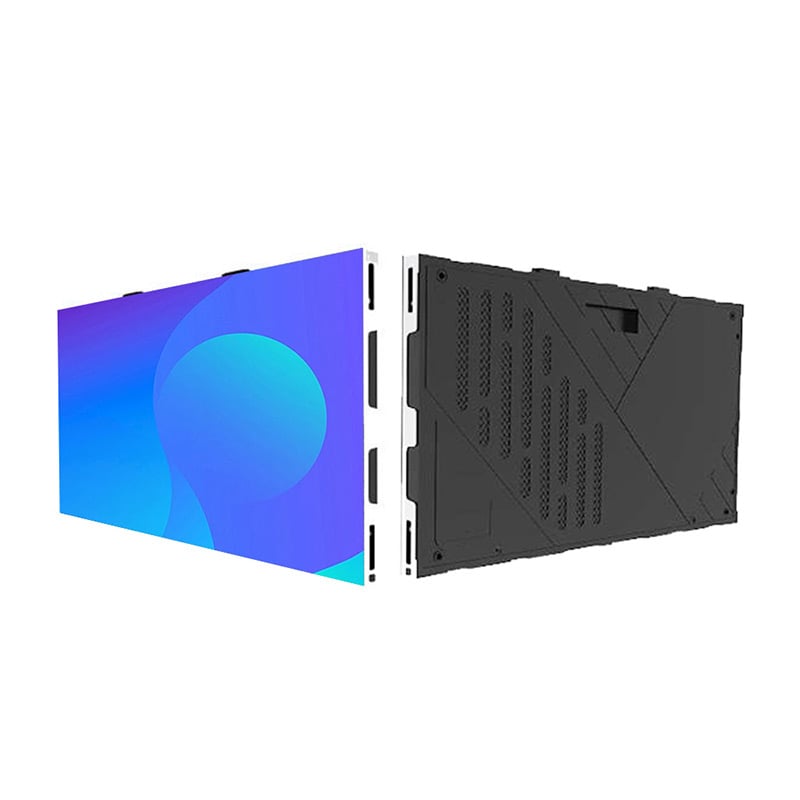
UHD Small Pixel LED Display
Fine-pitch indoor panels are worth evaluating when a studio needs a detailed background for close camera framing. However, pixel pitch alone does not establish camera compatibility. The final choice should account for shooting distance, lens characteristics, refresh behavior, scan mode, grayscale performance and the intended lighting conditions.
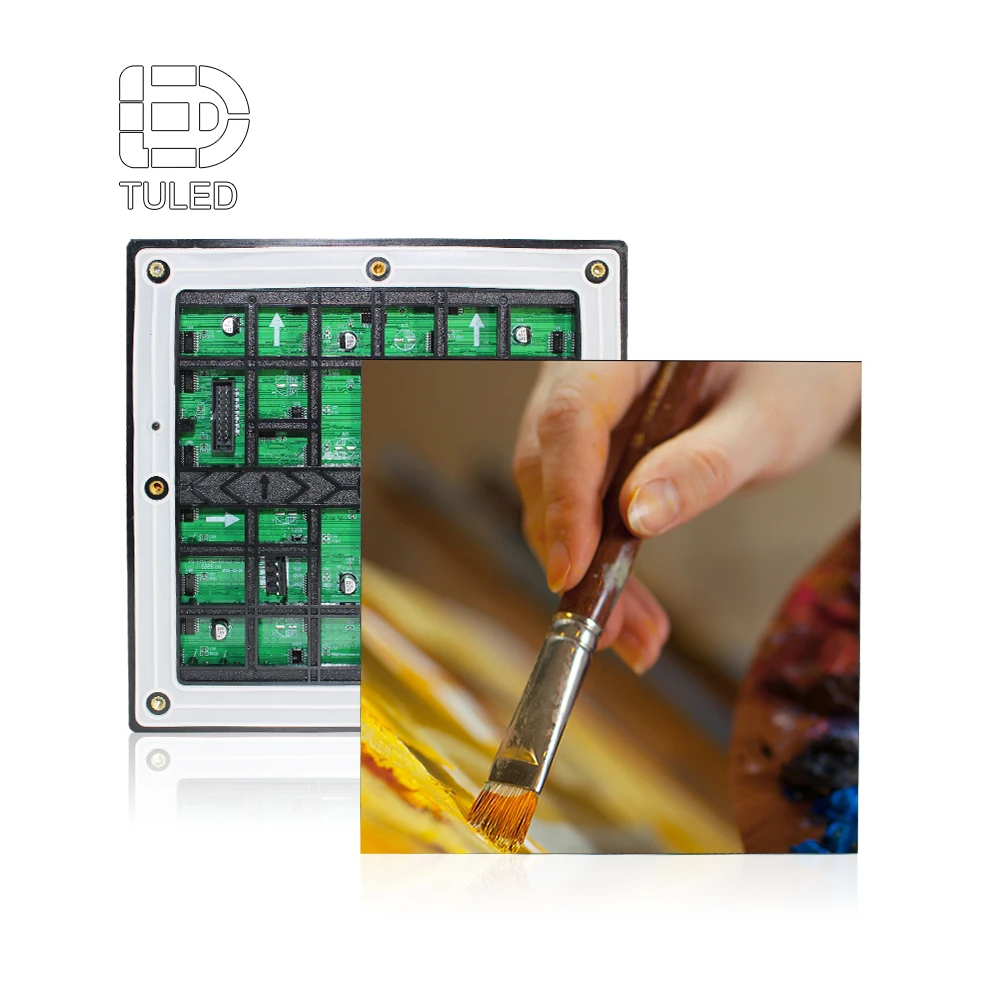
The UHD Small Pixel LED Display range provides a practical starting point for comparing fine-pitch cabinet formats and published display specifications. Its refresh and grayscale characteristics should be assessed alongside the selected pixel pitch, scan mode, processor and operating brightness; suitability for broadcast use still needs to be confirmed with the intended cameras and lighting conditions.
View Product Details →When comparing studio LED wall options, the practical question is not simply which panel offers finer pixel pitch. The project must establish whether the proposed configuration can maintain an acceptable image at the brightness, color settings and shooting distances the studio actually requires.
The goal is a reproducible configuration that produces a satisfactory match across approved cameras, lighting scenes and program material—not just one favorable demonstration image.
Check refresh interactions across planned shooting conditions
Refresh behavior becomes a production issue when the camera begins recording variations that the eye does not readily notice. Horizontal bands, flicker and differences in brightness across the image can appear when the timing of LED scanning interacts with the camera's exposure.
An advertised refresh rate cannot guarantee clean broadcast footage on its own. The LED refresh rate, video input frame rate and panel scan mode describe different parts of the display system. Camera results also depend on panel driving behavior, processing configuration and shutter timing. Two panels with the same stated refresh rate may therefore behave differently when recorded under the same camera conditions.
For a studio LED refresh evaluation, begin with the frame rate and shutter settings the production actually uses. Film the wall with bright and dark material, then repeat the comparison during representative camera movements. Observe whether artifacts appear only at certain settings or remain visible across several shots.
What matters in practice: A high refresh-rate specification may help narrow the equipment shortlist, but acceptable footage from the intended camera configuration provides stronger evidence. The useful test is one the engineering team can reproduce.
Some processing systems provide camera-related timing adjustments. The behavior of those controls depends on the specific processing technology, panel driving method and camera setup. They should be demonstrated rather than assumed to be available on every LED wall.
Where genlock is required, the camera and LED processing chain should be checked against the studio's actual reference arrangement. Confirm that the processor accepts the required reference signal and that camera and display timing remain compatible at the intended frame rate. After synchronization, record test footage at the planned shutter settings. If rolling bands remain, further timing or shutter adjustments may be necessary. Genlock should be treated as part of the camera-compatibility process, not as a guarantee that every image artifact will disappear.
The most revealing comparison is often between two operating configurations that both appear satisfactory from the studio floor. If one produces clean footage and the other shows banding or brightness variation, the difference should be documented along with the relevant settings.
Before selection, engineers should know which adjustments are available, which must remain fixed during production and whether the demonstrated result survives the full range of planned shots. An adjustment that solves banding but creates an unacceptable compromise elsewhere is not a complete solution.
Follow the program feed through switching and fallback
A studio LED wall is part of a larger production signal chain. Even when its color and refresh performance are satisfactory, the displayed image can still become unsuitable for broadcast if the wrong source is selected, a feed disappears or recovery from an interruption behaves unexpectedly.
The relevant starting point is the actual signal route. In a typical evaluation, the team traces the assigned graphics or video source through production routing and switching, then through the LED processing system to the display. The equipment and order of operations must reflect the studio's approved design.
Simplified signal path for evaluation. Actual connections, switching functions and backup arrangements depend on the studio design.
During normal switching, the technical director or designated operator should control the approved source selection. The graphics or playback operator remains responsible for the intended material, while the LED system engineer confirms that the incoming signal and display response match the agreed workflow.
Consider a planned transition from the studio's normal graphics feed to a special video segment. The team should observe the change through the production camera and monitor the visible result. A transition that looks satisfactory on the control interface may still create an unwanted frame, interruption or timing change on the wall.
Loss of signal requires a separate test. Depending on the actual equipment configuration, the display might retain its previous image, go blank, show another input or present a defined fallback. None of these outcomes should be assumed without verification.
There is also an important distinction between a picture being present and the picture being correct. Holding the last frame may prevent an abrupt black screen, but a frozen graphic could be misleading if the content should have changed. The studio therefore needs an approved response for missing or invalid program material, including who confirms that the normal feed can return.
Feed redundancy should be assessed across the complete route rather than as a single advertised feature. A secondary input does not establish a reliable fallback unless the relevant source, routing equipment, processing configuration and recovery procedure all support the intended behavior.
For acceptance, observe one routine source change and at least one controlled interruption scenario. Record the displayed response, the operator action and the condition under which the approved program image was restored. The recovery test should also confirm that the restored source returns with the expected resolution, frame rate and content mapping; reconnecting an input does not by itself prove that the correct production configuration has resumed.
Prepare a camera-based demonstration and acceptance checklist
By the time an LED wall reaches a supplier demonstration, the studio should already know what it needs to prove. A useful brief does not have to be unnecessarily complex, but it should contain enough production detail for different configurations to be compared under equivalent conditions.
Without this shared reference, one proposal may be demonstrated using a favorable camera shutter, another under different lighting and a third with an unrelated video source. All three may look convincing while providing little evidence for an engineering decision.
A useful supplier brief should reflect the actual production environment. The following details help engineers compare proposals on equal terms and avoid approving a wall based on a demonstration that does not represent the final studio setup.
For each demonstration, request representative camera footage together with the relevant camera and LED processing settings. The team should be able to identify what equipment was tested, what content was shown and which operating conditions produced the recorded result.
A short edited presentation video cannot establish the same level of evidence as footage from the intended production cameras. Engineers should also confirm that a demonstration using substitute panels or processors is not being presented as proof of performance for a different final configuration.
From camera testing to panel selection
Once the required camera conditions are clear, the next step is to compare panel formats and processing configurations against the studio's actual acceptance criteria.
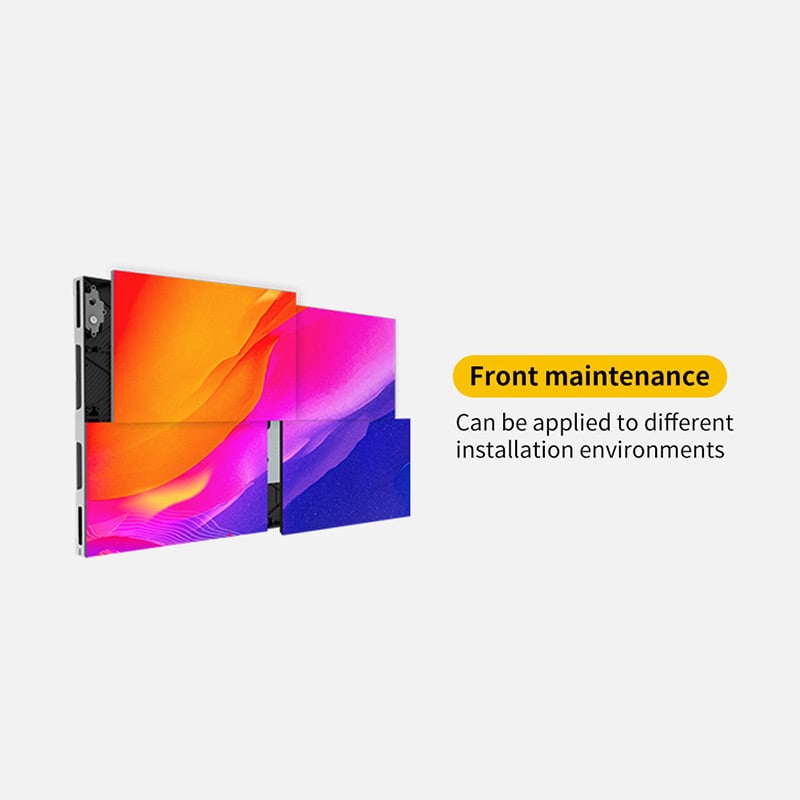
When reviewing the UHD Small Pixel LED Display range, compare the exact cabinet and pixel-pitch configuration against the studio's shooting distance, camera setup and acceptance criteria. Published specifications are a starting point; the selected configuration still needs testing with the intended camera and signal chain.
Explore the broader range of camera-facing LED wall panels when comparing options for a fixed broadcast background.
For broadcast studio LED wall color matching, the strongest purchasing decision comes from repeatable camera tests and a documented program-feed workflow. Supplier specifications establish what may be possible; production recordings, agreed acceptance conditions and verified equipment capabilities establish whether a proposed solution is suitable.
Frequently Asked Questions
Why can a wall look different on camera than to the eye?
Which camera settings belong in a supplier demonstration brief?
How should a studio evaluate a program-feed interruption?
Discuss your broadcast studio LED wall evaluation
A productive technical discussion starts with the studio's real shooting conditions rather than a general LED wall specification.
Prepare the camera models, shutter and frame settings, studio lighting, planned camera shots, program-feed chain and interruption scenarios. These details provide a basis for discussing suitable LED Wall Panel configurations and the demonstrations needed before final selection.