EN
EN

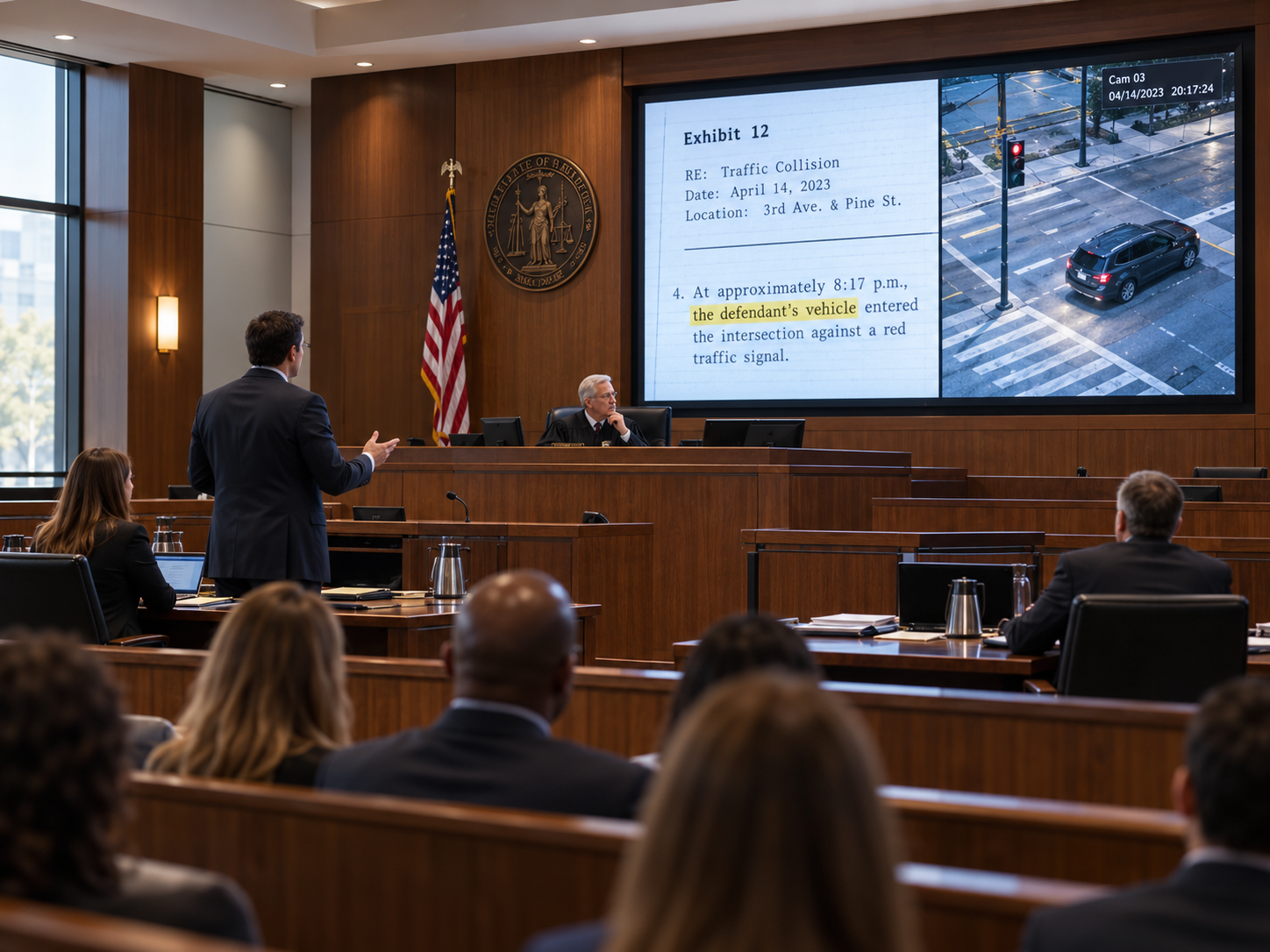
The attorney finishes discussing a photograph and prepares the next exhibit. Jurors still need to see the photograph clearly, but the next document must not appear until it is ready for the courtroom. At the same time, the judge, counsel and public seating are looking at the same wall from different positions, and the room is quiet enough that poorly placed equipment can become noticeable.
That is why choosing an LED wall supplier for a courtroom is not simply a screen-size decision. The useful questions are more practical: Can the evidence that matters actually be understood from the seats that matter? Can the operator prepare the next source without accidentally publishing it? What should the wall show when evidence must be withheld? And can the display be integrated without creating avoidable distraction in a speech-focused room?
A good courtroom LED wall plan connects those questions before equipment is finalized. It does not need to repeat general pixel-pitch theory or become a generic control-system guide. It needs to explain how the room will actually use the wall during proceedings.
The Courtroom Does Not Have One Audience
The easiest way to make a courtroom display look satisfactory is to stand directly in front of it and show large, clean content. That is also one of the least useful ways to judge the application.
Real courtrooms divide attention across several positions. The judge may be elevated and off-axis. Jurors may occupy a long seating area rather than one central viewpoint. Counsel can be physically close to the wall while still viewing it from an unfavorable direction. Public seating may be farther away and may not always be intended to see the same material at the same time.
The first design task is therefore not to draw a screen on the front wall. It is to identify who must understand what from where.
The judge may need detail rather than spectacle. A screen can look large from the room entrance yet place dense evidence at an awkward angle from the bench.
The jury should be treated as a viewing zone, not a single seat. The useful check includes edge positions, not only the most favorable chair.
Counsel may need to present and watch at the same time. A wall position that works for the audience may still be uncomfortable for the person actively discussing the evidence.
Public visibility may have operational limits. Some content can be shown to the courtroom generally, while another moment may require the audience-facing wall to show nothing.
The operator position belongs on the same drawing. An operator with a direct view of the wall can confirm what is visible differently from an operator sitting behind the courtroom or in a separate technical area. This becomes important when the next source is prepared privately.
Source ownership should also be clear before the interface is discussed. Court staff, counsel and other authorized systems do not necessarily have equal authority to place information on the audience-facing display. If responsibility is vague, even technically reliable equipment can create an awkward courtroom workflow.
Ask what the judge, jury, counsel and public actually need to distinguish, which of those groups must see each type of content, and who controls the moment that content becomes public.
Evidence Readability: First Decide Whether the Problem Is the Wall or the Evidence Workflow
Courtroom evidence is demanding because the useful information is often smaller than the image containing it. A photograph may fill the wall, while the important detail is one marked corner. A scanned contract may appear sharp overall, while the sentence under discussion remains too small for jurors farther away. A timeline may look organized from counsel table but become hard to follow once individual dates and labels compete for attention.
This is where evidence readability differs from ordinary presentation use. The question is not simply whether the image looks good. The question is whether viewers can distinguish the information on which the discussion depends.
A full document that is hard to read does not automatically mean the LED wall is wrong
Imagine a scanned legal document displayed as a complete page. Counsel at the front can read it, but jurors cannot comfortably make out individual sentences. The immediate reaction may be to ask for a larger wall or a finer display.
Before changing hardware, ask what the courtroom expects the audience to do. If everyone must read the entire document simultaneously, the physical display requirement is demanding. If the normal workflow is to enlarge the paragraph being discussed, however, presentation practice solves part of the problem.
That distinction matters commercially. Buying more display capability cannot compensate for evidence that is routinely presented at an unreadable scale.

Use the room conditions to narrow the display choice
For courtroom planning, the useful comparison starts with viewing distance, required viewing zones, screen dimensions and representative evidence. The display should follow those conditions rather than forcing the room to adapt to a product selected first.
This type of indoor LED format is most relevant where viewers are relatively close and detailed visual material needs to remain clear across a defined room area.
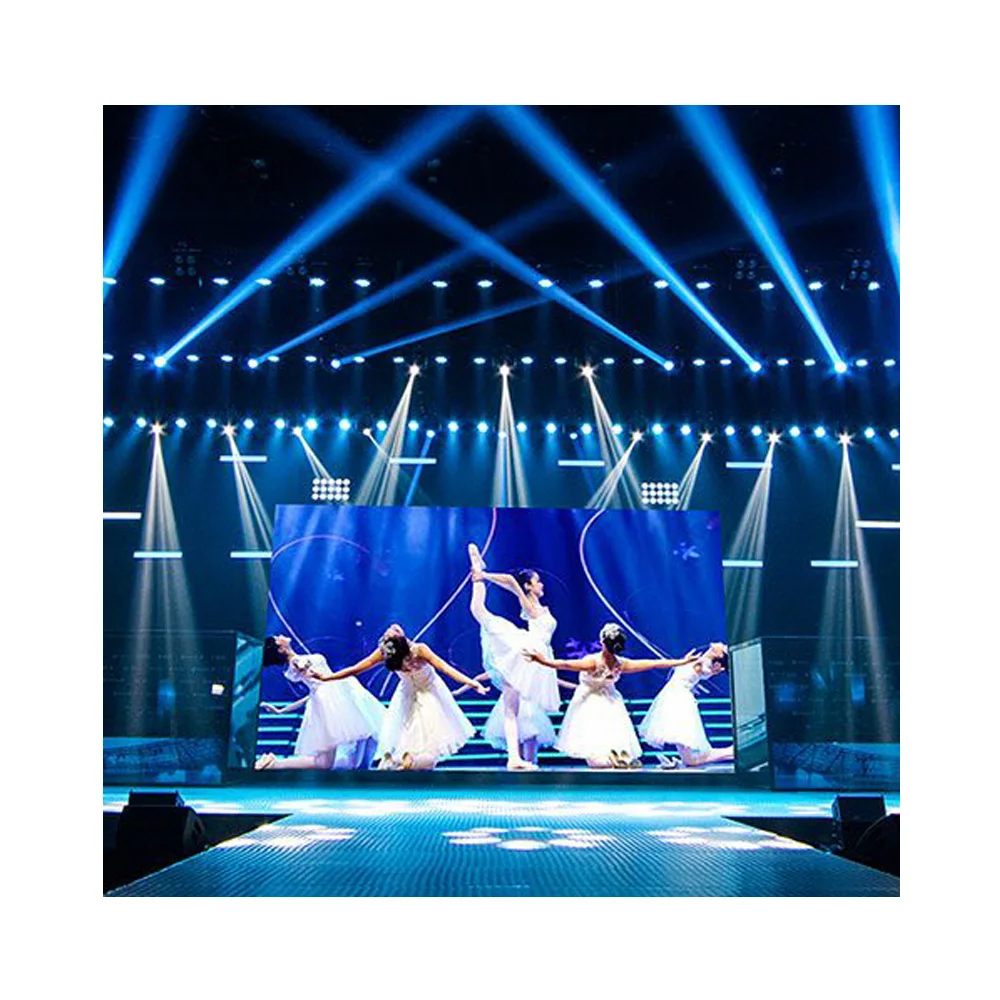
Explore Indoor LED DisplaySome evidence problems really are viewing-zone problems
Now consider a different case. The relevant paragraph has already been enlarged and is clear from the center of the room, but jurors seated toward one end consistently struggle with it. The content has already been prepared appropriately. The remaining question is whether the screen position, dimensions and viewing geometry support the required jury zone.
The same logic applies to photographs. A photograph may be easy to recognize while a timestamp, annotation or small marked object is not. The wall should be assessed using the detail people must interpret, not the overall visual impact of the image.
An Indoor LED Display discussion for a courtroom should therefore begin with the nearest meaningful viewer, the farthest required viewer, important side positions, target wall dimensions and representative evidence. Pixel-pitch basics can be handled on the product side; this project review should stay focused on whether the selected wall supports the courtroom's actual content.
The relevant detail has never been enlarged
Review how evidence is prepared and presented before assuming the display itself needs to change.
Prepared evidence works centrally but fails in required seats
Review sightlines, screen position and the required viewing zone because the content itself is no longer the obvious limitation.
Use courtroom evidence during the review, not a promotional demo reel
A colorful video can make almost any display look convincing. It does not answer the courtroom question.
A better content set includes a scanned document with a highlighted passage, an annotated photograph, a diagram with labels, a timeline with several dates and a paused video frame containing a detail that may need discussion. The test should then move between the actual seats that matter.
The goal is not to prove that every person can read every line of every possible exhibit. The goal is to identify the normal evidence workflow and confirm that the display supports it without forcing staff to improvise around predictable visibility problems.
Quiet Operation: Ask Where the Equipment Sits Before Asking for One Noise Number
Courtrooms are unusually sensitive to distraction because speech is the primary activity. The judge, counsel, witnesses and jurors need to hear one another clearly, and quiet periods can make equipment noise more noticeable than it would be in retail, exhibition or event environments.
That does not mean the project should begin by demanding one unsupported acoustic number from the display supplier. The audience experiences the complete installation, not an isolated component measured without room context.
A supporting device placed inside a separate technical room creates a different condition from the same type of equipment immediately behind the judge. An airflow opening directed toward occupied seating creates a different experience from one coordinated into a service zone. Location can matter as much as the equipment itself.
LED supplier: discuss display-side equipment arrangement, service access and cooling considerations that affect the proposed installation.
Integrator / room team: evaluate the complete acoustic environment together with equipment racks, HVAC, building services and other AV systems.
This distinction also prevents a common project mistake: finishing the courtroom wall before anyone has confirmed where supporting equipment can go. When equipment space, service access and airflow are treated as late details, the remaining options may place hardware closer to occupied positions than originally intended.
Quiet operation is therefore not a marketing label to attach to the wall. It is a room requirement that should influence equipment placement and architectural coordination early enough for the integrator to make a sensible decision.
Operator Control: “Source Ready” Should Not Automatically Mean “Source Visible”
For a buyer or integrator, courtroom control is easier to evaluate when the discussion moves beyond input count and focuses on what can become visible, when it becomes visible and who controls that moment.
Suppose counsel connects the next exhibit while the current evidence is still visible. The new source may be technically available before the judge, clerk or operator is ready for the courtroom to see it. If availability automatically equals visibility, the system has removed an important human decision.
A practical courtroom workflow therefore separates preparation from publication.
The exact interface can vary. What matters during project review is whether courtroom staff can clearly distinguish what is live, what is being prepared and what action will make the next source visible.
That distinction is useful when comparing proposals. A control system can offer many functions and still be a poor fit if routine evidence changes require several unrelated actions that staff must remember in sequence.
Before approving the proposed workflow, ask a trained operator to prepare a second source while the first remains live, confirm the second source, make it visible and then remove all case material from the audience-facing wall. The purpose is not to prescribe one interface, but to confirm that the operator can always tell which state is active.
Privacy Modes: “No Signal” Is Not the Same as “Deliberately Show Nothing”
This distinction is easy to miss during specification and obvious once a courtroom starts using the system.
A disconnected or unavailable source is an equipment condition. A private or blank courtroom state is an intentional operating decision. They should not be treated as the same thing.
During a recess, sidebar, confidential review or source preparation period, the main wall may need to stop showing case material while the rest of the system remains ready. From a buyer's perspective, the important question is whether that state is deliberate and predictable rather than the accidental result of a disconnected source.
The previous image matters as much as the next image
Consider a source change in which the next exhibit is being prepared privately. If the previous exhibit stays on the wall until the new one appears, that may be acceptable in one proceeding and inappropriate in another. The courtroom team should decide what should happen rather than leaving the result to default system behavior.
The same applies when leaving private mode. Restoring content should be a deliberate action. The operator should not have to guess whether the display will return to the previous source, the newest source or another default state.
Ask what the audience-facing wall should show during a private state. Blank and neutral states should be intentional rather than accidental.
Confirm when previous evidence should disappear. This should not be left entirely to a source-switching default.
Check how the operator confirms the active state. This matters especially when the operator cannot directly see the audience-facing wall.
Confirm who is authorized to restore live content. Returning from a private state is part of the courtroom workflow, not simply a technical event.
These questions do not require an elaborate privacy system. They give the buyer and integrator a practical way to check whether moments when content must not be shown have been considered before the system is approved.
What Should an Integrator Send Before Asking for a Courtroom LED Wall Recommendation?
An enquiry that says only “we need a 5 m LED wall for a courtroom” does not explain enough to judge the application properly. The number describes a proposed screen, not the courtroom problem.
A much more useful starting package shows the room. It identifies where the judge and jury sit, where counsel presents from, where the operator works and which audience groups need detailed evidence visibility.
It should also explain what happens during a normal evidence change. Who supplies the source? Who has authority to publish it? Does the operator prepare it privately first? What should appear on the main wall during a recess or confidential moment?
Once those points are clear, screen dimensions and installation requirements can be discussed in the context of the actual room instead of as isolated product specifications.
- courtroom layout or drawing;
- site photographs of the proposed display area;
- target screen size or available wall dimensions;
- judge, jury, counsel and public viewing zones;
- operator location;
- authorized source and control workflow;
- required blank, private or standby behavior;
- quantity;
- power standard;
- installation country; and
- target installation or commissioning timeline.
This information also makes supplier comparison more meaningful. Instead of comparing only product sheets, the project team can compare whether each proposal actually addresses the viewing zones, room constraints, operator workflow and service conditions already identified.
What Factory Support Should Contribute to the Courtroom Project
The display supplier does not replace the AV integrator, architect or courtroom operator. Factory-side support is most useful when it gives those teams enough display information to make coordinated decisions.
Drawings can help relate the proposed wall dimensions to the available installation area. Service discussions can identify where access needs to remain available before surrounding finishes are fixed. Display-side equipment and cooling considerations can be reviewed alongside the room layout so the integrator can decide where supporting hardware belongs.
The control discussion should remain equally focused. The supplier does not need to turn the project into a generic comparison of control platforms. The more useful question is whether the display arrangement can support the courtroom states already defined by the integrator and end user.
The front image is only one part of the installation
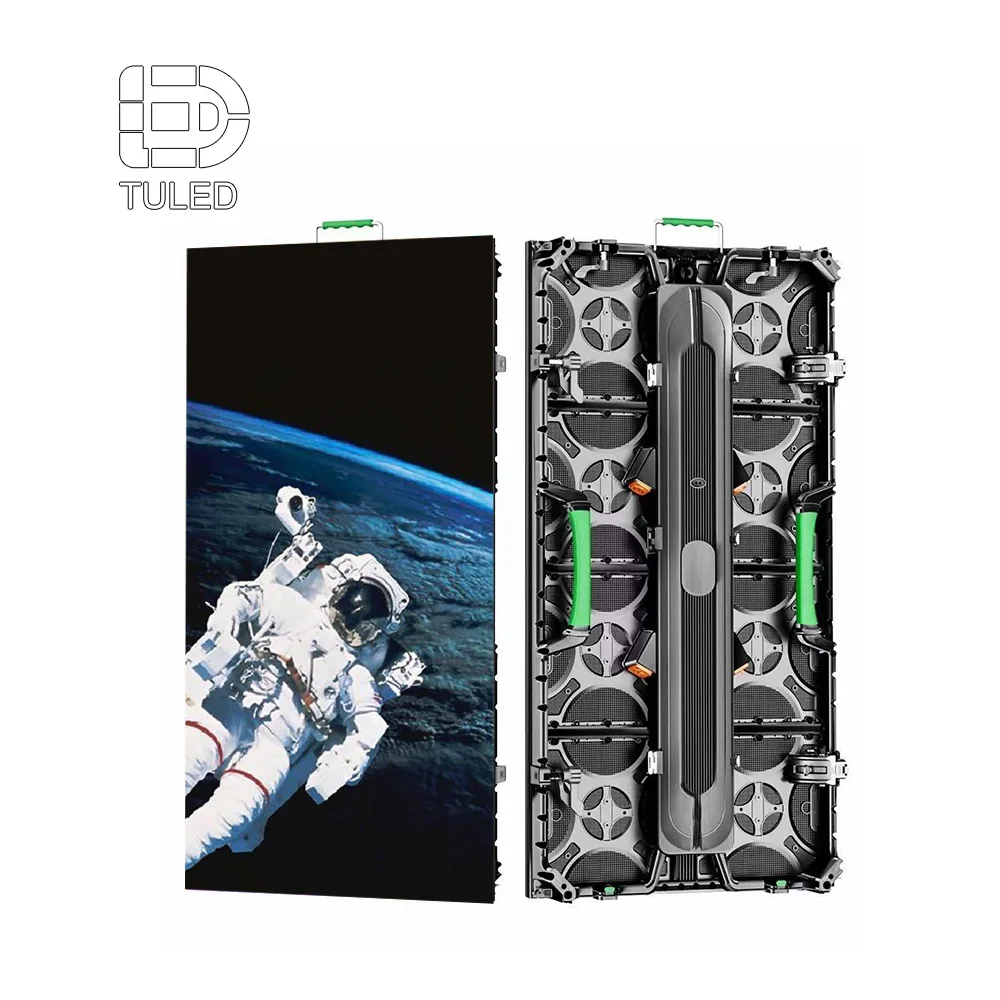
The integrator also needs to understand cabinet arrangement, access, surrounding wall construction and where display-related equipment can be positioned without creating unnecessary conflict with the courtroom.
Reviewing these conditions before finishes are fixed gives the project more freedom than discovering an access or equipment-space problem during installation.
Explore LED Wall Panels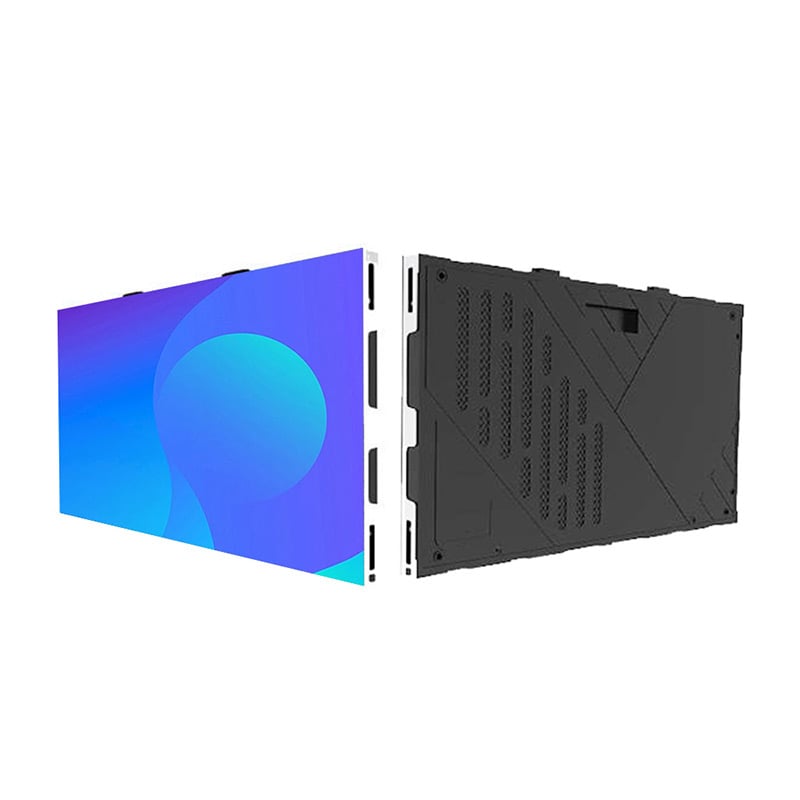
Court stakeholders: define who may publish evidence and when content must be private.
AV integrator: coordinate sources, controls and the complete room workflow.
Architect / building team: coordinate wall construction, room acoustics, technical spaces and building services.
LED wall supplier: support the display layout, service-access discussion and product-side integration information.
For the buyer, these boundaries make proposal review easier. They show which questions the LED supplier should be able to answer and which decisions still need coordination with the integrator, architect or court team.
Four Courtroom Moments Worth Testing Before Approval
Terminology can vary from one court to another. For proposal review, the useful question is whether the audience-facing wall behaves predictably during the courtroom moments that matter most.
| Scenario | Wall objective | Operator decision |
|---|---|---|
| Evidence presentation | Show approved evidence clearly to the intended courtroom viewing zones. | Confirm the correct authorized evidence before making it live. |
| Source preparation | Keep the current courtroom state unchanged while the next source is prepared. | Separate source availability from permission to publish. |
| Recess / private moment | Remove case material from the audience-facing wall and enter the agreed blank or neutral state. | Confirm that private mode is active before other content is prepared. |
| Return to evidence | Restore approved content without exposing the wrong source or an unintended previous state. | Deliberately select what becomes visible next. |
Use One Realistic Workflow to Evaluate the Proposed System
Before the courtroom system is approved or handed over, one realistic demonstration can reveal more than another long feature checklist.
Ask the integrator to demonstrate a normal evidence change: keep one exhibit visible while another is prepared, publish the approved source, move the wall into the agreed private or blank state and then return to approved evidence. This keeps the review close to the way the courtroom will actually use the system.
During that demonstration, observe two things: whether people in the required seats can understand the evidence being discussed, and whether the operator always knows what is currently public.
If either answer is unclear, the proposal still has something useful to resolve. That is more informative for a buyer than proving that every available system function works in isolation.
Frequently Asked Questions
What makes evidence readability different from general presentation use? +
What should be reviewed if quiet operation matters in a courtroom? +
How should operator control and privacy modes be reviewed before installation? +
What room information should be sent to an LED wall supplier? +
Send the Room and Workflow, Not Just a Requested Screen Size
For a more useful courtroom display discussion, prepare the courtroom layout, proposed screen size, judge/jury/counsel/public viewing zones, operator location, source and control workflow, required privacy or blank-screen states, site photos, quantity, power standard, installation country and target timeline.
Those inputs make it possible to discuss the LED wall in the context of real evidence visibility, room integration, operator responsibility and service conditions rather than comparing product specifications in isolation.