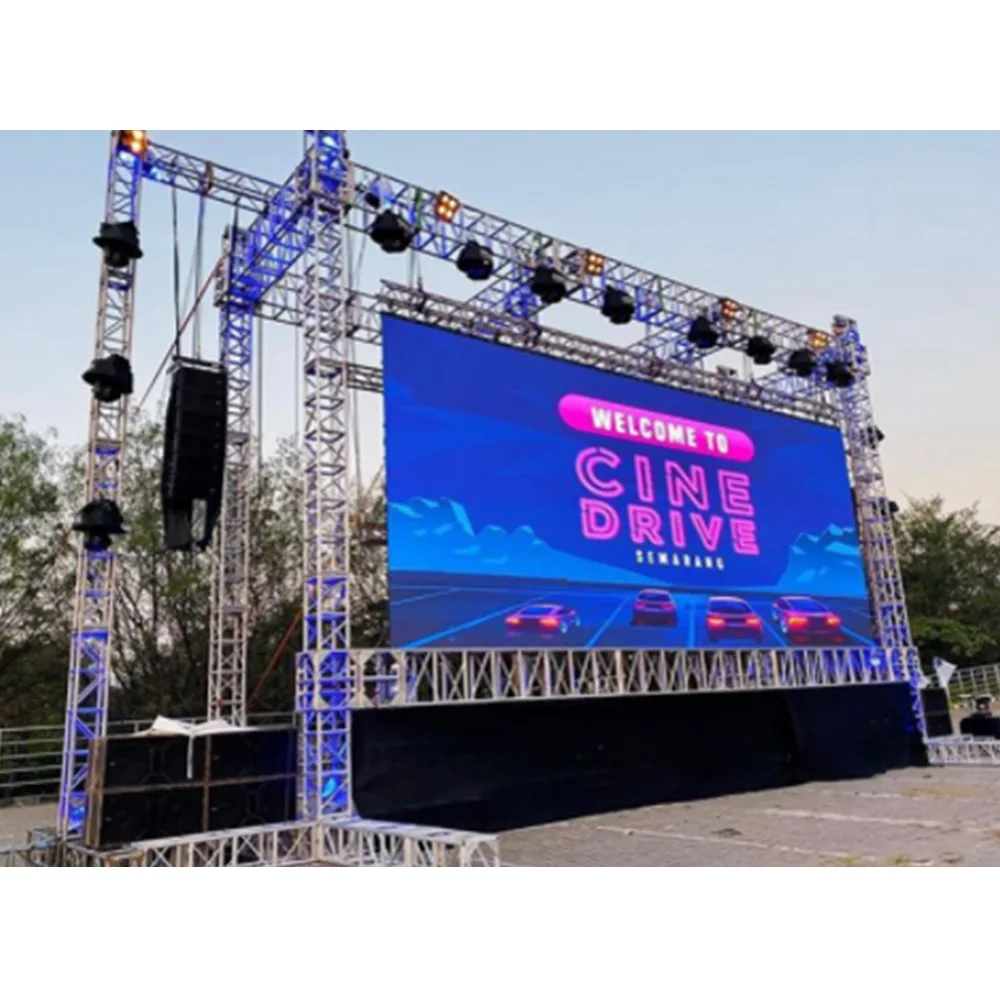
EN
EN


Commercial LED Display Project Guide
Custom LED Display Board: CMS, HDMI/SDI & Remote Management
A control-system decision often sounds technical at first. In real projects, however, it is much more practical than that. It affects how content reaches the screen, how smoothly the display fits into daily work, and how easy the system feels when something needs to change quickly. That is why the most useful discussion is rarely about one controller model alone. It is really about workflow.
Many LED projects become harder than necessary because the control path stays vague in the early stage. A request may mention CMS, HDMI, SDI, sync, async, and remote control in one short line. Even so, that line can still hide the real operating routine. One display may only need simple playlist publishing. Another may depend on stable live inputs every day. A third may need both, but at different times. Once that difference becomes clear, the project usually gets easier to scope, easier to compare, and easier to run after installation.
In this article
Why control workflow matters more than a longer spec list
Most project delays do not begin with LED modules or cabinet size. More often, they begin with assumptions. A display gets treated like a simple visual surface, even though its real value depends on the working path behind it. Content has to be created, approved, sent, displayed, checked, changed, and sometimes recovered after an interruption. Therefore, once the control path is vague, the whole project starts to drift.
That is why a useful control discussion should begin with behavior, not hardware labels. A lobby display that loops welcome content all week is very different from a conference display that follows live presentation material every afternoon. Both may look similar from the front. However, what matters behind the wall is not similar at all. One project cares about scheduling and remote publishing. The other cares about stable live input and predictable switching.
Just as important, confusion grows when every feature is treated like a mandatory feature. CMS sounds useful. Remote management sounds modern. HDMI sounds standard. SDI sounds professional. Sync and async sound flexible. Yet each of these choices only becomes meaningful when it is tied to a real task. Otherwise, the result is a quotation full of attractive words but short on practical direction.
In plain terms, a better question is this: what should the screen make easier every day? Once that answer is clear, the control system becomes easier to choose and much easier to explain internally.
A better starting point: instead of asking for “CMS + HDMI + remote control,” it helps to define four things first: the main content source, the update routine, the people who manage the screen, and the recovery behavior after a problem.

For projects that rely on scheduled content, remote publishing, or multi-location screen management, a sending box like this can make daily operation much easier. It is especially useful when the display needs both flexible playback control and a cleaner sync/async workflow.
Explore Product DetailsWhat type of project actually needs what
The easiest way to choose a control direction is to think in scenes rather than parts. If the screen mainly runs scheduled brand loops, menus, store campaigns, or public messages, then async playback, CMS logic, and remote publishing usually matter more than advanced live switching. In that setting, the display behaves like a managed endpoint.
If the screen mainly follows live presentations, camera feeds, event content, or real-time AV switching, then sync behavior matters more. In that setting, the display behaves more like a visual extension of a live signal chain. As a result, HDMI, SDI, processor support, and source stability deserve more attention than content scheduling.
Mixed-use projects are where decisions become more important. Many screens do both. They show scheduled content most of the time and accept live inputs during events or meetings. That can work very well. Still, the project should clearly define which mode is primary. Otherwise, the system can end up feeling overbuilt for everyday use or underprepared for its high-pressure moments.
There is a simple way to think about it. If the screen’s value comes mostly from what it plays over time, then CMS and remote management usually deserve more attention. If its value comes mostly from what it shows right now, then live signal flow usually deserves more attention.
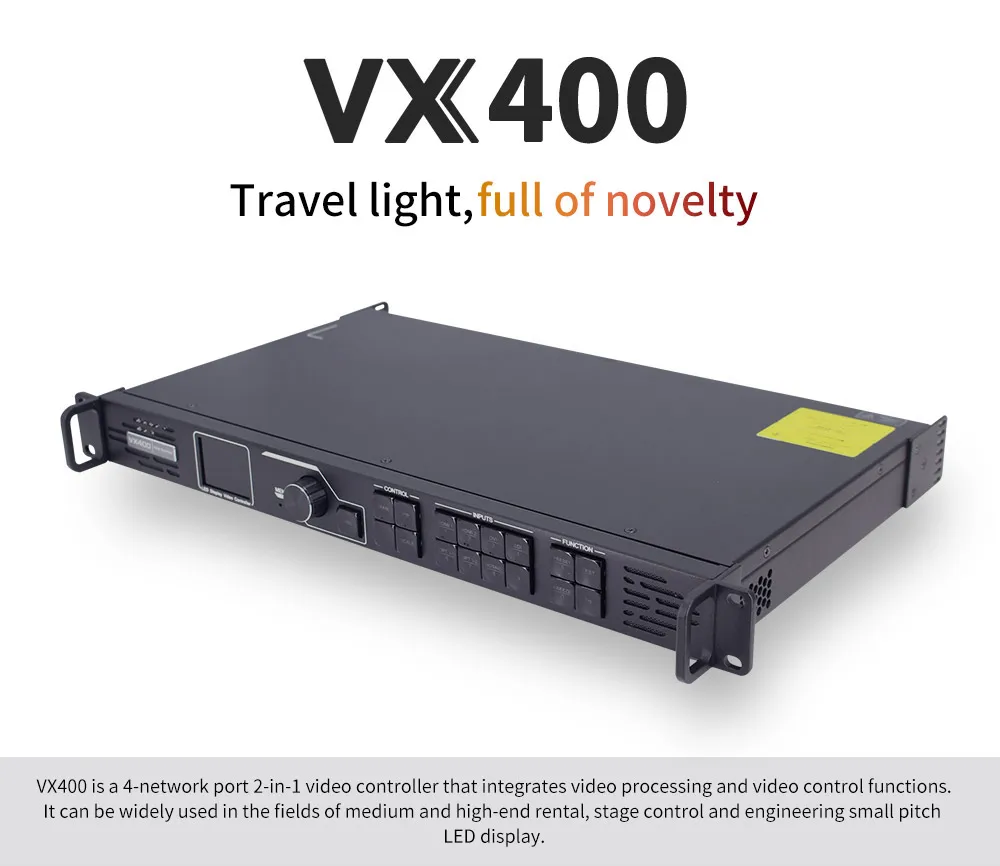
When a project depends on live inputs, switching stability, and smooth signal handling, a video processor becomes a much more important part of the system. This type of solution is often a practical fit for conference rooms, event spaces, and other LED projects that need dependable real-time performance.
Explore Product DetailsHow to judge whether a control setup is really the right fit
A good setup usually feels calm in daily use. That matters more than a long feature list. The right system should make ordinary work easier. Content updates should not feel heavy. Source switching should not feel risky. Recovery after interruptions should not feel unclear.
Three short questions often make the decision clearer:
- Why choose it? Because it reduces friction in the screen’s most common operating pattern.
- What type of scene fits it? The one that matches its dominant behavior, not every possible behavior.
- How to tell if it is worth buying? The answer should be visible in routine use, not only in a quotation sheet.
That is why HDMI and SDI should not be judged as stand-alone buzzwords. HDMI usually makes sense in everyday AV environments such as meeting rooms, showrooms, and standard media-player setups. SDI becomes more relevant when the screen sits inside a production-style signal chain with cameras, switching desks, or professional source distribution. The point is not which name sounds better. The point is which path fits the room.
The same logic applies to sync and async. Sync-first is usually right when a live source defines most of the screen’s value. Async-first is usually right when playlists, schedules, and remote updates define most of the value. Mixed-use walls need a dominant mode and a clear switching routine. Without that, the control stack often feels more complicated than it needs to be.
A natural inquiry point
If a project already knows the screen size and scene but is still unsure about CMS, HDMI/SDI, or sync/async priority, it usually helps to send a short project brief rather than a list of desired parts. A brief that includes wall location, main content type, dominant mode, and source path usually produces a much more useful first response.
Common mistakes that make projects harder later
The first common mistake is treating all control features as equally important. They are not. Some projects genuinely need remote publishing and monitoring. Others do not. Some really do need stable live-input handling across a busy AV environment. Others mainly need scheduled playback that is easy to manage.
The second mistake is choosing flexibility without defining priority. Mixed-use sounds attractive, but “it does everything” is not a working plan. A good system should still have a main operating state. Without that, the team may inherit a screen that feels clumsy during normal use and stressful during live use.
The third mistake is discussing architecture too late. A control chain is not just a list of parts. It is a responsibility map. The processor helps organize signal behavior. The sending side helps pass data cleanly into the LED system. The receiving side helps maintain consistent screen-side execution. Once those roles are understood, the control path becomes easier to judge.

A sending card plays a key role in moving signal data cleanly from the control side into the LED system. For projects that need stable transmission, clear system architecture, and room for future expansion, this is one of the components worth understanding early.
Explore Product DetailsThe fourth mistake is underestimating what happens after installation. A system can look fine on paper and still feel awkward in real life if no one has clearly defined who updates content, who handles urgent overrides, or what the screen should do after a power or source interruption. That is why the most useful control conversations always include everyday operation, not only initial setup.

On the screen side, the receiving card helps maintain stable data handling, mapping accuracy, and consistent display performance. It is especially relevant for projects that care about long-term reliability, easier maintenance, and cleaner screen-side control.
Explore Product DetailsQuick decision table
| Project condition | What matters most | Better direction | Main judgment point |
|---|---|---|---|
| Lobby, showroom, visitor center | Easy updates, polished looping, occasional live takeover | Async-first with simple live override | How often does live content really happen? |
| Retail, public messaging, chain screens | Scheduling, remote publishing, multi-site consistency | CMS-led async control | How often does content change across sites? |
| Conference hall, event room, stage screen | Stable live input and switching confidence | Sync-first with processor support | What happens when source pressure rises? |
| Camera-linked or production-style environment | Signal discipline and source compatibility | Sync control with stronger processor planning | Is the screen part of a professional AV chain? |
| Mixed-use LED wall | Clear priority and clean mode switching | Hybrid structure around the dominant mode | Which mode defines most daily value? |
What to confirm before asking for a quote
A strong inquiry does not need to be long. It just needs to be specific in the right places.
- Main operating state: live, scheduled, or mixed-use
- Main content type: slides, videos, campaigns, camera feed, dashboards, notices
- Source path: laptop, player, switcher, camera chain, cloud platform
- Preferred interface environment: HDMI, SDI, or mixed
- Update routine: how often content changes and who changes it
- Recovery behavior: what the screen should do after interruption
- Site facts: service access, network condition, and any camera sensitivity
That set of information usually does more to improve the first quotation than a much longer message built around disconnected feature requests.
Conclusion
A strong control decision should make the screen easier to live with, not just easier to describe. CMS matters when content logistics matter. HDMI matters when mainstream live AV matters. SDI matters when the surrounding signal path demands it. Sync matters when live timing defines success. Async matters when scheduling and playback simplicity define success. Remote management matters when distance, frequency, and uptime matter.
The most useful projects are rarely the ones with the longest feature list. They are the ones with the clearest operating story. A screen that fits the room, the workflow, and the daily routine will usually feel more successful than a screen that only looks impressive on a quotation sheet.
- Choose the dominant mode before choosing the hardware stack.
- Judge interfaces by scene fit, not by how technical they sound.
- Define update ownership and recovery behavior early.
FAQ
What is the clearest way to choose between sync and async?
Start with the screen’s daily job. If a live source defines most of the screen’s value, sync should usually lead the discussion. If scheduled content and remote updates define most of the value, async usually makes more sense. Mixed-use walls still need a dominant mode.
When does CMS become truly useful?
CMS becomes more valuable when content changes often, several people need access, or multiple screens need coordinated publishing. If the display mainly mirrors a local live source, a heavy CMS layer may add less value than expected.
When should HDMI matter more, and when should SDI matter more?
HDMI usually fits standard AV spaces such as meeting rooms, showrooms, and local media-player environments. SDI becomes more relevant when the display sits inside a professional signal chain with cameras, production switching, or broadcast-style infrastructure.
What makes a quote feel trustworthy?
A trustworthy quote explains the control logic in plain language. It should make it clear how content enters the system, how the screen is managed, what happens during interruptions, and why the recommended control path matches the real project scene.
What is the most common early mistake?
The most common mistake is asking for every control feature at once without defining the dominant workflow. That usually leads to more complexity, more revisions, and a less useful comparison between proposals.
A calmer way to start the next project discussion
When the control path is described clearly from the beginning, engineering advice becomes more relevant and quotation comparison becomes less noisy. A short brief that covers wall size, screen location, dominant mode, source path, and update rhythm often creates a much better starting point than a broad list of desired features.
For project coordination that involves display form, installation logic, and control flow together, it often helps to begin from the wider custom LED display direction and then contact us with the operating routine, source environment, and site conditions.