EN
EN

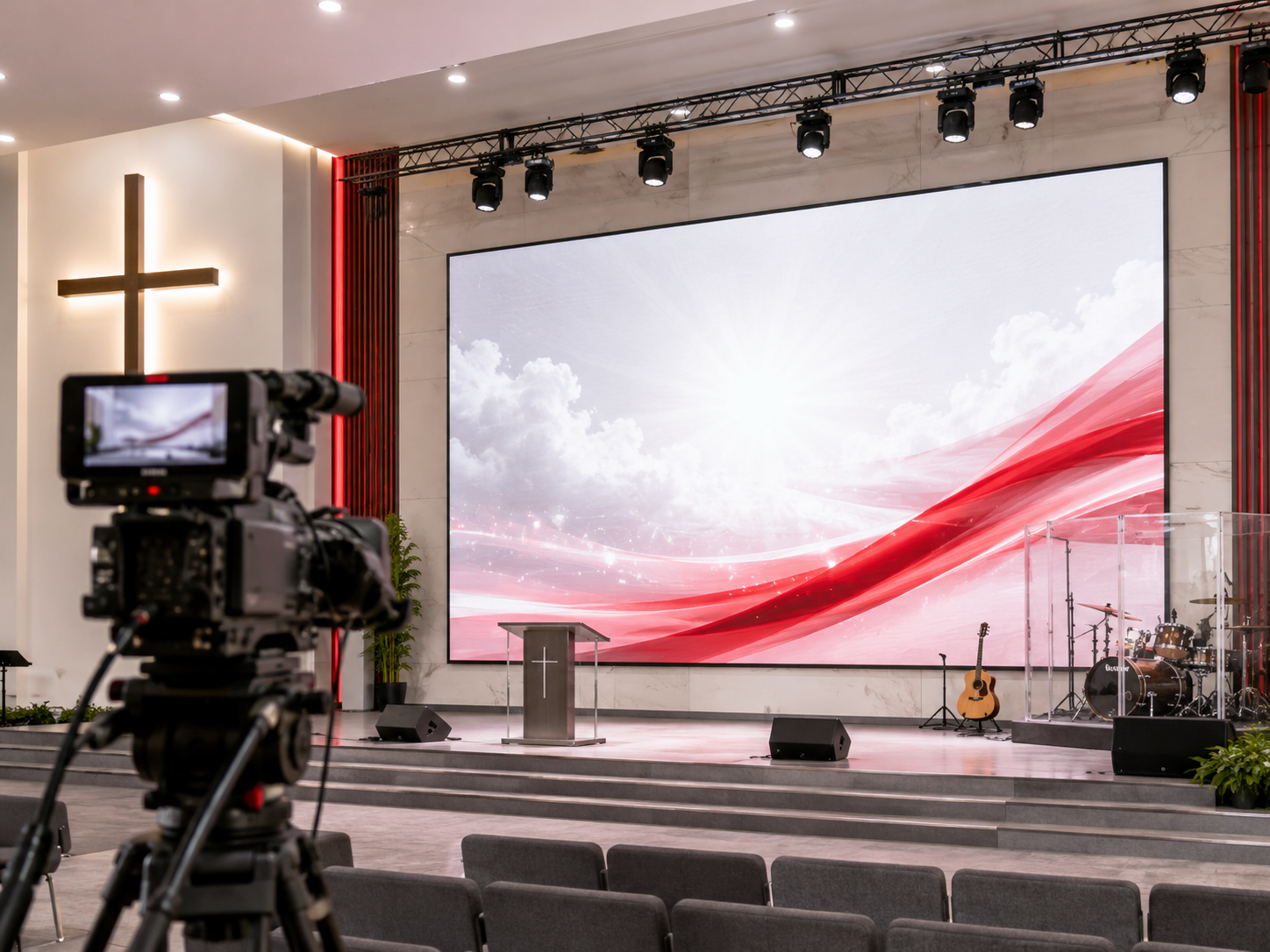
ʼN Kerkseer kan indrukwekkend lyk tydens repetisie, terwyl dieselfde verhoog gestreepte, uitgewas of onduidelik op die livestream verskyn. Daarom vereis die beplanning van ’n lED-skermsvertoning vir aanbiddingvideo meer as net grootte- en prysvergelyking. Die skerm moet gelyktydig ondersteuning bied vir lirieke, predikingdiapositiewe, verhoogverligting, kamera-uitstelling, sy-aansig en weeklikse bedryf. Daarbenewens het die AV-span ’n praktiese manier nodig om die vernuwingkoers, kamera-afstand, helderheid, beheerstelsel en toegang vir installasie te evalueer voordat ’n kwotasieverlang versend word.
Vinnige Navigasie
Hoekom 'n Kerkmuur beter lyk in die saal as op die kamera
Eerstens, menslike oë vergewe baie besonderhede wat kameras skerp vasvang. 'n Aanbiddingsmuur kan helder en naadloos lyk vanuit die middelste rye. 'n Kamera lees egter die pikselstruktuur, verfrisgedrag, sluitertyd, blootstellingsreeks en LED-kleurbalanse met minder vergewing.
As gevolg hiervan kan die vertrek skoon voel terwyl die live-stroom rolbande, glinsterende tekstuur of sagte teks toon. Hierdie probleme verskyn dikwels ook net nadat die skerm vanaf die werklike kamerasposisie gefilm is. 'n Vertoningsaal-demo of produkfoto kan nie daardie beplanningstap vervang nie.
In 'n aanbiddingsomgewing word die kwessie meer ingewikkeld. Lirieke moet skerp rande hê. Spreekers moet natuurlike veltone hê. Bewegende agtergrondskerms moet glad afspeel. Terselfdertyd kan die skerm direk agter mense, instrumente, ligte en kameraskote plaasvind.
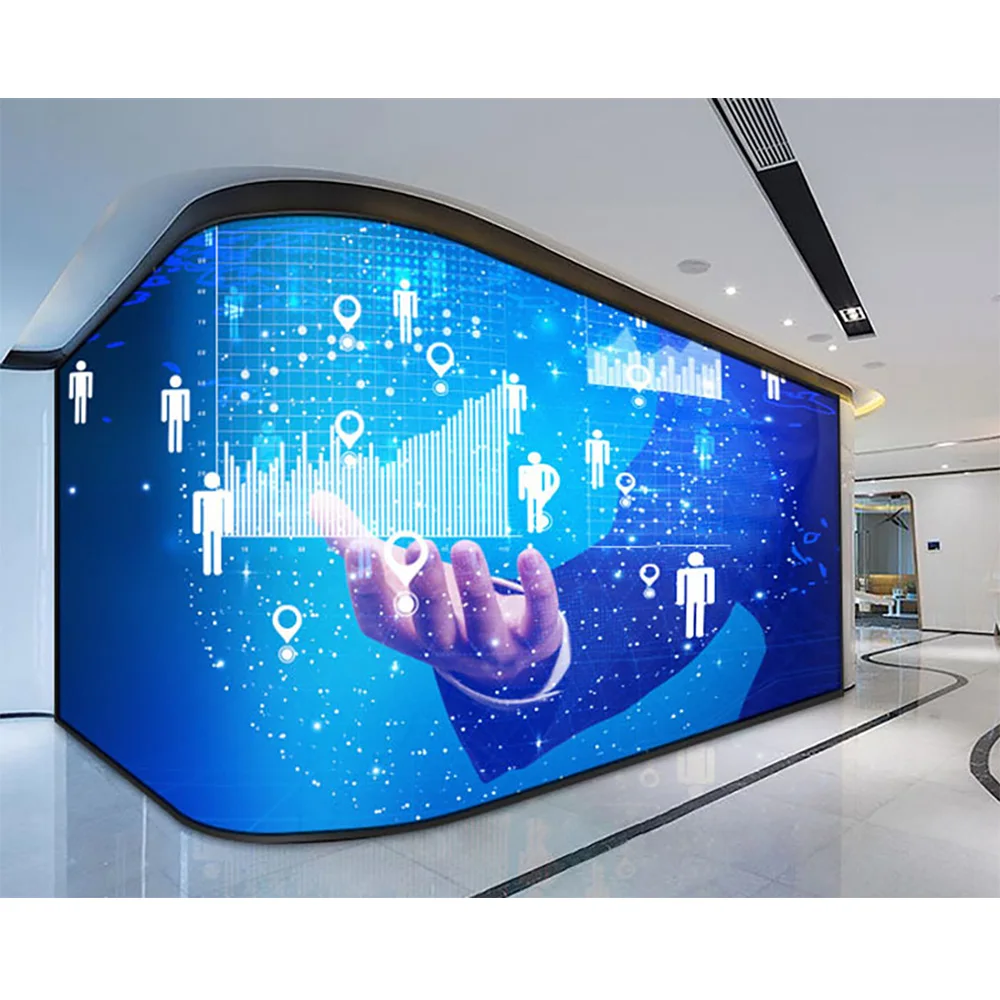
 Bekyk Kerk-LED-muur →
 ʼN Kerk-LED-muur pas by die hoofsaal se visuele inhoud, aanbidtingsliewe, toespraaqskuiwe en agtergrondvir die lewendige uitsending wanneer die muur beide die vertrek en die kamera moet dien.
Flikkering, Moiré-effek, liewe, verligting op die verhoog en kykhoekings
Eerstens verskyn flikkering gewoonlik wanneer die kamera die skerm se opdateringsiklus vasvang. Dit kan lyk soos bewegende donker bande, ongelyke helderheid of onstabiele kleur. Alhoewel die vertrek dit dalk nie opmerk nie, kan die lewendige uitsending afleidend lyk.
Tweedens vind moiré plaas wanneer die kamera se sensorpatroon in konflik kom met die LED-pikselpatroon. Dit kan verskyn as golwe, ‘n reënboogtekstuur of ‘n bewegende rooster. Daarom moet pikselafstand en kamera-afstand saam beoordeel word eerder as apart.
Derdens kan liewe onduidelik raak selfs wanneer die skerm self helder is. Dun lettertipes, vinnige bewegende agtergrondtekeninge, swak kontras en oorbelig wit teks verminder leesbaarheid. Daarbenewens kan lewendige uitsendingskompressie klein letters op fone en tablette versag.
Intussen verander verligting op die verhoog alles. 'n Ligte muur agter sprekers kan die kamera dwing om die beligting te verlaag, wat gevolglik daartoe lei dat gesigte donker lyk. Aan die ander kant kan 'n dowwe muur onder sterk voorligting veroorsaak dat lirieke verswak. Daarom moet ligsterkte beplan word as 'n balans, nie as 'n wedloop na die hoogste getal nie.
Kamera-vriendelike Opstelkontrolelys
Voordat die aanbieding tegnies word, kan die AV-span hierdie kontrolelys red en die werklike aanbidingscène toets. Die eerste bespreking beweeg dus van vaag voorkeur na meetbare beplanning.
- Bevestig die hoofkamera-afstand vanaf die skermoppervlak.
- Merk sykamera- en balkonkamera-posisies.
- Neem lirieklasies, predikinglasies en bewegende agtergrondbeelde op.
- Ondergaan of donker bande tydens stadige kamerapans verskyn.
- Toets die skerm met normale verhoogbeligting, nie net by volle helderheid nie.
- Stoor kort toetsevideo's vir die bespreking oor die aanbieding.
Hoe om Verfrisfrekwensie, Kamera-afstand en Ligsterkte te Beoordeel
Verfrissingskoers is belangrik omdat dit beïnvloed hoe stabiel die skerm op die kamera lyk. Die getal alleen los egter nie elke probleem op nie. Die werklike resultaat hang ook af van die kamera se sluiterspoed, videoverwerker-instellings, ontvangkaarte, gryskaartbehandeling en inhoudafspeel.
Vir weeklikse lewendige uitsendings is 'n kamera-vriendelike verfrissingsopstelling werd om vroeg te bespreek. Dit kan die toerustingbegroting verhoog, maar dit kan verborge koste later verminder. Byvoorbeeld, minder flikkerprobleme beteken minder foutopsporing, minder heropnames en skoner predikingopnames.
Kameradistansie moet die pikselafstand bepaal. 'n Kleiner afstand kan noukeurige besigtiging van naby en liriekblydheid verbeter. Indien die kamera egter vanuit die agterkant van die saal na die pikselraster toe inskuif, kan moiré steeds verskyn. Die beste afstand is dus nie altyd die kleinste afstand nie.
Die helderheid moet met verbindingsverligting beoordeel word. 'n Heiligdomskerm moet die woorde duidelik behou sonder om mense op die verhoog te oorweldig. In die praktyk is gladde demping en goeie kontras dikwels belangriker as maksimum helderheid.
| Beplanningsitem | Wat om te toets | Hoekom dit belangrik is | Aanbiedingsimpak |
|---|---|---|---|
| Verfrisgedrag | Kamera-frametempo, sluiterspoed, prosessorinstelling, ontvangkaartkonfigurasie | Dit verminder rolbande en onstabiele video-tekstuur tydens aanbiddingstrome. | Dit kan die beheerstelselkoste verhoog, maar dit beskerm die videokwaliteit. |
| Kameraspasie | Hoofkameraposisie, zoomreeks, noukeurige raamwerk, sykamerahoek | Dit help om die pikselafstand te kies sonder om onnodige moiré-risiko te skep. | Dit beïnvloed die paneelkeuse, skermgrootte en aanbiedingsakkuraatheid. |
| Helderheidsbereik | Stadiumligvlak, daglig, liriekbaggrond, gesigbeligting | Dit behou die leesbaarheid van die lirieke terwyl dit verhoed dat gesigte te donker word. | Dit beïnvloed kalibrasie, kragbeplanning en skermbedryfsgerief. |
| Beheerwerkvloei | Notebook, aanbiddingsoftware, kamerasoet, media-bedieningsentrum, rugsteunsein | Dit voorkom skaalverneweling, oorskakelvertraging en onderbreking van Sondagdiens. | Dit beïnvloed prosessorkeuse, bedrading en ondersteuningsdokumente. |
Mid-Artikel CTA
CTA: Stuur die grootte van u kerkgebou, kamaposisie en video-behoeftes vir diens om 'n beplanningsvoorstel te ontvang
Neem kontak op met die Beplanningspan → Verken Binnenskerm LED-weergawe →
 ‘n Binnenskerm met LED-vertoning is geskik vir kapelle, vertrekke vir naby-kyk, onderriglokaal en aanbiddingsruimtes waar duidelike lirieke en ‘n gerieflike teks grootte belangrik is.
Hoe die beheerstelsel die stabiliteit van live-strems beïnvloed
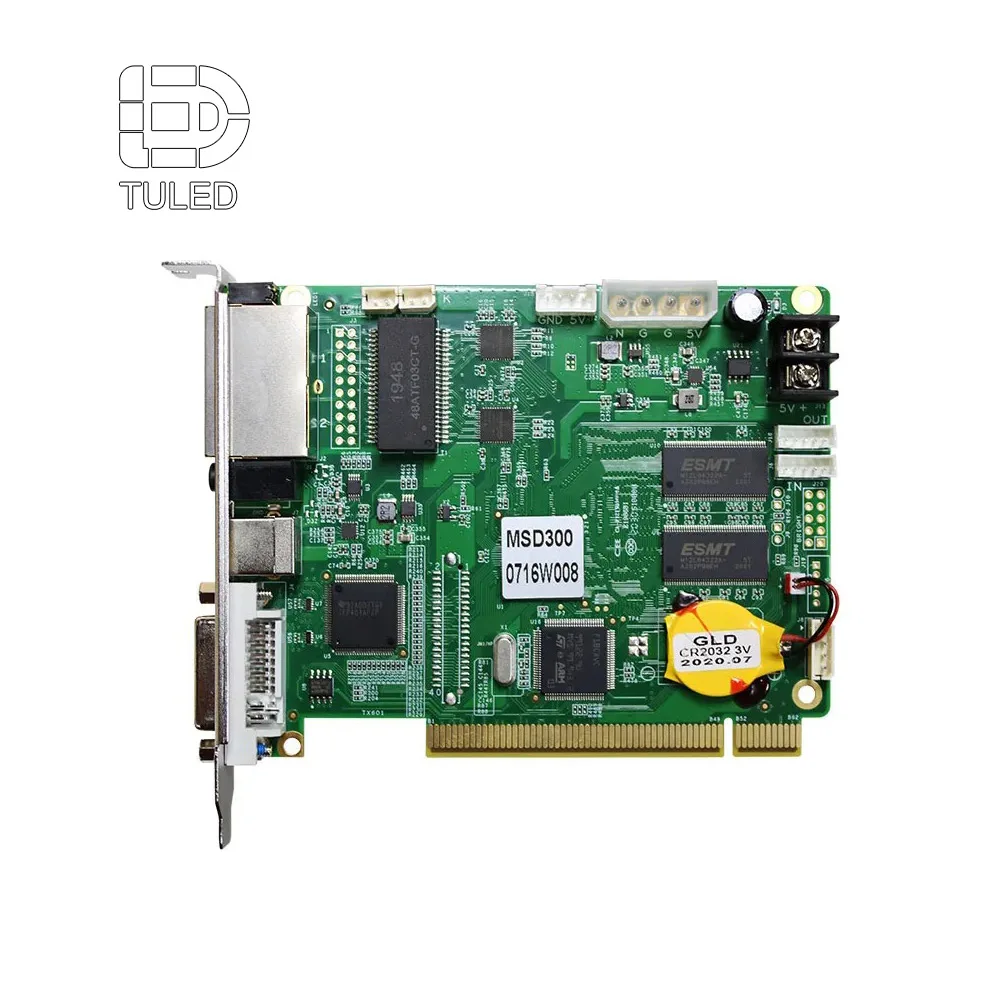
‘n Kerkmuur bestaan nie net uit panele en kabinette nie. Die beheerpad bepaal hoe seine die skerm bereik, hoe inhoud skaal en hoe verskillende bronne tydens die diens oorgeskakel word. Daarom moet die prosessor, stuurkaart, ontvangskaarte, sagteware-uitvoer en kabelroete saam hersien word.
In baie aanbiddingsruimtes ontvang die skerm lirieke, predikingdiapositiewe, aankondigingsvideo’s, lewende kamerasoekbeelde en agtergrondanimasie. Verder kan daardie bronne verskillende resolusies en raamtempo’s gebruik. Sonder behoorlike prosessering kan die skerm skaalverwaseming, vertraagde oorskakeling, skeuring of onstabiele afspeeling toon.
ʼN Sterker beheeropstelling kan die stelselkoste verhoog. Dit beskerm egter ook die weeklikse bedryf. Stabiele skakeling verminder oefen-stress, terwyl duidelike dokumentasie vrywilliges help om die stelsel vinniger te verstaan.
Vir 'n prysaanbieding is die praktiese vraag eenvoudig: hoe sal inhoud van die bron na die muur beweeg? Indien die antwoord aanbidingsagteware, kamera-voer, rugsteunrekenaar en multi-venster vertoning insluit, moet die beheerstelsel voor die finale skermprysaanbieding beplan word.
Lewe-uitsending-foutelys
Tydens vroeë beplanning begin baie probleme met ontbrekende werkvloedbesonderhede. Daarom kan hierdie lys gebruik word voordat aanbiedings vergelyk word.
- Kies die pikselafstand voor die kamera-afstand bevestig word.
- Slegs met die oë toets in plaas van werklike kamera-opnames te maak.
- Dun lirieklodde op vinnige bewegingsagtergronde gebruik.
- Sy-kamera kleurverskuiwing en balkonkykhoek ignoreer.
- Paneelpryse vergelyk sonder om die prosessor en seinontwerp te toets.
- Rugsteunseinpaaie vir weeklikse diensbedryf vergeet.
Produkpad: Pas die muur aan die diensformaat aan
'n Hoofheiligdommuur ondersteun gewoonlik aanbiddingstekste, predikasievisuele elemente, aankondigings en verhoogagtergronde. In daardie geval moet die skerm beoordeel word op grond van leesbaarheid van tekste, kamera-stabiliteit, helderheidsbeheer en toegang vir onderhoud. Dit is die mees gebalanseerde pad vir weeklikse dienste en opgeneemde predikasies.
'n Gebeurtenis-georiënteerde ruimte mag 'n sterker visuele ritme benodig. Byvoorbeeld, jeugavonde, aanbiddingskonserte, konferensies en seisoenale programme gebruik dikwels bewegende agtergronde, lewendige kameravoer en meer dramatiese beligting. In hierdie situasie kan 'n verhoog-georiënteerde skermpad sin maak.
Kleiner kapelle, onderrigtingsruimtes en areas vir nabye beskouing het dikwels 'n kalmere oplossing nodig. Hier kan teksgerief, fyn besonderhede en 'n sagter helderheidsreeks belangriker wees as 'n groot visuele agtergrond. Daarom moet die produkpad eerder volg die werklike diensformaat as 'n algemene kategorie-naam.
Voor die finale keuse moet die projek die lED-skermsvertoning plan met kamerasposisies, kykafstand, verhoogverligting, installasiestrukture en langtermynonderhoud. Dit is die punt waar ‘n kwotasie ‘n projekplan word eerder as ‘n produklys.
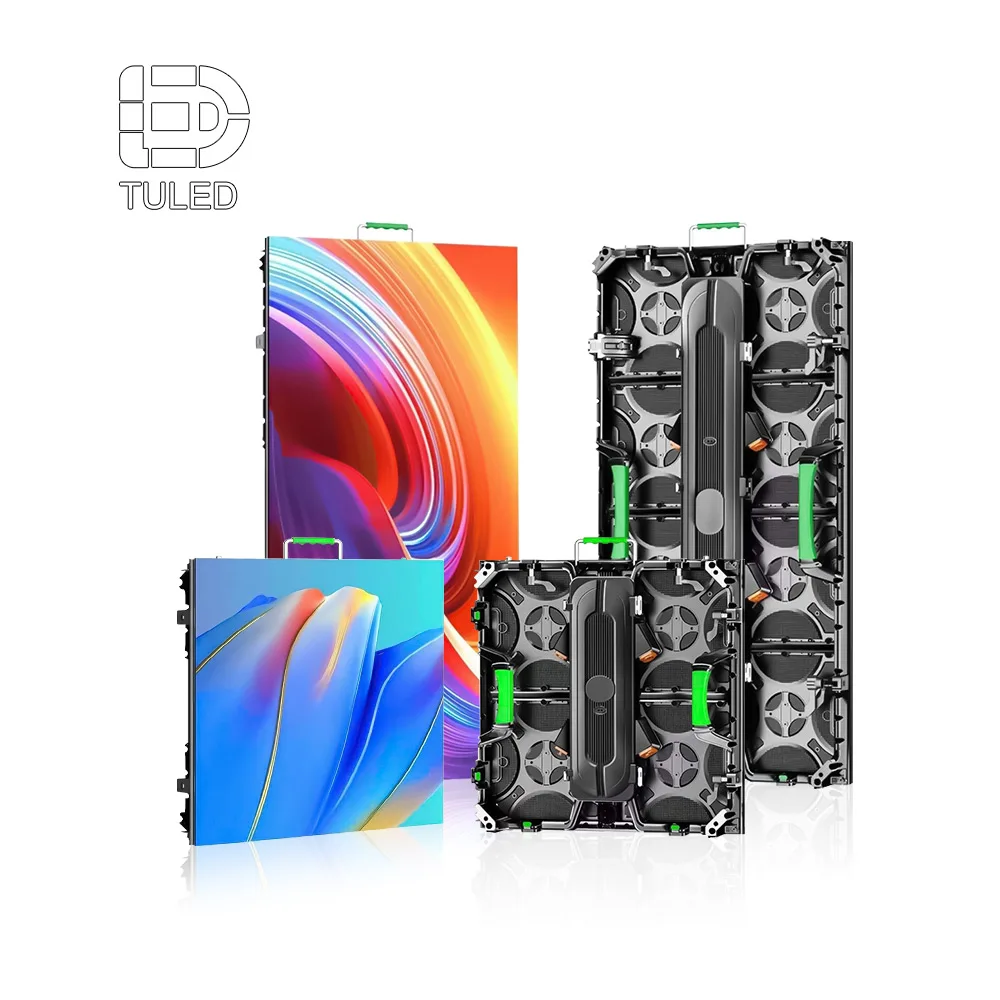
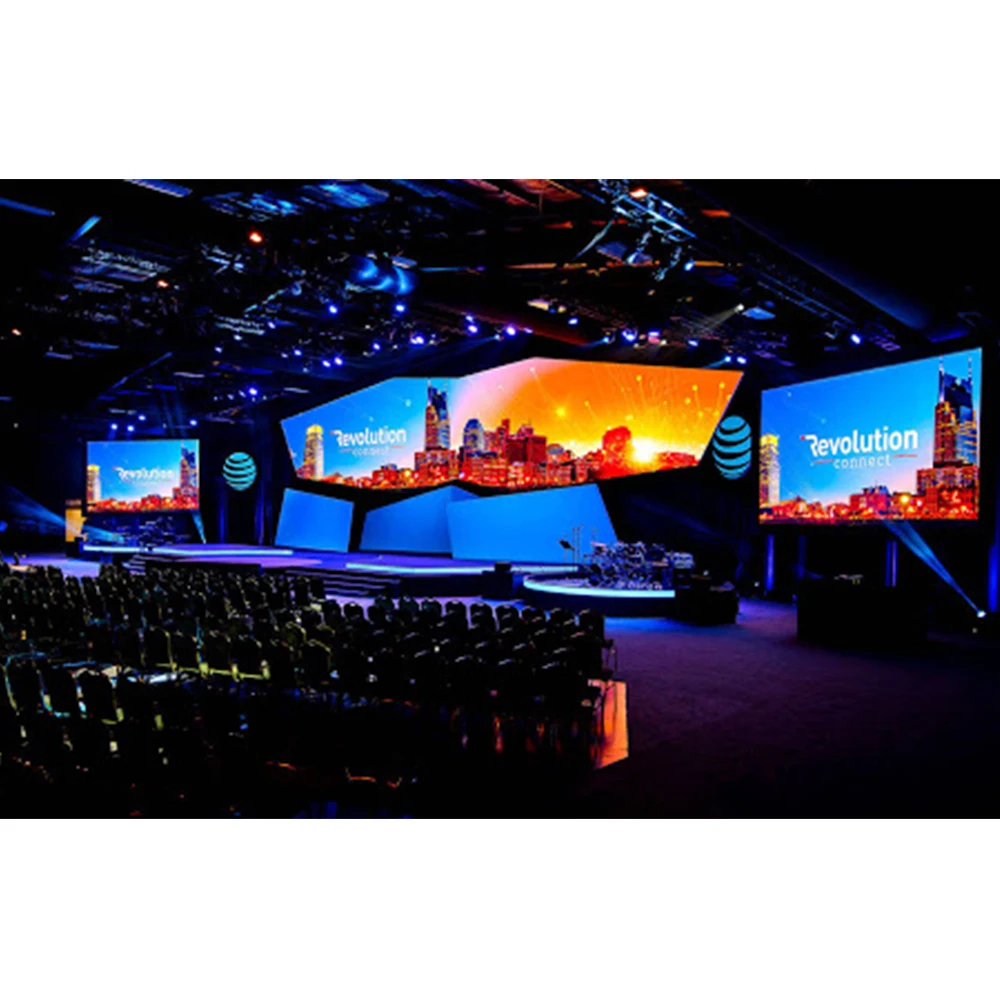
 Bekyk LED-verhoogskerm →
 ‘n LED-verhoogskermpad pas by aanbiddinggeleenthede, jeugdiens, musiekavonde en buigsame verhoogopstelle wat ‘n sterker visuele impak benodig.
Inhoudbeplanning vir lirieke, predikasiediaposities en kamerasagtergrondte
Hardeware kan nie elke inhoudprobleem oplos nie. Daarom moet aanbiddingsdiaposities ontwerp word vir beide die vertrek en die lewendige uitsending. Groot teks, duidelike spasieë, kalm agtergrondte en matige kontras presteer gewoonlik beter as oordrewe vol diaposities.
Vir lirieke is twee tot vier reëls per dia makliker om te lees. Daarbenewens werk mediumgewig-lettertipes dikwels beter as dun lettertipes. suiwer wit teks kan op kamera uitvloei, dus kan warmwit of sagte grys soms skoner lyk.
Vir preekdias werk kort frase en groot kopkoppe beter as paragrawe. Baie aanlyn kykers kyk vanaf klein skerms. Gevolglik kan digte teks aanvaarbaar lyk in die saal, maar onduidelik in die stroom.
Bewegingsagtergronde moet ook beheer word. Stadige gradiënte en sagte beweging ondersteun gewoonlik aanbidding. Skerp roosters, vinnige deeltjies en hoë-kontras strepe kan egter visuele geraas en moiré-risiko verhoog.
Kamera-veilige inhouds-sjabloon
Die volgende sjabloon kan weeklikse dia-voorbereiding lei. Terselfdertyd gee dit die fabriekspan 'n duideliker idee van hoe die muur gebruik sal word.
Aanbidtingslirieke
Gebruik groot tipe, twee tot vier reëls, konstante kontras en sagte bewegingsagtergronde.
Preekdias
Gebruik kort frase, hoë leesbaarheid en genoeg veilige marges rondom die rand.
Verhoogagtergrond
Gebruik stadige beweging, skoon kleur en geen styf herhalende tekstuur agter sprekers nie.
Kamera-toets
Neem dieselfde inhoud op vanaf die middel-, sy- en agterkameraposisies voor goedkeuring.
Installasiebeplanning: Struktuur, Toegang, Hitte en Weeklikse Gebruik
'n Kerkmuur word deel van die gebou. Daarom moet installasie bespreek word voordat die skermgrootte finaal vasgestel word. Die plan moet muursterkte, plafonhoogte, sprekerplasing, verligtingsbalks, kabelroete en veilige onderhoudstoegang in ag neem.
Vooraan-toegang kan help wanneer die muur naby 'n stewige agtergrond is. Dit laat toe dat modules vanaf die voorkant geïnspekteer word, wat die onderhoudsmoeilikheid kan verminder. Egter het sommige sale agtertoegang, hangstrukture of pasgemaakte raamwerke.
Hitte en krag is ook belangrik. LED-wande benodig stabiele kragvoorsiening en voldoende ventilasie. Daarbenewens moet kabelroetes skoon bly omdat verhoogareas gewoonlik musikante, vrywilligers, instrumente en kamerabeweging insluit.
Vir 'n kwotasie is foto's meer nuttig as lang beskrywings. 'n Voorstadiumfoto, syfoto, agterhalfoto, plafonfoto en beheerlokaalfoto kan die ingenieurspan help om die uitleg vinnig te beoordeel.
Kwotasie-inligtingssjabloon vir kerk-loodsuurstroomprojekte
'n Nuttige kwotasie begin met nuttige inligting. Die eerste versoek moet dus nie net sê "benodig 'n kerkskerm" nie. Dit moet die vertrek, die kamera-werkvloei, die inhoudtipe en die installasielimits wys.
Die volgende sjabloon kan na 'n navraagboodskap gekopieer word. Dit help die fabriekspan om 'n praktiese skermroete, beheerplan en kwotasieomvang voor te stel sonder om te raai.
Navraagsjabloon
- Halbreedte, -diepte, plafonhoogte en verlowydte.
- Verwagte skermwydte en -hoogte, indien reeds besluit.
- Afstand vanaf die eerste ry, middelste ry en hoofkamera na die muur.
- Hoofkamaposisie, sykamaposisie en balkonkamaposisie.
- Gemeenskaplike inhoud: lirieke, predikingdiakastelle, loodsuurstroomvideo, aankondigings, bewegende agtergronde.
- Verligtingsomstandighede op die verhoog: donker vertrek, daglig, sterk frontverligting of gemengde verligting.
- Signaalbronne: rekenaar, media-bedieningsentrum, aanbiddingstegnologie, kamera-voer of rugsteunbron.
- Installasie-tydstyl: muurvas, hangend, ingebedde raam of beweegbare struktuur.
- Foto's vanaf die voorpunt van die verhoog, agterste saal, sygang, plafon en beheerarea.
- Voorkeurtydlyn, versendingbestemming en diensrooster.
Laaste Oproep tot Aksie
CTA: Stuur die grootte van u kerkgebou, kamaposisie en video-behoeftes vir diens om 'n beplanningsvoorstel te ontvang
Stuur projekbesonderhede →Uitgebreide Lees- en Produkpadte
Na die eerste beplanningbespreking is die volgende stap om die tipe vertrek met die regte produkpad te pas. Die volgende bladsye ondersteun verskillende kerkvisuele opstellinge.
Kerk-LED-muur
Vir hoofsaal-skerm, aanbiddingsliewe, predikingvisuele en live-streem-agtergrondskerms.
Open produkpad →Binne-LED-verskyning
Vir vertrekke waar nabybekyk vereis word, soos kapelle, onderriglokaal en duidelike teksweergawe.
Open produkpad →LED-vertoningskerm
Vir aanbiddinggeleenthede, jeugavonde, konferensies en buigsame verhoogvisuele effekte.
Open produkpad →VEE vir kerk se lewende uitsaai-beplanning vir skerms
Hoekom flikker ’n kerk se skerm tydens ’n lewende uitsending?
Flikkering verskyn dikwels wanneer die kamera se sluiter-tydsinstelling nie saamstem met die skerm se herlaai-gedrag nie. Daarom moet die skerm, kamera se raamfrekwensie, sluiterspoed, ontvangkaarte en prosessorinstellings saam getoets word tydens repetisies.
Hoe kan moiré verminder word wanneer aanbiddingvisuele opgeneem word?
Moiré kan verminder word deur die pikselafstand te pas by die kamera-afstand, lensvergroting en fokusinstellings. Daarbenewens moet skerp roosterpatrone en vinnig herhalende tekste in aanbiddingagtergronde vermy word.
Watter herlaaifrekwensie is beter vir lirieke en lewende video?
’n Kamera-vriendelike herlaaikonfigurasie word verkies vir weeklikse lewende uitsendings. Die herlaaifrekwensie moet egter beoordeel word met inagneming van gryskaart, beheerstelsel, kamera-instellings en inhoudformaat eerder as om dit as een geïsoleerde nommer te behandel.
Hoekom is aanbiddingslirieke duidelik in die vertrek maar vaag aanlyn?
Lirieke kan aanlyn vaag word as gevolg van dun letters, klein teks, lae kontras, vinnige bewegingsagtergronde, kamera-uitstalling of live-streem-kompressie. Groter teks, sterker spasieëring en kalmer agtergronde verbeter gewoonlik die leesbaarheid.
Hoe moet kamera-hoek die skermplasing beïnvloed?
Kamera-hoek beïnvloed uitstalling, moiré, kleurverskuiwing en spreker-inraam. Daarom moet middel-, sy- en balkon-kameraposisies gemerk word voordat die skermgrootte, -hoogte en -monteerstruktuur finaal vasgestel word.
Gevolgtrekking: Beplan die skerm rondom aanbidding en kamera-gebruik
‘n Kerkskerm moet die aanbidgingsatmosfeer, duidelikheid van lirieke, kommunikasie van die preek, kamera-uitstalling en langtermyn-weeklikse bedryf ondersteun. Die beste beplanningsproses begin dus met die vertrek, die kamera, die beligting en die inhoudwerkvloei.
Daarbenewens moet elke tegniese keuse verbind wees met 'n werklike projekresultaat. Verfrisfrekwensie beskerm kamera-stabiliteit. Pikselafstand beïnvloed teksduidelikheid en die risiko van moiré. Helderheid beïnvloed gesigte en lirieke. Beheerontwerp handhaaf die dienswerkvloei se stabiliteit.
Drie praktiese volgende stappe:
- Voorberei die saalmetings, kameraposisies, verhoogfotos en 'n voorbeelddiensvideo.
- Toets liriekskywe, bewegingsagtergronde en kamera-uitstelling voor finale goedkeuring.
- Pas die skermweg aan vir gebruik tydens aanbidding, behoeftes vir live-uitsending, toegang vir installasie en onderhoudbeplanning.